Microsoft Teams Breakout Rooms Tutorial for Beginners (2026)

Imagine splitting your large Microsoft Teams meeting into focused, dynamic subgroups where ideas spark and collaboration thrives. That's the magic of Microsoft Teams Breakout Rooms in 2026! Whether you're a teacher fostering student discussions, a manager running workshops, or a beginner hosting virtual events, this feature transforms overwhelming meetings into productive powerhouses. Ready to dive in? Let's get you set up step-by-step with the latest tools—no prior experience needed. 😊
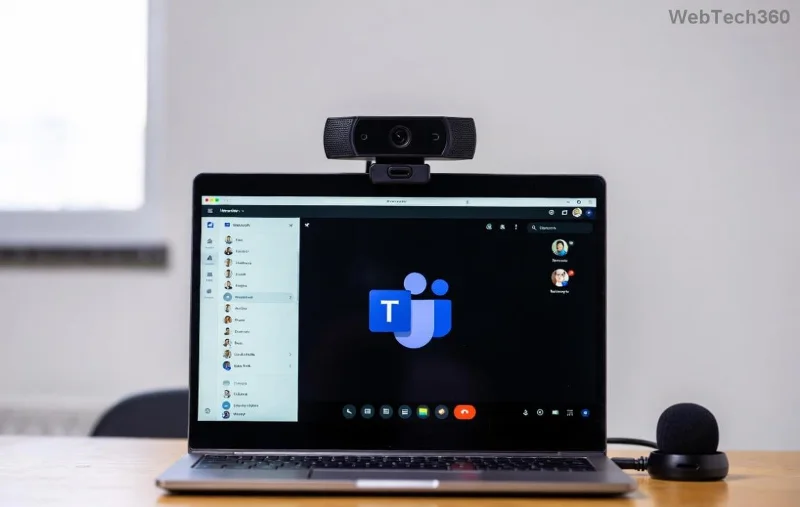
<strong>Microsoft Teams Breakout Rooms</strong> main interface in action

What Are Microsoft Teams Breakout Rooms and Why Use Them?

Microsoft Teams Breakout Rooms let meeting organizers create separate "rooms" within a main meeting. Participants move between them for targeted discussions, brainstorming, or role-playing—then reconvene seamlessly. In 2026's latest updates, enhancements like AI-suggested room assignments and seamless noise suppression make it even smoother.

  • 👆 Boost engagement: Break ice in big groups (up to 50 rooms, 200 participants per room).
  • Flexible control: Auto-assign, manual moves, timers, and announcements.
  • Perfect for: Classes, workshops, team-building, or conferences.

Pro tip: Use it to keep energy high—your attendees will thank you! Now, let's check if you're ready.

Prerequisites: Ready Your Microsoft Teams Setup

Before creating Teams Breakout Rooms, ensure these basics:

RequirementDetails
Account TypeTeams license with meeting host privileges (free version works for basics).
App VersionLatest desktop/web app (2026 updates auto-install).
Permissions"Meet now" or scheduled meetings; co-organizers can help manage.
ParticipantsUp to 20,000 in main meeting; subgroups scale dynamically.

Quick check: Open Microsoft Teams > Calendar > New Meeting. If you see options, you're golden! 🚀

Step-by-Step: How to Create and Launch Teams Breakout Rooms

Follow these exact steps for foolproof setup. We'll use the desktop app for best results.

  1. Start or Schedule a Meeting: Click CalendarNew Meeting. Add title, time, guests. Hit Send.
  2. Access Breakout Rooms: In the meeting chat or during the live session, click Breakout rooms in the toolbar (next to Participants).
  3. Create Rooms: Choose number of rooms (1-50). Select assignment: Automatically, Organize by (alphabet, name), or Manually.
  4. Add Participants: Drag-and-drop names into rooms. Name rooms for clarity (e.g., "Group A - Brainstorm").
  5. Open Rooms: Click Open breakout rooms. Announce via Send announcement with countdown timer. ✅
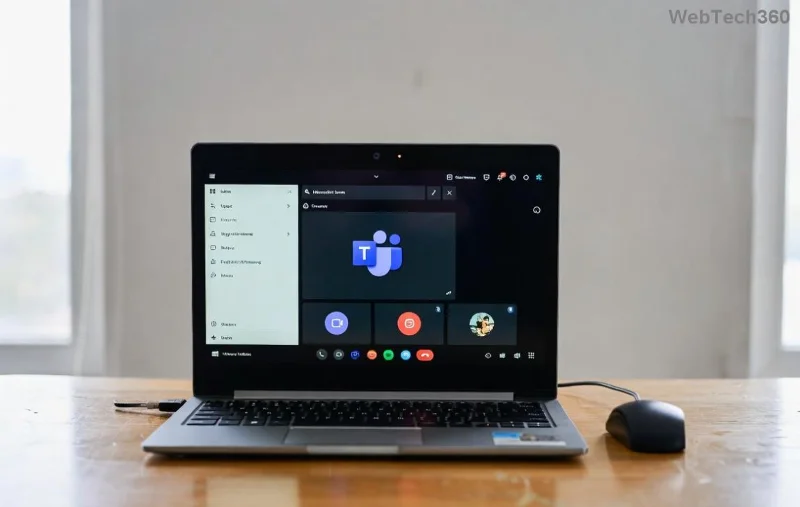
Step-by-step creating <strong>Microsoft Teams Breakout Rooms</strong> with participant assignment

Participants get a notification: Join or Stay in main meeting. As host, monitor via the grid view—move anyone with one click!

Managing Breakout Rooms: Pro Controls for Seamless Sessions

Once live, stay in command:

  • Move/Recreate: Select participant ➤ Move to another room. Regenerate assignments anytime.
  • Timers & Alerts: Set 5-60 min countdown; auto-close or notify 5 mins early.
  • Presenter Mode: Assign presenters per room for polls/sharing.
  • 👆 Close All: Bring everyone back—discuss highlights in main room.

New in 2026: AI Room Insights auto-summarizes discussions (opt-in via settings). For details, check Microsoft's official guide.

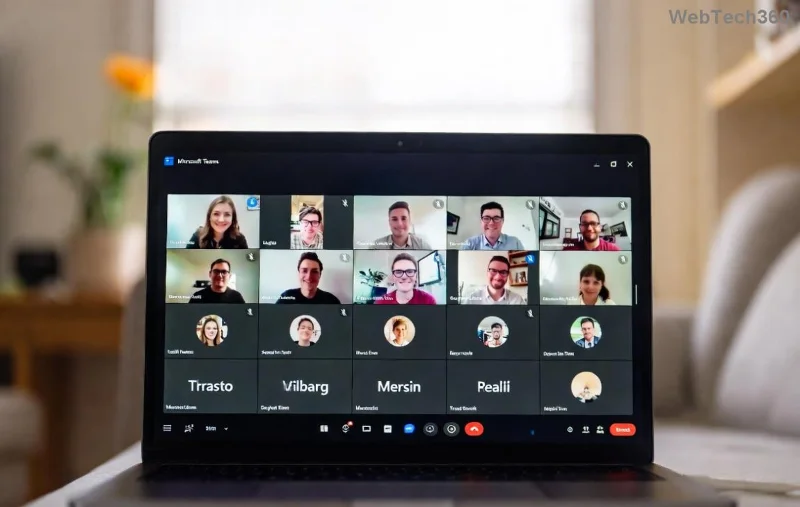
<strong>Teams Breakout Rooms</strong> management dashboard with timers and moves

2026 Microsoft Teams Breakout Rooms New Features & Tips

Stay ahead with these fresh upgrades:

FeatureBenefitHow to Use
AI AssignmentsSmart grouping by roles/topics.Enable in pre-meeting settings.
Room TemplatesPre-save agendas/polls.Teams admin center ➤ Templates.
Enhanced RecordingPer-room transcripts.Toggle during setup.

Bonus tips:

  1. Test in a practice meeting first. 🎯
  2. Assign co-organizers for large events.
  3. Integrate with Whiteboard for collaborative drawing in rooms.

Want more? Customize via Teams Admin Center for org-wide presets.

Troubleshooting Teams Breakout Rooms: Quick Fixes

Hit a snag? Common issues solved:

  • No Breakout Button?: Update app; ensure host role.
  • ⚠️ Can't Join?: Check network; restart Teams.
  • 🚫 Assignment Errors?: Manual override works always.

For deeper help, visit Teams Support. You're now equipped!

Level Up Your Meetings Today

Congratulations—you're a Microsoft Teams Breakout Rooms pro! Host your first session and watch productivity soar. Share your success stories below—what will you create first? 👏 Dive deeper into Teams with our next guide on AI Copilot integration. Stay tuned!
Leave a Comment

Troubleshooting Microsoft Teams Tasks Sync Error

Troubleshooting Microsoft Teams Tasks Sync Error

Battling Microsoft Teams Tasks sync error? Get instant relief with our proven, step-by-step fixes for Tasks not syncing in Teams. Boost productivity now—no tech expertise needed!

Microsoft Teams Breakout Rooms Tutorial for Beginners (2026)

Microsoft Teams Breakout Rooms Tutorial for Beginners (2026)

Unlock the power of Microsoft Teams Breakout Rooms with this 2026 beginner tutorial. Step-by-step guide to create, manage, and elevate your virtual meetings effortlessly. Perfect for educators, teams, and beginners!

Solving Microsoft Teams Error N Network

Solving Microsoft Teams Error N Network

Struggling with Microsoft Teams "Error N" network errors? Get step-by-step fixes for Solving Microsoft Teams "Error N" Network problems, from quick restarts to advanced troubleshooting. Restore seamless calling and meetings now!

How to Fix Microsoft Teams Media Error for Videos

How to Fix Microsoft Teams Media Error for Videos

Tired of Microsoft Teams "Media Error" ruining your video shares? Follow our step-by-step guide with the latest fixes to get videos playing smoothly again – no restarts needed!

Troubleshooting Microsoft Teams Code Error Redemption

Troubleshooting Microsoft Teams Code Error Redemption

Tired of Microsoft Teams "Code Error" blocking your redemption? Get proven, step-by-step Troubleshooting Microsoft Teams "Code Error" Redemption solutions. Clear cache, update, and redeem successfully—fast and easy!

How to Fix Microsoft Teams Error QSP During Installation

How to Fix Microsoft Teams Error QSP During Installation

Stuck with Microsoft Teams "Error QSP" during installation? Follow our step-by-step guide with quick fixes to resolve the issue fast. Updated for the latest Teams versions—no tech skills needed!

Troubleshooting Microsoft Teams Offline Error Status

Troubleshooting Microsoft Teams Offline Error Status

Encountering Microsoft Teams "Offline Error" status? Discover proven, step-by-step troubleshooting tips to resolve it fast and get back to seamless collaboration. Updated with the latest fixes.

How to Fix Microsoft Teams Test Call Error 2026

How to Fix Microsoft Teams Test Call Error 2026

Tired of Microsoft Teams Test Call Error 2026 ruining your meetings? Discover simple, effective fixes to restore audio instantly. Step-by-step guide with expert tips for seamless Teams calls.

Where is My Teams Calendar? Troubleshooting Syncing Issues

Where is My Teams Calendar? Troubleshooting Syncing Issues

Frustrated with "Where is My Teams Calendar?" Troubleshoot syncing issues in Microsoft Teams step-by-step. Restore your calendar view and sync effortlessly—expert tips inside!

Solving Microsoft Teams Error 4vt9f Microphone Not Detected

Solving Microsoft Teams Error 4vt9f Microphone Not Detected

Struggling with Microsoft Teams Error 4vt9f Microphone Not Detected? Discover step-by-step fixes, from quick checks to advanced troubleshooting. Get your mic working instantly for seamless calls!

How to Fix Microsoft Teams Wiki Tab Not Loading Error

How to Fix Microsoft Teams Wiki Tab Not Loading Error

Struggling with Microsoft Teams Wiki Tab not loading error? Discover proven step-by-step fixes to resolve the issue quickly, restore your Wiki tabs, and boost team productivity without hassle.

How to Join a Microsoft Teams Meeting as a Guest (2026 Guide)

How to Join a Microsoft Teams Meeting as a Guest (2026 Guide)

Master how to join a Microsoft Teams meeting as a guest with our step-by-step 2026 guide. No account needed! Works on web, desktop, mobile—troubleshoot issues & pro tips included.

Solving Microsoft Teams Error AADSTS50020: Guest Account Conflict

Solving Microsoft Teams Error AADSTS50020: Guest Account Conflict

Struggling with Microsoft Teams Error AADSTS50020? Discover proven steps to solve Guest Account Conflict issues quickly. Expert fixes for seamless collaboration in Teams and Azure AD. Updated with the latest solutions!

How to Fix Microsoft Teams Error I Profiles

How to Fix Microsoft Teams Error I Profiles

Frustrated by Microsoft Teams "Error I" Profiles? Follow our proven, step-by-step guide to fix it fast. Clear cache, update, reset profiles & more for seamless teamwork. Works on latest versions!

Troubleshooting Microsoft Teams Error 7ita9

Troubleshooting Microsoft Teams Error 7ita9

Struggling with Microsoft Teams Error 7ita9? Discover proven, step-by-step troubleshooting solutions for connection failures, sign-in issues, and more. Fix it quickly and resume seamless teamwork today!









