How to Update Google Chrome Browser

Learn how to update Google Chrome browser on Windows, Mac, and Android in minutes to enjoy better security, speed, and new features. Follow these clear steps.
The iPhone 13 lineup comes in four models – the iPhone 13, 13 Mini, 13 Pro, and 13 Pro Max. Each model also comes in different storage and color options. Each model in the iPhone 13 lineup runs Apple’s latest iOS, iOS 16. They also feature camera upgrades, more storage, an A15 Bionic processor, and some design tweaks that help them stand out.
The following article will analyze the 4 iPhone 13 models and see if they are still worth buying at the present time.
Reference price and capacity of 4 current iPhone 13 series models
| Capacity | 128GB | 256GB | 512GB | 1TB |
|---|---|---|---|---|
| iPhone 13 Mini |
17,490,000 VND |
19,990,000 VND | 21,990,000 VND | X |
| iPhone 13 |
17,890,000 VND |
20,990,000 VND |
23,990,000 VND | X |
| iPhone 13 Pro |
21,990,000 VND |
24,490,000 VND | 26,490,000 VND |
26,990,000 VND |
| iPhone 13 Pro Max |
26,290,000 VND |
27,990,000 VND |
31,990,000 VND |
33,990,000 VND |
iPhone 13 mini
Specifications
| Screen size, resolution | 5.4-inch OLED; 2,340x1,080 pixels |
|---|---|
| Size (Millimeter) | 132 x 64 x 7.65 mm |
| Weight | 141g |
| Mobile software | iOS 15 |
| Rear camera | 12-megapixel (wide), 12-megapixel (ultra-wide) |
| Front camera | 12-megapixel |
| Video recording | HDR video recording with Dolby Vision up to 4K at 60fps |
| Processor | Apple A15 Bionic |
| Capacity | 128GB, 256GB, 512GB |
| Expandable memory | Are not |
| Battery | 17 hours of video playback |
| Fingerprint sensor | No (Face ID) |
| Connect | Lightning |
| Headphone jack | Are not |
| Special Features | 5G; MagSafe; water resistance (IP68); wireless charging; dual SIM capability (nano-SIM and e-SIM ) |
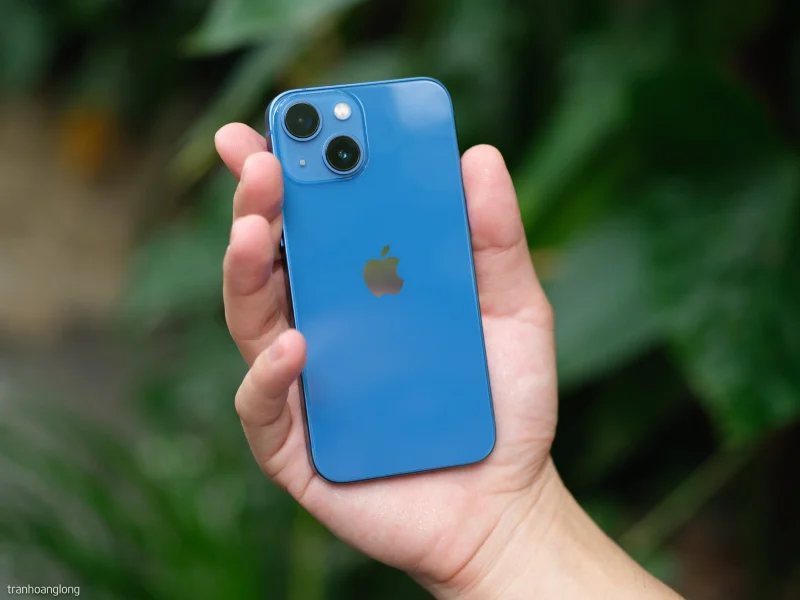
There are a few new improvements but most everything is the same as the previous version.
New features on iPhone 13 mini:
The iPhone 13 mini is essentially the same shape and size as the iPhone 12 mini. The slight increase in thickness is barely noticeable, but the extra battery life is definitely a plus. The Apple A15 Bionic chip inside is very powerful. In fact, it outperforms most processors in flagship Android phones.
The OLED display is 28% brighter than before, and the iPhone 13 mini's screen is surprisingly easy to see in direct sunlight for texting, taking photos, or playing videos. The glass is still Ceramic Shield, which was introduced in 2021 - great quality, but not really scratch-proof.
If you’re on an older phone or looking for a compact, reliable new phone, the iPhone 13 mini is definitely worth considering. It ticks all the boxes for a good phone, except for a high-refresh-rate display. That’s still a sticking point, as the non-Pro models are stuck at 60Hz.
If you're considering the iPhone 13 mini just for its price, consider whether that small screen is a deal-breaker for you since most people seem to prefer a larger iPhone.
Advantage
Disadvantages
iPhone 13
Specifications
| Screen size, resolution | 6.1-inch OLED; 2,532x1,170 pixels |
|---|---|
| Size (Millimeter) | 147 x 72 x 7.65 mm |
| Weight | 174g |
| Mobile software | iOS 15 |
| Rear camera | 12-megapixel (wide), 12-megapixel (ultra-wide) |
| Front camera | 12-megapixel |
| Video recording | HDR video recording with Dolby Vision up to 4K at 60fps |
| Processor | Apple A15 Bionic |
| Capacity | 128GB, 256GB, 512GB |
| Expandable memory | Are not |
| Battery | 19 hours of video playback |
| Fingerprint sensor | No (Face ID) |
| Connect | Lightning |
| Headphone jack | Are not |
| Special Features | 5G; MagSafe; water resistance (IP68); wireless charging; dual-SIM capability (nano-SIM and e-SIM) |
The iPhone 13 is a good iPhone for those who want to save a little money, and it's now a few million cheaper after the iPhone 14 was released. With a new screen, big battery, good camera hardware and software, the iPhone 13 is still a great flagship phone, even with the iPhone 15 coming soon.
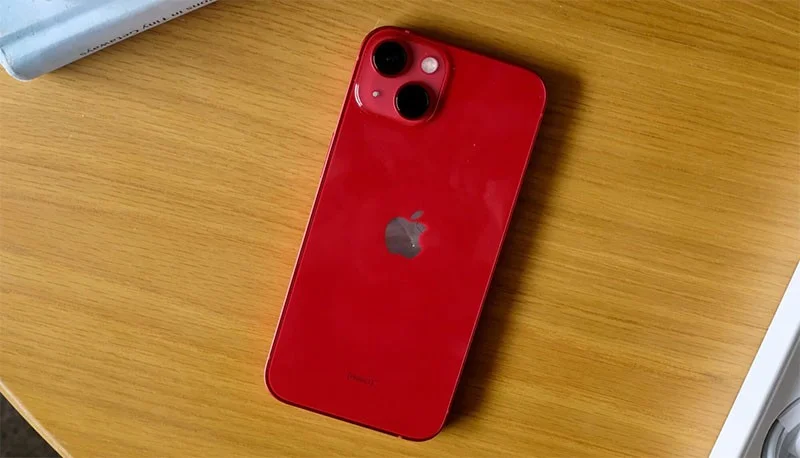
Apple has made the iPhone 13 much more powerful than its Android rivals thanks to the 5G-ready A15 Bionic chip. Camera improvements include new Photographic Style filters, while video enthusiasts will be excited by the focus in Cinematic mode.
The iPhone 13 does have some shortcomings, however. Charging is still relatively slow compared to some Android phones. Only the iPhone 13 Pro models have a 120Hz display and telephoto zoom. But overall, this iPhone is still one of the phones worth the money.
While the new iPhone 14 offers a slightly faster chip, better low-light photography, and new features like Action mode video, if you want a smartphone that offers a great software experience, don't overlook the iPhone 13.
Advantage
Disadvantages
iPhone 13 Pro
Specifications
| Screen size, resolution | 6.1-inch OLED; 2,532x1,170 pixels |
|---|---|
| Size (Millimeter) | 147 x 72 x 7.65 mm |
| Weight | 204g |
| Mobile software | iOS 15 |
| Rear camera | 12-megapixel (wide), 12-megapixel (ultra-wide), 12-megapixel (telephoto) |
| Front camera | 12-megapixel |
| Video recording | ProRes video recording up to 4K at 30fps (1080p at 30fps for 128GB storage) |
| Processor | Apple A15 Bionic |
| Capacity | 128GB, 256GB, 512GB, 1TB |
| Expandable memory | Are not |
| Battery | 22 hours of video playback |
| Fingerprint sensor | No (Face ID) |
| Connect | Lightning |
| Headphone jack | Are not |
| Special Features | ProMotion technology with up to 120Hz refresh rate; LiDAR scanner, 5G; MagSafe; water resistance (IP68); wireless charging; dual SIM capability (nano-SIM and e-SIM) |
The iPhone 13 Pro is one of the best phones around. Apple has raised the bar so high that it's hard to find any real faults with the iPhone 13 Pro, aside from the lack of Touch ID and charging speeds that still only max out at 20W.
But consider what the iPhone 13 Pro has to offer. From the bright and brilliant 120Hz OLED display to the A15 Bionic’s stellar performance, this is a truly powerful device. It’s a phone with a large 6.1-inch display. On top of that, there’s no feature difference between this model and the iPhone 13 Pro Max. Both phones have the same telephoto zoom and sensor-shift optical image stabilization. You’ll save some money by going for the cheaper, smaller iPhone 13 Pro instead of the iPhone 13 Pro Max.
The iPhone 13 Pro and its big brother, the iPhone 13 Pro Max, are the best phones you can buy right now. The smaller Pro model is perfect for those who don't mind a big phone. Battery life has been greatly improved over previous iPhone models, which is a major plus for this device. And Apple has proven its prowess with the camera, with the iPhone 13 Pro taking stunning photos and videos.
Advantage
Disadvantages
iPhone 13 Pro Max
Specifications
| Screen size, resolution | 6.7-inch OLED; 2,778x1,284 pixels |
|---|---|
| Size (Millimeter) | 161 x 78 x 7.65 mm |
| Weight | 240g |
| Mobile software | iOS 15 |
| Rear camera | 12-megapixel (wide), 12-megapixel (ultra-wide), 12-megapixel (telephoto) |
| Front camera | 12-megapixel |
| Video recording | ProRes video recording up to 4K at 30fps (1080p at 30fps for 128GB storage)* |
| Processor | Apple A15 Bionic |
| Capacity | 128GB, 256GB, 512GB, 1TB |
| Expandable memory | Are not |
| Battery | 28 hours of video playback |
| Fingerprint sensor | No (Face ID) |
| Connect | Lightning |
| Headphone jack | Are not |
| Special Features | ProMotion technology with up to 120Hz refresh rate; LiDAR scanner, 5G; MagSafe; water resistance (IP68); wireless charging; dual SIM capability (nano-SIM and e-SIM) |
In fact, the iPhone 13 Pro Max ticks all the boxes for a great smartphone. The premium flagship has a 120Hz refresh rate display, the fastest performance of any handset, and incredible battery life.
It's the iPhone 13 Pro Max's camera that puts it at the top. You can shoot videos in Cinematic mode with attractive bokeh effects, choose your own shooting style, and take super close-up photos with the new macro mode that takes advantage of the ultra-wide camera.
The camera bump on the iPhone 13 Pro Max is definitely more prominent this time around, thanks to the larger sensors and overall sleeker design than the iPhone 12 Pro Max. If you're looking for something more affordable and don't need a telephoto lens or a 120Hz display, consider the iPhone 13 and iPhone 13 mini above.
Even though Apple hasn't offered faster charging and Touch ID for this model, you'll find the iPhone 13 Pro Max to still be one of the best iPhones available today.
Advantage
Disadvantages
Is the iPhone 13 series still worth buying?
With the official launch of the iPhone 14 models, the iPhone 13 and iPhone 13 mini have been discounted by several million VND. If you find the modest improvements in the iPhone 14 not worth the price, or if you want a “mini” sized iPhone, now is a good time to buy the iPhone 13 series. It is unclear whether Apple will hold on to the iPhone 13 when the iPhone 15 is released in late 2023.
Learn how to update Google Chrome browser on Windows, Mac, and Android in minutes to enjoy better security, speed, and new features. Follow these clear steps.
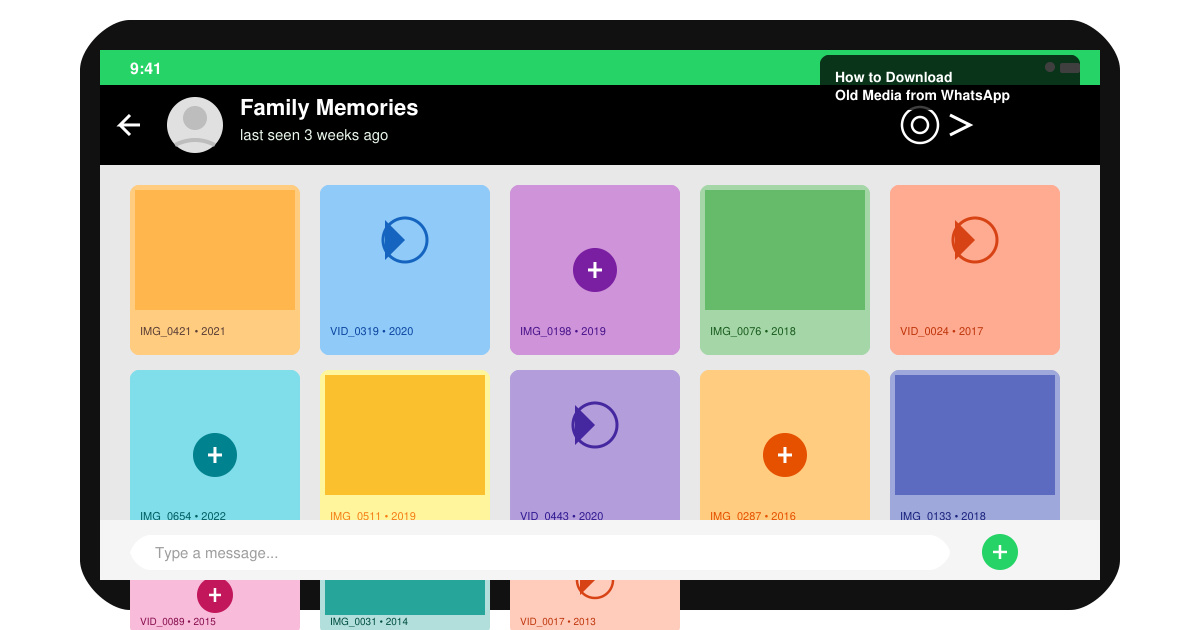
Learn how to download old media from WhatsApp and recover photos or videos from past chats. Follow these clear steps to save files that no longer appear in your gallery.
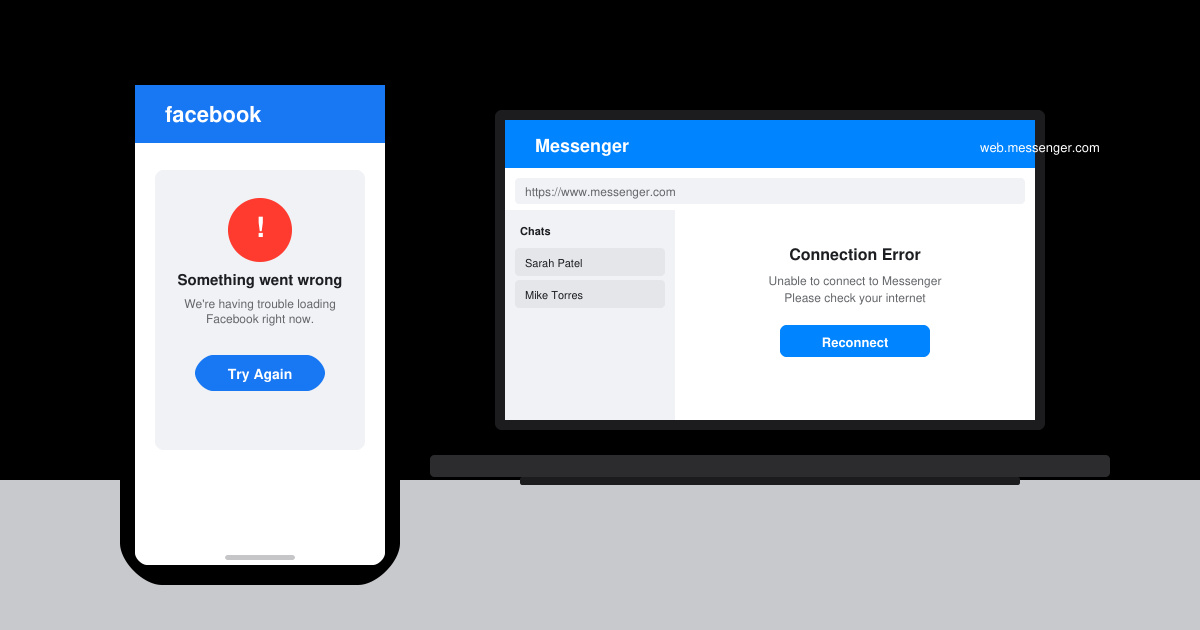
Facebook Messenger Isn T Working on your device? Use these exact troubleshooting steps to restore chats, calls, and notifications fast on Android, iOS, or desktop.
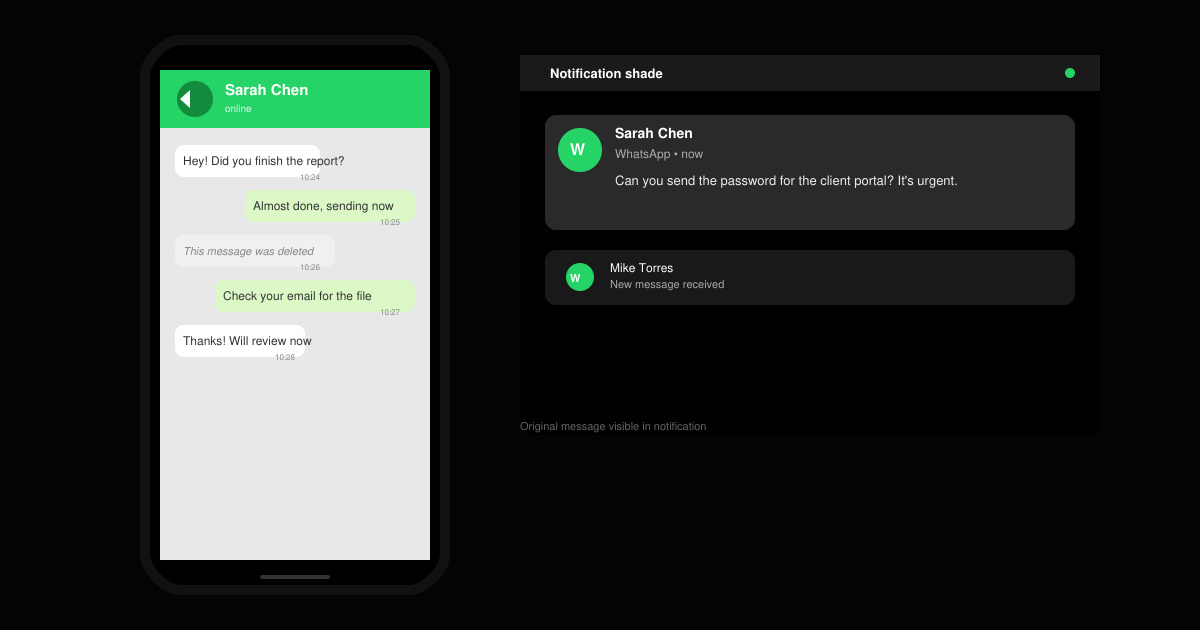
How to See Deleted WhatsApp Messages using your phone's built-in tools. Follow these exact steps to recover messages that contacts have deleted from chats.
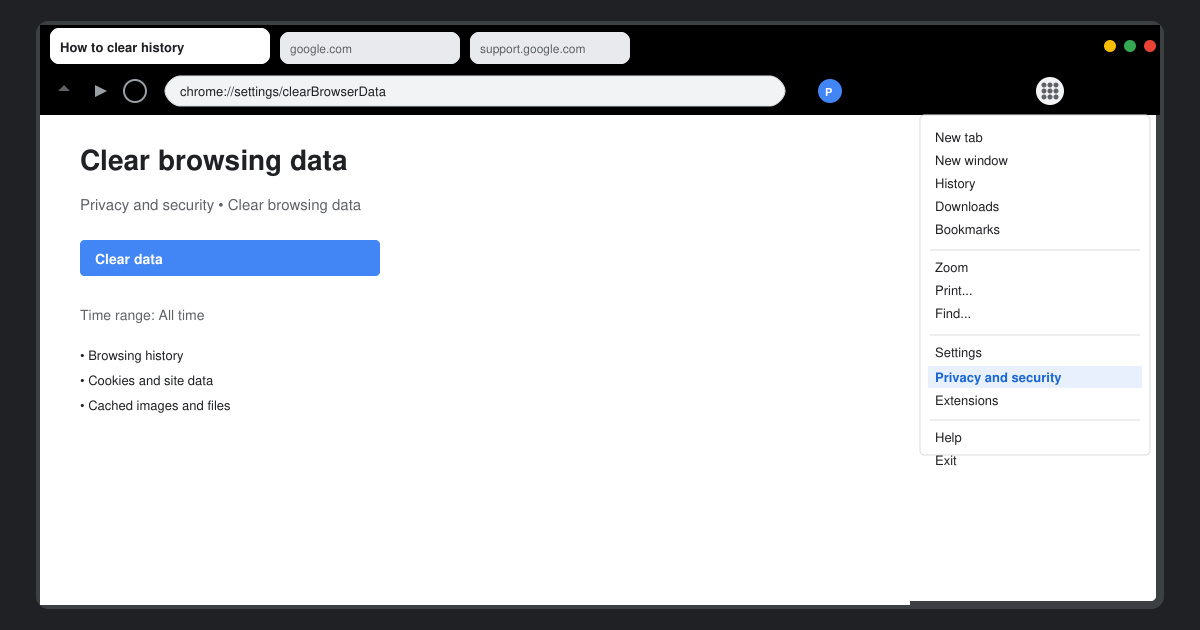
Learn how to clear browser history in Chrome on desktop and Android with this exact step-by-step process. Keep your browsing private and free up storage space quickly.
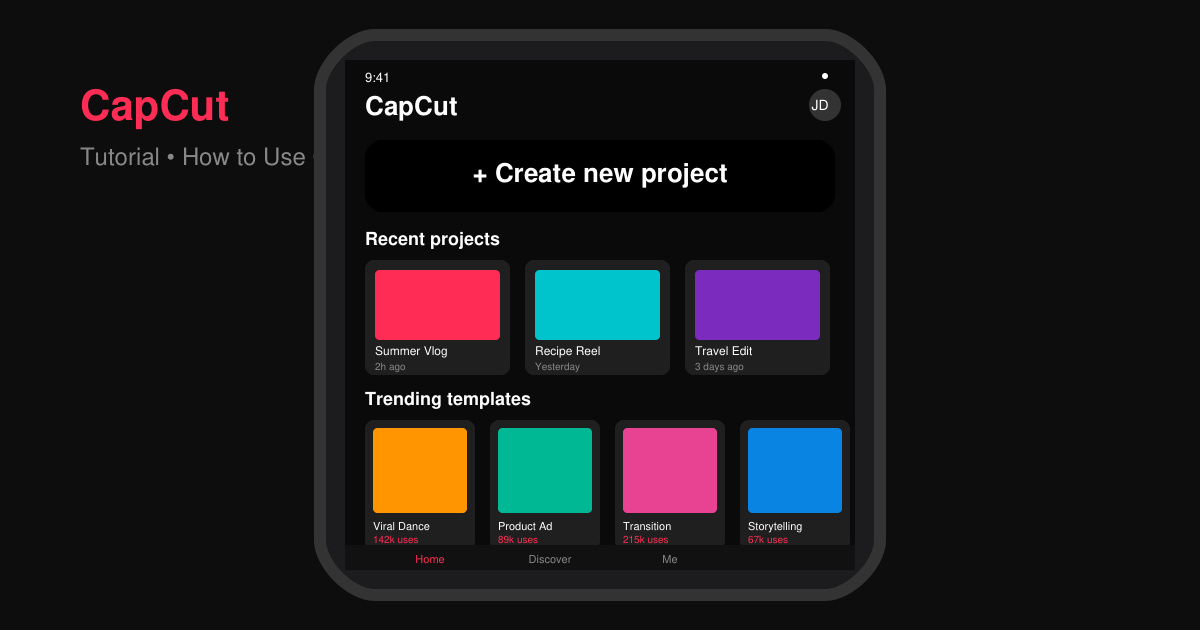
Master how to use CapCut with this practical walkthrough covering project setup, editing tools, effects, and export options for high-quality video results.
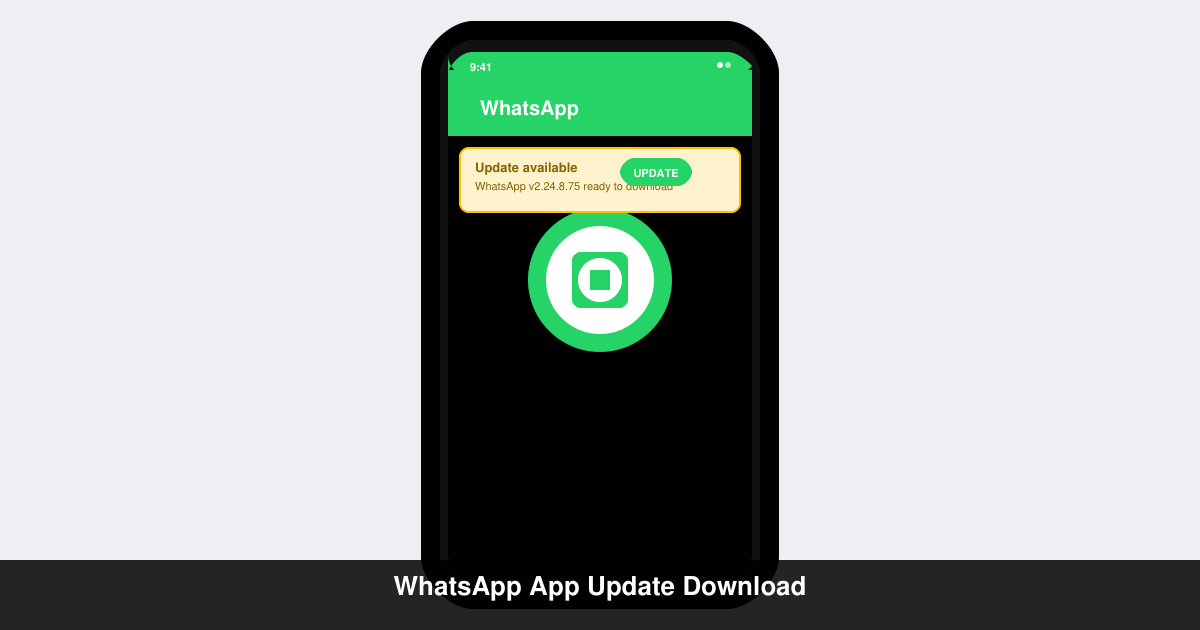
Get the latest WhatsApp App Update Download from official sources to access new features and security improvements. Follow these clear steps for Android and iOS devices.
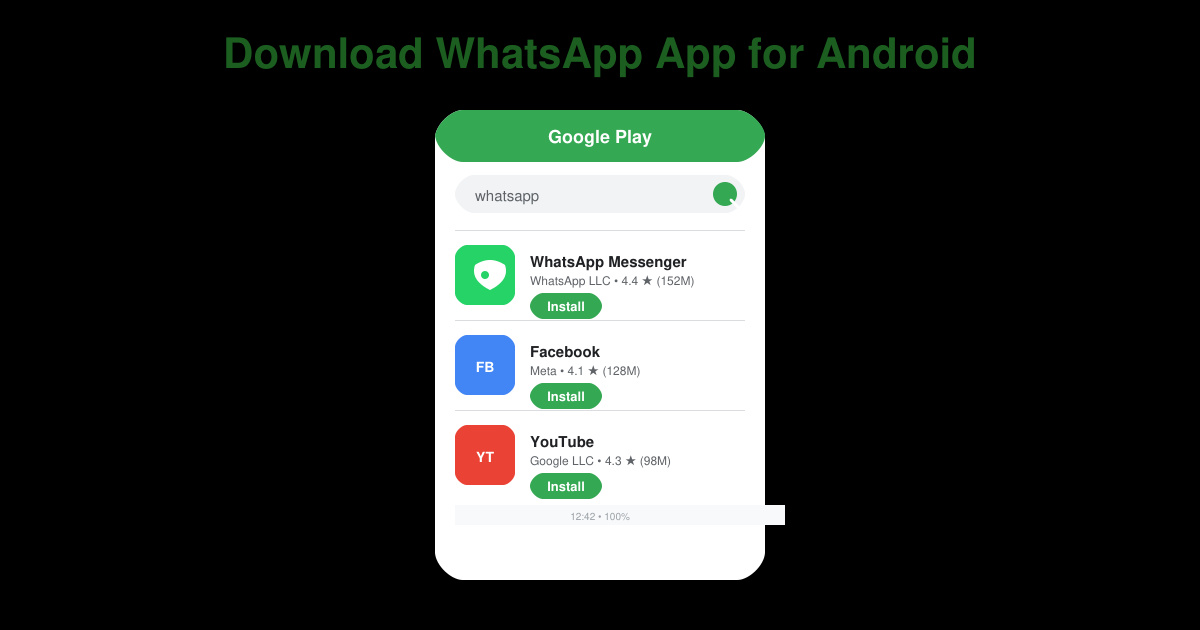
Learn how to safely Download WhatsApp App for Android from the official Google Play Store. Follow our clear step-by-step instructions to install the latest version quickly and securely.
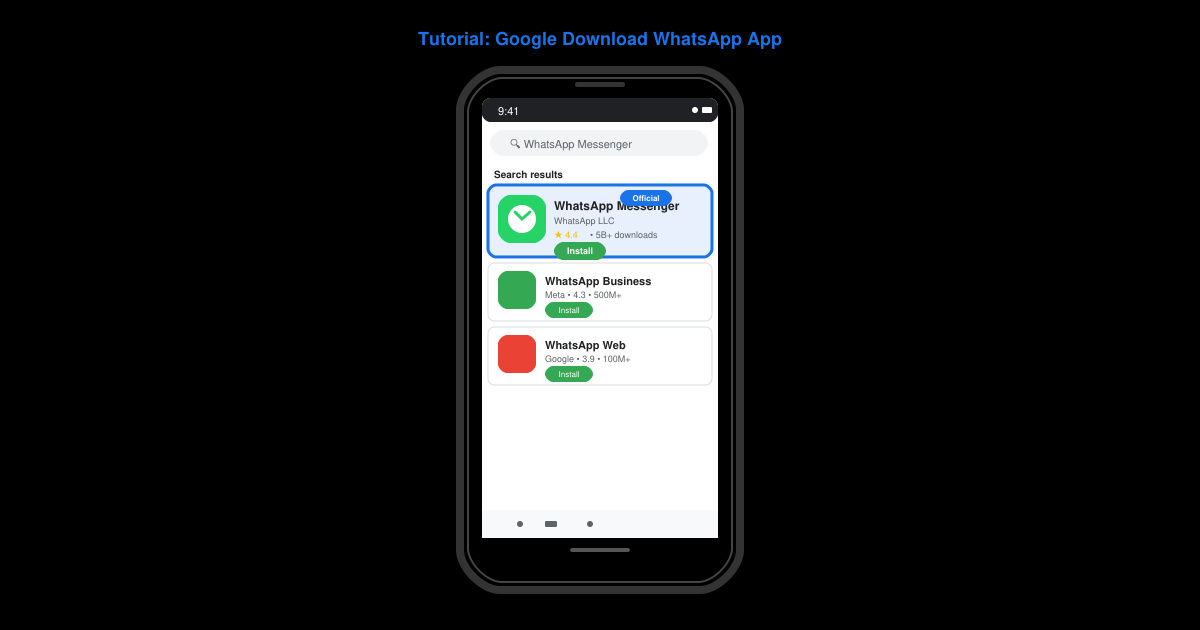
Google Download WhatsApp App safely through the Google Play Store with this clear guide. Get the official version on your Android device quickly and avoid fake downloads.
Facebook and Messenger not working can disrupt your day. Follow these targeted fixes to restore access quickly on mobile and desktop.