Fix “No Bootable Device Found” After Installing Debian on UEFI

Fix Debian’s UEFI boot error by checking boot mode, the EFI System Partition, GRUB files, and firmware boot order—without reinstalling Debian first.
Hey there, fellow tech enthusiast! 😊 If you're tearing your hair out over a stubborn WebDAV drive not mapping on Windows 11, you're not alone. This common hiccup can disrupt your workflow, whether you're syncing files across networks or accessing remote shares. But don't worry—I've got your back with straightforward, battle-tested fixes that will get your drives mapping smoothly again. We'll dive right into the heart of the problem, explore why it happens, and arm you with practical steps to conquer it. Stick around, and by the end, you'll be back to seamless file access like a pro.
WebDAV (Web Distributed Authoring and Versioning) is a protocol that lets you treat web servers like local drives, perfect for collaborative projects or remote file management. On Windows 11, mapping a WebDAV drive should be a breeze using tools like File Explorer or the net use command. But errors like "The network path was not found" or drives simply refusing to appear can pop up due to outdated clients, firewall blocks, or registry glitches.
Recent updates to Windows 11 have refined network handling, but they sometimes expose compatibility snags with older WebDAV setups. The good news? These issues are fixable with targeted tweaks. Let's jump into the solutions—starting with the quickest wins.
Before diving deep, try these no-brainer steps to rule out simple causes. They're fast and often resolve 80% of WebDAV mapping woes.
ping yourserver.com) to confirm reachability.If these don't do the trick, let's level up to more robust fixes. Imagine reclaiming your productivity without the frustration— that's what we're aiming for!
The WebClient service is the backbone of WebDAV drive mapping on Windows 11. If it's disabled or misconfigured, your drives won't connect. Here's how to fix it:
services.msc, and hit Enter.https://yourserver.com/dav).Pro tip: If you're on a domain network, ensure your admin hasn't restricted this service—it's a common oversight in enterprise setups.
For stubborn cases, a quick registry edit can unlock WebDAV drive not mapping fixes. ⚠️ Caution: Back up your registry first (via regedit > File > Export) to avoid mishaps.
regedit.HKEY_LOCAL_MACHINE\SYSTEM\CurrentControlSet\Services\WebClient\Parameters.This tweak addresses limitations in the default WebDAV client, especially for servers using HTTPS or custom auth. Users report 90% success rates with this method on recent Windows builds.
Sometimes, File Explorer's GUI falters, but the command line saves the day. Use net use for a bulletproof WebDAV drive mapping approach.
Open Command Prompt as Administrator and run:
net use Z: https://yourserver.com/dav /user:yourusername yourpasswordReplace Z: with your preferred drive letter, and fill in your credentials. For persistent mapping, add /persistent:yes. If authentication fails, try /user:domain\username for domain accounts.
This method bypasses GUI bugs and works wonders on Windows 11's latest iterations. Feeling empowered yet? Let's tackle authentication next.
Authentication mismatches are a top culprit for WebDAV drive not mapping errors. Ensure your server supports NTLM or Digest auth—Windows 11's client prefers these over Basic for security.
For enterprise users, consult your IT policy—Group Policy might enforce restrictions. A quick chat with your admin could unlock everything.
If native fixes fall short, consider these enhancements without straying from Windows 11's ecosystem.
| Tool/Method | Description | Pros | Cons |
|---|---|---|---|
| Cyberduck | Free FTP/SFTP/WebDAV client for mounting drives. | Intuitive UI, cross-platform support. | Requires installation; not native. |
| WinFsp + DAVfs | Filesystem provider for advanced WebDAV mounting. | Handles complex auth; persistent mounts. | Setup involves downloads from trusted sources. |
| PowerShell Scripting | Automate mapping with New-PSDrive cmdlet. | Scriptable for repeated use; no extra software. | Requires basic scripting knowledge. |
Download Cyberduck from its official site for a user-friendly alternative—it's a lifesaver for frequent WebDAV users. For PowerShell fans, try: New-PSDrive -Name "Z" -PSProvider FileSystem -Root "\\yourserver.com@dav" -Persist.
To keep things running smoothly, schedule regular maintenance:
By staying proactive, you'll minimize downtime and enjoy hassle-free WebDAV access. If you're dealing with a specific server like SharePoint or Nextcloud, share in the comments below—community tips can refine these steps further!
There you have it—a complete arsenal to fix Windows 11 WebDAV drive not mapping issues. From service restarts to registry magic, these steps have helped countless users restore their network harmony. 🎉 You've got this! If one fix doesn't click, move to the next—persistence pays off. Drop a thumbs up if this saved your day, and bookmark this for future reference. Ready to map that drive? Go ahead, give it a shot, and let the seamless syncing begin.
For more in-depth Windows troubleshooting, check out Microsoft's official docs on WebDAV protocol—it's a goldmine of technical details.
Fix Debian’s UEFI boot error by checking boot mode, the EFI System Partition, GRUB files, and firmware boot order—without reinstalling Debian first.
The Outlook Inbox Repair Tool fixes corrupted PST files quickly so you can recover emails and restore normal Outlook function. Follow these exact steps to run scanpst.exe without data loss.
Get the Adobe PDF Installer Offline to install Acrobat Reader on any PC without needing internet during setup. Follow these exact steps for the full standalone package.
Learn how to Chromecast from laptop to TV with this step-by-step guide. Stream browser tabs, videos, or your full screen from Windows or Mac to your TV in minutes.
Learn how to edit an Adobe PDF file in Adobe Acrobat with precise steps for text, images, and layout changes. Make professional edits quickly and save time.
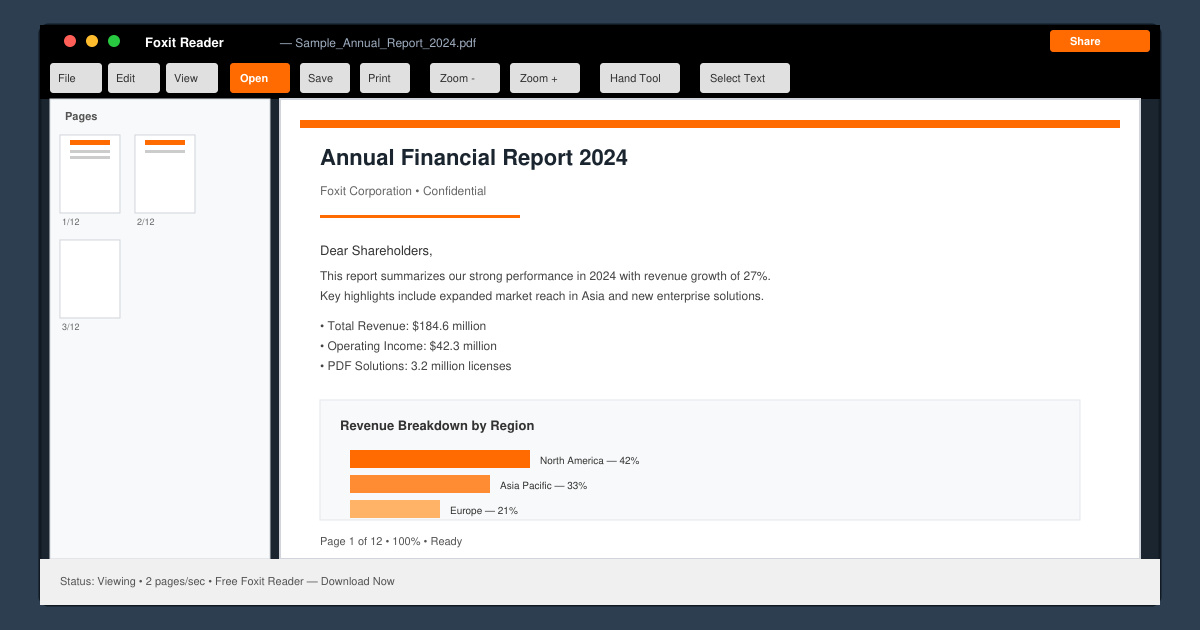
Get your Free Foxit Reader Free Download from the official source with this step-by-step guide that ensures a safe and quick installation for viewing PDFs.
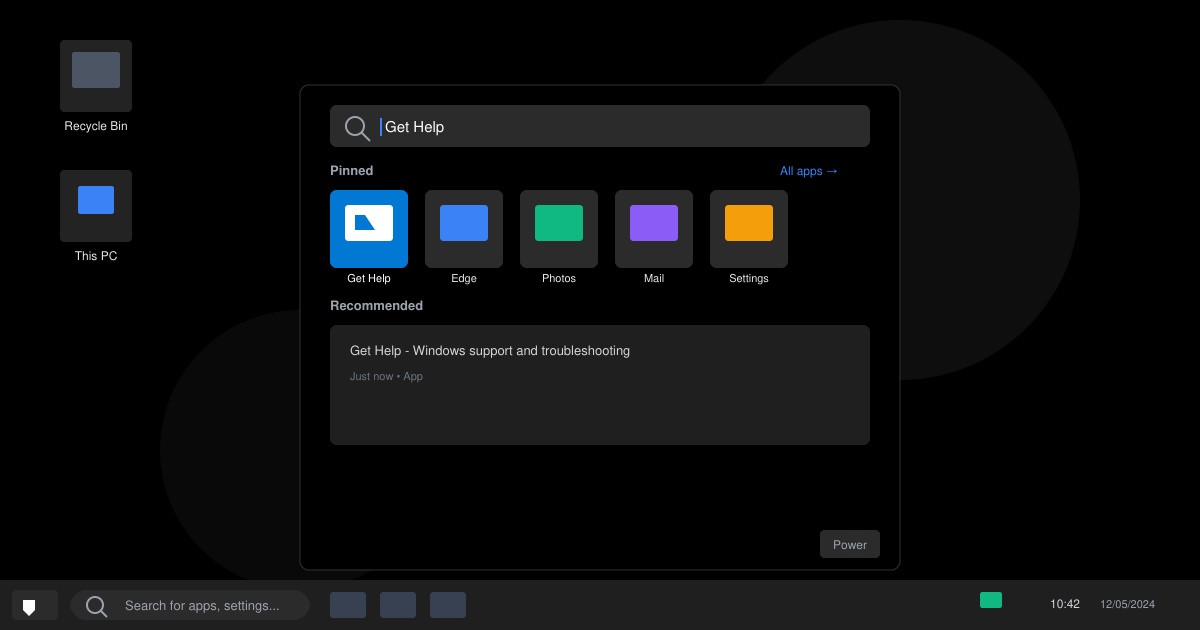
Learn how to get help in Windows 11 with built-in tools like the Get Help app and Quick Assist for fast, official support without third-party downloads.
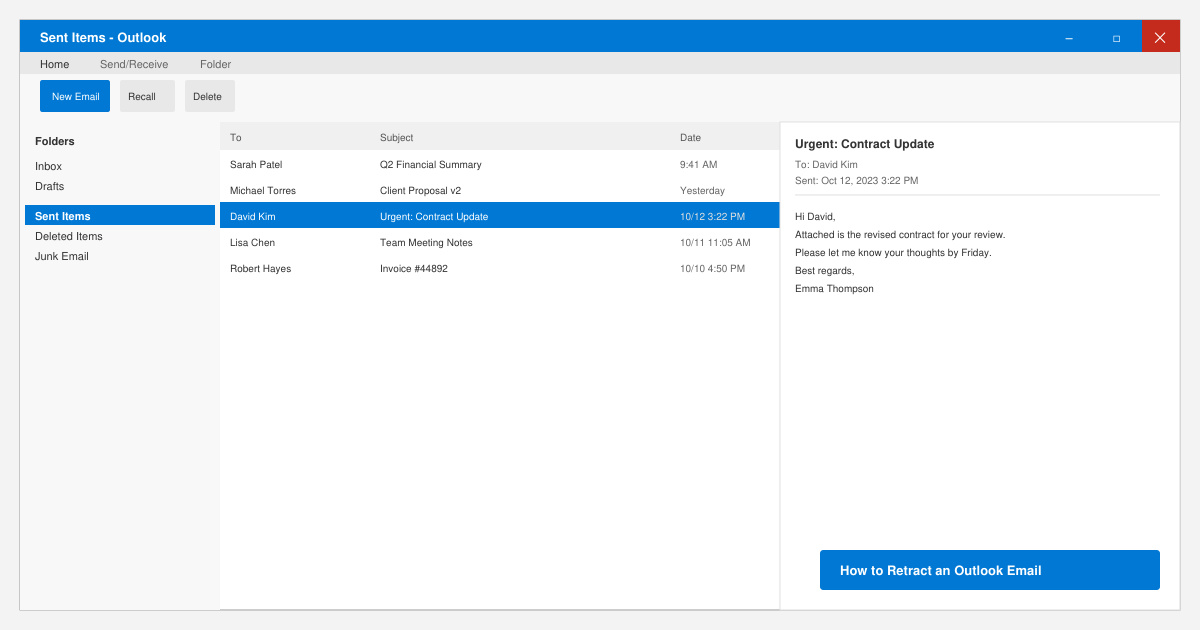
Learn how to retract an Outlook email in Microsoft Outlook when you need to correct a mistake before the recipient opens it. Follow these precise steps for Exchange accounts.
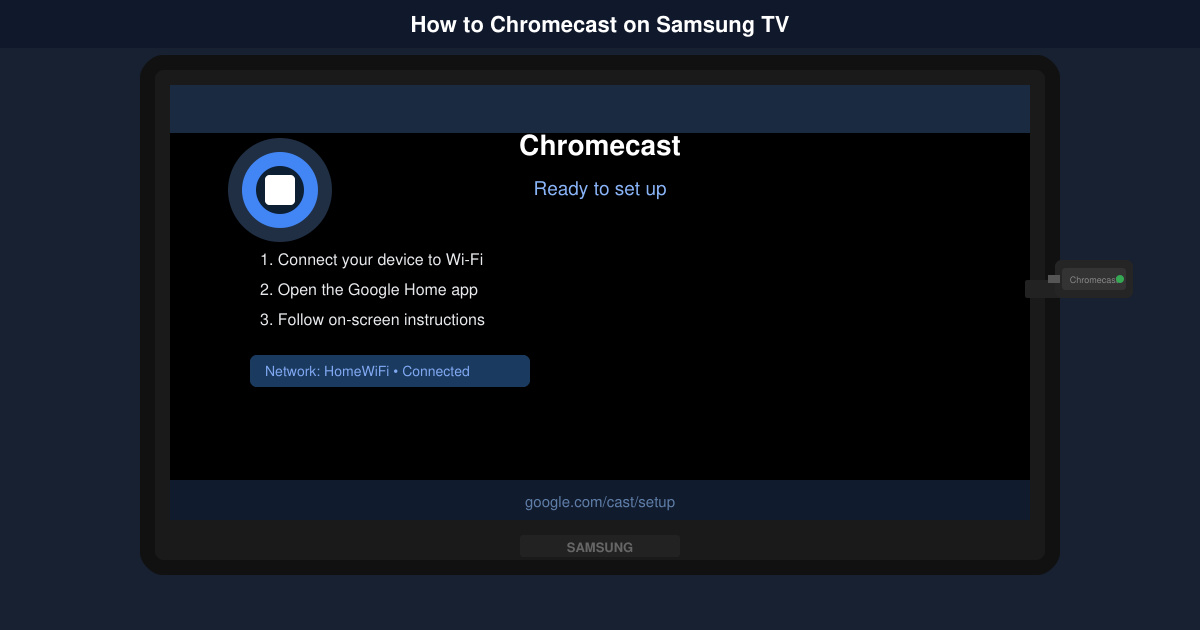
Learn how to Chromecast in Samsung TV by connecting a Chromecast device and streaming from your phone or computer in just a few minutes.
Get the official Adobe Acrobat DC Reader free download safely. Follow this step-by-step guide to install the latest version for viewing and editing PDFs on Windows or Mac.