Home
» Wiki
»
The best laptops for students in 2025
The best laptops for students in 2025
Students need a specific type of laptop for their studies. It should not only be powerful enough to perform well in their chosen major, but also compact and light enough to carry around all day.
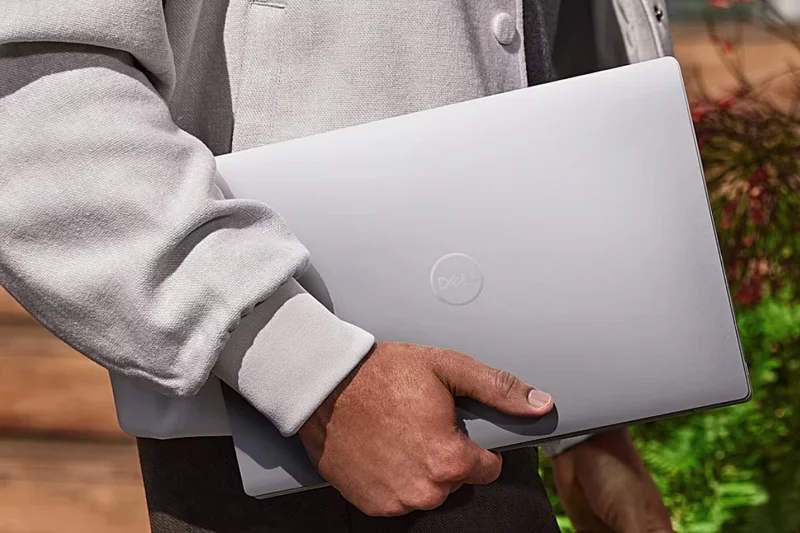
Dell XPS 13 (9340)
The Dell XPS 13 9340 is a solid choice for students. It is a very powerful laptop that can handle demanding tasks such as video editing, multitasking, and even gaming when school is done for the day. It may not boast the same power and features as the latest 9345 model with its built-in AI processor and SnapDragon X, but there are no reviews of these Microsoft Copilot+ laptops yet.
The 9340's sleek, lightweight design makes it easy to carry around campus, and its 13.4-inch size makes it easy to slip into a backpack. Plus, the bright, anti-reflective display boasts color accuracy and wide viewing angles. The base model has a non-touch Full HD display, but you can opt for a QHD+ (2560x1600) touchscreen or a 3K OLED touchscreen.
The base configuration starts with 8GB of LPDDR5 memory and 512GB of SSD storage, but if you need more performance and space, you can opt for up to 64GB of LPDDR5X and 2TB of storage before you buy.
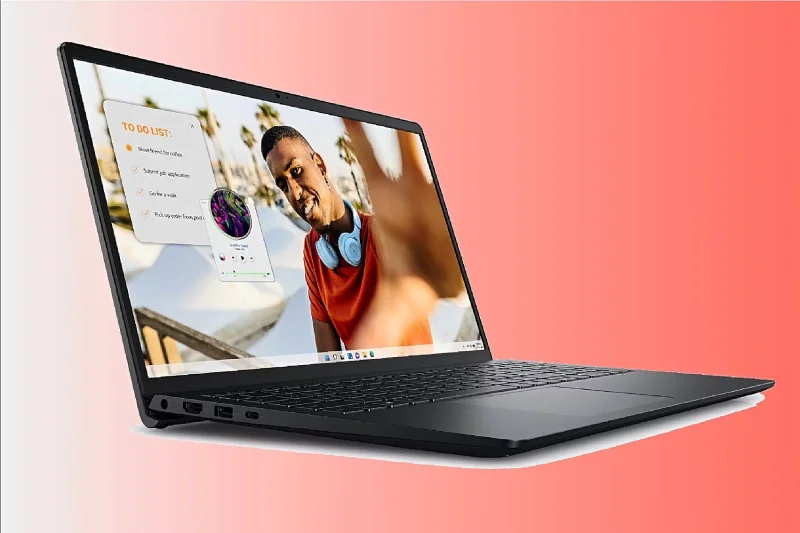
Inspiron 15
The older model of the Inspiron 15 has been heavily discounted. At this extremely low price, you can expect this laptop to be suitable for everyday tasks like web browsing, word processing, and light multitasking.
However, despite being more expensive, the new Inspiron 15 3535 model still falls within the budget price range and offers some great value specs. There are a variety of processors available, but the AMD Ryzen 7 7730U variant is a good choice for students with heavy workloads. It also comes with 16GB of DDR4 RAM and 1TB of SSD storage.
This model's non-touch screen has Full HD resolution and battery life is pretty good at up to 11 hours. There are other options if you need a touchscreen, like the older Inspiron 14 model. It also offers the versatility of a 2-in-1 design, as well as a 1080p webcam.
Lenovo Yoga 9i
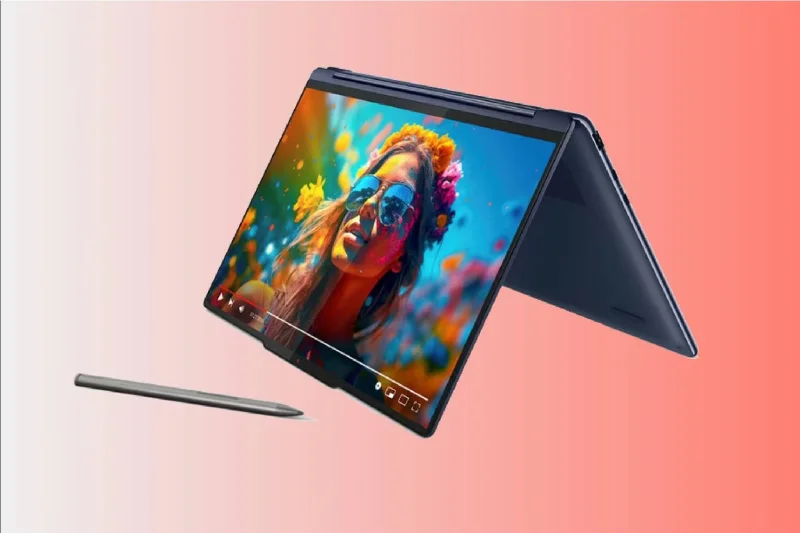
With a premium, sleek, and compact design, the Lenovo Yoga 9i is the ideal choice for students looking for the portability and versatility of a 2-in-1 design. It features a beautiful 14-inch 2880x1800 OLED touchscreen with a 120Hz refresh rate that delivers images and colors that are ideal for viewing media content or for students who need more detail and color accuracy for their studies.
With 16GB of LPDDR5X RAM and a 512GB SSD, the base configuration of this laptop gives you smooth performance when multitasking and anyone working on creative projects. For a small fee, students can choose 32GB and 1TB for even more performance.
Lenovo's exclusive Slim Pen is a highlight, while connectivity options include a USB-C/T4 port and a headphone jack. The laptop has quality Bowers & Wilkins speakers and a 5MP 2.5K webcam, making it ideal for remote students.
Acer Chromebook Spin 714
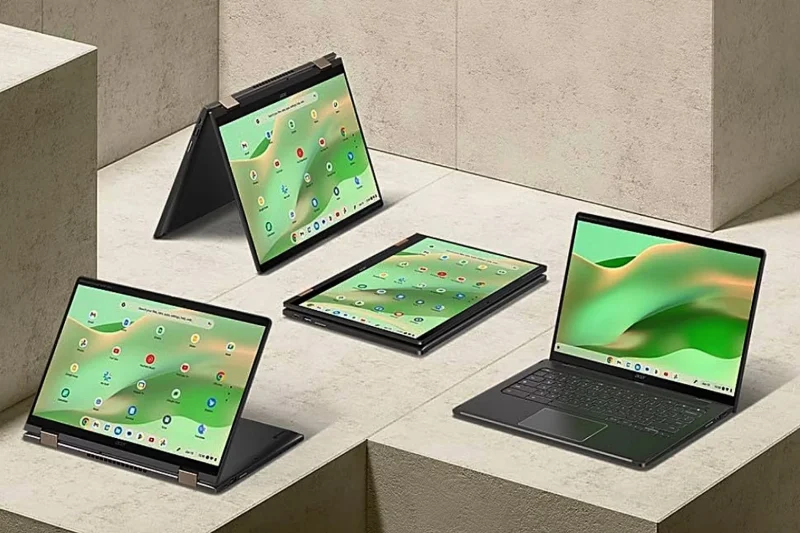
While not the cheapest Chromebook you can find, the Acer Chromebook Spin 714 is a great mid-range option with features that make sense for the price. It offers students cloud-based learning in a durable 2-in-1 laptop. Plus, it’s lightweight and has a 360-degree hinge that lets you easily switch between laptop and tablet modes.
The 14-inch touchscreen has a 1920x1200p resolution, making media content easy to view and documents and web pages sharp and easy to see.
This base model (model CP714-2W-56B2) features a 13th-generation Intel Core i5 processor, 8GB of RAM, and a 256GB SSD. If you need more performance, you can opt for the CP714-2WN-74R0 model, which has a superior Intel Core i7-1355U processor and a higher-resolution display.
Still, the basic design offers enough performance for most students. With up to 10 hours of battery life, a backlit keyboard for dark classrooms, a 2K webcam, and great connectivity options, it has just about everything a student could want in a Chromebook.
MacBook Air 13 inch M3
For years, the 13-inch MacBook Air has been a top choice for many students. Now equipped with the M3 chip, it is still the best choice with outstanding performance compared to its predecessor. In addition, it still retains the streamlined, stylish design, lightweight construction and beautiful 13.6-inch Liquid Retina display.
For many, however, the M3 chip is only a minimal performance upgrade. With the more affordable 13-inch M2 MacBook Air now available, it could be a better value for students, especially since it won’t be getting rave reviews until 2023. The 13-inch M1 MacBook Air is still widely available and still offers plenty of performance for students at a more affordable price.
Of course, if the base 8GB of integrated memory isn’t enough, buying directly from the Apple Store gives consumers the opportunity to upgrade the specs before they buy (for a higher price, of course). And if the 13-inch feels too small, there’s also a 15-inch option that’s still nice and light.