Home
» Wiki
»
Tips for effective fan use and maintenance
Tips for effective fan use and maintenance
The fan is an indispensable home appliance for every home, especially when the hot season is coming. To prolong the life of an electric fan, you also need to know how to use and maintain, so do not ignore the tips that WebTech360 shares below!
Place the fan in a flat position
For a table fan or a standing fan , you need to place it in flat positions such as a table, floor ... Note should not be placed on the fan to tilt, do not place the fan on high and difference places like small chairs because it is easy to cause the fan to fall, cause electric shock or damage.
As for wall fans , the mounting position should not be too high or too low, which will reduce the cooling efficiency of the fan.
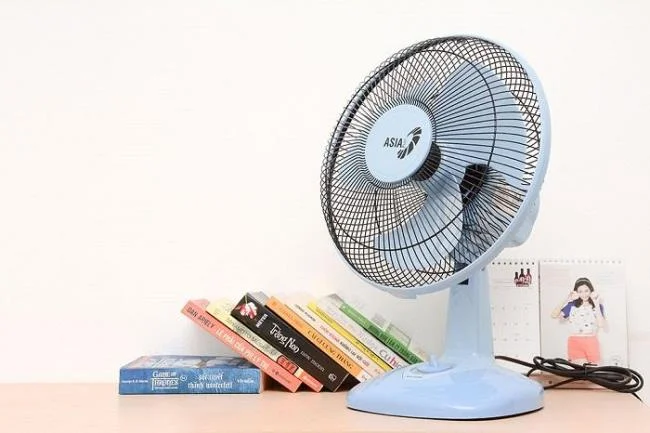
Place the fan in a flat position for efficient and safe fan operation
Choose the wind level that suits your needs
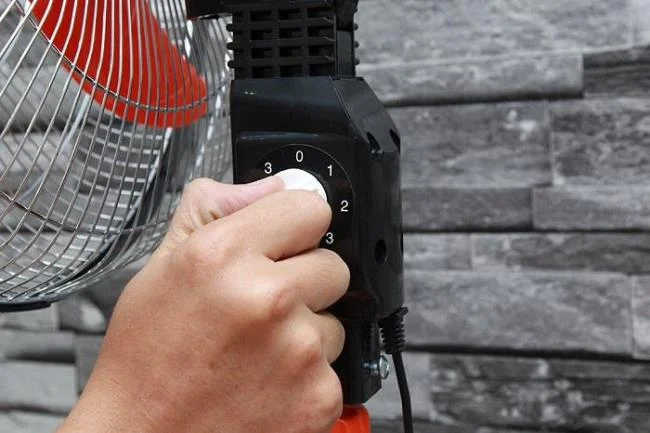
Fans usually have 3 wind speeds for you to choose from, however, you should not turn on the fan at the highest wind level for many hours, both consuming electricity and reducing the fan's life, especially not good for health.
Especially with vertical fans that can be adjusted to a low height such as a mezzanine fan or a vertical fan, when the fan is at the highest height and has strong wind speed for a long time, it is easy to make the fan vibrate and fail quickly.
Turn on the wind speed at a moderate level when using a vertical fan
Place the fan in the right space
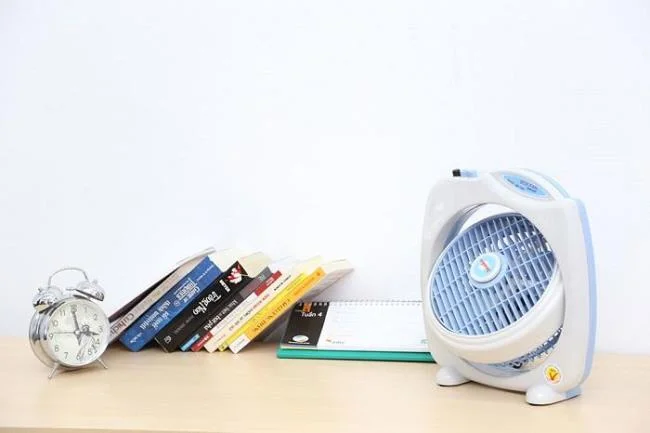
With box fans or table fans, you can place it in any position in your room. As for mist spray fans, steam fans should be placed in a cool place and away from electronics so as not to damage objects and damage the fan quickly.
The box fan is compact so it can be placed anywhere in the room
Avoid electrical leakage
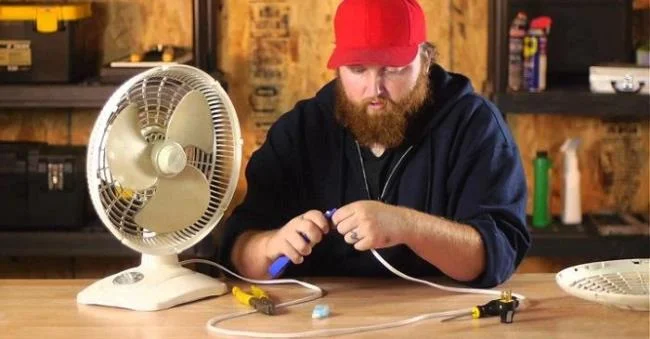
With newly purchased fans, to increase efficiency, eliminate moldy smell and avoid electricity leakage, you should dry the fan in the sun early from 1-2 hours. During use, if it detects that the power cord is broken, you should replace it immediately to avoid short-circuiting. Then plug it in for 10 minutes, if the fan runs smoothly, you can use it with peace of mind.
If the wire is broken, it is necessary to replace it immediately to avoid electrical problems
Ensure safety while the fan is spinning
When the fan is in spinning mode, never do the following:
- Use your hand to move the fan because the control button will be ignored for a long time.
- Clean while the fan is rotating: It is both dangerous and easy to make the dirt stick deep inside.
- Leaving the fan spinning without the cage is also very dangerous if children put their hands on the propellers or when the fan falls, the blades are broken and easily knocked on people.
Clean the fan periodically
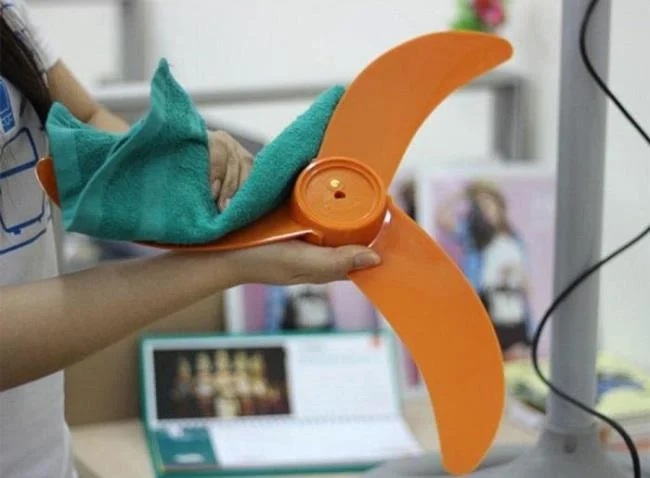
- You mix soap in water, use a towel to wipe away dirt on the impeller and cage, rinse and then dry again.
- Apply grease to moving parts so that the fan works gently, without making noise. Alternatively, you can add a few drops of oil to the fan's silver motor , turn it gently to allow the oil to penetrate, so the fan won't get hot during operation.
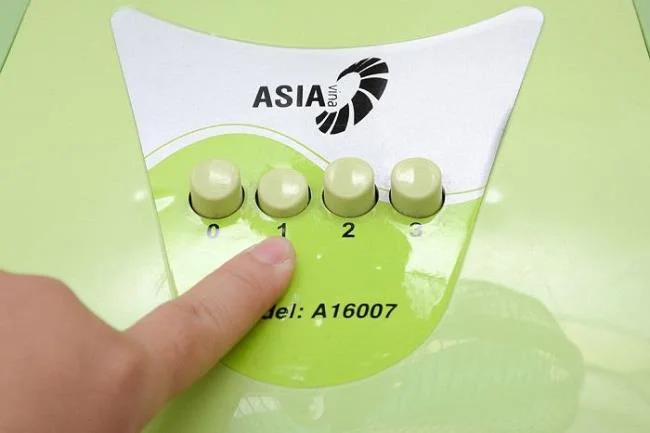
- Clean the fan switch regularly so that the button does not rust and is difficult to press. Use a special spray to clean the button, then wipe with a soft cloth and press release repeatedly to make the button work smoothly.
Clean the fan periodically to extend its service life
Proper storage
If you do not want to use the fan for a long time, please clean the fan thoroughly and wrap it thoroughly with a large plastic bag, store in a cool, dry place.
Choose a fan with a reputable brand
Currently on the market there are many types of fans of unclear origin, so buying for a short period of time is easy to fail, not to mention potential electrical hazards.
Therefore, in addition to using and maintaining the fan properly, choosing a reputable electric fan is also very important. Electric fans of the big brands such as fan Asia , fan Senko , fan Panasonic or fan Mitsubishi users are always appreciated for the quality and safety, warranty always guaranteed.
Asia is the number 1 fan brand in Vietnam and is trusted by many people
With the instructions on how to use and care for electric fans above, WebTech360 hopes you can keep your fan in good working condition and long-term with less damage. If you know any other great tips on using a fan, do not hesitate to share it!