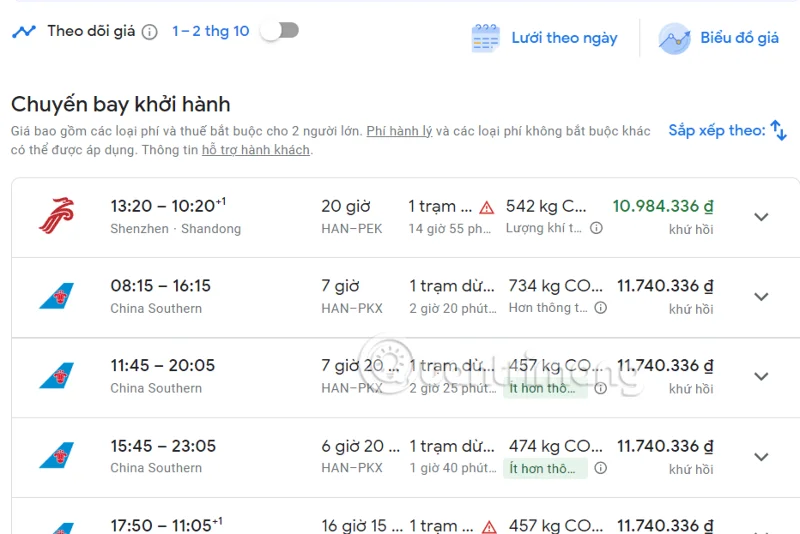
The gadgets on Gemini help this AI assistant reach users in more aspects, such as finding cheap airfares through the Google Flights gadget. You can ask Gemini to find flights according to your needs, thereby successfully hunting for cheap airfares. Below are instructions for finding cheap airfares on Gemini.
Guide to finding cheap airfare on Gemini
Step 1:
You access Gemini then click on Settings then select Utilities .

Step 2:
Now you need to enable the Google Flights extension to use flight search.

Step 3:
Back to the Gemini interface, enter your request to find cheap airfare and press send as usual.

Step 4:
You wait for Gemini's response and get the result as shown below. Gemini will synthesize cheap flights according to your needs.

Scroll down below to see a comprehensive list of Gemini cheap flights with flight information and flight prices.

We can click on a flight to go to the Google Flights interface for more details.

Step 5:
If you want Gemini to find hotels by flight, enter your request in the chat box.

Step 6:
Gemini now also displays a list of hotels that match the flight you are searching for above.

Below is a list with pictures of the hotels for you to access on the web.

Step 7:
If you want to copy the content, click on the 3 dots icon and select Copy to save the content.