You are a music lover, especially vibrant Dance music, but have you ever thought about creating your own mixes to make a difference, a musical personality for yourself? If you own iOS or Android devices, WebTech360 will introduce to you the best music mixing software to help you do that easily. The following top music mixing applications on your phone will bring you closer to your dream of becoming a professional DJ or simply editing, remixing songs according to your preferences and showing them off to your friends.
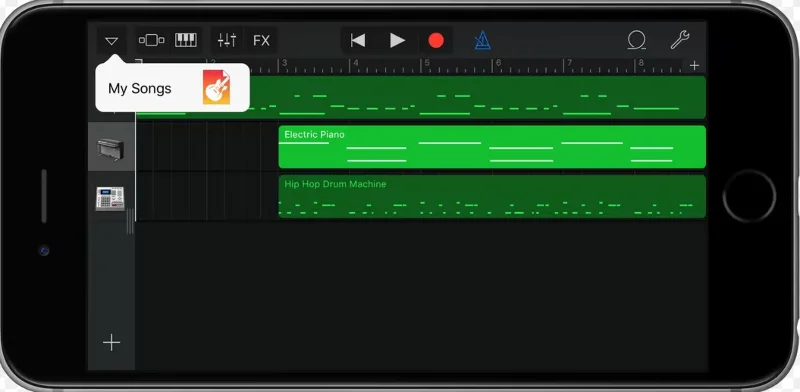
GarageBand music mixing app for iOS. This music mixing tool for iPhone and iPad has a built-in live loop feature that allows you to mix audio files easily. It also comes with a set of instruments that you will use to create and mix your audio files.
Preinstalled on more than a billion Macs, iPhones, and iPads, GarageBand is a key part of the Apple user experience for many. However, not everyone is aware of its full capabilities.
For musicians, the app can eliminate the need for expensive audio equipment or costly studio time. The streamlined design and editing software make it easy to navigate through the app’s many features. It also introduces instruments and sounds that ensure users don’t feel overwhelmed by unfamiliarity.
The software starts everyone off in a default state, giving users the ability to create and expand their own GarageBand experience. GarageBand offers a full panel of instruments that you can use to create your next song.
The app is free for iOS, iPadOS, and MacOS, making it an affordable digital resource for creating and sharing music. Apple iCloud integration lets you add tracks across devices, whether you're at home or on the go.
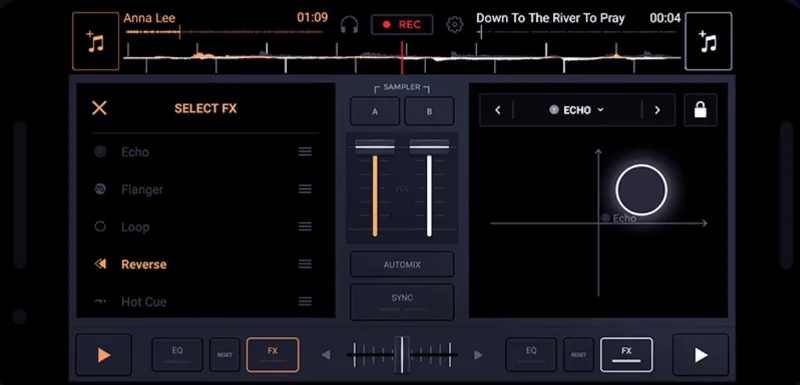
Another music mixing app that you can install on your phone is the Edjing Mix app. This cross-platform DJ mixing app allows you to remix over 50 million tracks. So if you are looking to mix music on your phone, this app is the tool you need.
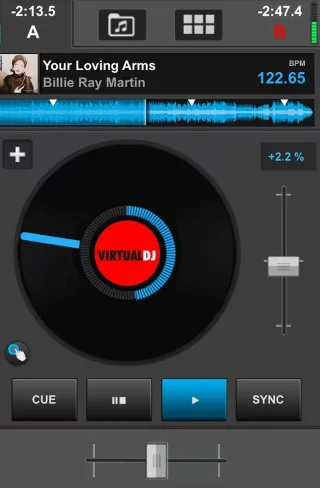
Virtual DJ Home is another popular music mixing app for mobile. With this music mixing app, you can mix 3, 4 or 6 decks and stream your mixes live. Additionally, this music mixing app supports wireless connection between VirtualDJ Remote and VirtualDJ Software.
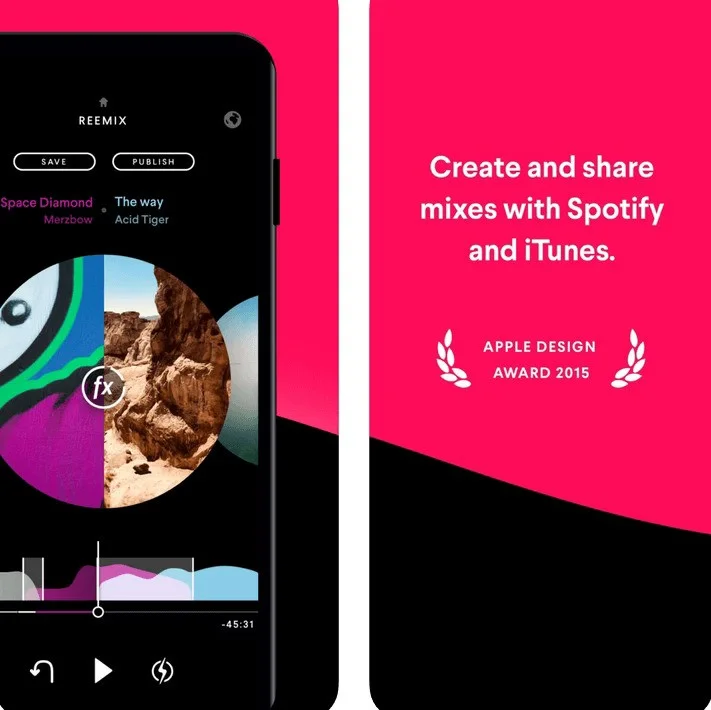
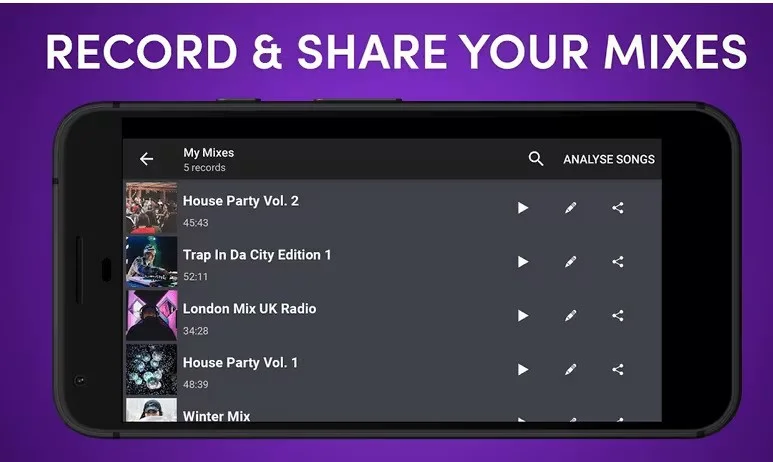
There’s also the Pacemaker app, a music mixing app for iPad and iPhone that lets you mix two audio files together. Plus, it gives you access to millions of songs on Spotify and lets you easily share your mixes online with friends.
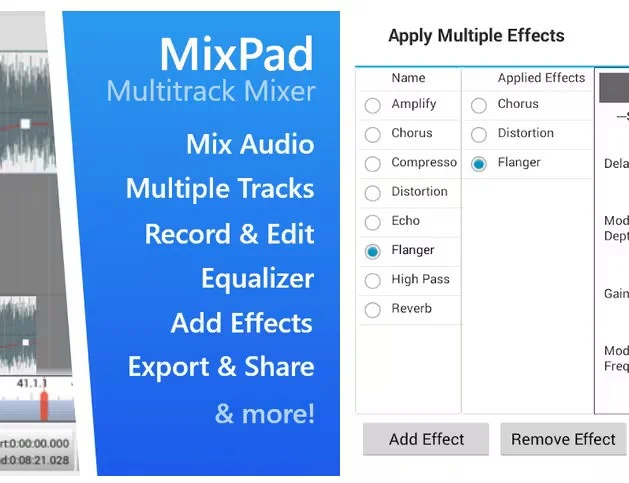
Another music mixing app for Android and iOS is MixPad-Music Mixer Free. This app is built with more music mixing features than Pacemaker. This music mixing app allows you to mix multiple audio, sound, and music files and save them in your preferred output quality. You can also record tracks, add effects, create your own beats, etc.
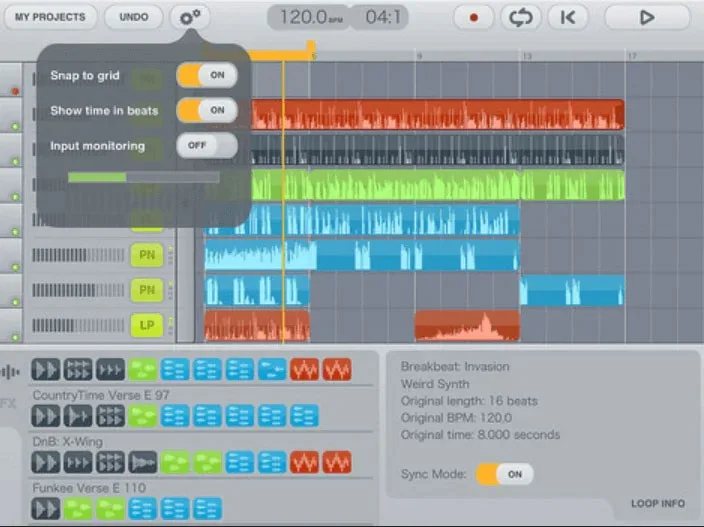
You can also use Music Maker Jam, a music mixing app that lets you mix music on an eight-channel mixer, adjust the tempo of your music, remix your music, record and share it with ease. This user-friendly music mixing app lets you create backgrounds for your mixes and also add your own personal effects.
7. Studio.HD
Studio.HD
Studio.Hd is the best music mixing tool you can get on the market, designed specifically for the iPad. With Studio.Hd, you will be able to work with 24 tracks, loop tracks, edit tracks and arrange them in your preferred order.
Cross DJ Free is described as the best home DJ mixing tool you can install on your phone. This music mixing app can detect BPM accurately, automatically mix, split audio, and let you automatically loop beats.
You can also install the Traktor DJ music mixing app, which allows you to mix audio tracks, remix live tracks, and record your mixes. Additionally, the Traktor DJ app supports downloading music directly from your iTunes music library.
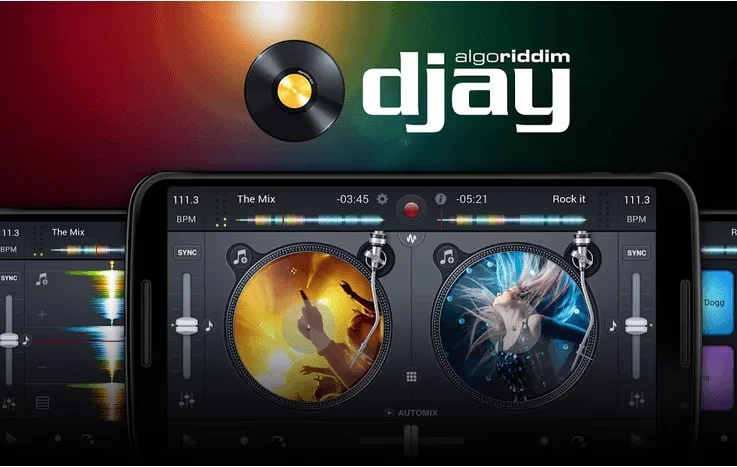
It is impossible not to mention the DJay Le music mixing application that allows you to mix music, videos and add looping effects easily. With Djay Le, you will be able to download music from your local library, Spotify and iTunes.
Above are the top best music mixing applications on the phone that we want to introduce to you. Choose and download a suitable application to create your own stylish music right on your phone without needing professional tools or expensive software on your computer.