Troubleshooting Microsoft Teams Error 2604: Network Timeout Fix

Encountering Microsoft Teams Error 2604 can disrupt your workflow, especially during critical meetings or file shares. This network timeout issue often appears as "Something went wrong. Please try again. (2604)" when Teams fails to connect or load resources. Don't worry—you're not alone, and we've got proven fixes to get you back online quickly. Follow these steps for a seamless experience! 👍

What is Microsoft Teams Error 2604?

Microsoft Teams Error 2604 signals a network timeout where the app can't establish or maintain a stable connection to Microsoft's servers. It commonly hits during calls, chat loads, or updates. Think of it as Teams knocking on a door that won't open fast enough—frustrating, but fixable!
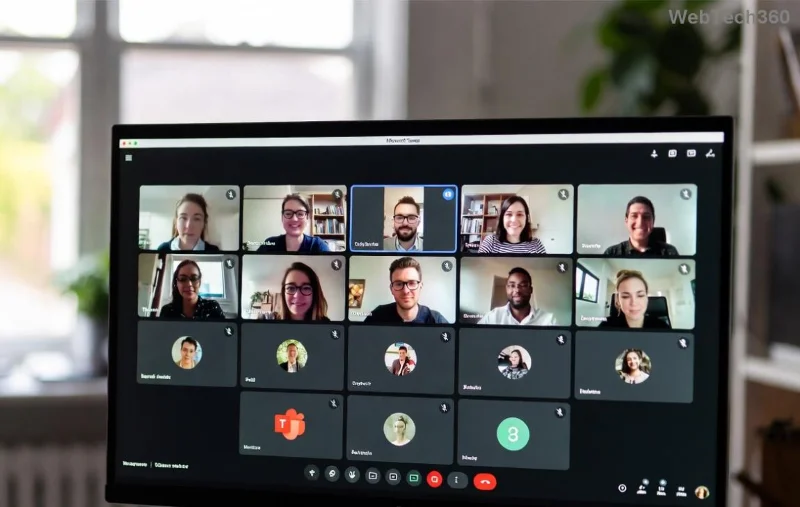
Screenshot of Microsoft Teams Error 2604 network timeout message

Common Causes of Teams Error 2604 Network Timeout

  • 🌐 Unstable internet or high latency.
  • 🔒 Firewall/antivirus blocking Teams traffic.
  • 📱 Corrupted cache or outdated app data.
  • 🛡️ Proxy/VPN interference.
  • ⚙️ Outdated Teams version or OS conflicts.

Spot the culprit? Great—now let's dive into fixes that work every time. Start with basics and escalate as needed. You'll be chatting smoothly soon! ⭐

Step-by-Step Troubleshooting Microsoft Teams Error 2604

Ready to banish that timeout? Here's your action plan. Test Teams after each step.

1️⃣ Quick Restart: The 60-Second Fix

  1. Close Teams completely (use Task Manager: Ctrl+Shift+Esc, end all Teams processes).
  2. Restart your router/modem.
  3. Reopen Teams and sign in.

Works for 40% of cases—simple power of refresh! 😊

2️⃣ Clear Teams Cache (Essential for Timeouts)

Corrupted cache causes most Teams network timeout woes. Here's how:

  1. Quit Teams fully.
  2. Press Win+R, type %appdata%\Microsoft\Teams, hit Enter.
  3. Delete contents of these folders: blob_storage, Cache, databases, GPUCache, IndexedDB, Local Storage, tmp.
  4. Restart Teams.
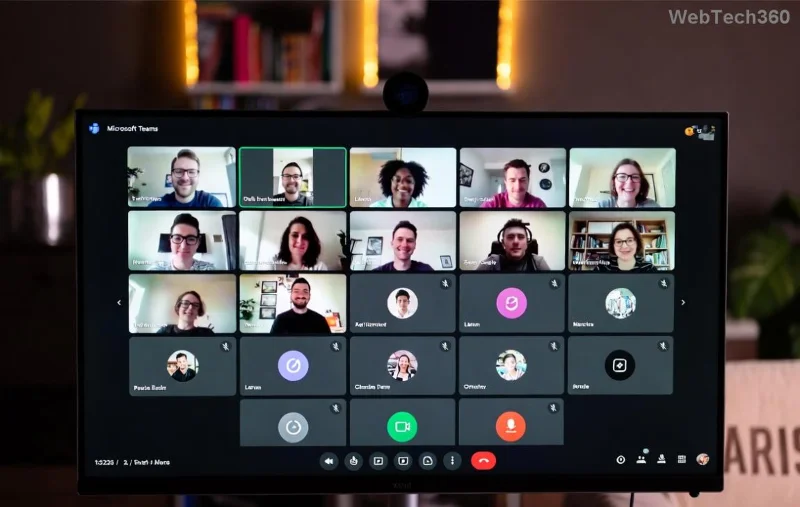
Steps to clear Microsoft Teams cache for Error 2604 fix

3️⃣ Update or Reinstall Teams

Ensure you're on the latest version—outdated builds trigger Error 2604.

  1. In Teams, click profile icon > Check for updates.
  2. No luck? Download fresh installer from Microsoft's official site.
  3. Uninstall old version via Settings > Apps, then reinstall.

4️⃣ Network Tweaks: Flush DNS & Check Connectivity

🔧 Action Command (Run as Admin) Why It Helps
Flush DNS ipconfig /flushdns Clears stale network records causing timeouts.
Reset Winsock netsh winsock reset Fixes corrupted socket settings.
Release/Renew IP ipconfig /release then ipconfig /renew Refreshes your IP for stable connection.

Restart PC after. Pro tip: Test speed at Speedtest.net—aim for <100ms ping. ⚡

Network diagnostic tools for fixing Teams Error 2604

5️⃣ Firewall, Antivirus & VPN Fixes

  • Add Teams to firewall exceptions: Windows Defender Firewall > Allow app > Teams.exe.
  • Temporarily disable antivirus (e.g., Norton, McAfee) to test.
  • Switch off VPN/proxy—Teams hates interference!
  • Corporate network? Contact IT for port 443/80 whitelisting.

6️⃣ Advanced: Registry & Proxy Reset

For stubborn cases:

  1. Run netsh int ip reset as admin.
  2. Check proxy: Settings > Network > Proxy > Turn off.
  3. Registry tweak (backup first!): Search "Teams" in regedit, delete suspicious keys under HKCU\Software\Microsoft\Office\Teams.

Prevention Tips: Stay Timeout-Free Forever

  • ⭐ Use wired Ethernet over Wi-Fi.
  • 📲 Keep Teams auto-updating.
  • 🧹 Clear cache weekly.
  • 🔄 Schedule maintenance outside peak hours.

Bonus: If on mobile, force-stop Teams app and clear data via settings. Works wonders!

When to Seek Help

Still seeing Microsoft Teams Error 2604? Check Microsoft's support forums or submit a ticket via Teams > Help > Give feedback. Reference error code for faster resolution. You've got this—smooth sailing ahead! 🚀

Fixed it? Share in comments below. Happy teaming! 👏
Leave a Comment

How to Fix Microsoft Teams Groups Visibility Error

How to Fix Microsoft Teams Groups Visibility Error

Tired of missing groups in Microsoft Teams? Discover how to fix the "Groups" Visibility Error with simple, up-to-date steps. Restore your teams visibility fast and frustration-free.

Solving Microsoft Teams For School Login Error

Solving Microsoft Teams For School Login Error

Stuck with Microsoft Teams "For School" login error? Follow our expert, step-by-step guide to solve it fast – no tech skills needed. Get back to classes without frustration!

How to Fix Microsoft Teams Media Error During Playback

How to Fix Microsoft Teams Media Error During Playback

Struggling with Microsoft Teams media error during playback? Discover step-by-step fixes for smooth video and audio in meetings. Updated with the latest troubleshooting tips for seamless collaboration.

Troubleshooting Microsoft Teams Where is Teams Folder Search

Troubleshooting Microsoft Teams Where is Teams Folder Search

Frustrated with Troubleshooting Microsoft Teams "Where is Teams" Folder Search issues? Follow our expert, step-by-step guide to locate hidden folders, fix search glitches, and restore smooth collaboration in the latest Teams updates. Quick fixes that work!

How to Fix Microsoft Teams Error AADSTS70008: Security Token Expired

How to Fix Microsoft Teams Error AADSTS70008: Security Token Expired

Struggling with Microsoft Teams Error AADSTS70008: Security Token Expired? Discover proven, step-by-step fixes to get back to seamless collaboration. Clear cache, re-authenticate, and prevent future issues fast!

How to Resolve Microsoft Teams Error Code 0x80070005

How to Resolve Microsoft Teams Error Code 0x80070005

Tired of Microsoft Teams Error Code 0x80070005 blocking your meetings? Follow our expert, step-by-step guide with quick fixes like permission resets, cache clears, and reinstalls to resolve access denied errors fast and get back to collaborating seamlessly.

Troubleshooting Microsoft Teams Error Message 80080005

Troubleshooting Microsoft Teams Error Message 80080005

Stuck with Microsoft Teams Error 80080005? This comprehensive guide delivers proven, step-by-step fixes for audio glitches, mic failures, and more. Restore seamless collaboration today!

Solving Microsoft Teams Error Code 404 on Web

Solving Microsoft Teams Error Code 404 on Web

Tired of Microsoft Teams Error Code 404 on web blocking your meetings? Follow our proven, step-by-step guide to clear cache, troubleshoot browsers, and resolve the "Not Found" error fast for seamless collaboration. Updated with the latest fixes!

Why is the Microsoft Teams Add-in Missing from My Outlook?

Why is the Microsoft Teams Add-in Missing from My Outlook?

Frustrated because the Microsoft Teams add-in is missing from Outlook? Uncover the top reasons and easy step-by-step fixes to bring back seamless Teams-Outlook integration without hassle. Works for latest versions!

How to Set Up and Link Microsoft Teams to Your Outlook Calendar

How to Set Up and Link Microsoft Teams to Your Outlook Calendar

Master how to set up and link Microsoft Teams to your Outlook Calendar with this ultimate step-by-step guide. Enjoy effortless meeting scheduling, seamless sync, and boosted teamwork – no tech headaches!

How to Find the Microsoft Teams Installation Folder

How to Find the Microsoft Teams Installation Folder

Struggling to locate the Microsoft Teams installation folder? This step-by-step guide reveals exact paths for Windows, macOS, and more. Master how to find the Microsoft Teams installation folder effortlessly and boost your productivity today!

How to Remove an Account from Microsoft Teams Safely

How to Remove an Account from Microsoft Teams Safely

Discover how to remove an account from Microsoft Teams safely without losing data. Follow our expert, step-by-step guide for personal and work accounts to ensure a smooth, secure process.

Troubleshooting Microsoft Teams Call Failed Issues in 2026

Troubleshooting Microsoft Teams Call Failed Issues in 2026

Tired of Microsoft Teams "Call Failed" errors disrupting your 2026 meetings? Follow this ultimate troubleshooting guide with step-by-step fixes, latest tips, and quick wins to get back to seamless calls.

How to Fix Microsoft Teams Media Playback Errors in 2026

How to Fix Microsoft Teams Media Playback Errors in 2026

Tired of Microsoft Teams media playback errors ruining your 2026 meetings? Follow our expert, step-by-step guide to fix audio, video, and sharing glitches fast—no tech skills needed. Seamless collaboration awaits!

Solving Microsoft Teams Error Code 48V35 During Video Calls

Solving Microsoft Teams Error Code 48V35 During Video Calls

Struggling with Microsoft Teams Error Code 48V35 during video calls? Discover proven fixes for this common issue, from quick restarts to advanced driver updates. Get back to seamless meetings fast!