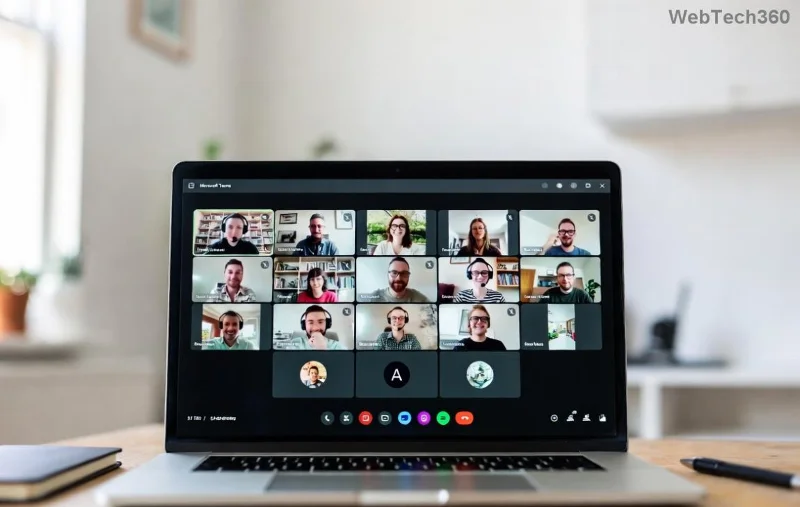
Troubleshooting Microsoft Teams Video Conferencing Lag on Wi-Fi

Nothing disrupts a crucial meeting like Microsoft Teams video conferencing lag on Wi-Fi. Choppy video, frozen screens, and audio delays can frustrate everyone involved. But don't worry—most issues stem from simple Wi-Fi hiccups or settings tweaks. This guide walks you through targeted troubleshooting Microsoft Teams video conferencing lag on Wi-Fi, starting with easy wins and escalating to pro-level fixes. Follow these steps in order, and you'll be back to seamless calls in minutes. 🔧

🔍 Common Causes of Microsoft Teams Video Lag on Wi-Fi

Understanding the root causes helps you fix Teams video conferencing lag faster. Wi-Fi networks often struggle with high-bandwidth video due to:
  • Network congestion: Too many devices sharing bandwidth.
  • Weak signal strength: Distance from router or interference from walls/microwaves.
  • Outdated drivers or apps: Teams or your network adapter lagging behind.
  • Insufficient bandwidth: Video HD needs at least 4 Mbps upload/download per user.
  • Background processes: Downloads or other apps hogging resources.
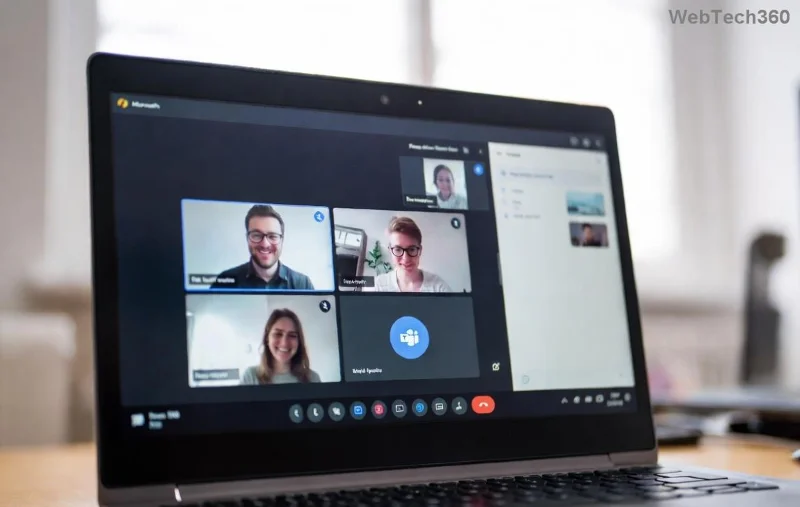
Illustration of Microsoft Teams video lag on Wi-Fi network congestion

⚡ Quick Fixes: Start Here for Instant Relief

Try these first—they resolve 80% of Microsoft Teams lag issues without tech expertise. Test your video call after each step.

  1. Restart everything: Close Teams, reboot your router (unplug 30 seconds), and restart your device. This clears temporary glitches.
  2. Switch to wired if possible: Plug in Ethernet for stable connection—Wi-Fi lag vanishes instantly.
  3. Reduce video quality in Teams:
    1. Open Teams > Settings > Devices.
    2. Set Camera resolution to 720p or lower.
    3. Disable HD video in meetings (click More actions > Video quality > Standard).
  4. Close bandwidth hogs: Pause downloads, streaming, or cloud syncs. Use Task Manager (Ctrl+Shift+Esc) to end unnecessary processes.

✅ Pro tip: Run Teams' built-in network test. In a meeting, click your profile > Check network. It scores your connection and flags Wi-Fi issues.

📊 Bandwidth Requirements for Teams Video Conferencing

Match your Wi-Fi to Teams' needs with this quick reference table:

Feature Bandwidth (per user) Wi-Fi Recommendation
Video (720p) + Audio 2.5 Mbps down / 1.5 Mbps up Wi-Fi 5 (802.11ac) or better
HD Video (1080p) + Screen Share 4 Mbps down / 4 Mbps up Wi-Fi 6 (802.11ax), 5GHz band
Group Call (5+ participants) 4+ Mbps down / 4+ Mbps up Dedicated router channel, QoS enabled

Stuck below these? Time for deeper troubleshooting Microsoft Teams video conferencing lag on Wi-Fi.

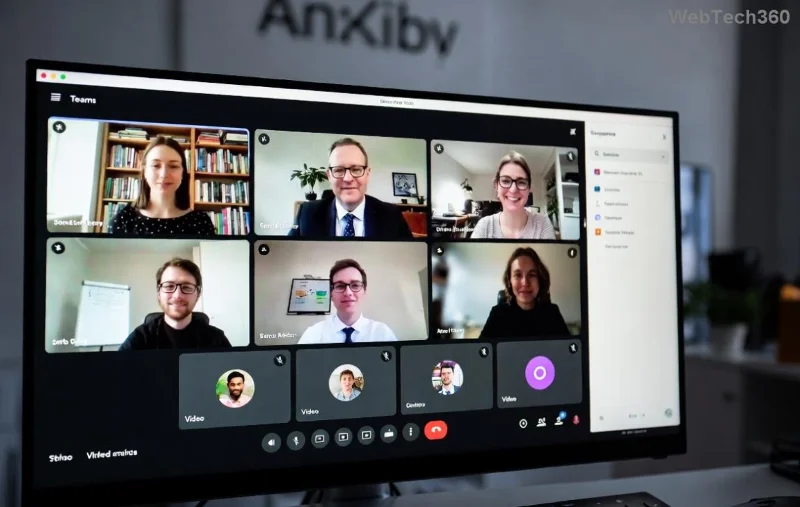
Teams settings for fixing video conferencing lag on Wi-Fi

🛠️ Advanced Troubleshooting Microsoft Teams Video Conferencing Lag Steps

If quick fixes fall short, dive deeper:

  1. Update Teams and drivers:
    • Teams: Profile > Check for updates.
    • Wi-Fi drivers: Device Manager > Network adapters > Right-click > Update driver.
  2. Optimize Wi-Fi settings:
    1. Log into router admin (usually 192.168.1.1).
    2. Switch to 5GHz band (less interference than 2.4GHz).
    3. Enable QoS: Prioritize Teams traffic (UDP ports 3478-3481).
    4. Change channel to avoid neighbors (use Wi-Fi analyzer app).
  3. Disable power-saving modes: In Device Manager, right-click Wi-Fi adapter > Properties > Power Management > Uncheck "Allow computer to turn off."
  4. Flush DNS and reset network:
    Command Prompt (admin):
    ipconfig /flushdns
    netsh int ip reset
    Restart PC
  5. Test for interference: Move closer to router or use Wi-Fi extender. Avoid microwaves/cordless phones.

For official guidance, check Microsoft Teams Network Troubleshooting.

Wi-Fi optimization for resolving Microsoft Teams lag issues

🌐 Long-Term Wi-Fi Upgrades to Prevent Teams Lag

Secure lag-free Microsoft Teams video conferencing forever:

  • Upgrade to Wi-Fi 6 router for multi-device handling.
  • Enable MU-MIMO for better video streaming.
  • Mesh systems like Google Nest or Eero eliminate dead zones.
  • Monitor with tools like Speedtest.net—aim for 50+ Mbps Wi-Fi speeds.

🚀 Ready for Flawless Calls?

By now, your Microsoft Teams video conferencing lag on Wi-Fi should be history. Start with quick fixes, verify with a test call, and optimize as needed. If issues persist (rarely hardware faults), contact your IT admin or Microsoft Support. Share your success in the comments—what fixed it for you? Stay connected without the lag! 🎉

Leave a Comment

How to Fix Microsoft Teams Error Code 657Rx and 9Hehw

How to Fix Microsoft Teams Error Code 657Rx and 9Hehw

Stuck with Microsoft Teams Error Code 657Rx and 9Hehw? Discover proven, step-by-step solutions to fix these frustrating errors quickly. Restore smooth video calls and chats today—no tech expertise needed!

Solving Microsoft Teams For Business Error

Solving Microsoft Teams For Business Error

Tired of the frustrating Microsoft Teams "For Business" Error blocking your meetings? Get proven, step-by-step fixes to resolve it fast and boost productivity. Latest solutions inside!

How to Fix Microsoft Teams Error AADSTS50011 (Redirect URI Fix)

How to Fix Microsoft Teams Error AADSTS50011 (Redirect URI Fix)

Struggling with Microsoft Teams Error AADSTS50011? Discover the exact Redirect URI fix for seamless authentication. Step-by-step guide with screenshots to resolve it fast—no more login headaches!

How to Fix Microsoft Teams Breakout Rooms Not Erstellen

How to Fix Microsoft Teams Breakout Rooms Not Erstellen

Frustrated with Microsoft Teams Breakout Rooms not creating? Discover proven fixes for "Breakout Rooms Not Erstellen" errors. Step-by-step guide ensures smooth meetings every time.

Troubleshooting Microsoft Teams Error T Today

Troubleshooting Microsoft Teams Error T Today

Stuck with Microsoft Teams "Error T" today? Get proven, step-by-step troubleshooting for Microsoft Teams "Error T" with quick fixes, causes, and solutions to get back to seamless collaboration. Works on desktop, web, and mobile!

How to Fix Microsoft Teams On iPhone App Error

How to Fix Microsoft Teams On iPhone App Error

Tired of Microsoft Teams "On iPhone" App Error crashing your meetings? Discover proven fixes for sign-in failures, crashes, and glitches on the latest iOS. Step-by-step guide with quick wins!

Solving Microsoft Teams Web Client Disabled Error

Solving Microsoft Teams Web Client Disabled Error

Tired of the Microsoft Teams Web Client "Disabled" Error blocking your meetings? Follow our proven step-by-step fixes to solve Microsoft Teams Web Client Disabled Error fast – no IT help needed!

How to Check Your Microsoft Teams Version Using PowerShell

How to Check Your Microsoft Teams Version Using PowerShell

Discover how to check your Microsoft Teams version using PowerShell in seconds. Step-by-step guide for IT pros, admins, and everyday users to verify updates, troubleshoot issues, and stay ahead. Accurate, fast, and foolproof methods revealed!

Solving Microsoft Teams Guest Access Not Working

Solving Microsoft Teams Guest Access Not Working

Struggling with Microsoft Teams Guest Access Not Working? Discover proven fixes, from quick checks to advanced troubleshooting, to get guests collaborating seamlessly in no time.

Where is the Microsoft Teams Recycle Bin? How to Recover Deleted Files

Where is the Microsoft Teams Recycle Bin? How to Recover Deleted Files

Lost important files in Microsoft Teams? Discover the exact location of the Microsoft Teams Recycle Bin and follow our proven steps to recover deleted files quickly and easily—no tech skills required!

The Most Essential Vitamins for Women Over 50

The Most Essential Vitamins for Women Over 50

As you age, many of your bodys organs can weaken, but it doesnt have to be that way if you take care of yourself. Here are the most essential vitamins for women over 50.

Where to Find Your Microsoft Teams ID and Account Info

Where to Find Your Microsoft Teams ID and Account Info

Struggling to locate your Microsoft Teams ID or account details? This step-by-step guide shows exactly where to find your Microsoft Teams ID and account info on desktop, web, mobile, and more for seamless collaboration.

How to Enable Microsoft Teams Transcription for Meetings

How to Enable Microsoft Teams Transcription for Meetings

Unlock the power of Microsoft Teams transcription for meetings with this step-by-step guide. Learn how to enable transcription, prerequisites, and tips for accurate transcripts to boost productivity and accessibility. Perfect for teams in 2026.

Troubleshooting Microsoft Teams Unknown Error Fix

Troubleshooting Microsoft Teams Unknown Error Fix

Tired of Microsoft Teams "Unknown Error" crashing your meetings? Discover step-by-step troubleshooting fixes that work instantly. Clear cache, reset app, and more—no tech skills needed!

Supplements that people with irritable bowel syndrome should not take

Supplements that people with irritable bowel syndrome should not take

Not all supplements are beneficial for irritable bowel syndrome (IBS), some may even worsen your symptoms.






