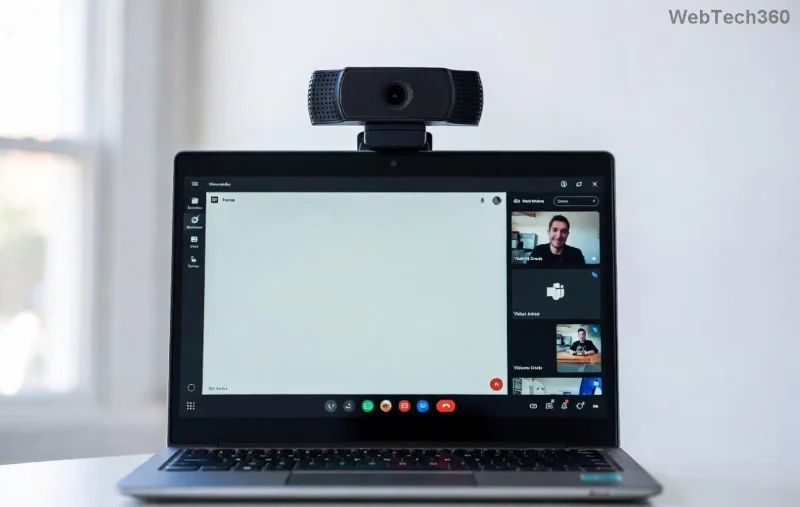
😩 Ever joined a crucial Microsoft Teams meeting only to see a glaring green screen instead of your video feed? You're not alone—this frustrating Microsoft Teams "Video Error" green screen issue plagues users worldwide, disrupting calls and workflows. But don't worry! This guide delivers straightforward troubleshooting steps to banish the green screen and restore crystal-clear video. We'll start with quick wins and escalate to pro fixes, ensuring you stay productive without the hassle.
Why Does Microsoft Teams Green Screen Happen?
Understanding the root causes empowers faster fixes. Common culprits include:
- Graphics driver conflicts: Outdated or buggy GPU drivers clash with Teams' video rendering.
- Hardware acceleration glitches: Teams' GPU acceleration feature overloads certain hardware.
- Permissions issues: Blocked camera/mic access in browser or app settings.
- App corruption or outdated versions: Cached data or unpatched bugs trigger the video error.
- Network hiccups: Unstable connections mimic video failures with green overlays.
Pro tip: 👆 Test your camera in another app like Zoom or Camera to rule out hardware faults first.
Quick Fixes: Resolve Teams Green Screen in Minutes
Try these immediate troubleshooting steps—most users fix the issue here without tech deep dives.
- Restart Teams and Your Device
Close Teams completely (use Task Manager on Windows: Ctrl+Shift+Esc), then reboot your computer. This clears temporary glitches. ⭐ Simple yet effective!
- Check Internet and Switch Networks
Run a speed test (Speedtest.net). Aim for 1.5 Mbps upload. Toggle Wi-Fi or use mobile hotspot.
- Update Microsoft Teams
In Teams, click your profile > Check for updates. Install the latest version—recent patches address green screen video errors.
- Verify Permissions
On Windows: Settings > Privacy > Camera/Microphone > Allow Teams. In browsers: Site settings > Camera ON.
Still green? Time for deeper troubleshooting Microsoft Teams "Video Error" green screen.
Advanced Teams Video Error Fixes: Disable Hardware Acceleration & More
If basics fail, target graphics and app internals. Follow sequentially for best results.
| Issue |
Solution |
Steps |
| Hardware Acceleration |
Disable in Teams |
Teams Settings > General > Turn OFF "Enable GPU hardware acceleration". Restart app. |
| Outdated GPU Drivers |
Update Drivers |
Windows: Device Manager > Display adapters > Right-click > Update. Or download from NVIDIA/AMD/Intel site. |
| Corrupted Cache |
Clear Teams Data |
%appdata%\Microsoft\Teams > Delete contents of folders (Blobs, Cache, databases, GPUCache, IndexedDB, Local Storage, tmp). Relaunch. |
| Browser-Specific (Web Teams) |
Switch Browsers |
Try Edge/Chrome latest. Clear cache: Ctrl+Shift+Del > All time > Cached images/files. |
![After fixing Microsoft Teams green screen - clear video feed]()
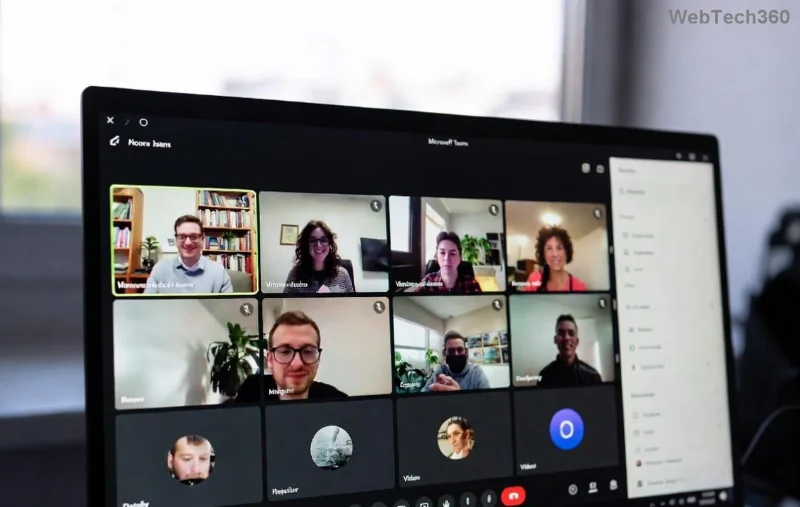
🎉 Notice the difference? The second image shows a restored video feed post-fix. For NVIDIA users, also tweak Control Panel > 3D Settings > Program Settings > Add Teams.exe > Set Power management to "Prefer maximum performance."
Pro Tips & Prevention for Microsoft Teams Green Screen
- ⭐ Use Teams desktop app over web for stability.
- Enable auto-updates in Teams settings.
- Run Windows Update—latest OS patches fix compatibility.
- Test in a new meeting: Create a test call with yourself via Teams calendar.
If on macOS: System Preferences > Security > Allow camera/mic, and update Metal drivers via App Store.
When Nothing Works: Seek Expert Help
Persistent Teams green screen? Check Microsoft's official troubleshooter: Teams Audio/Video Troubleshooting. Or contact IT support—provide logs from Teams > Help > Give feedback > Include diagnostics.
✅ You've got this! By following these troubleshooting Microsoft Teams "Video Error" green screen steps, most users report success. Share your fix in comments below—what worked for you? Stay tuned for more Teams tips to keep your meetings glitch-free. Happy calling! 👏