WhatsApp App Update Download
Get the latest WhatsApp App Update Download from official sources to access new features and security improvements. Follow these clear steps for Android and iOS devices.
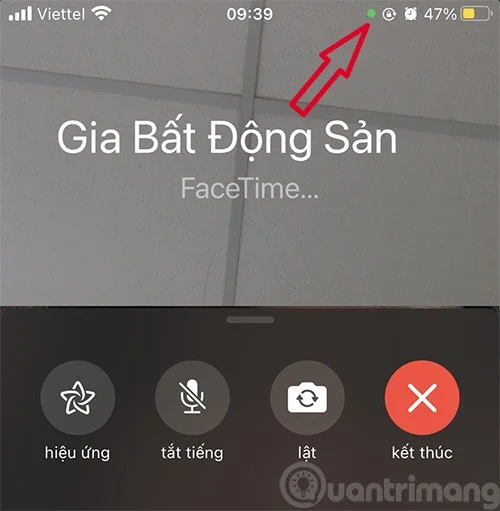
Starting with iOS 14 , users will see a green or orange dot appear near the signal bar on the iPhone screen when opening certain applications. This is one of the new privacy protection features added by Apple. This new feature will notify users which applications are using the phone's recording and video recording functions.
iPhone orange dot
If you open an app and see an orange dot in the top right corner of the screen, it means that the app is using your microphone and recording what you say. When you use voice calling apps and some Apple apps like Siri, the orange dot will appear.

So, if you don't make a phone call or give a voice command and see the orange dot appear, you can check to see which application is using the microphone by pulling down from the quick control center (Control Center).
In case, in addition to color, you also want to distinguish the dots well, you can change the orange dot to an orange square. Go to Settings -> Accessibility -> Display & Text Size -> turn on Differentiate Without Color.
Green dot on iPhone
A green dot will appear to notify users when an application is using the device's camera.
Previously, this feature was also applied by Apple on MacBook or iMac to notify the opening of the camera. In case the camera is granted access, the microphone will also be granted permission so the orange dot will no longer appear.
The small notification bar at the top of the screen shows which apps have just accessed the camera or microphone, so users can pull down from the Control Center to check. Users can delete the app if they are not sure why the app is using these two features to avoid being secretly filmed or recorded.
On iPhone 14 Pro and iPhone 14 Pro Max, this green dot and orange dot of privacy notification will appear in the Dynamic Island cutout, right next to the front camera. However, when Dynamic Island is active with another app, the orange dot and green dot may appear to the right of the battery indicator icon.
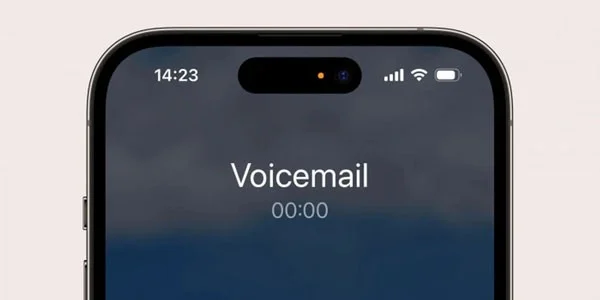
This yellow and green dot is a key part of the iPhone's security features. According to Apple, it's important to let users know when their phone may be recording audio or video.
However, if you don't like this appearance and want to turn off the green dot and orange dot on iPhone 14 Pro Max, you can do it with a few basic steps such as: go to Settings > select Privacy > select the microphone item and then turn off this function.
Get the latest WhatsApp App Update Download from official sources to access new features and security improvements. Follow these clear steps for Android and iOS devices.
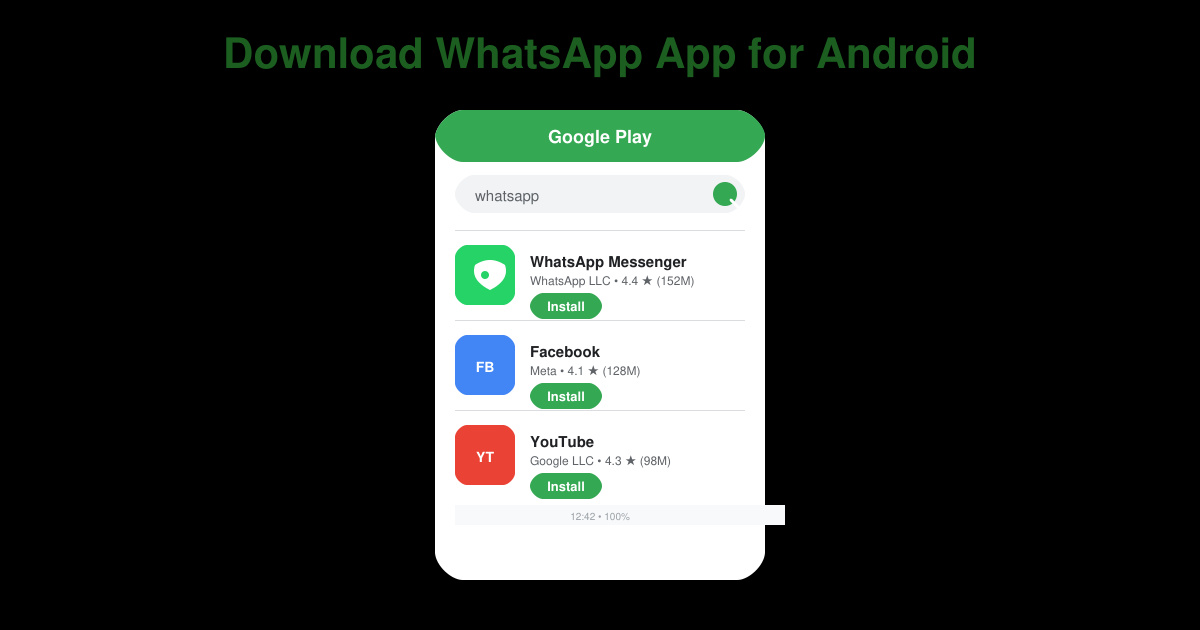
Learn how to safely Download WhatsApp App for Android from the official Google Play Store. Follow our clear step-by-step instructions to install the latest version quickly and securely.
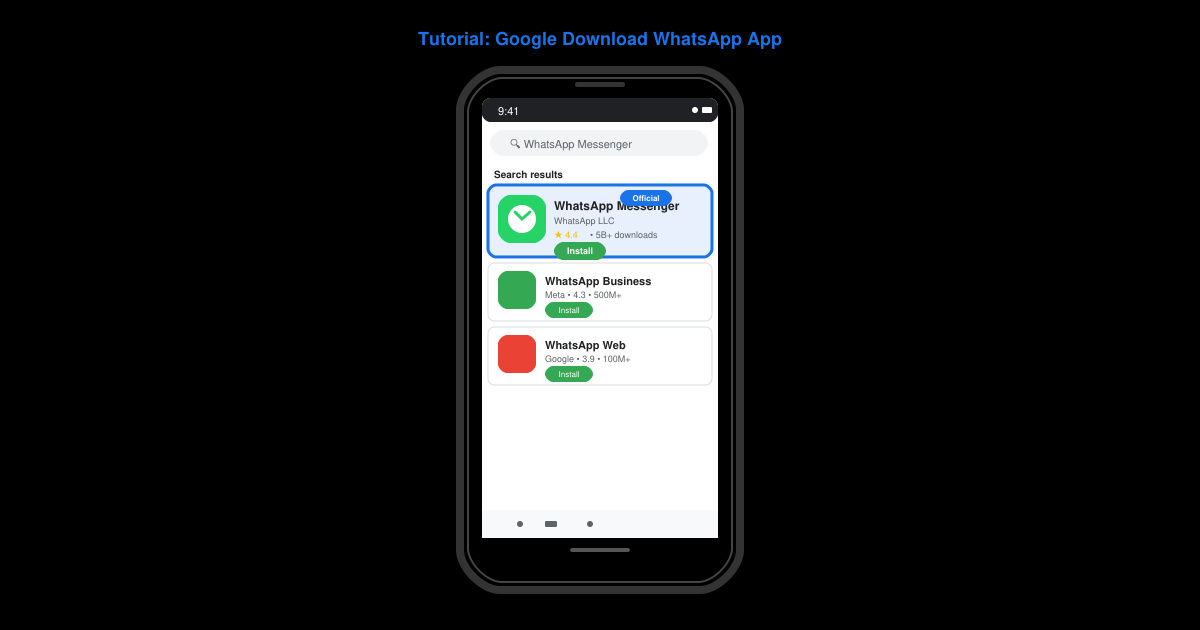
Google Download WhatsApp App safely through the Google Play Store with this clear guide. Get the official version on your Android device quickly and avoid fake downloads.
Facebook and Messenger not working can disrupt your day. Follow these targeted fixes to restore access quickly on mobile and desktop.
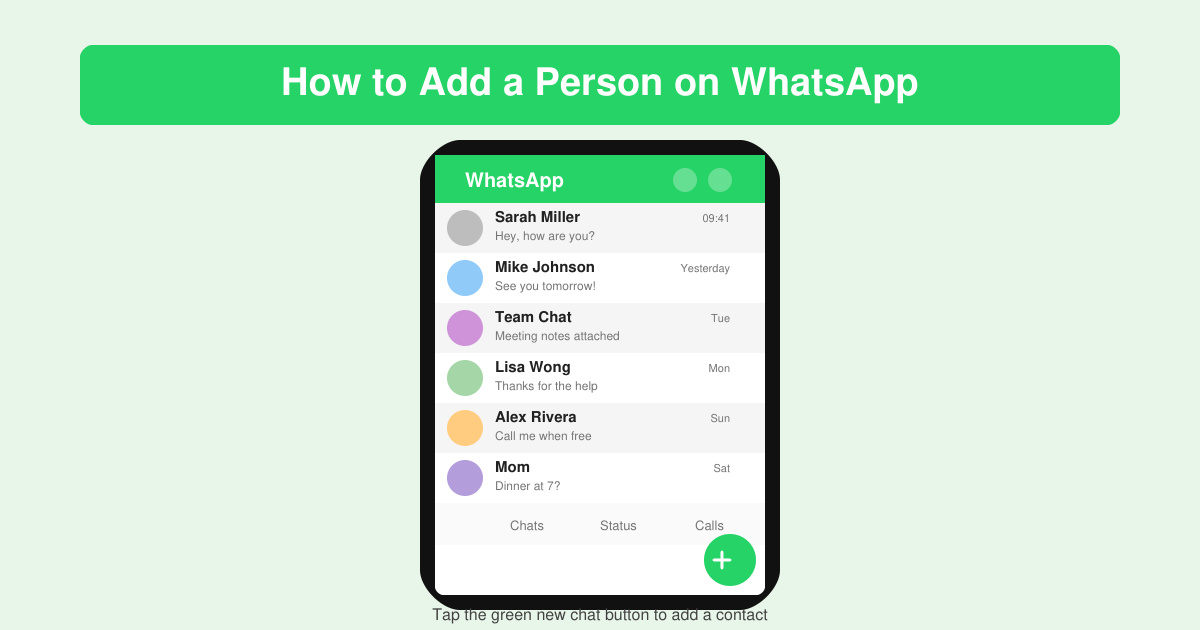
How to Add a Person on WhatsApp quickly on Android or iOS. Follow these exact steps to add a new contact using their phone number and start chatting right away.
Learn how to add contact in WhatsApp in seconds with this clear walkthrough. Save numbers directly inside the app and keep all your chats organized without switching to your phonebook.
Facebook Download Facebook Messenger safely from official sources. Follow this guide to install the app on any device quickly and securely.
How to Make Google Chrome Your Default browser on Windows, Mac, Android and iOS takes just minutes. Follow these clear steps to ensure every link opens in Chrome automatically.
Download WhatsApp Apps for PC with our clear guide covering the official desktop app and WhatsApp Web setup. Get messaging on your computer in minutes.
Skype Download Skype Download Skype Download made easy with this official guide. Download the latest Skype version safely for Windows, Mac, Android and iOS in minutes.