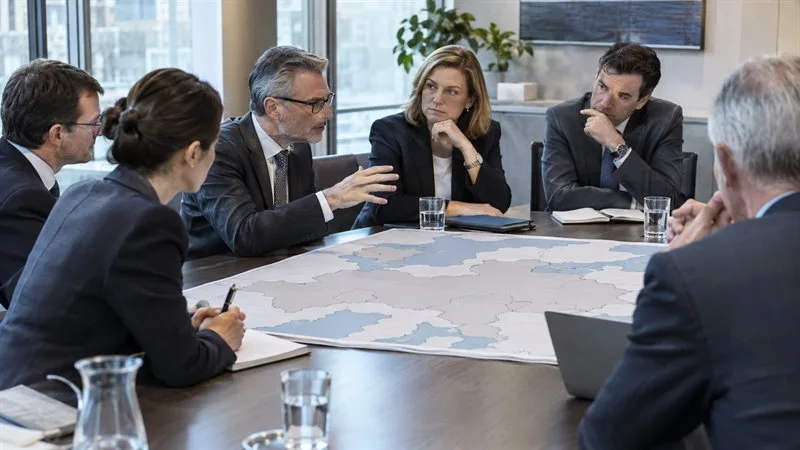
Would Europe Be Drawn into a Hypothetical U.S.-Israel-Iran Nuclear War? NATO Rules Explained
A guide to NATO Articles 4 and 5, UN self-defense rules, and why consultation does not mean automatic European entry into war.
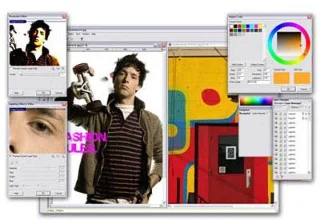
PhotoPlus provides a comprehensive range of features that a modern photo editing program should include, making it especially useful for general users.
While Photoshop remains the leading photo editing software, its high cost and demanding system requirements can be a barrier for many users. In contrast, PhotoPlus stands out as an exceptional choice as it offers similar capabilities in a more compact format that runs efficiently even on lower-spec devices.
| Feature | Description |
|---|---|
| File Compatibility | Works seamlessly with Photoshop and PaintPro file formats without needing additional applications. |
| Animation Creation | Allows users to create animations directly from images. |
| Image Manipulation | Resize, rotate, and crop images easily for optimal composition. |
| Photo Enhancement | Balance brightness, increase sharpness, and remove red-eye effects. |
| Layer Editing | Facilitates cropping and stitching images using layers. |
| File Optimization | Creates high-quality output files with minimized size, ensuring efficiency. |
| Adding Effects | Enhance images with various effects, icons, or text overlays. |
| Format Versatility | Save images in PDF and other formats for compatibility with other editing software. |
Moreover, PhotoPlus is regularly updated to include even more features that you will discover as you continue to use it.
A guide to NATO Articles 4 and 5, UN self-defense rules, and why consultation does not mean automatic European entry into war.

Assess claims about Iran in six steps, distinguishing uranium enrichment, weapons development and verified possession.

Understand nuclear decision authority in six steps, including US civilian control and the limits of public information about Israel.
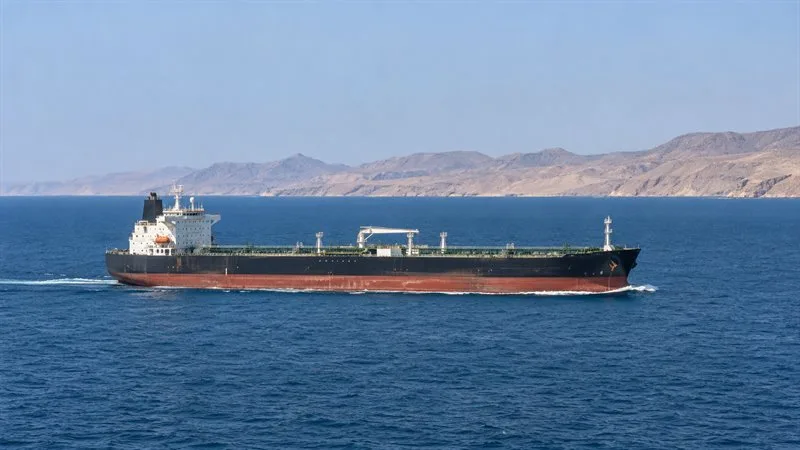
A guide to official 2026 evidence on Hormuz shipping disruption, Iran-related claims, confirmed incidents, and what remains uncertain.

A source-based guide to nuclear escalation risks, UN Charter rules and NATO Article 5 in a strictly hypothetical Iran scenario.
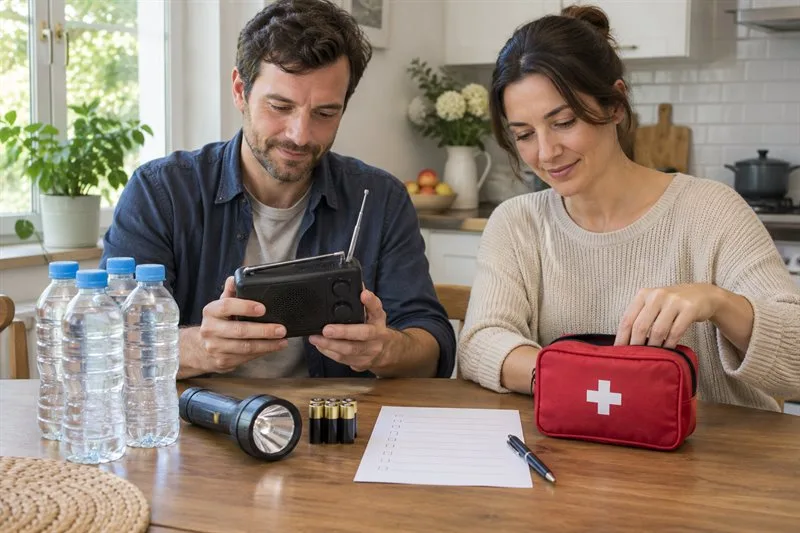
Use five steps to prepare for an outage; nuclear and EMP scenarios are hypothetical, and official shelter instructions come first.

Use 5 defensive steps to verify a cyber disruption, protect household accounts, and avoid mistaking an outage for war.
Use these 5 steps to assess climate effects from a hypothetical Iran strike, compare model assumptions, and avoid unsupported predictions.
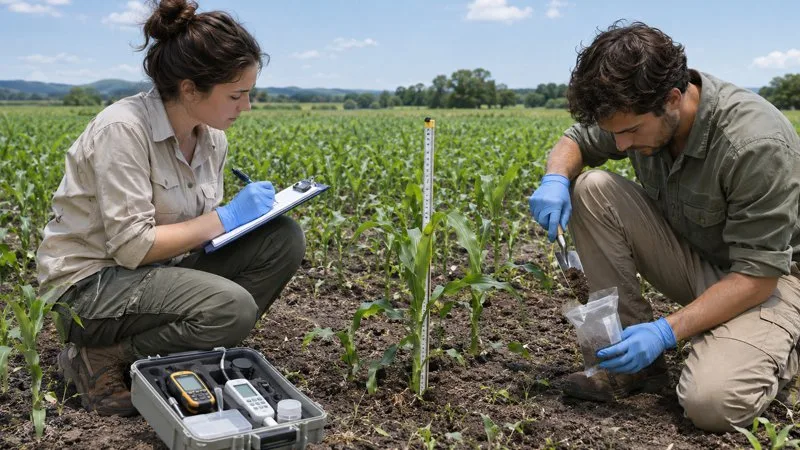
Explore six steps for reading research on climate, food and ecosystem recovery after a hypothetical nuclear conflict.
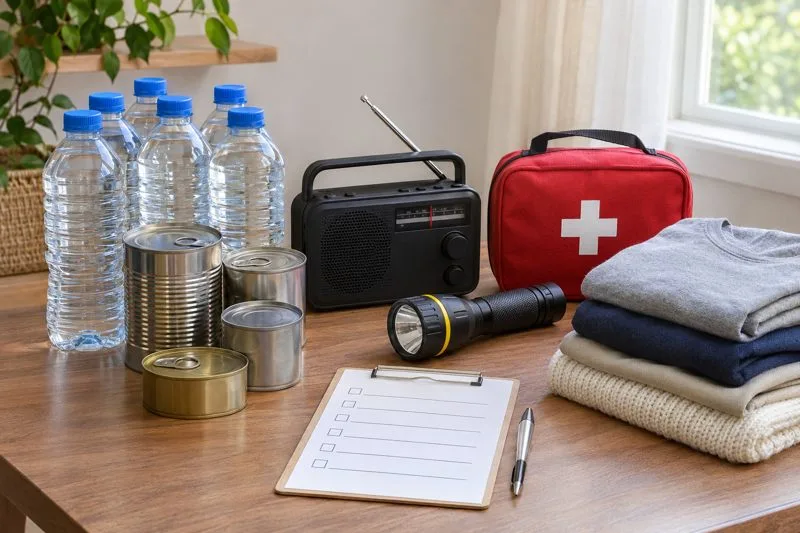
Build a practical fallout preparedness kit in six steps, with sealed food and water, a radio, medical supplies and shelter guidance.