Home
» Wiki
»
Updated Zalo Web Login Features for 2024-2025
Updated Zalo Web Login Features for 2024-2025
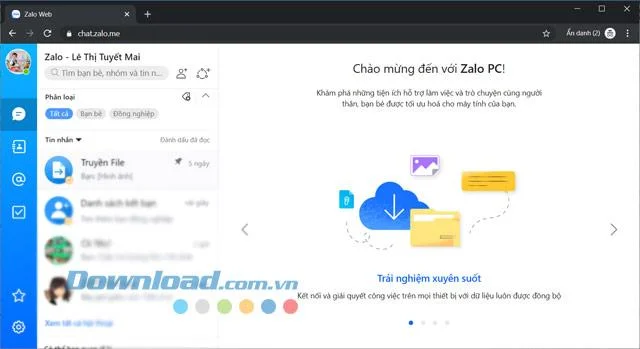
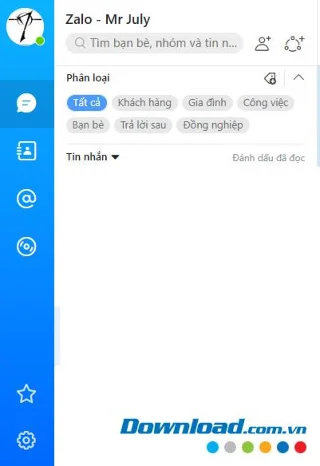
Zalo Web is the online version of Zalo that can be used right on a web browser without having to install. With Zalo? Web, you will easily chat with your friends anytime, anywhere immediately after logging into Zalo in your browser. Zalo Web Online is suitable for all browsers such as Google Chrome , Firefox , Coc Coc , etc.
On Zalo Online Web, you can customize some personal information on your Zalo account similar to the PC version without any difficulty.
Access Zalo Web for free texting and calling
Zalo Web allows Zalo users to login to their account without installing Zalo PC, but they can still enjoy texting and calling their friends and colleagues.
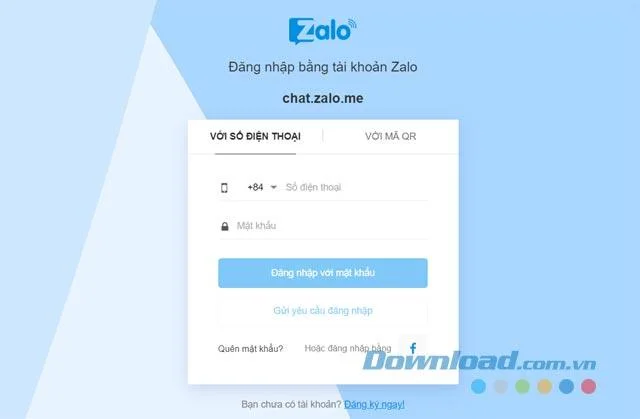
You can login Zalo Web with password, no need for password or scan QR code
Zalo Web is not quite full of features like Zalo PC, but the processing speed is extremely fast, allowing you to chat on Zalo anytime, anywhere without installing any additional software.
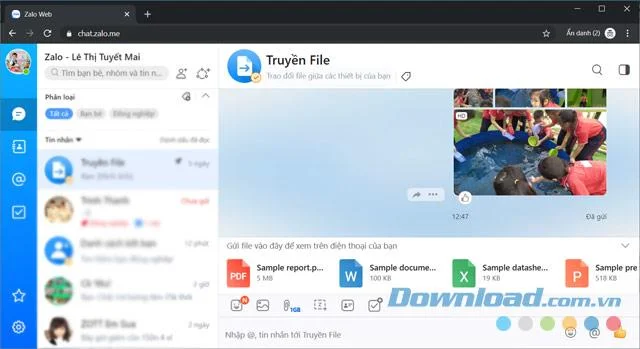
Zalo Web supports sending photos and videos up to 1GB quickly, but currently does not support sending folders like Zalo for PC. Moreover, Zalo Web helps categorize customers and manage groups more conveniently.
Transfer files between your computer and phone very conveniently
You can also pay for electricity bills, water bills, exchange group work, and shop very conveniently right on Zalo Web. In addition, you have capabilities to mark important messages, search messages, share messages, send voice messages, take screenshots, share locations, create custom images, create notes, assign tasks, and transfer files between PC and phone via File transfer.
To login, open any web browser like Google Chrome, Firefox, or Coc Coc. Then, access Zalo Web and login to your Zalo account. Zalo Web supports three login methods:
Method
Instructions
Password Login
Enter your phone number and password. The system will ask for an additional verification code, then click Sign in with password.
No Password Required
Enter your phone number and press the Submit login request button. Then confirm the login session on your phone.
QR Code Scan
Open Zalo on your phone and scan the QR Code to login to Zalo Web.
Note: A Zalo account can only be logged in on one computer or browser at a time.
Use Zalo Online to chat Zalo for free on the browser
Highlights of Zalo Web
Feature
Description
Free Chat
Allows free text chat, regular calls, and video calls.
No Installation Needed
Users can access directly from the browser.
Space Saving
Does not waste storage space on the machine.
Security
Low risk of viruses compared to installed applications.
User Friendly
Minimal manipulation required for use.
Stable Performance
Operates smoothly without lag.
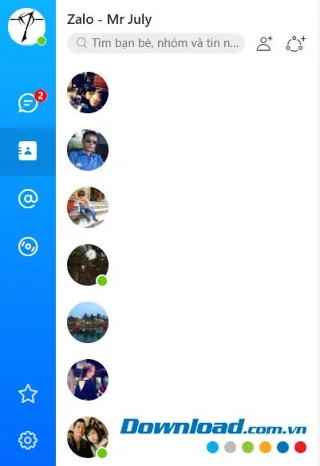
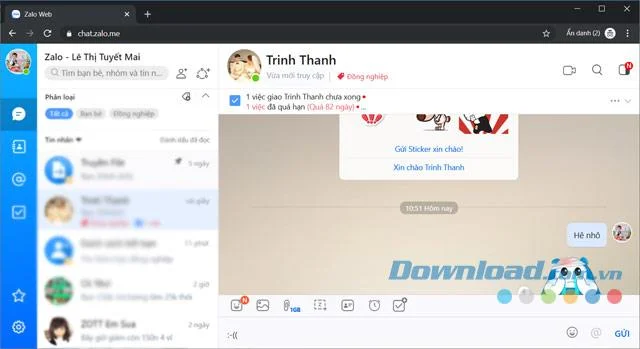
Zalo Online's interface is no different from Zalo PC
Special Features of Zalo Web
Enjoy free phone calls and free text messages to your contacts.
Supports sending files through chat windows of up to 1GB in size.
Supports sending up to 50 images at a time.
Send greeting cards, stickers, and animations.
Create groups for chatting with colleagues, friends, and family.
Sync messages with Zalo on your phone.
Use emoticons during chat.
Automatically sync contacts and display them on Zalo.
Easily search chat history and content.
Features to make friends and find new connections.
See history and details of shared media and files.
"File transfer" feature allows data transfer between Zalo Web and mobile version.
Pin important conversations.
Categorize conversations for easier management.
In addition to the above features, Zalo Web also allows users to change their language preferences, use shortcuts, and configure other basic settings.
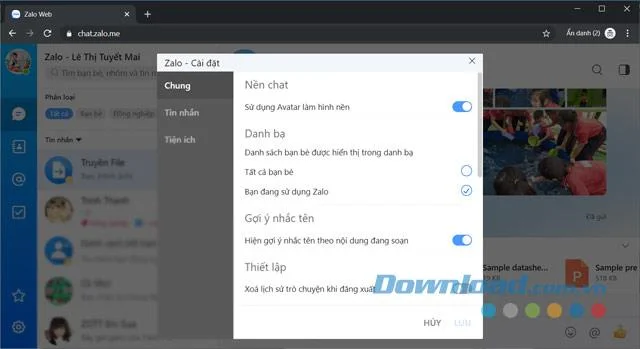
Settings interface of Zalo application
Beyond versions for Windows, Android, iOS, and Mac, Zalo Web is widely used because of its convenience. Messages and settings are fully synchronized to optimize user experience.
Now you no longer have to worry about your phone running out of battery or using a low-profile computer. You can still send loving messages to friends using Zalo Web.