How to use Click to Do on Windows 11
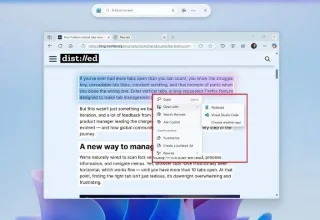
When you enable Click to Do, the feature works and understands the text or image you click on and then makes judgments to provide relevant contextual actions.
When you enable Click to Do, the feature works and understands the text or image you click on and then makes judgments to provide relevant contextual actions.

Turning on the keyboard backlight will make the keyboard glow, useful when operating in low light conditions, or making your gaming corner look cooler. There are 4 ways to turn on the laptop keyboard light for you to choose from below.
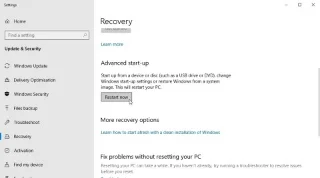
There are many ways to enter Safe Mode on Windows 10, in case you cannot enter Windows and cannot enter. To enter Safe Mode Windows 10 when starting the computer, please refer to the article below of WebTech360.
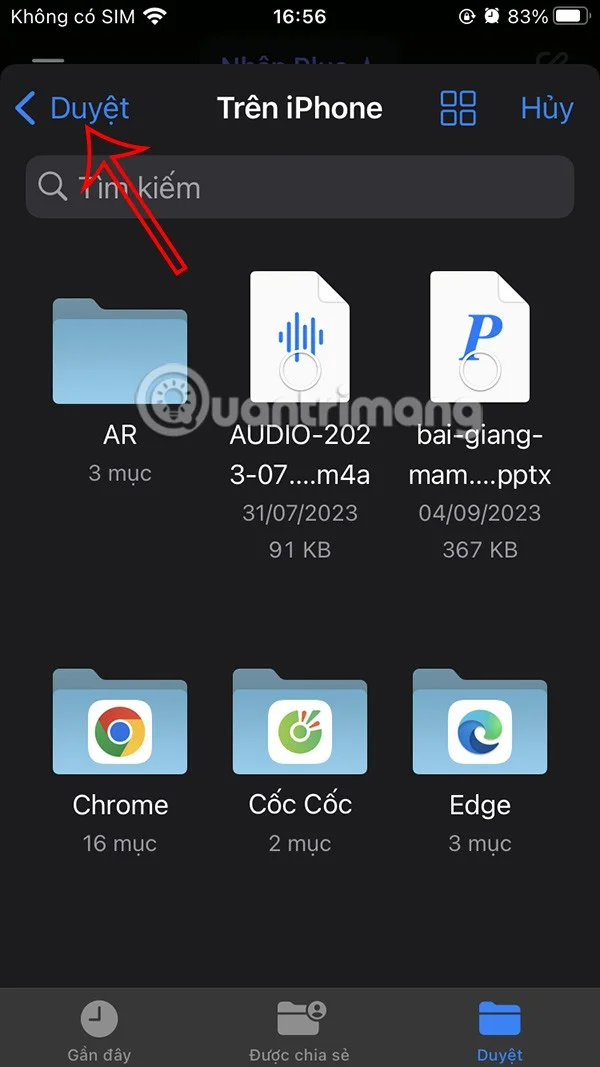
Grok AI has now expanded its AI photo generator to transform personal photos into new styles, such as creating Studio Ghibli style photos with famous animated films.
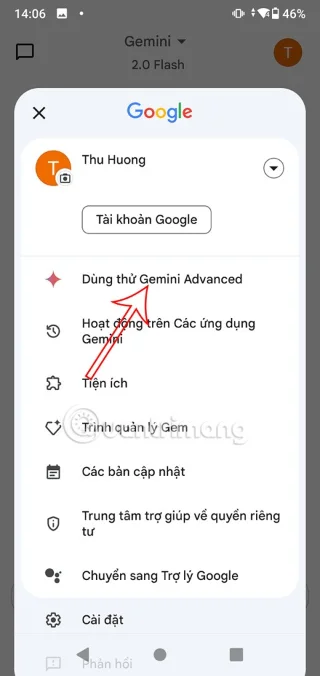
Google One AI Premium is offering a 1-month free trial for users to sign up and experience many upgraded features such as the Gemini Advanced assistant.
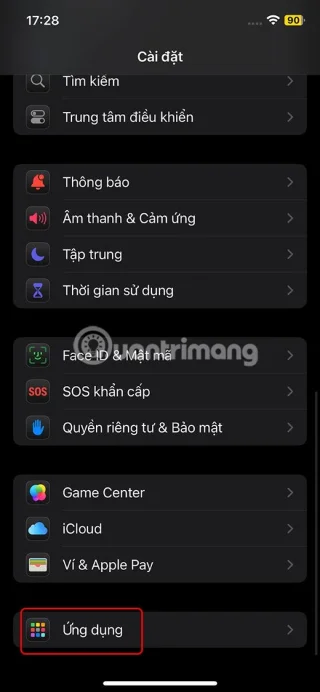
Starting with iOS 18.4, Apple allows users to decide whether to show recent searches in Safari.

Discover how professional sports teams use data analytics to boost revenue, improve performance, and create innovative income streams in modern athletics.
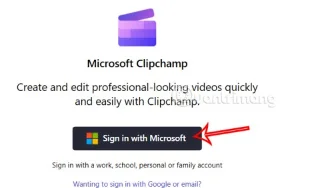
Windows 11 has integrated the Clipchamp video editor on Snipping Tool so that users can edit videos as they want, without having to use other applications.
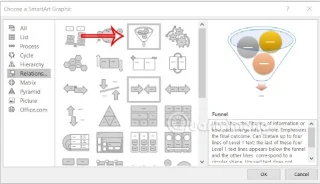
Funnel charts typically depict how different stages merge into a smaller output. Here's how to create a funnel chart in PowerPoint.
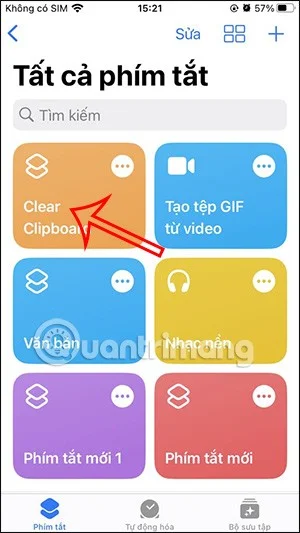
The Clipboard tool on iPhone will store images or data. However, when you save too much information, it can affect your privacy. If so, you can set a shortcut to clear the clipboard.
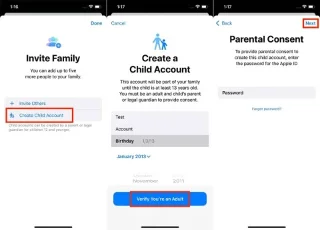
To ensure children's safety when using the phone, parents can create an Apple ID account for their children through the Family Sharing feature on iPhone.
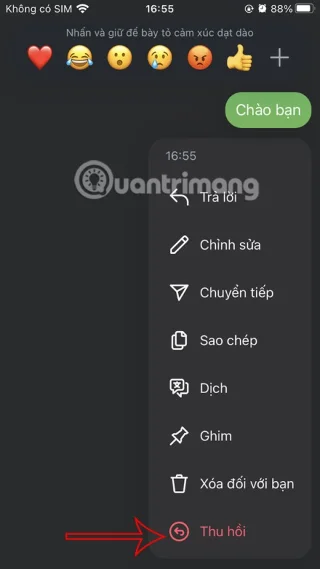
When chatting via direct message on Instagram, sometimes we accidentally send the wrong message, we can recall the Instagram message before the other person reads the content so that no one knows.
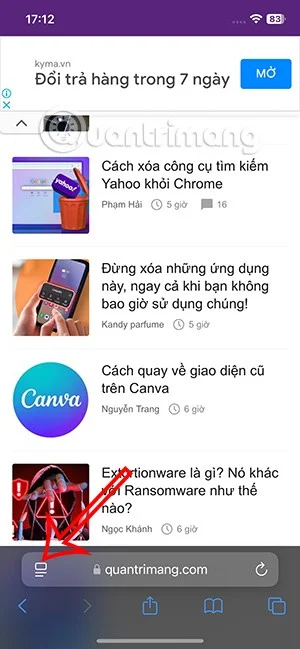
When you update to iOS 18 beta 5, you will be able to use the feature of hiding ads in Safari to avoid distraction when reading web content.

Google Gemini now allows users to share their conversations with others via a public link similar to sharing chats on ChatGPT.

The Microsoft Rewards program rewards users with points they earn for offers from brands they partner with. Here's one way you can earn Microsoft Rewards points.

Aya is a support champion with a rather annoying playstyle and is often banned in ranked matches. However, if you have the opportunity to bring Aya into ranked matches, this article will help you grasp the formula for playing Aya effectively.
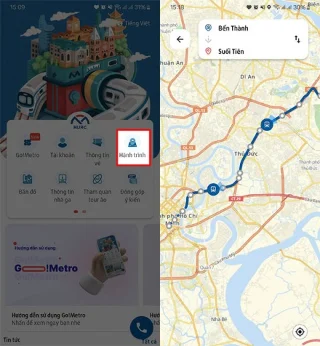
To make it easier to find information on Metro Line 1, users should install the Metro HCMC application to get information about the stations they need to go to and ticket prices for each route.
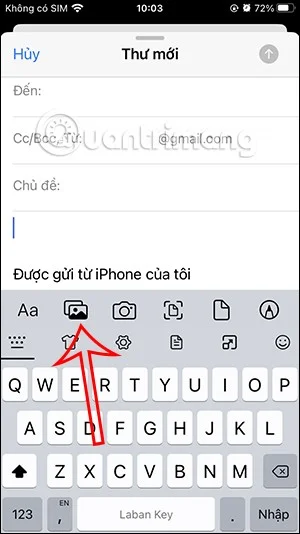
Just like the Gmail app, the Appe Mail app also has the option to send emails with file attachments to support users in the email sending process.
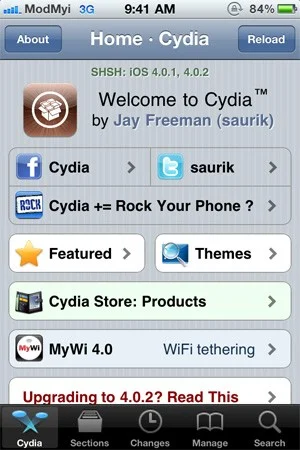
Cydia has become very familiar to users of jailbroken iOS devices. It is a third-party application store that provides users with applications (free and paid) that deeply intervene in the system so that iOS devices can be used more flexibly according to the user's preferences.
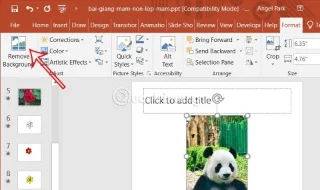
PowerPoint also has basic photo editing options to support users such as removing photo backgrounds in PowerPoint. When removing photo backgrounds, you can easily insert photos into slides without revealing the background image.
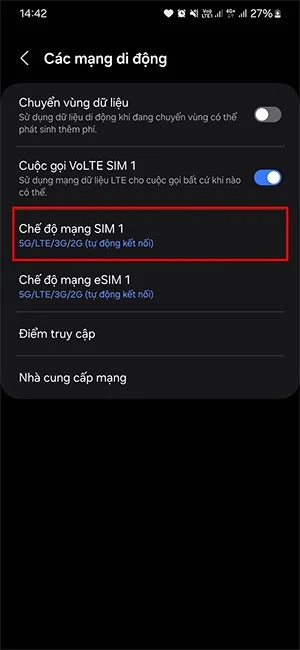
Currently, there are some phone lines that support 5G, but many people do not know how to check, do not know if the phone they are using supports 5G or not to activate and use.

Books and delicious cookies are an indispensable part of Duong Hanh Phuc Hotpot Restaurant. Let's find out how to use and collect these two items through this article with Quantrimang.
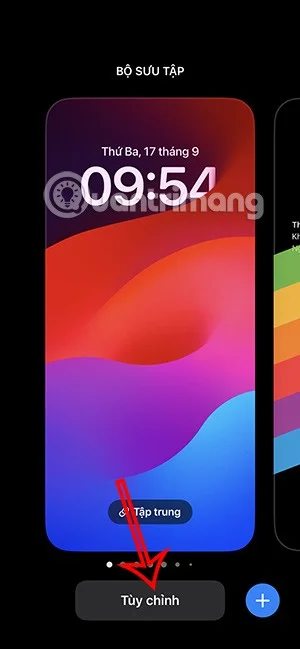
iOS 16 supports you to customize more iPhone lock screen, including adjusting the clock style, or setting a face-uncovering wallpaper on iPhone, setting a color lock screen on iPhone.
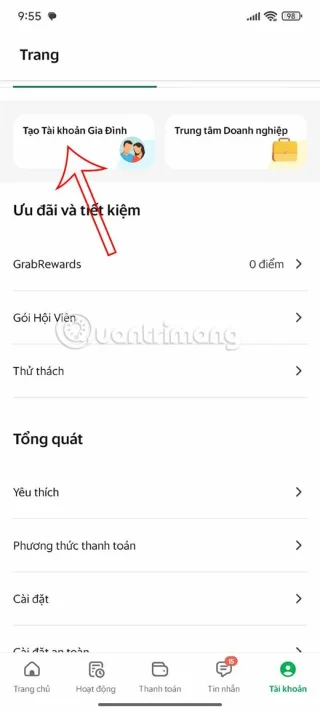
Grab Family Account is now available to users aged 18 and above. You can add up to 9 members to your Grab family account.
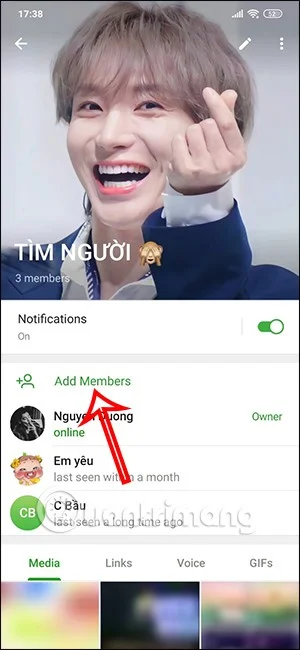
Each chat group on Telegram will have its own group link. When people click on the group, they will have the option to join the group on Telegram immediately.
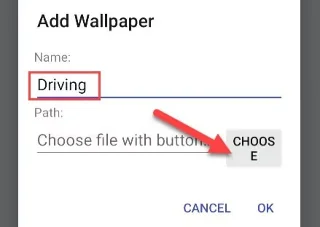
Are you bored with static wallpapers on your phone? Try this method of turning videos into beautiful wallpapers for Android.
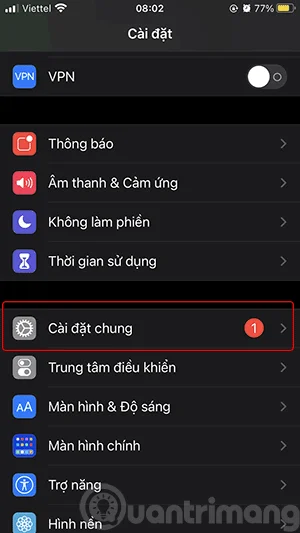
Updating your iPhone software (iOS) is a good idea. Updates are available for free from Apple. They apply the latest features and security fixes to your iPhone. Here's how to update your iPhone to the latest version of iOS.
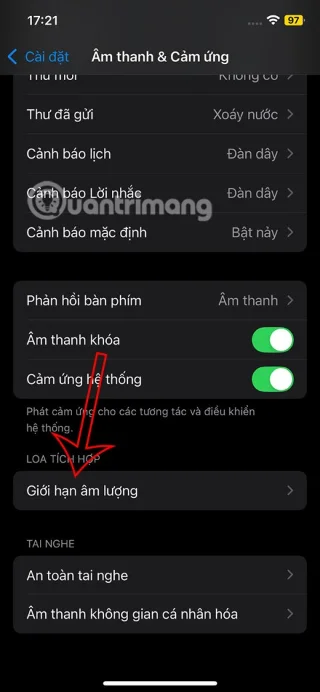
iOS 18.2 brings an option to limit iPhone speaker volume. Users can adjust how loud their iPhone speakers can play songs, videos, and other media.
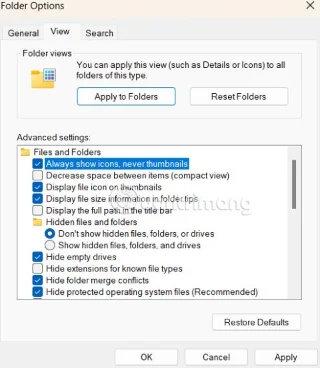
Due to personal privacy or some other reason, many people want to turn off Windows 11 File Explorer thumbnails. Below are instructions to turn off Windows 11 File Explorer thumbnails.
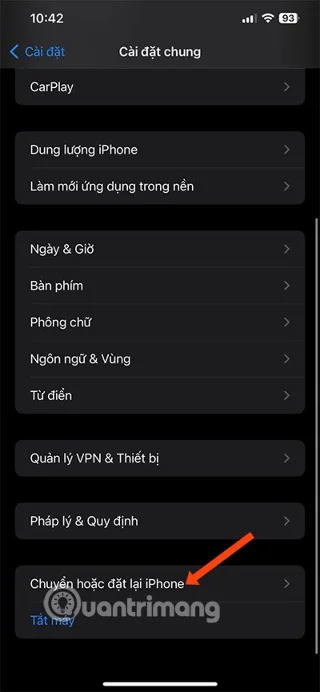
Resetting your iPhone is the easiest way to reset your iPhone settings to their defaults. Resetting your iPhone can help you fix a few simple problems. Here are the steps to restore your iPhone to factory settings.