Desk Decorating Ideas for a Spooky Office Cubicle

Create a spooky office cubicle with Halloween desk decor ideas that keep your workspace usable, tidy, and mindful of workplace safety.
General Motors (GM) and Nvidia have expanded their partnership to deploy artificial intelligence (AI)-based technology in next-generation vehicles and across GM's manufacturing facilities, according to a recent announcement.
Among the collaborative projects, GM will use Nvidia ’s Drive AGX platform to develop advanced autonomous driving technology, vehicle hardware, and AI-powered in-cabin experiences, including infotainment systems. Additionally, GM will leverage Nvidia’s Omniverse platform to create digital twins of its factories, enabling virtual testing and computer simulations to minimize downtime and maximize production efficiency.
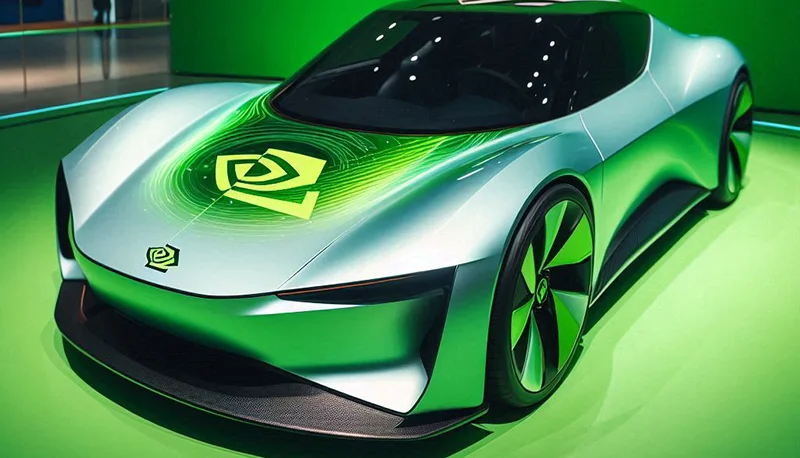
“In an era where artificial intelligence is fundamentally changing the world, General Motors is leveraging it to enhance manufacturing processes, revolutionize vehicle technology, and build smarter cars and superior customer experiences,” Dave Richardson , GM’s senior vice president of Software Engineering & Services, wrote in a blog post.
As the auto industry shifts toward more electric and software-defined vehicles equipped with advanced safety technology, partnerships between automakers and technology companies are becoming increasingly important to gain a competitive edge. GM says today’s car buyers expect more personalization and convenience features in their vehicles, and the company is partnering with Nvidia to deliver on that.
GM aims to enhance the electronic architecture of its vehicles, including integrating new AI-powered hardware and software that can be updated remotely over the air.
GM has been using Nvidia’s GPU platforms to train AI models across multiple areas of the company. The expanded partnership with Nvidia will now be used to optimize the design and operation of its assembly plants to maximize manufacturing efficiency.
“The era of physical AI is here, and together with GM, we are transforming the transportation industry, from the cars themselves to the factories that build them,” Jensen Huang , co-founder and CEO of Nvidia, said in a press release. “We are excited to partner with GM to build AI systems that match their vision, ingenuity, and know-how.”
The expanded partnership between Nvidia and GM was announced on the same day Nvidia unveiled new chip designs and its vision for using AI in physical operations, including manufacturing and robotics.
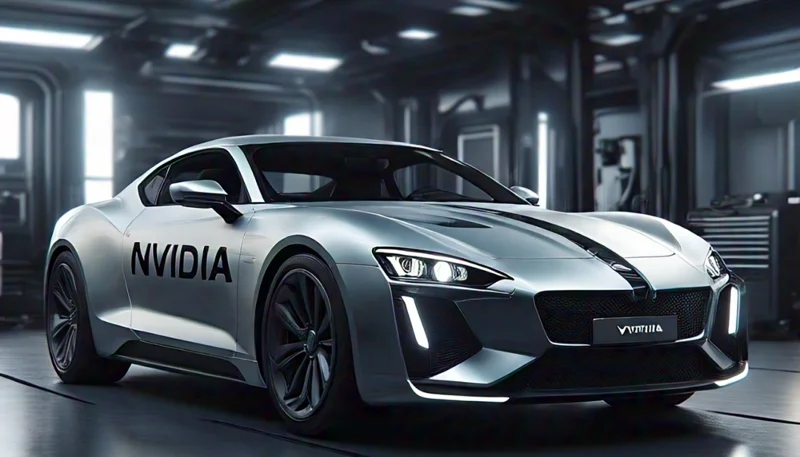
GM’s next-generation vehicles will be built on Nvidia’s AI-powered Blackwell architecture and run on the company’s DriveOS operating system. The hardware, capable of up to 1 trillion operations per second in high-performance computing, will power future GM vehicles’ autonomous driving systems and support large-scale safety deployments.
For GM’s manufacturing facilities, the automaker will use Nvidia’s Omniverse platform to create digital twins of vehicle production lines, enabling virtual testing and production simulations before actual implementation of processes on the factory floor. The Omniverse platform will also support the training of robots for tasks such as material handling and transportation, including precision welding of vehicle structures during assembly.

“GM has had a longstanding partnership with Nvidia, leveraging their GPUs across our operations,” GM CEO Mary Barra said in a statement. “By combining technology with human ingenuity, we are unlocking new levels of innovation in vehicle manufacturing and beyond.”
GM said development of new vehicle software platforms is going well and will underpin many upcoming GM vehicles, including the Chevrolet Equinox and full-size trucks like the GMC Sierra EV.
Create a spooky office cubicle with Halloween desk decor ideas that keep your workspace usable, tidy, and mindful of workplace safety.
Plan a recognizable Halloween 2026 look with pop culture costumes inspired by Spider-Man, Supergirl, Toy Story 5, Moana, Mario, and Wednesday.
Sort leftover Halloween candy safely, share or repurpose sealed treats, and choose food use or compost for pumpkins based on their condition.
Compare workplace Halloween costume choices by respect, dress code, mobility, and safety—and learn when a subtle accessory or a policy check is the better option.
Find a couples costume that fits your style, budget, and comfort level, from Addams Family classics to original inside-joke duos.
Need a last-minute high school Halloween costume? Compare 10 easy closet-based ideas by prep time, comfort, school-day practicality, and simple safety checks.
Use a simple 2026 Halloween decorating timeline for indoor décor, outdoor displays, and fresh pumpkins, with practical adjustments for weather and events.
Mix five vivid, approachable Halloween cocktails with measured recipes, simple prep tips, and an alcohol-free option for your party guests.
Find 15 office-friendly Halloween costume ideas for 2026, with practical checks for dress codes, respectful themes, comfort, and workplace safety.
Plan a fun elementary school Halloween party with easy crafts, games, inclusive treats, costume tips, and a sample 75-minute classroom schedule.








