Add Jibri Recording and Streaming to Jitsi Meet Docker
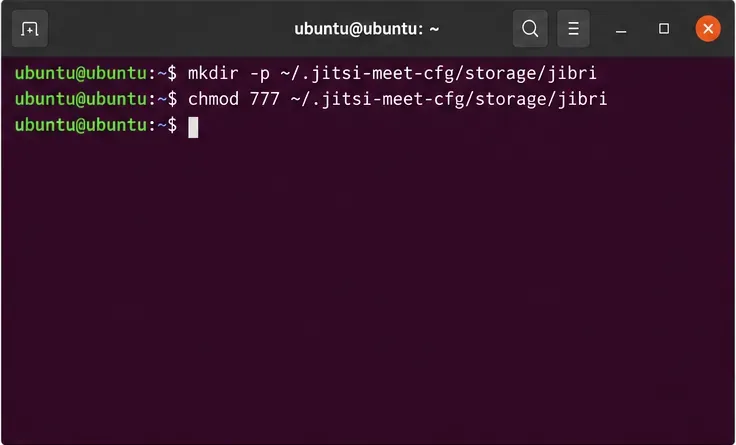
Enable Jitsi Meet recording and live streaming with the official Docker Compose Jibri service, secure XMPP credentials, writable storage, and practical verification steps.
Document translation
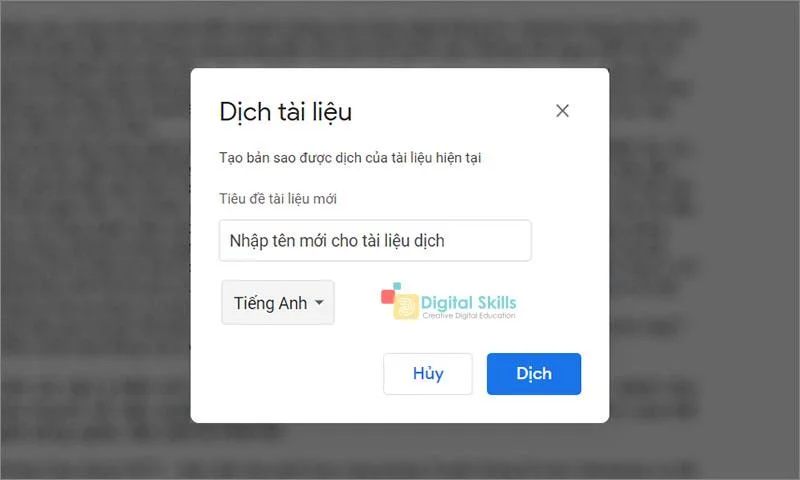
Change your typing language
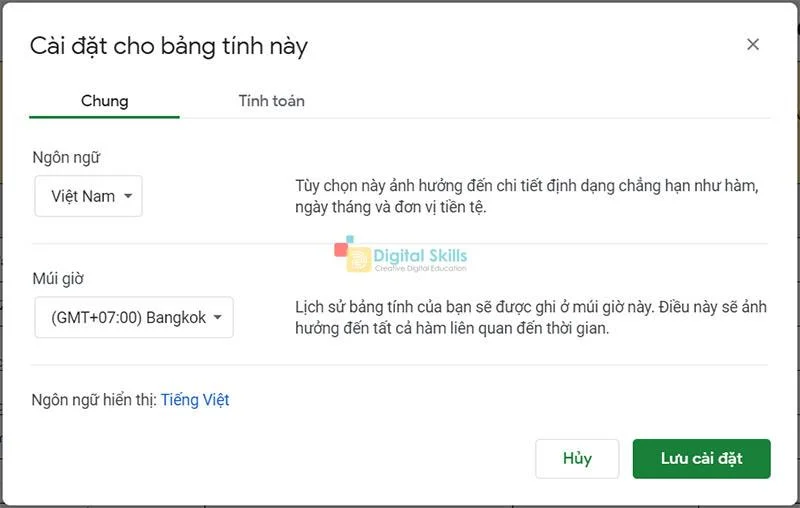
Note: You can also open the 'Tools Input menu' by pressing Ctrl + Alt + Shift + k (PC) or ⌘ + Option + Shift + k (Mac) on your keyboard.
Above are a few quick instructions on how to translate documents into another language on Google Docs, hope it will help you in the word processing process.
Enable Jitsi Meet recording and live streaming with the official Docker Compose Jibri service, secure XMPP credentials, writable storage, and practical verification steps.
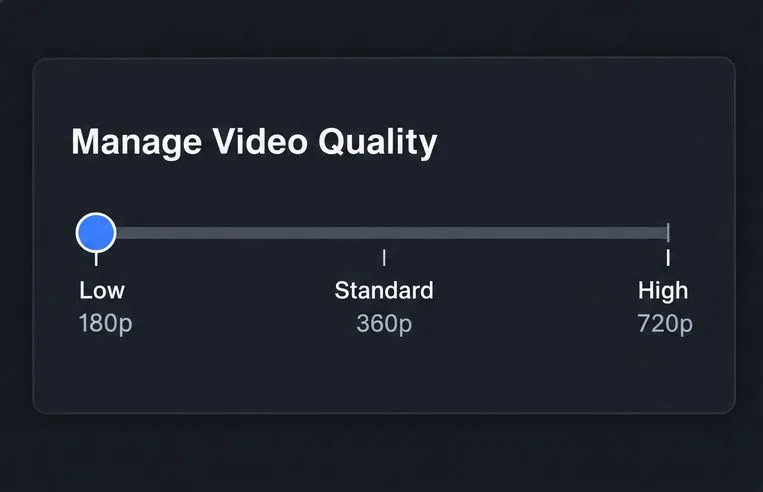
Lower Jitsi Meet video quality to 180p or 360p, reduce outgoing camera traffic, and test bitrate caps without sacrificing meeting audio.
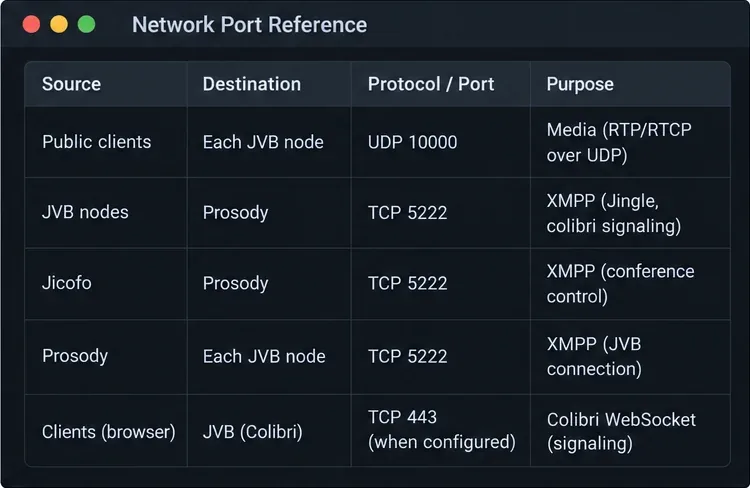
Trace bridge failures from service health to UDP 10000 and NAT mapping, then retest Jitsi Meet without opening unrelated firewall ports.
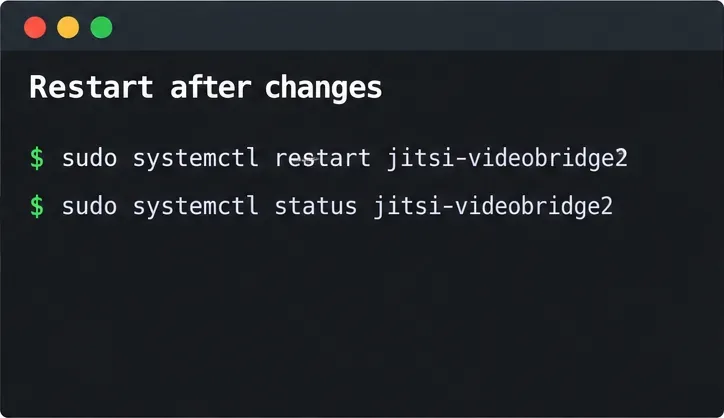
Add Jitsi Videobridge nodes for more concurrent meetings, configure OCTO only when a single conference must span bridges, and verify network paths and bridge discovery.
Discover whether the Rockefeller Center Christmas Tree is worth the hype. Follow 5 proven steps to avoid crowds and enjoy the holiday display.
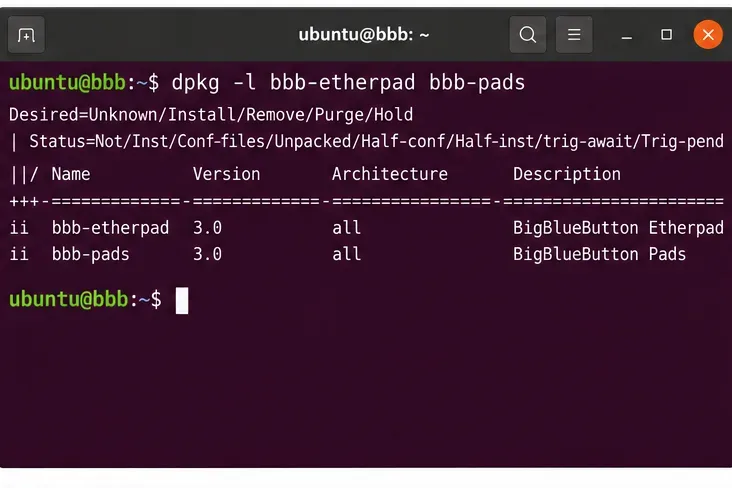
Check the version first, then install BBB 3.0's Etherpad packages and set the shared-notes editor globally or per meeting.
Use BigBlueButton’s echo test, headset, and browser audio settings to stop microphone feedback, then isolate network or server causes of audio lag.
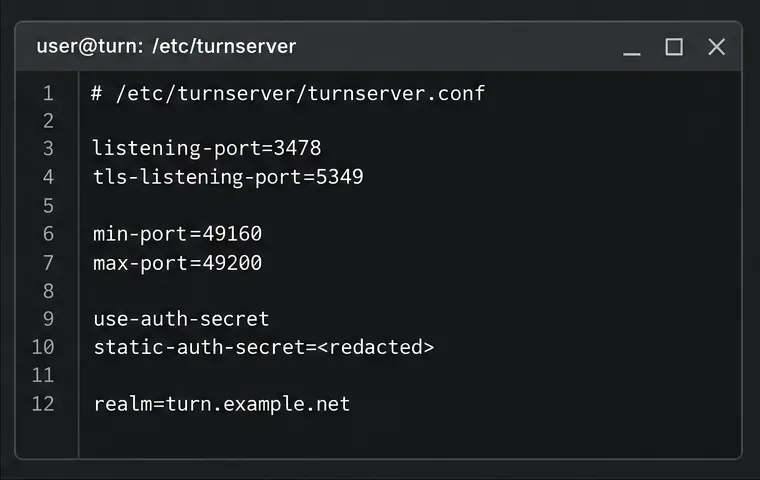
Configure coturn, NAT port forwarding, and Prosody so Jitsi can relay calls when direct media connections fail.
Master a 5-step guide to understand holiday inflation spending, balance family traditions with budget realities, and safeguard your finances.
Install Jitsi Meet from its official Ubuntu packages, obtain a Let’s Encrypt certificate, open the right ports, and verify secure meetings.