Enable Etherpad Shared Notes on BigBlueButton 3.0
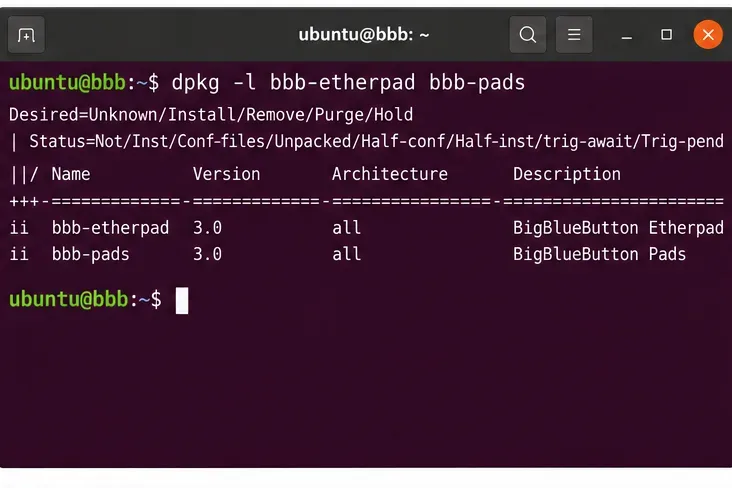
Check the version first, then install BBB 3.0's Etherpad packages and set the shared-notes editor globally or per meeting.
Every holiday season, millions of visitors descend upon Midtown Manhattan to catch a glimpse of the iconic Norway Spruce towering over Rockefeller Plaza. Between viral social media videos depicting shoulder-to-shoulder gridlock and postcard-perfect holiday movies, travelers often wonder: is the Rockefeller Center Christmas Tree really worth the hype, or is it just an exhausting tourist trap? The short answer is both—it is a dazzling, historic spectacle if approached strategically, but an overcrowded nightmare if you show up unprepared during peak evening hours. This tutorial walks you through planning, visiting, and photographing the Rockefeller Center Christmas Tree step by step to maximize holiday magic while skipping the crowds and tourist traps.
Before heading to 45 Rockefeller Plaza (between 49th and 50th Streets and 5th and 6th Avenues), review the key visit requirements below:
| Planning Factor | Details & Specifications |
|---|---|
| Difficulty Level | Easy to Moderate (physical standing, walking, and cold weather endurance) |
| Estimated Time | 30–45 minutes for tree viewing; 2+ hours if combining with skating or Saks light show |
| Admission Cost | 100% Free for street and plaza viewing (skating requires paid tickets) |
| Illumination Hours | Daily from 5:00 AM to 12:00 Midnight EST (UTC-05:00); 24 hours on Christmas Eve; 5:00 AM to 9:00 PM on New Year's Eve |
| Essential Gear | Windproof winter coat, touch-screen thermal gloves, insulated footwear, portable phone power bank |
Timing determines whether your visit feels enchanting or claustrophobic. Avoid peak windows—especially Friday through Sunday evenings between 5:00 PM and 9:00 PM EST, as well as the opening Tree Lighting Ceremony night, when pedestrian pathways are strictly barricaded into single-file cattle pens. Instead, choose one of two optimal viewing windows:
During December, the closest subway station, 47-50 Sts-Rockefeller Ctr (B, D, F, M trains), suffers extreme underground congestion. For smoother foot traffic, disembark instead at 5th Avenue-53rd Street (E, M trains) or Grand Central-42nd Street (4, 5, 6, 7, S trains) and walk north. Approach Rockefeller Center along 49th Street or 51st Street rather than pushing directly into the Fifth Avenue bottleneck.
Do not fight for standing space at the narrow entry of the Channel Gardens. To capture stunning, unobstructed views and photos without paying for VIP deck tickets, utilize these three tactical vantage points:
The Rockefeller tree alone takes under an hour to view. Transform your outing into a comprehensive, high-value holiday walk without paying high tourist prices by stringing together nearby attractions within a three-block radius:
Avoid buying snacks, hot cocoa, or souvenirs from street carts immediately adjacent to the plaza, where markups are excessive. Walk two blocks west toward Ninth Avenue in Hell’s Kitchen or two blocks east toward Lexington Avenue for authentic local bakeries, independent coffee shops, and classic New York diners offering quality refreshments at fair neighborhood prices.
Yes. Viewing the tree from Rockefeller Plaza, the Channel Gardens, and surrounding sidewalks is 100% free and open to the public without reservations or tickets. Only specialized activities—such as ice skating at The Rink or visiting the Top of the Rock observation deck—require paid tickets.
The tree is typically illuminated in late November or early December and remains on display with daily illumination through mid-January, giving travelers ample opportunity to visit after holiday tourist crowds decline in January.
No. You do not need to skate or purchase rink admission to see the tree. The tree stands high above the sunken plaza ice rink and is visible to everyone standing along the street level and garden promenades.
Check the version first, then install BBB 3.0's Etherpad packages and set the shared-notes editor globally or per meeting.
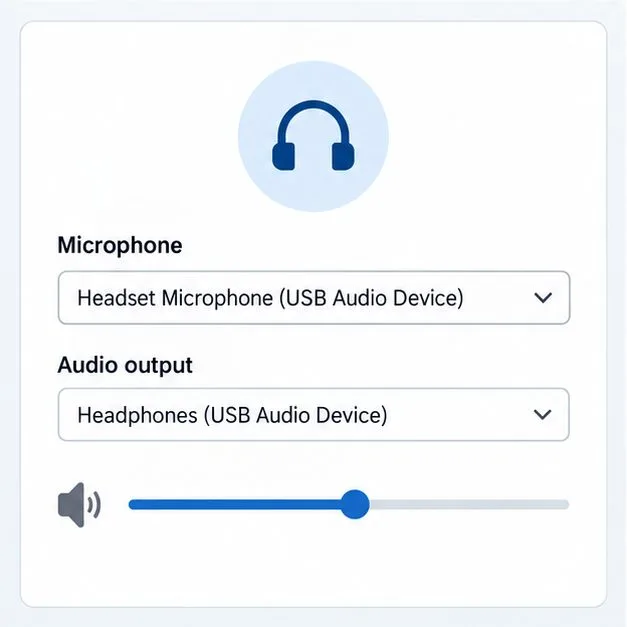
Use BigBlueButton’s echo test, headset, and browser audio settings to stop microphone feedback, then isolate network or server causes of audio lag.
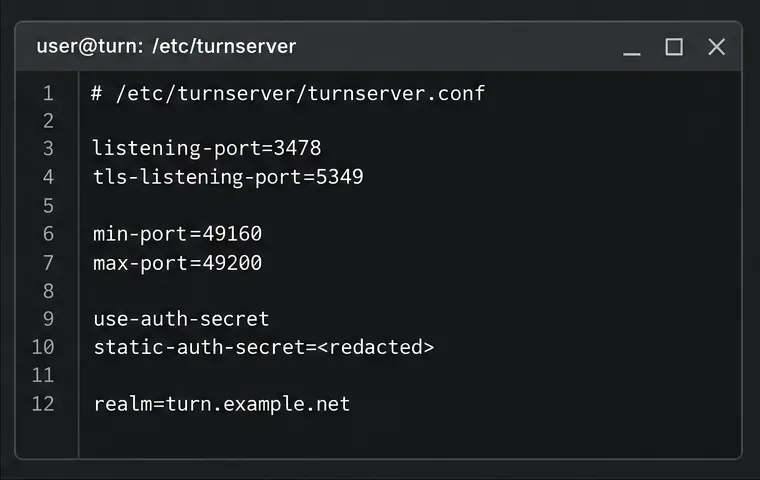
Configure coturn, NAT port forwarding, and Prosody so Jitsi can relay calls when direct media connections fail.
Master a 5-step guide to understand holiday inflation spending, balance family traditions with budget realities, and safeguard your finances.
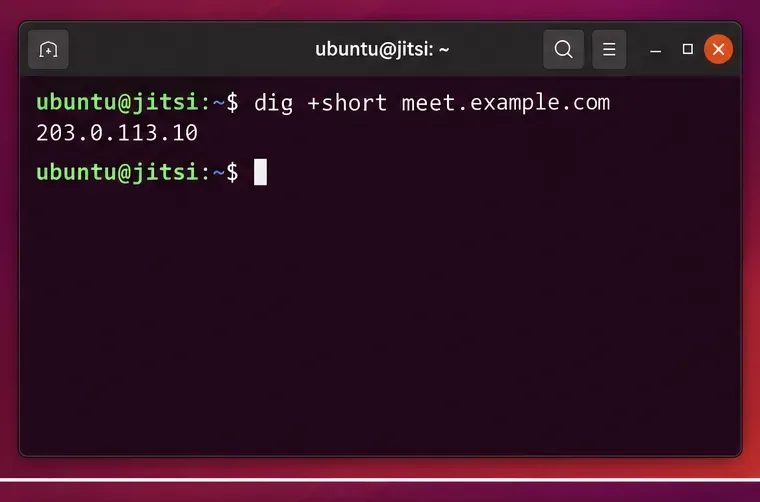
Install Jitsi Meet from its official Ubuntu packages, obtain a Let’s Encrypt certificate, open the right ports, and verify secure meetings.
Discover what happens behind the scenes of Giving Tuesday donations across 6 detailed steps, from payment gateways to matching fund delivery.
Reduce browser CPU spikes in Jitsi Meet by limiting incoming video, tuning camera use, checking hardware acceleration, and testing the result.
Set a meeting title, enable the logo area, and choose a default or per-meeting logo on a self-hosted BigBlueButton server.
Use this 4-step guide to compare AI shopping help with holiday sales, verify prices, and choose gifts with confidence this December.
Set up the Moodle activity, add the matching BigBlueButton endpoint and shared secret, then verify teacher, student, and media access.