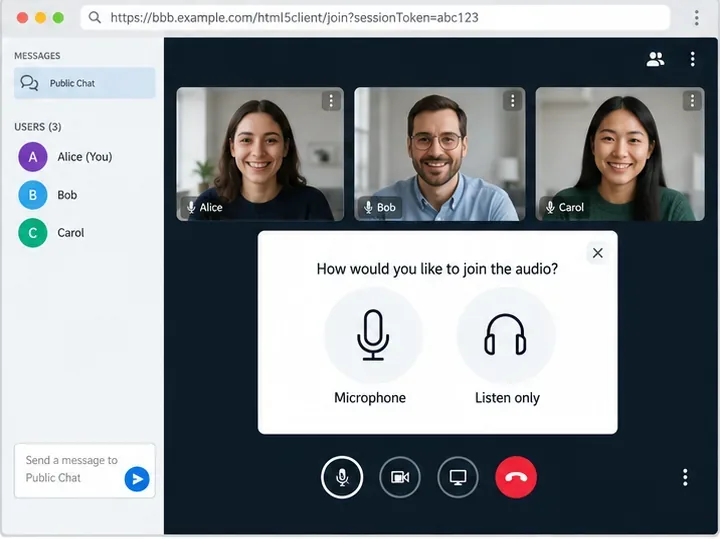
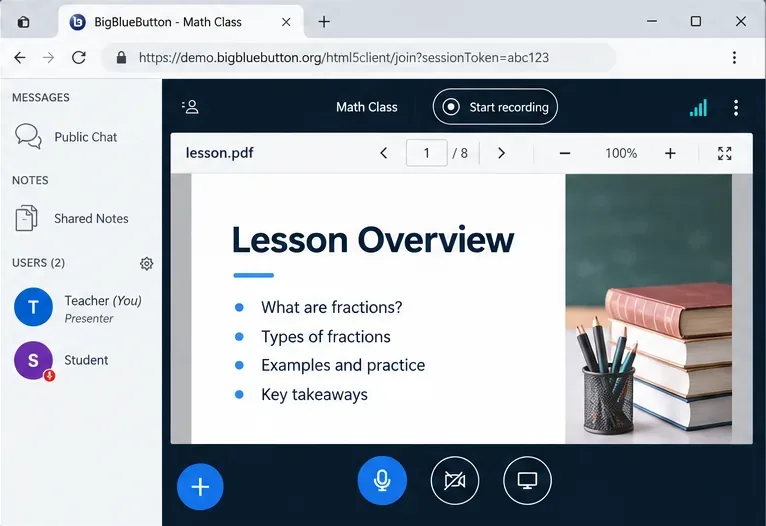
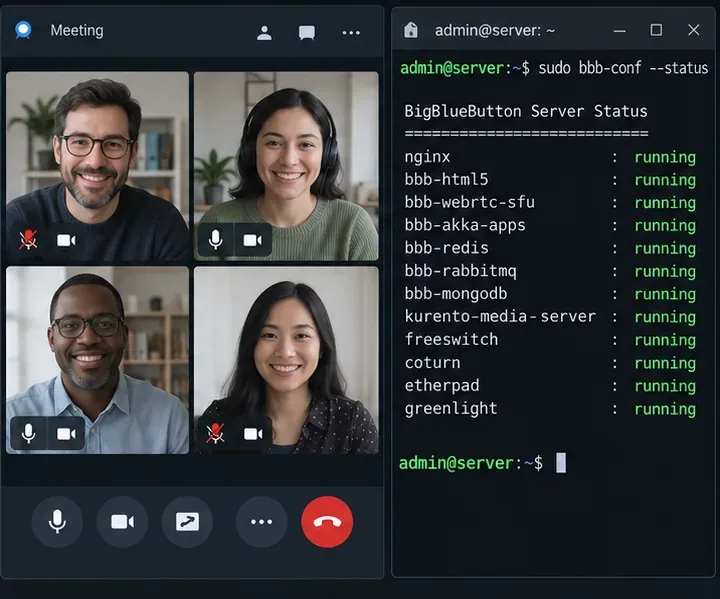
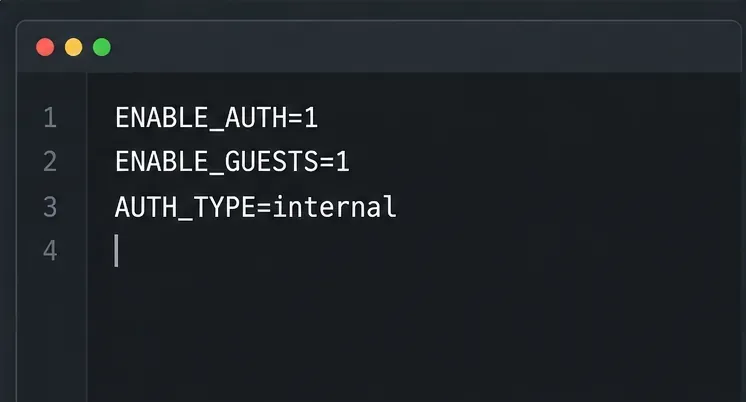
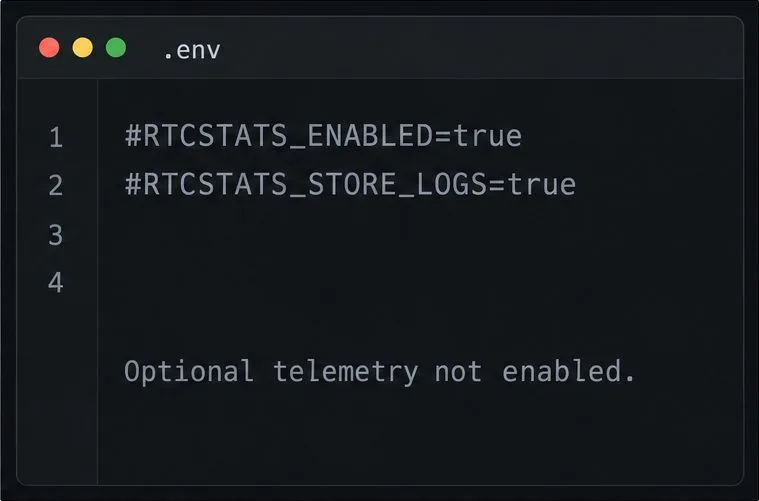
Brand BigBlueButton Meetings with Your Logo and Client Name
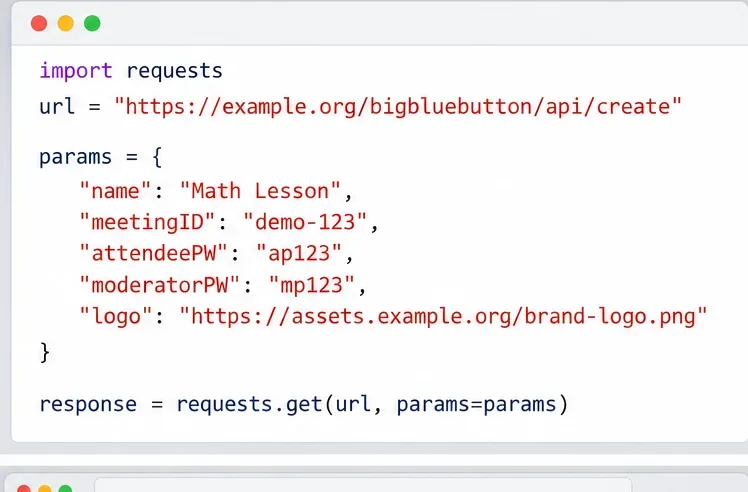
Set a meeting title, enable the logo area, and choose a default or per-meeting logo on a self-hosted BigBlueButton server.
AI shopping assistants can speed up gift research, compare products, track prices, and help build shopping lists. But will they completely replace traditional holiday sales this December? Retailers’ current offerings suggest a more practical answer: AI is becoming another way to shop, while stores, sales, and human help remain part of the holiday mix. Amazon describes features for research, comparison, price tracking, and shopping tasks; Target’s 2026 holiday announcement pairs its beta AI assistant with gift selections and daily deals. These are company descriptions of their services, not proof that every recommendation or advertised price is the best choice.
This guide is for shoppers deciding when to use an AI assistant and when to check a retailer’s regular sale pages or visit a store. Follow the four steps to compare options, check the details that matter, and make a more informed purchase.
Write down who the gift is for, what they like, your maximum budget, and when you need it. Add practical requirements such as size, compatibility, age suitability, materials, or return flexibility. These details give an assistant useful context and make it easier to spot suggestions that miss the mark.
Keep personal details general. For example, ask for “a practical cooking gift under $50 for someone who enjoys baking” instead of sharing a recipient’s full name, address, or other private information. Treat any AI recommendation as a starting point, not an endorsement.
Open the retailer’s shopping assistant, if available, and describe the recipient, occasion, budget, and requirements. Ask it to suggest several options and explain the differences. You can also ask what features to compare or which questions to answer before buying.
Retailer tools vary by location, account, and rollout. For example, Amazon’s current U.S. Alexa for Shopping information describes conversational product research, comparisons, price history, and gift-list help. Target says its Ask Target assistant is available in beta on Target.com and its app for holiday gift discovery. Availability and functions may change; check the retailer’s current app or website.

Open each promising product page and confirm the exact model, size, color, included accessories, seller, shipping date, and return terms. Read recent customer reviews critically, especially for products where quality or fit matters. An assistant may summarize information, but the product listing and retailer’s terms are where you should confirm current details.
Check the sale price directly. Compare it with the retailer’s displayed price history when available and, if useful, check another retailer. A discount label alone does not establish that a price is unusually low. Also compare the total cost, including shipping, membership conditions, taxes where shown, or required bundles.
Buy online, reserve for pickup, or visit a store based on your deadline and the kind of help you need. For a time-sensitive gift, verify the delivery estimate at checkout and consider a local pickup option if one is offered. For fit, complex compatibility, or a product you want to inspect, store staff can answer questions and you can examine the item in person.
Before placing an order, review the final cart yourself. Confirm the quantity, seller, delivery address, delivery date, and return policy. If an assistant offers an automated purchase or price-triggered order, read what it will buy and under what conditions before enabling it.
AI assistants may change how shoppers discover products and compare deals, particularly when they want tailored suggestions or help narrowing a large selection. They do not make traditional holiday sales disappear. Retailers continue to promote seasonal offers, and shoppers may still prefer browsing sale pages, comparing stores, speaking with an employee, or seeing a product in person. The practical approach is to use AI for speed and organization, then use retailer listings and your own judgment to verify the purchase.
Sources checked: Amazon’s Alexa for Shopping overview; Target’s 2026 holiday gift announcement.
There is no basis to say they will completely replace them. Retailers are adding AI discovery tools while continuing seasonal gift offers and other shopping options. Use an assistant as one part of your comparison.
It may help surface products, deals, or price history, depending on the retailer and feature availability. It cannot guarantee the lowest price across every store or account for every promotion. Check the product page and compare the final price yourself.
Only enable an automated purchase after checking the item, price condition, account settings, and payment method. If the service supports adding items to a cart instead of placing an order, review the cart before checkout.
Set a meeting title, enable the logo area, and choose a default or per-meeting logo on a self-hosted BigBlueButton server.
Use this 4-step guide to compare AI shopping help with holiday sales, verify prices, and choose gifts with confidence this December.
Set up the Moodle activity, add the matching BigBlueButton endpoint and shared secret, then verify teacher, student, and media access.
Master U.S. holiday etiquette in 5 clear steps, avoiding conversation faux pas, tipping mistakes, and host blunders for a smooth, festive trip.
Point a Jitsi Meet Docker hostname to your server, configure PUBLIC_URL and HTTPS, then verify browser access and media.
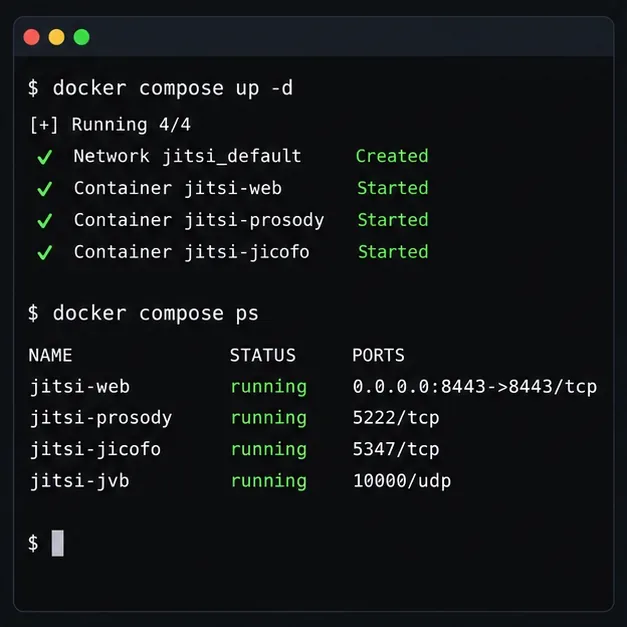
Trace the failing Jitsi service from Compose status to its logs, then fix missing secrets, unwritable mounts, or resource failures safely.
Resolve unsupported presentation uploads in BigBlueButton by choosing the right format, checking the real file type, and identifying server-side failures.
Trace KMS crashes to resource pressure, verify your BigBlueButton media path, and apply the supported fixes without guessing at capacity.
Set up local host accounts on a self-hosted Jitsi Docker server, then add a separate password to meetings that need tighter guest access.
Disable optional Jitsi analytics and rtcstats, then set a separate retention policy for Docker logs so privacy controls do not erase troubleshooting evidence.