How to Tell Why Some U.S. Cities Thrive in December: A 5-Step Guide

Use this 5-step guide to assess weather, visitors, events, and downtown design—and understand why some U.S. cities feel lively in December.
If attendees cannot hear or send audio after entering a BigBlueButton breakout room, first leave the audio conference and rejoin from inside that room, then confirm the browser has microphone permission and the correct speaker is selected. If only a moderator’s “Listen to this room’s audio” action fails from the main room, check the audio bridge: BigBlueButton’s current 4.0 release-testing guide says that specific feature requires LiveKit. Those are separate problems, so identify which one you have before changing server settings.
The notes below distinguish browser-side checks from administrator diagnostics. BigBlueButton’s current documentation includes a 4.0 branch whose feature notes list recent release candidates; production installations may be on 3.0 or configured for a different bridge. Confirm the server version and audio bridge before applying bridge-specific advice.
| What you see | Most useful first check |
|---|---|
| One person has no audio in one breakout | Rejoin audio in the room; verify browser permission, device selection, mute state, and output volume. |
| Several people in one breakout cannot connect | Compare with the main room and another breakout; capture any WebRTC error code for the administrator. |
| Audio fails in the main room and every breakout | Ask the administrator to check server health, UDP reachability, and TURN configuration. |
| Participants hear each other, but the moderator cannot listen from the parent room | Check whether the installed version and configured audio bridge support the moderator listen action. |
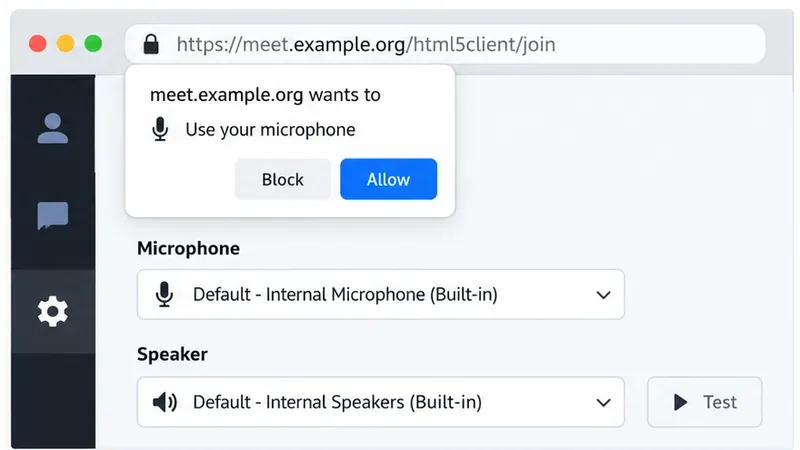
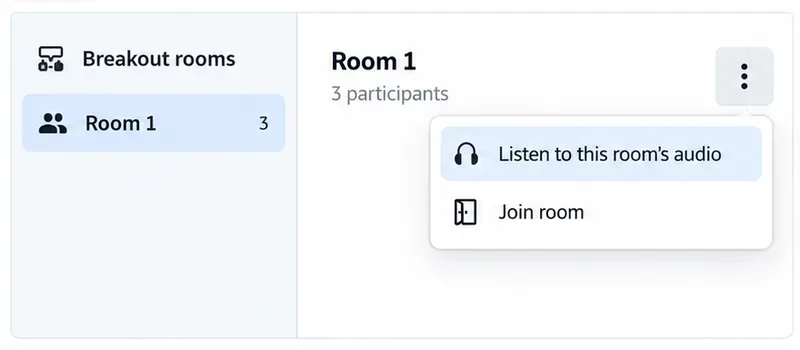
BigBlueButton documents a separate moderator action for listening to a running breakout without joining it. In the 4.0 release-testing guide, it requires the LiveKit audio bridge: the moderator first joins audio in the parent meeting, opens the Breakout Rooms panel, and chooses Listen to this room’s audio from a running room’s options. The main-room audio should go silent while the moderator listens, and a notice should provide a “Return to main room” action.
If that option is missing or the moderator hears nothing, check the exact BigBlueButton version and bridge selection before treating it as a participant audio fault. If the feature is unavailable, use the documented Join room or Ask to join action to enter the room and listen there. Do not change the server’s audio bridge solely to enable monitoring without reviewing the deployment’s version-specific guidance.
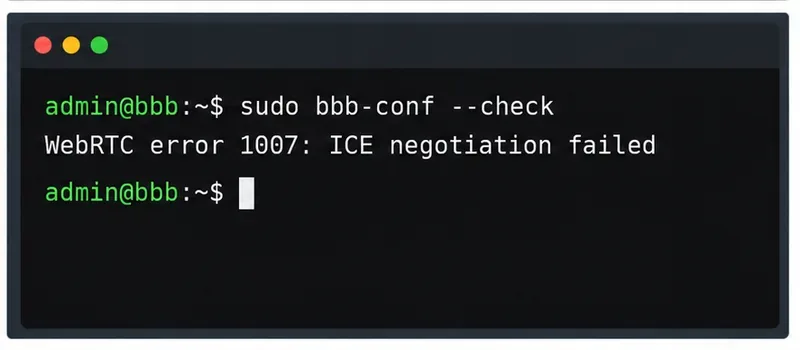
When multiple people or rooms fail, ask an administrator to run sudo bbb-conf --check and sudo bbb-conf --status. The first checks the installation for common configuration and service problems; the second helps identify components that are not running. Record the exact error text and note whether the issue affects one user, one breakout, or the entire meeting.
| Code | Documented meaning | Next check |
|---|---|---|
| 1002 | Could not make a WebSocket connection | Check the server/proxy WebSocket path and the relevant media service. |
| 1004 | Browser could not play back the established audio stream | Retry after reloading the client; check the selected output device and browser media state. |
| 1007 | ICE negotiation failed | Check NAT, the advertised external media address, and UDP firewall rules; a restrictive network may need TURN. |
| 1010 | ICE negotiation timed out | Check whether the browser can reach the media path without UDP filtering or routing delays. |
For BigBlueButton 3.0, the official firewall guide documents TCP 80/443 and UDP 16384–32768 for its stated media configuration. Confirm the port requirements for your exact release and selected bridge before changing firewall rules. If users on a restrictive network cannot send UDP, the official TURN guidance explains how a TURN relay can help WebRTC traffic traverse NAT or firewall restrictions.
For a 4.0 deployment, LiveKit is documented as the default media framework, with the previous stack available as an alternative. If the server has multiple network interfaces and negotiation is failing, check the 4.0 LiveKit interface configuration and logs with the administrator; the project recommends selecting the correct interfaces in /etc/bigbluebutton/livekit.yaml and restarting livekit-server after a deliberate change. Do not copy old FreeSWITCH or mediasoup settings into a LiveKit deployment without verifying the actual bridge.
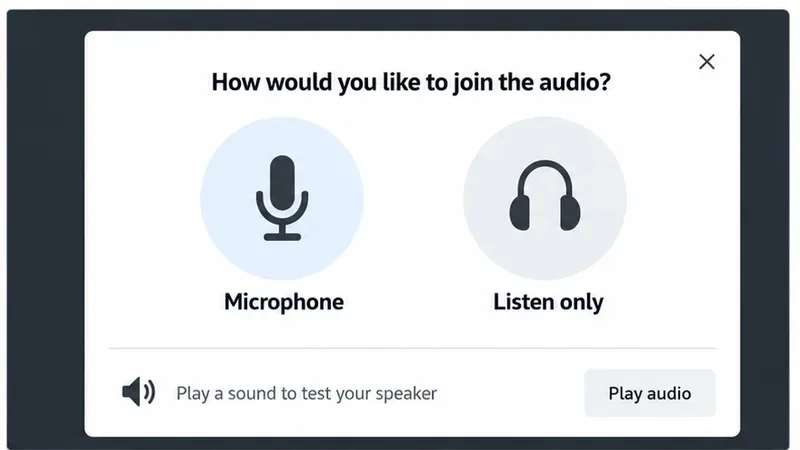
Run a short test with two participants: join the main room, open a breakout, and confirm one person can transmit while the other hears them. Repeat once with Listen only. If moderator monitoring is required, test the listen action from the parent room only after confirming LiveKit support for that version. Then return to the main room and verify audio resumes. If the same error remains, give the administrator the version, bridge, error code, affected room scope, and whether the echo test succeeded.
Use this 5-step guide to assess weather, visitors, events, and downtown design—and understand why some U.S. cities feel lively in December.
Trace ugly Christmas sweaters from midcentury knitwear to U.S. party staple and specialty retail. Five milestones explain the trend and its sales claims.
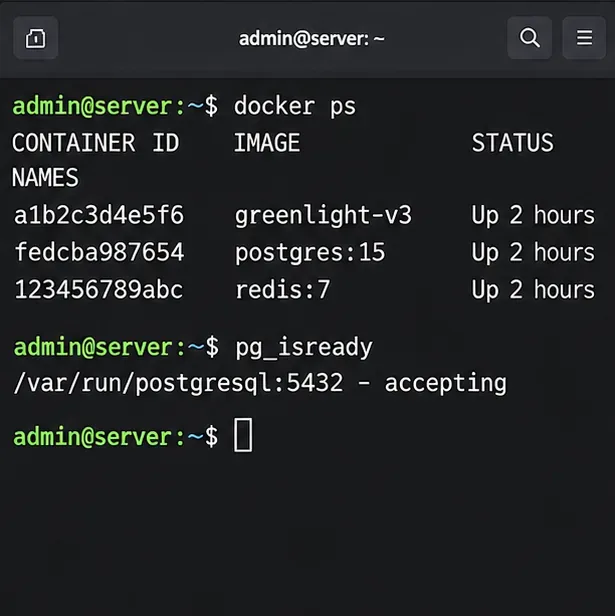
Trace a BigBlueButton Greenlight 500 error through application logs, PostgreSQL, Redis, environment settings, and Nginx without risking room data.
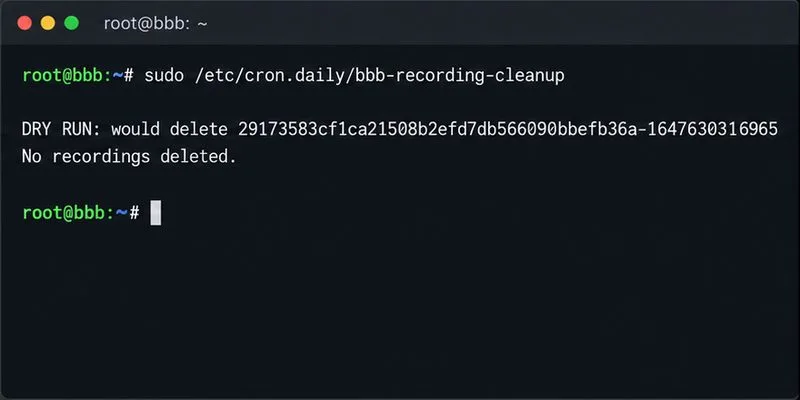
Preview which published recordings exceed your retention period, then schedule BigBlueButton cleanup with a logged daily script and a dry-run safeguard.
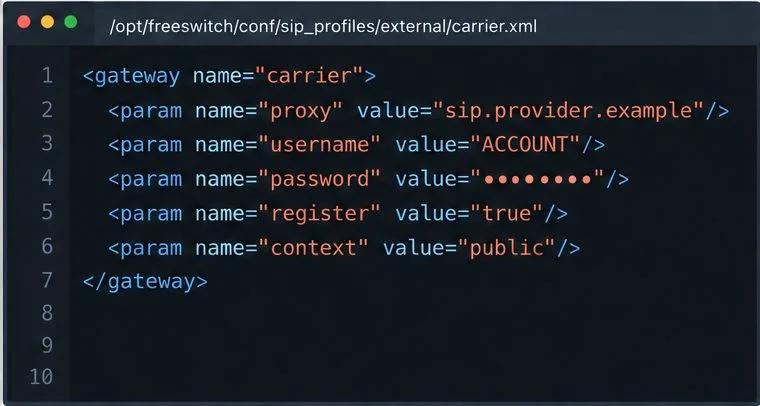
Trace FreeSWITCH REGISTER requests, correct gateway or network settings, and confirm that your BigBlueButton SIP trunk registers successfully.
Enable a Jitsi Meet background, troubleshoot missing controls, and reduce video lag on slower laptops without risky configuration changes.
Trace M_FORBIDDEN to room power levels, membership, or Synapse server-admin access, then restore only the permission the blocked action needs.
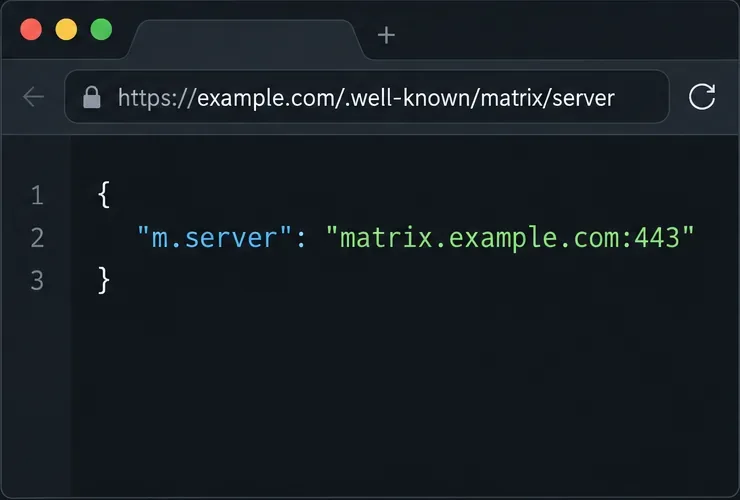
Configure Synapse discovery, HTTPS, and proxy routing so other Matrix homeservers can find and contact your server.
Configure a Keycloak OIDC client and Synapse provider so Element Web users can sign in through your identity server without exposing client secrets.
Save a recovery key, verify your Element sessions, and check that encrypted message keys can be restored without confusing backup with your account password.