Run Mjölnir as a Matrix Room Moderation Bot with Docker
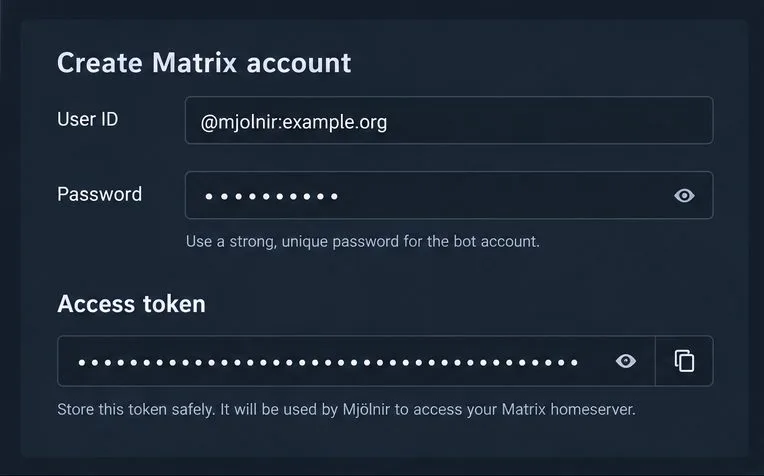
Set up Mjölnir with a dedicated Matrix account, encrypted management room, Docker Compose, policy list, and permission checks.
Use PostgreSQL’s custom dump format for a Synapse database backup, exclude the one-time-key table, and restore into a newly created empty database. The database dump alone is not a complete homeserver backup: preserve Synapse’s configuration, signing key, and local media as well. Synapse’s official backup guidance, checked October 10, 2026, specifically warns against restoring over existing tables and against restoring old end-to-end encryption one-time keys.
Verified: pg_dump creates a consistent snapshot while PostgreSQL remains online; Synapse does not need to be stopped while the dump runs. A database-only dump does not include files from Synapse’s media store, homeserver.yaml, referenced configuration files, or the server signing key. Keep those in a separate protected backup set. Synapse identifies locally uploaded content and, when dynamic thumbnails are disabled, local thumbnails as data to preserve. Remote media and URL-preview caches can generally be fetched or rebuilt.
Action: identify the active database name, PostgreSQL role, Synapse configuration directory, signing-key path, and media-store path before building a recovery plan. Use the paths configured on your server; they vary by package, container, and deployment.
Common misconception: a successful SQL dump is not proof that the whole homeserver can be recovered. Action: back up the database, configuration and signing key, and required local media, and periodically test restoring them together.
The commands below assume a Linux host with PostgreSQL command-line tools installed, a database named synapse, and permission to run PostgreSQL commands as the postgres operating-system account. Replace the database name and paths with your deployment’s values. Store the dump on protected storage with enough free space; it can contain private messages and account data.
Create the dump, excluding the contents of the table Synapse says must not be replayed from an older backup:
sudo -u postgres pg_dump -Fc --exclude-table-data=e2e_one_time_keys_json synapse > /secure-backups/synapse.dump-Fc selects PostgreSQL’s custom archive format, which is suited to pg_restore and is often smaller than plain SQL. The exclusion affects table data; it does not remove the table definition.
Check that the file exists and is nonempty, then list the archive’s table of contents:
ls -lh /secure-backups/synapse.dump
sudo -u postgres pg_restore --list /secure-backups/synapse.dump
A listing confirms that PostgreSQL can read the archive structure; it does not prove every row can be restored or that other backup files are complete. For stronger checks, copy the dump to separate backup storage and verify its checksum after transfer.
Common misconception: stopping Synapse is required for every pg_dump. The official Synapse page says a normal pg_dump snapshot is consistent without stopping Synapse or PostgreSQL. Action: keep the service online for this logical backup, but plan a maintenance window for a full restore.
Restoring is a replacement operation. First stop Synapse and any Synapse workers so nothing connects to or writes to the target while recovery is underway. Confirm the target database name and dump before issuing database-changing commands.
Create a fresh database with UTF-8 encoding and the owner used by your Synapse configuration. The following uses the example role synapse_user:
sudo -u postgres createdb --encoding=UTF8 --locale=C --template=template0 --owner=synapse_user synapseIf the database name already exists, do not blindly restore into it. Follow your recovery procedure to preserve or remove the old database only after confirming its contents and ensuring you have a separate recoverable backup.
Load the archive into the empty database:
sudo -u postgres pg_restore --dbname=synapse /secure-backups/synapse.dumpCheck the command’s exit status and PostgreSQL output. Investigate errors before starting Synapse. Avoid options such as --clean as a shortcut for restoring over a populated production database; Synapse warns that pre-existing tables can cause errors or subtle inconsistencies.
If the dump did not exclude one-time-key data, clear it before startup. Connect to the restored database and run:
sudo -u postgres psql --dbname=synapse -c 'TRUNCATE e2e_one_time_keys_json;'Synapse documents this exception because restoring old one-time keys can cause a client to reuse keys that were already consumed, which can lead to message decryption problems. Clearing them prompts clients to upload fresh keys. If you followed the recommended exclusion, the table has no restored rows and this extra truncation is unnecessary.
Common misconception: all database tables can safely be rolled back together. Action: exclude e2e_one_time_keys_json during backup or truncate it after restore, and do so before any Synapse process starts.
Restore the matching configuration, signing key, and required local media files from the same recovery point where possible. Keep the original signing key: Synapse uses it to sign events and federation requests. If you must replace it, follow Synapse’s signing-key guidance and configure the old public key as an old signing key. Database, media, and configuration restored from widely different points in time may not describe the same state, so check your recovery plan for consistency.
Start Synapse and its workers only after the restore and one-time-key handling are complete. Review service logs for database connection failures, missing schema or permission errors, and background-update problems. Then sign in with a test account, inspect a known room’s recent history, and open a locally uploaded attachment. Check federation and application services if your deployment relies on them. These checks are a practical smoke test, not a guarantee that every room or media object has been recovered.
Depends on your deployment: command paths, service names, database roles, container orchestration, and backup retention are installation-specific. This procedure covers a logical PostgreSQL dump and restore, not point-in-time recovery, PostgreSQL cluster-wide roles, or a high-availability failover design. For production systems, review the Synapse backup documentation and the PostgreSQL backup and restore documentation for methods that match your PostgreSQL version and recovery objectives. Record a restore test’s date, software versions, and result; do not assume an untested archive is a recoverable backup.
Set up Mjölnir with a dedicated Matrix account, encrypted management room, Docker Compose, policy list, and permission checks.
Skip the retired proxy and configure Synapse’s built-in Sliding Sync. Check client discovery, then measure room-list loading and reconnect behavior on a compatible phone.
Deploy Element Web as a static site, point it to your Matrix homeserver, add HTTPS, and configure Nginx to serve updates without stale files.
Set up Conduit on a 64-bit Raspberry Pi 4 with persistent data, HTTPS federation, protected registration, and checks for a working homeserver.
Give a Matrix room an easy-to-share address on your domain using Element or the Matrix API, with checks for permissions, Synapse naming, and federation.
Configure coturn and Synapse with matching TURN credentials, open the required relay ports, and verify that Matrix clients can obtain relay candidates.
Set up a persistent Synapse homeserver with Docker Compose, PostgreSQL, a private config, and checks before exposing it through HTTPS.
Set a branded name, custom colors, and login assets for your Element Web deployment while understanding which parts remain Element-branded.
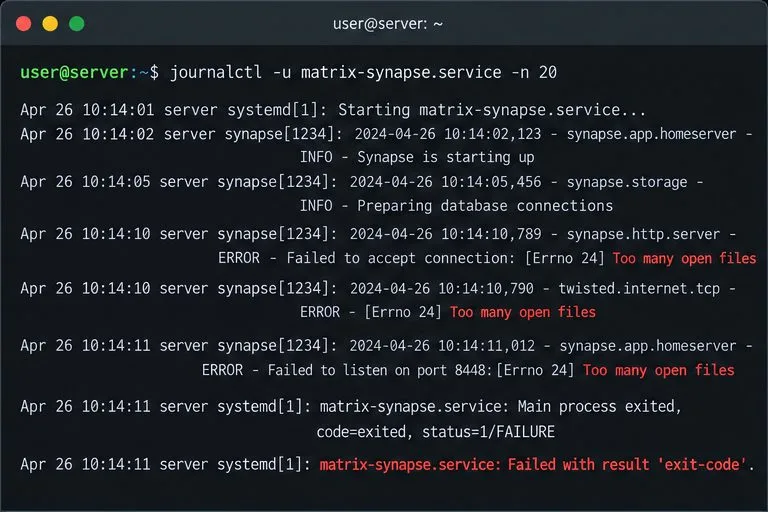
Diagnose whether Synapse hit its per-process open-file cap, set a systemd drop-in for the right service or worker, and verify the live limit.
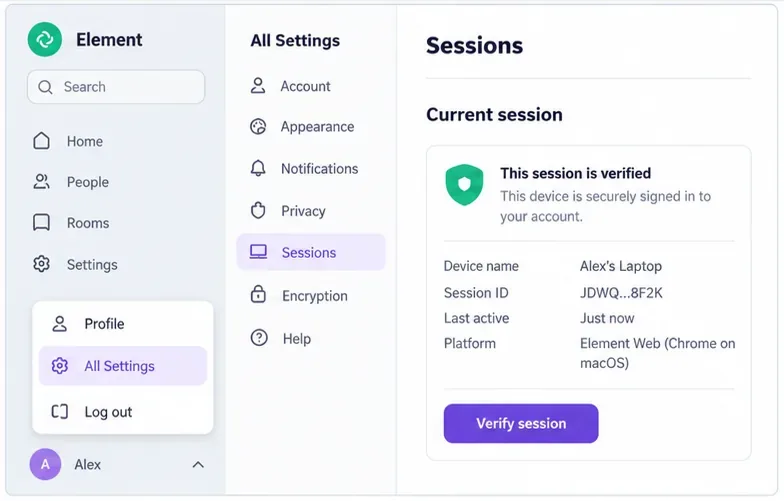
Find out whether the error is limited to one browser or one event, then use Element’s recovery key or a trusted device without risking your remaining encrypted history.