Compare ownCloud Infinite Scale and Nextcloud 28 Without Guesswork
Learn why RAM numbers vary, compare both platforms with a fair workload, and pinpoint whether storage, caching, workers, or background jobs cause slowdowns.
If “lightweight” means the smallest server that still meets your needs, do not choose by programming language or a single RAM claim. Synapse is the safest default for a general-purpose, long-term homeserver; Dendrite has a smaller-footprint goal but is now in maintenance mode; Conduit is designed for efficient small deployments, but its own documentation marks it Beta and lists missing federation behavior. Compare required features and maintenance outlook first, then measure resource use with your own workload.
Verified: Synapse is written in Python/Twisted, Dendrite in Go, and Conduit in Rust. Dendrite’s project describes its aim as a small memory footprint and better baseline performance than an out-of-the-box Synapse. Conduit’s stated goal is an efficient homeserver that can run on a mini-computer. These are project descriptions, not controlled benchmarks of identical workloads.
What depends on your setup: database choice, media volume, room size, active users, bridges, retention, and background tasks can change CPU, memory, and disk needs. Action: before committing, test your expected client and federation features on the intended hardware and collect peak memory, CPU, disk growth, and sync latency under realistic use.
| Server | Project status | Practical fit | Main trade-off |
|---|---|---|---|
| Synapse | Listed as Stable by Matrix.org | Broadest default choice for a maintained, feature-rich general homeserver | More operational components and database planning; PostgreSQL is recommended for production |
| Dendrite | Listed as Beta; its current repository says maintenance mode, with security fixes only | Existing deployments or evaluators who accept a beta server and its current maintenance posture | Not feature-complete, no high-availability/clustering support, and active feature development is limited |
| Conduit | Listed as Beta | Small self-hosted deployments where its feature set is sufficient and an efficient setup is a priority | Some federation features are explicitly missing; test client, room, and bridge needs before adopting |
Matrix.org’s server directory currently marks Synapse Stable and Dendrite and Conduit Beta. That is a useful maturity signal, not a guarantee that every feature works identically in every deployment. Action: treat “Stable” as a starting point for assessing operational risk, then check each project’s current release notes and known limitations.
Synapse is the established reference implementation maintained by Element. Its documentation covers a broad administration surface, and its worker architecture can separate some workload types as a deployment grows. Synapse’s installation guide recommends PostgreSQL for almost all installations and says SQLite is for testing, not production. Thus a minimal Synapse test install can be simple, but a production setup should budget for a database, backups, upgrades, monitoring, and TLS/reverse-proxy operations.
Action: choose Synapse when you value the stable status, compatibility, administration options, and documented growth path enough to accept its operational overhead. Start with the current Synapse installation guide and its PostgreSQL guidance.
Dendrite was built as a second-generation Matrix homeserver in Go, and its repository still describes a small-memory goal. However, the current project README says it is in maintenance mode, meaning only security fixes are being applied. The same README identifies it as Beta, notes that it may lack client or federation APIs, and says it does not support high availability or clustering. The project recommends PostgreSQL for a usable deployment; its documentation says SQLite performs worse with many users or larger rooms.
A common misconception is that the active Dendrite repository means feature development is proceeding at the same pace as Synapse. The current README does not support that assumption. Action: if you already operate Dendrite, track security updates and test them promptly; if you are choosing a new server, confirm that the maintenance posture fits your willingness to own compatibility gaps and long-term support. Review the Dendrite project README and its FAQ.
Conduit is a Rust homeserver whose project describes its goal as efficiency and straightforward setup, including use on a mini-computer. Its current introduction says it is Beta: users can join most Matrix rooms, but not every feature is supported. The page specifically lists missing end-to-end-encryption emoji comparison over federation and missing outgoing read receipts, typing indicators, and presence over federation. These are concrete capability limits, not evidence that basic encrypted chat or all federation is broken.
Conduit’s deployment documentation recommends RocksDB or SQLite, and its configuration reference lists database settings and a default cache capacity. Do not infer a guaranteed low-memory footprint from those defaults: real use depends on data size and activity. Action: test the exact clients, room versions, federation behavior, appservices, and encryption workflows you need; check current Conduit documentation and release notes before exposing a new instance publicly. Start with the Conduit status and feature notes, deployment documentation, and project changelog.
Matrix is a protocol, but server databases are implementation-specific. Dendrite’s FAQ says its database schema is different from Synapse’s and the two are not interchangeable. Do not point a new implementation at an old server’s database directory or PostgreSQL database. Action: select the homeserver before inviting users; if changing later, keep a verified backup and research a supported migration path for your exact source and destination versions.
Setup time does not include upgrades, database backups, certificate renewals, abuse controls, monitoring, media growth, or recovery tests. Action: compare the maintenance tasks you can reliably perform, not just the first successful login.
Before opening registration, set up a test instance of your leading candidate and confirm that a current client can log in, create and join the room types you use, exchange encrypted messages, and federate with another homeserver. Test any bridge or appservice separately because support can vary by implementation. Then run a representative sync and media workload while monitoring resource use. Record the server version, database backend, test workload, and peak measurements so a future comparison is meaningful.
Choose Synapse when stability, breadth, and a longer operational runway outweigh the extra setup. Consider Dendrite only with a clear understanding of its current maintenance mode and Beta status. Choose Conduit only after validating its documented feature gaps against your use case. There is no universal lightest winner: the defensible choice is the least demanding server that passes your compatibility, security, and maintenance checks.
Learn why RAM numbers vary, compare both platforms with a fair workload, and pinpoint whether storage, caching, workers, or background jobs cause slowdowns.
Compare Collabora Online and ONLYOFFICE Docs on the same server with a repeatable test for memory use, document-open time, and collaborative editing delay.
Compare document, spreadsheet, and layout behavior in ONLYOFFICE Docs and Microsoft 365 web apps, then use a quick test to choose the safer editor for your files.
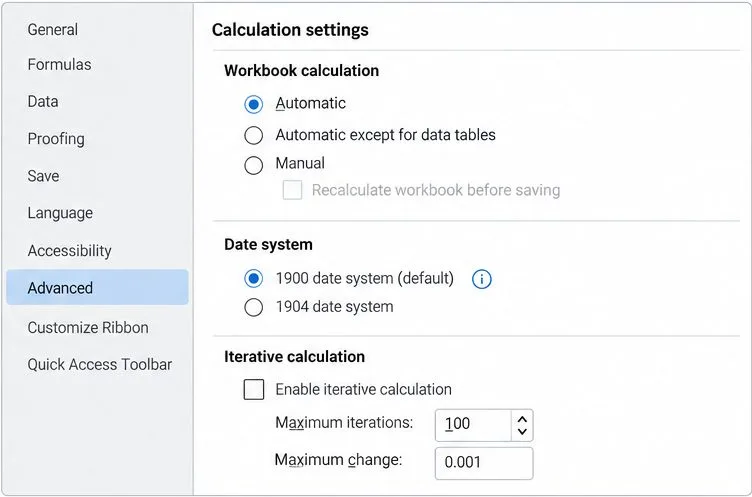
Trace formula mismatches to syntax, regional separators, recalculation, date systems, or unsupported functions, then verify the workbook before sharing it.
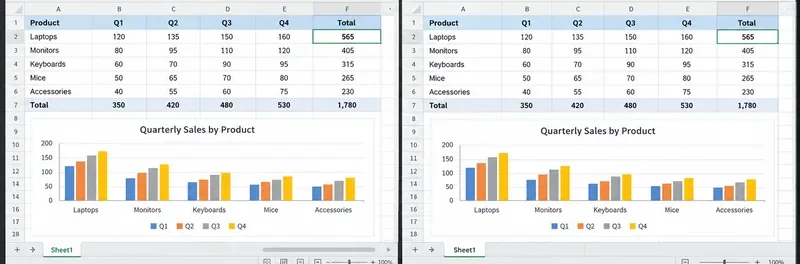
See what recent release data can—and cannot—prove, then compare both office suites on the same files and computer.
Compare exact matches, left-side lookups, missing-value handling, and version support so you can choose a reliable Calc formula.
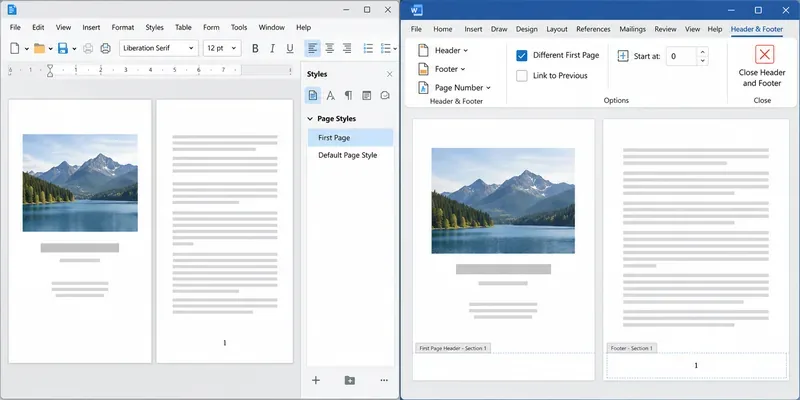
Learn how Writer page styles and Word section links affect cover pages, Roman numerals, and numbering restarts when you move a document.
You've just nailed a great product demo. The energy was right, you handled objections like a pro and you could see the lightbulb moment on your prospect's face. The Zoom call is over, you click “End Recording,” and you feel great.
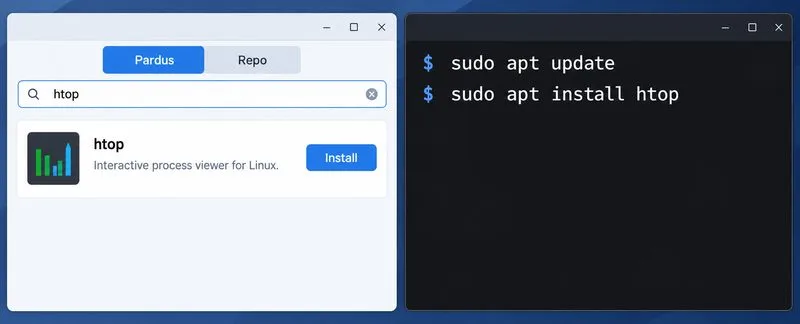
Compare Pardus Software Center with APT commands to find, install, remove, and update packages using the method that fits your task.
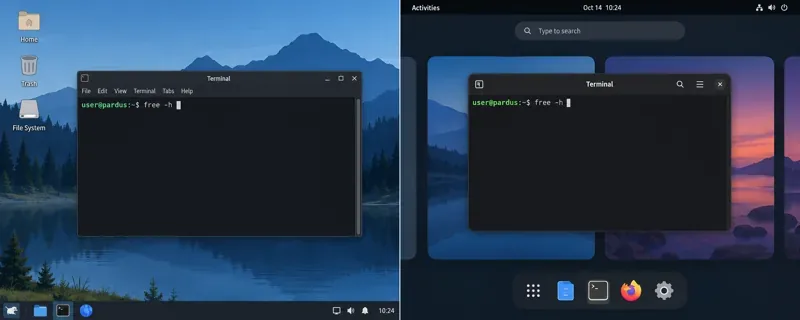
See what Pardus’s published RAM requirements mean, then compare XFCE and GNOME on the same PC with repeatable MemAvailable readings.