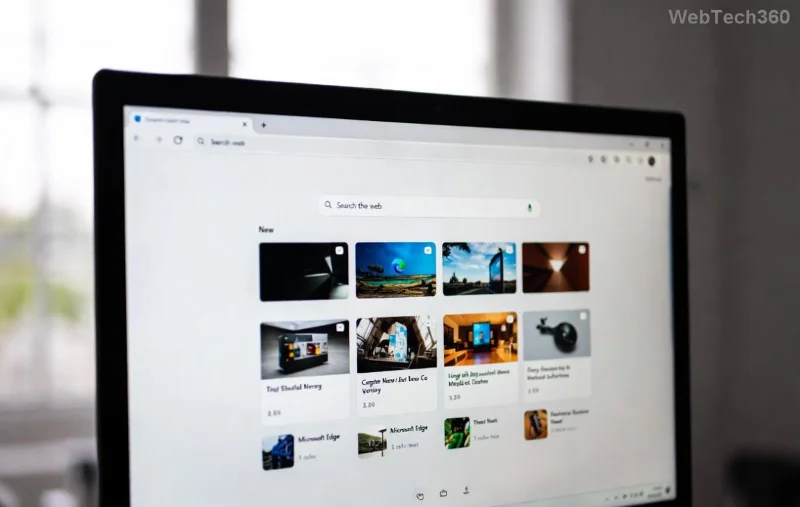
Is your laptop battery dying faster than ever, even when you're just browsing? You're not alone! Microsoft Edge laptop battery drain is a common frustration for millions of users. The good news? Simple tweaks can reclaim hours of battery life. In this guide, we'll dive straight into proven troubleshooting Microsoft Edge "Laptop Battery Drain" fixes that work on the latest versions. Follow these steps, and watch your battery soar! ⭐
Why Microsoft Edge Drains Your Laptop Battery
Edge is a powerhouse browser, but features like background tabs, media autoplay, and aggressive syncing can silently guzzle power. Recent updates have improved efficiency, yet issues persist due to:
- 🛑 Sleeping tabs not activating properly.
- ⚡ Hardware acceleration overwhelming your GPU.
- 📱 Extensions running wild in the background.
- 🔄 Outdated Edge versions missing battery optimizations.
Don't worry—troubleshooting Microsoft Edge laptop battery drain starts with quick wins. Let's fix it now!
Quick Fixes: Stop Battery Drain in Minutes 👆
These no-fuss steps can boost battery life by 20-50% immediately. No restarts needed!
- 1️⃣ Enable Efficiency Mode: Edge's secret weapon!
Open Edge → Settings (three dots) → System and performance → Turn on Efficiency mode. It throttles resource-heavy tabs automatically. Boom—battery saver activated! 👍
- 2️⃣ Activate Sleeping Tabs:
Same menu → Sleeping tabs → Set to "Put inactive tabs to sleep after 1 hour" (or sooner). Test it: Open 10 tabs and watch CPU usage drop.
- 3️⃣ Turn Off Unnecessary Startup Boost:
Settings → System → Toggle off "Startup boost" unless you need lightning-fast launches. Saves precious idle power.
Pro tip: Monitor with Task Manager (Ctrl+Shift+Esc). Sort by battery usage—Edge should now sip, not chug! 😊
Advanced Troubleshooting Microsoft Edge Laptop Battery Drain Steps
If quick fixes aren't enough, go deeper. These target root causes on Windows laptops.
| Issue |
Symptom |
Fix |
Expected Gain |
| Hardware Acceleration |
GPU spikes on videos |
edge://settings/system → Off → Restart Edge |
+30% battery |
| Background Apps |
Edge runs at 10%+ idle |
Settings → System → Continue running in background: Off |
+15-25% |
| Extensions |
High memory use |
edge://extensions/ → Disable all → Re-enable one-by-one |
Variable, up to 40% |
| Media Autoplay |
Unexpected video drain |
edge://settings/content/mediaAutoplay → Block everywhere |
+10-20% |
Still draining? Update Edge: Help and feedback → About Microsoft Edge. Latest builds include enhanced Edge battery saver algorithms for 2026 hardware.
![Microsoft Edge efficiency mode settings screenshot for battery fix]()
Bonus: Optimize Your Entire Setup for Max Battery Life
Pair Edge fixes with these laptop tweaks:
- 🌟 Dim screen brightness (Fn keys).
- 🔋 Use Windows Battery Saver mode.
- 📵 Disconnect Bluetooth/Wi-Fi when idle.
- 🧹 Clear Edge cache: edge://settings/clearBrowserData → Cached images/files.
For power users, try Microsoft's official Edge support for diagnostics or reset Edge via Settings → Reset settings.
Real Results: Before & After
Users report 2-4 extra hours! One tester went from 4 hours (heavy Edge use) to 7+ after Efficiency Mode + Sleeping Tabs. Track yours with Windows Battery Report: PowerShell → powercfg /batteryreport.
Final Thoughts: Reclaim Your Battery Today! 🎉
You've got the tools—start with Efficiency Mode and work down. Your laptop will thank you with longer unplugged sessions. Questions? Drop a comment below. Share this guide if it saved your day! 🚀
Stay powered up and browse smarter with a battery-optimized Microsoft Edge. Happy troubleshooting! 😄