Home
» PC Tips
»
9 Old Windows Tools That Are Still Useful Today
9 Old Windows Tools That Are Still Useful Today
While Windows has changed a lot over the years, some of its classic tools have stood the test of time. From performance monitoring to quick system tweaks, these built-in utilities are as useful as ever.
9. Disk Cleanup
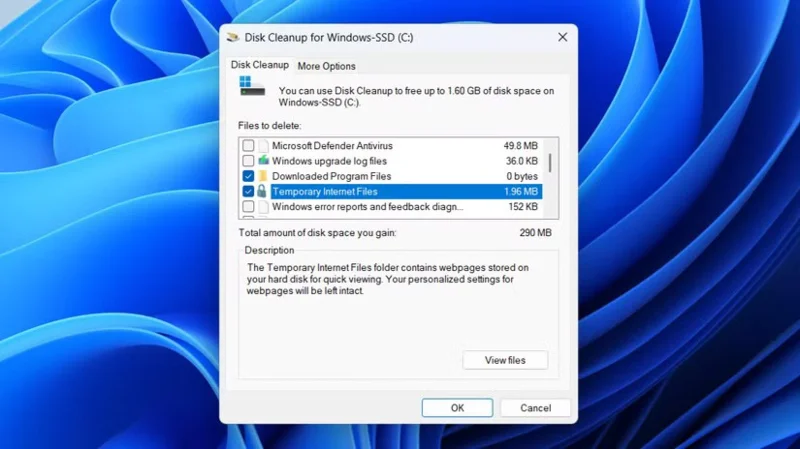
Disk Cleanup Tool in Windows
Windows 11 lets you delete temporary files from the Settings app. You can even turn on Storage Sense to automate cleanup tasks and never run out of storage space. Still, Disk Cleanup is a useful tool for those who prefer a simple, clean interface.
8. File History
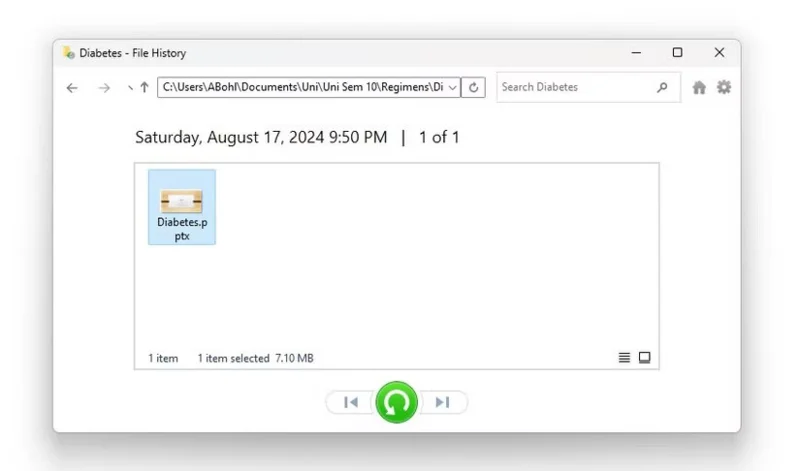
Use File History to restore PowerPoint files
There are plenty of ways to back up data on your Windows PC, but if you don't need full system images or cloud storage, File History offers a simpler solution. It automatically saves copies of files from important locations—like your libraries, desktop, contacts, and favorites—to an external hard drive or network location.
If you accidentally delete a file or overwrite an important file, you can easily restore a previous version with File History.
7. Quick Assist
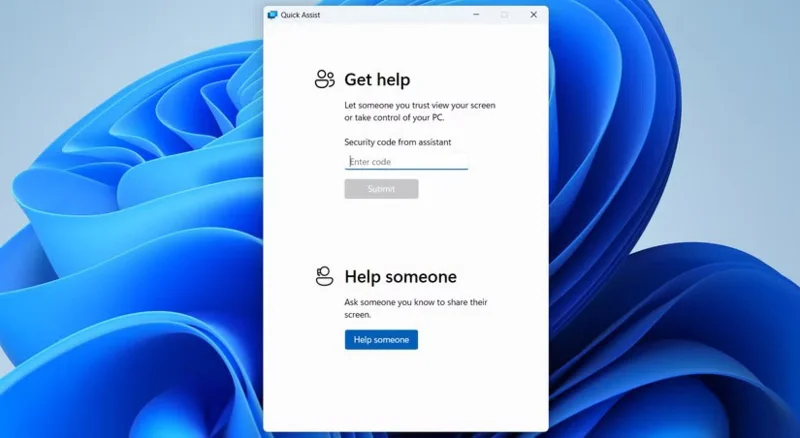
Quick Assist app on Windows 11
Quick Assist is a tool you may not need every day, but when you do, you'll be glad it's built in. Easy to use: When a friend, family member, or co-worker needs help with their computer, you can use Quick Assist to easily connect to their Windows device and provide direct support.
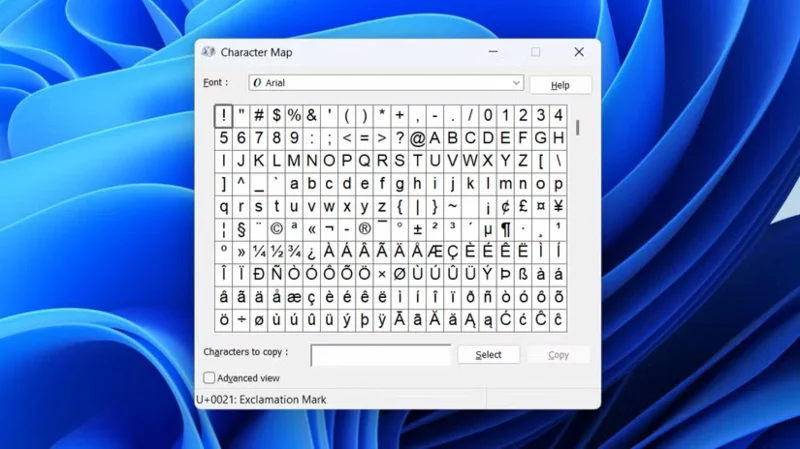
If you don't want to open the Character Map every time, you can use the Windows Alt key to insert special characters even faster.
5. Resource Monitor
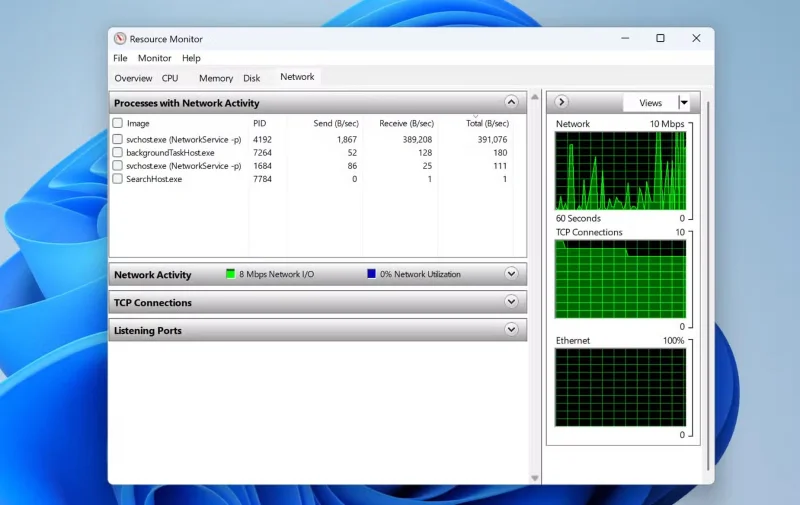
Windows 11 Resource Monitor shows network usage
If your computer starts slowing down for no apparent reason, Resource Monitor is the tool to turn to. While Task Manager gives you a quick overview, Resource Monitor goes much deeper and lets you monitor system usage in real time.
4. Windows Reliability Monitor
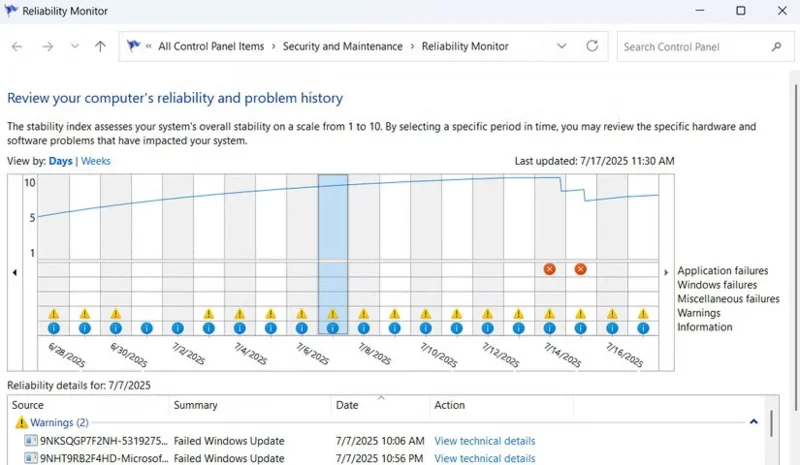
Reliability Monitor window in Windows 11
Reliability Monitor may not be as well known as Task Manager or Performance Monitor, but it's incredibly useful. If you want a quick report on the health of your computer, this is the tool to use.
Additionally, each day is marked on the graph with a stability index from 1 to 10, giving you a quick idea of how smoothly your computer is running.
3. Photos Legacy
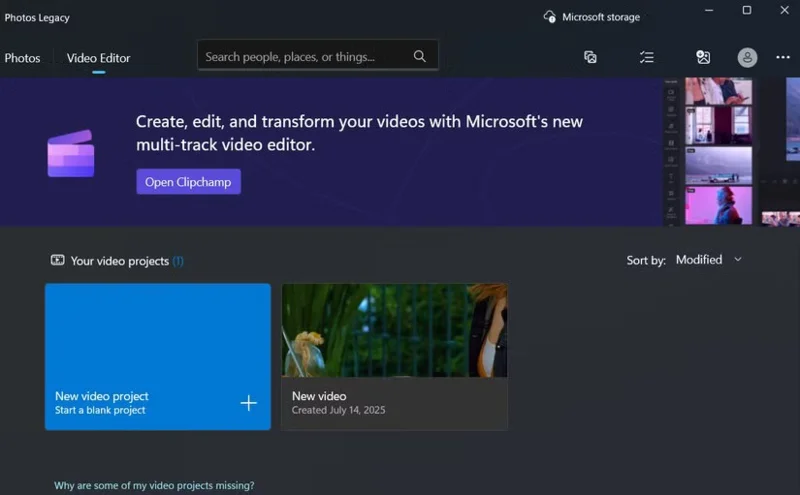
The Video Editor tab of the Photos Legacy app on Windows
The new Photos app in Windows 11 comes with some impressive features, like OCR text recognition, iCloud syncing, and even AI-powered tools like data erasure. However, Microsoft has kept the old Photos app intact, and there are a few good reasons to use it.
Note : Unlike the other tools on this list, Photos Legacy doesn't come pre-installed on Windows 11. To use it, you'll need to download it from the settings menu in the new Photos app (under Photos Legacy) or directly from the Microsoft Store .
2. Windows Media Player Legacy
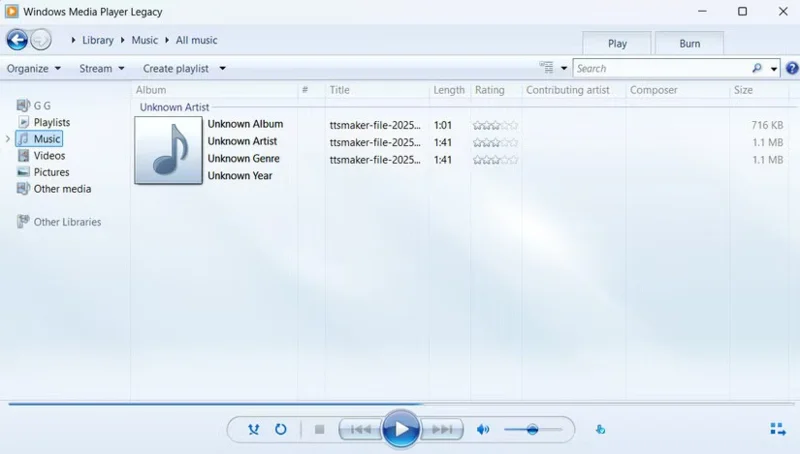
Windows Media Player Legacy App on Windows 11
Before Spotify playlists and YouTube streams took over, Windows Media Player was the way to enjoy music and videos on your PC. And while Microsoft introduced a sleeker, more modern Media Player in Windows 11, the classic Windows Media Player Legacy is still around.
1. Control Panel
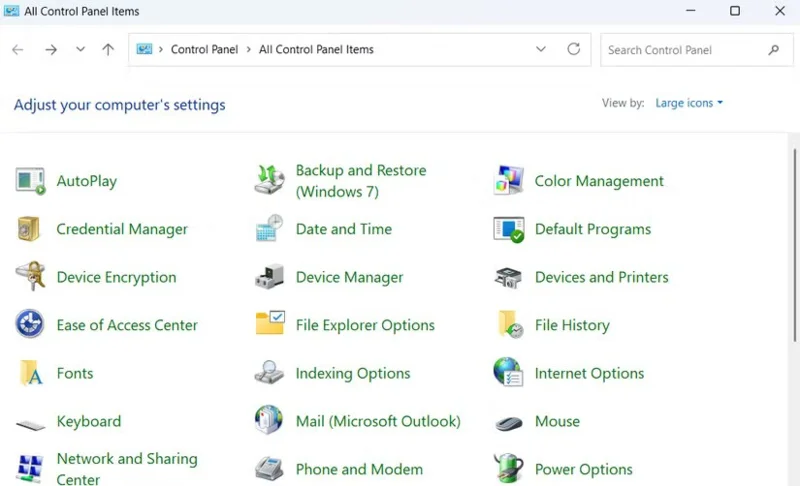
The Control Panel window shows all items in Windows 11
If there's one old tool that Windows users still love, it's the Control Panel . Sure, the Settings app now includes most of the essential features, but it's still not a complete replacement.
One reason people continue to use the Control Panel is its simplicity. While the Settings app has a modern interface, you often find yourself digging through menus just to adjust something simple, like changing your network adapter settings or adjusting your audio device.