Home
» Technology
»
Datorama (Marketing Cloud) Down? What Marketers Need to Know
Datorama (Marketing Cloud) Down? What Marketers Need to Know
If a Marketing Cloud dashboard suddenly stops loading, the fastest response is not to assume that Datorama itself is down. Salesforce now calls Datorama Marketing Cloud Intelligence, and the company’s official Trust site reports product availability separately from broader Salesforce incidents. As of September 16, 2026, Salesforce Trust lists Marketing > Intelligence as available. That matters because a wider Salesforce service problem, a connector failure, a source-platform outage, a permissions issue, or delayed data ingestion can all look similar from a marketer’s desk.
Consider this hypothetical example: Maya, a paid media lead, opens her morning campaign pacing dashboard 45 minutes before an executive review. Several KPI tiles keep loading, yesterday’s spend is missing, and one report export fails. Her first instinct is that “Datorama is down.” Instead of immediately pausing campaigns or changing budgets, she treats the situation as an availability diagnosis problem. That distinction prevents a reporting issue from turning into a marketing decision error.
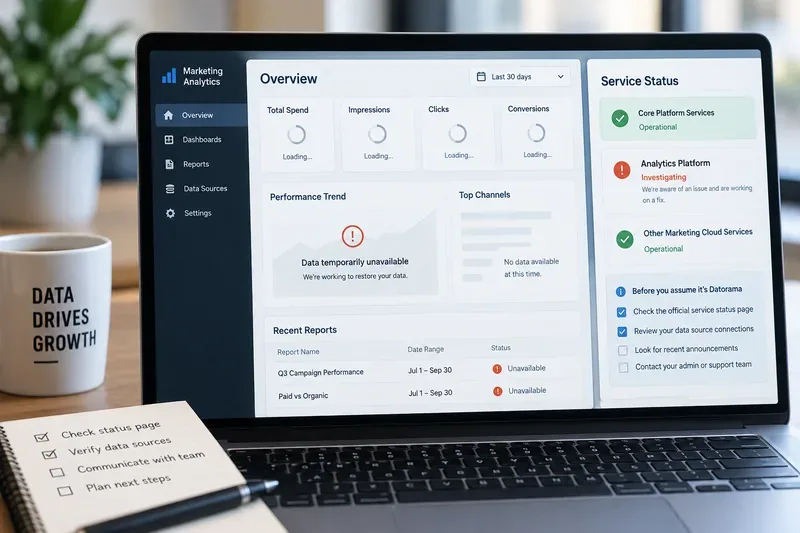
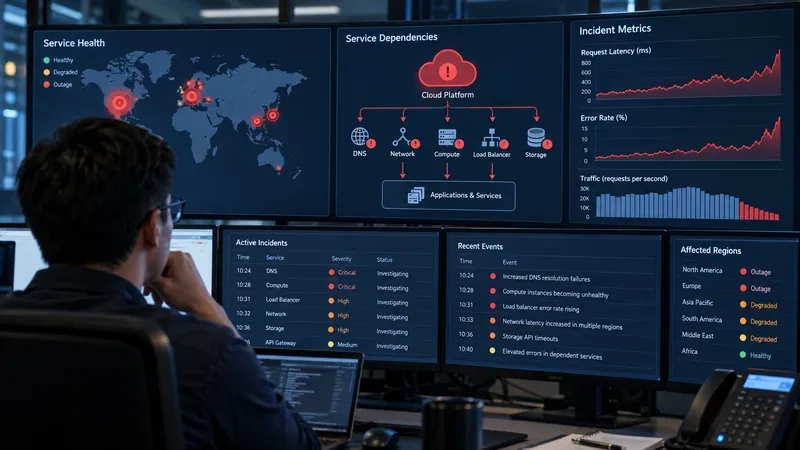
A marketing analytics dashboard with stalled metrics and a status-check panel illustrates the first question marketers should answer during a disruption: is the analytics service unavailable, or is the problem limited to data, access, or a connected source?
First, know what “Datorama down” means today
Datorama is the legacy name for Salesforce Marketing Cloud Intelligence. Salesforce confirms that the two names refer to the same product. The platform is designed to connect, harmonize, analyze, and visualize marketing data from multiple sources. If your team still uses “Datorama” internally, that is understandable, but official status and support pages generally use the Marketing Cloud Intelligence name now.
There is also an important product distinction. Marketing Cloud Intelligence is not necessarily the same thing as Intelligence Reports bundled with Marketing Cloud Engagement. Salesforce documents them as separate reporting offerings with different account and tenant requirements. If a colleague says “Marketing Cloud reporting is down,” confirm which product they mean before drawing conclusions.
What the official Salesforce status says right now
The most authoritative public checkpoint is Salesforce Trust. At the time of writing on September 16, 2026, the Salesforce Trust availability page shows Marketing > Intelligence as available. Salesforce also provides a dedicated Status site where customers can review current incidents, maintenance, affected instances, and service history.
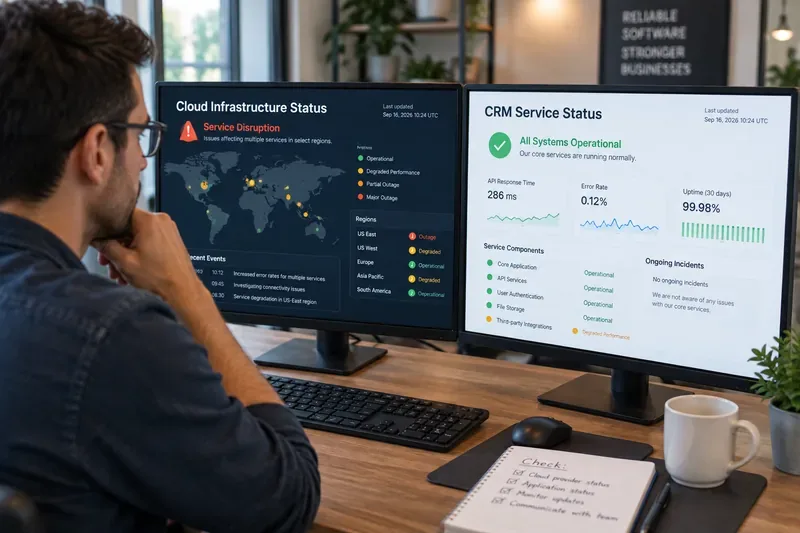
This does not prove that every customer is experiencing normal behavior. Salesforce status is one signal, not a substitute for testing your own tenant, workspace, connectors, and upstream data sources. It does mean that marketers should be careful with headlines or internal messages that say “Datorama is down” unless an official incident or tenant-specific check supports that statement.
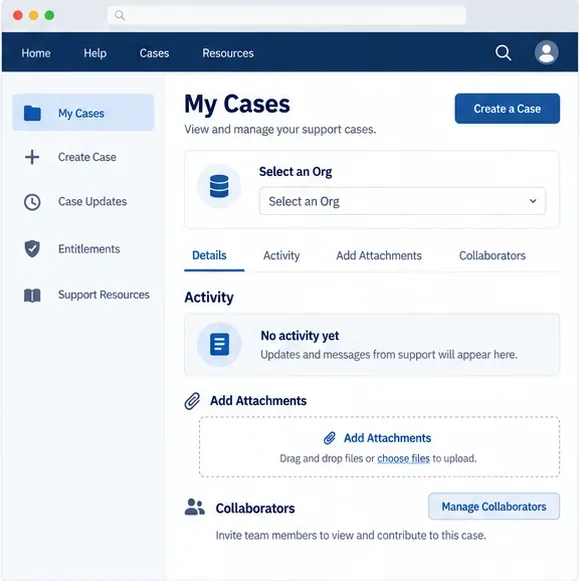
Salesforce’s own support guidance recommends checking the Trust site before opening a support case for Marketing Cloud Intelligence. The company also asks customers to include business impact, screenshots, reproduction steps, expected behavior, and relevant workspace, widget, or pivot-table identifiers when reporting a technical problem.
Use the hypothetical scenario to separate four different failure types
Back to Maya. She sees blank KPIs and a failed export. Those symptoms are real, but they do not identify the cause. A useful way to classify the problem is to test four layers.
Salesforce Trust, status incidents, affected instances
Data ingestion or connector issue
Dashboard loads but recent data is missing or stale
Data stream status, source credentials, upstream platform availability, refresh timing
Workspace or access issue
Some users or assets fail while others work
User role, permissions, workspace scope, recent configuration changes
Reporting or visualization issue
Specific widgets, pages, exports, or calculations fail
Affected asset IDs, filters, date ranges, data model changes, browser behavior
In Maya’s case, suppose the Trust site shows Intelligence as available, another teammate can open the same workspace, and only one paid-media source is missing yesterday’s data. The evidence now points away from a full product outage and toward a narrower ingestion or source-side problem. That changes the response completely.
What marketers should do before changing campaigns
The biggest operational risk during an analytics disruption is not the dashboard itself. It is making irreversible campaign decisions from incomplete or stale data. If reporting is uncertain, label the affected metrics as unverified and avoid treating missing data as zero performance.
For example, Maya should not cut a channel budget simply because spend or conversions disappeared from the dashboard. She should compare the last known good timestamp, check the native ad platform or source system, and note whether the discrepancy affects one source or many. A missing row in an analytics layer is not evidence that the underlying campaign stopped serving.
A practical decision rule is to separate actions into reversible and irreversible moves. Re-running a report, checking a native platform, or delaying a nonurgent optimization is reversible. Pausing a high-spend campaign, shifting a large budget, or reporting a final ROI figure to leadership may not be. When data integrity is uncertain, favor verification before high-impact changes.
How to communicate the problem without overstating it
During a suspected outage, internal wording matters. “Datorama is down globally” is a much stronger claim than “our Marketing Cloud Intelligence dashboard is not refreshing.” The second statement describes what your team actually knows.
Maya could tell stakeholders: “Our Marketing Cloud Intelligence view is currently missing recent paid-media data. Salesforce Trust does not currently show Intelligence as unavailable, so we are checking the affected connector and source data before using the dashboard for budget decisions. The last verified reporting point was yesterday’s close.”
That message is useful because it separates observed impact from unconfirmed cause. It also gives decision-makers a clear boundary: which metrics are affected, what is still trustworthy, and what actions should wait.
When a Salesforce-wide incident is happening
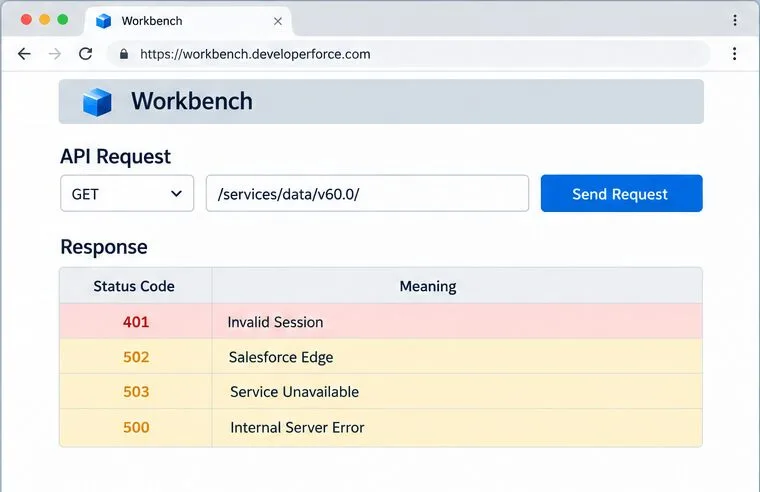
A broader Salesforce incident can still matter even when the product-specific Intelligence tile appears healthy. Shared authentication, core services, support access, APIs, or dependent components can affect how users reach or operate a product. The correct response is to compare the incident’s listed services and instances with your own tenant rather than assuming every Salesforce product has failed.
Salesforce explains how to review ongoing incidents and maintenance on its official incident-checking guide. It also documents the meanings of statuses such as Available, Performance Degradation, Service Disruption, and Maintenance in its service-status guide.
For Maya, this means she should record the incident ID if there is one, note the affected instance or service, and keep the status page open during the executive meeting. If there is no matching incident, she should continue the narrower diagnosis rather than waiting passively for a global fix.
Protect the reporting chain while the issue is unresolved
Marketing Cloud Intelligence sits in a reporting chain that often begins outside Salesforce. Ad platforms, web analytics, CRM systems, commerce systems, file uploads, APIs, and database feeds can all contribute data. Salesforce’s documentation describes Marketing Cloud Intelligence as a system that connects and harmonizes multiple marketing sources. That architecture is powerful, but it also means stale reporting can originate upstream.
During a disruption, preserve a simple evidence log: the first observed time, the last verified data timestamp, affected workspaces or reports, affected sources, screenshots, exact error messages, and any recent configuration changes. If support is needed, these details reduce the chance that the case begins with a long round of basic clarification.
If the Help portal itself is difficult to use during a wider Salesforce issue, continue documenting the evidence locally so nothing is lost. Once case creation is available, submit the complete timeline.
How to know when it is safe to trust the dashboard again
“The page loads” is not enough. Recovery should include both availability and data validation. In the hypothetical scenario, Maya waits until the affected source resumes updating, then compares a small set of critical metrics against the native source for the same date range. She also checks whether delayed records arrived in full rather than assuming the first refresh is complete.
A reasonable recovery check includes three things: the relevant Salesforce status is normal, the affected data stream has caught up to an expected timestamp, and several high-value metrics reconcile within the normal tolerance your team already uses. If one of those checks fails, mark reporting as recovering rather than fully restored.
Salesforce also provides service history for instances, which can help teams understand whether a disruption overlapped with the period in which data or access problems occurred. See Salesforce’s service history instructions.
What marketers should remember
If someone asks, “Is Datorama down?” the best answer is evidence-based: Datorama is now Marketing Cloud Intelligence, and the current public Salesforce Trust page should be checked before declaring an outage. As of September 16, 2026, Salesforce Trust shows Intelligence as available, so a team experiencing problems should also investigate tenant access, connectors, source platforms, data freshness, and individual reporting assets.
The lesson from Maya’s hypothetical morning is simple. Treat a broken dashboard as a signal to verify, not as proof of a platform-wide failure. Protect campaign decisions while data is uncertain, communicate only what is known, and validate the reporting chain before declaring recovery. That approach is slower than guessing for a few minutes, but much faster than correcting a bad budget move or an inaccurate executive report later.