How to Download Chrome on Macbook
Follow this guide on how to download Chrome on Macbook to get Google Chrome running quickly and safely on your device.
iPhone can automatically translate conversations without you having to touch the screen after each sentence. Here's how to automatically translate conversations on iPhone .

Understand foreign languages easily thanks to the automatic translation feature on iPhone
App Translate - the translation tool built into Apple devices, has a new feature called Auto Translate, supporting iOS 15 and above. This underrated app now lets you chat with foreigners comfortably by translating conversations in real time. Here's how to enable automatic translation on iPhone .
How to turn on automatic conversation translation on iPhone
It's important to note that the iPhone has voice translation capabilities from iOS 14. So, if you haven't updated the operating system, you still have a way to use the translation app on your iPhone.
All you have to do to translate on iPhone is go to Conversation mode in the Translate app and tap the microphone button before speaking. Do the same when you want to translate the words of the person talking.
However, the translation software on iPhone has changed when iOS 15 was released. The device now has the ability to automatically translate conversations without the user having to touch the mic button. This makes the conversation more natural, seamless and comfortable.
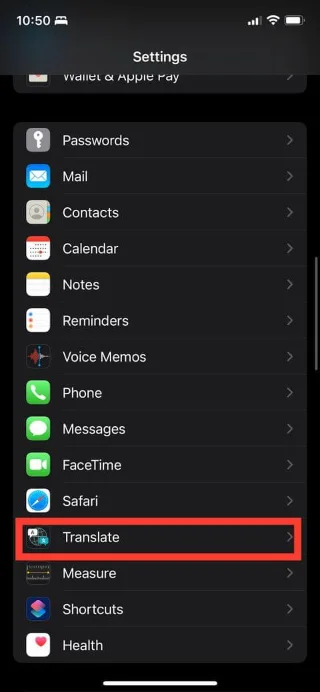
To use the translation feature directly on the iPhone screen, make sure to update the operating system to iOS 15. Then, you can activate Auto Translate as follows:
…> select Auto Translate .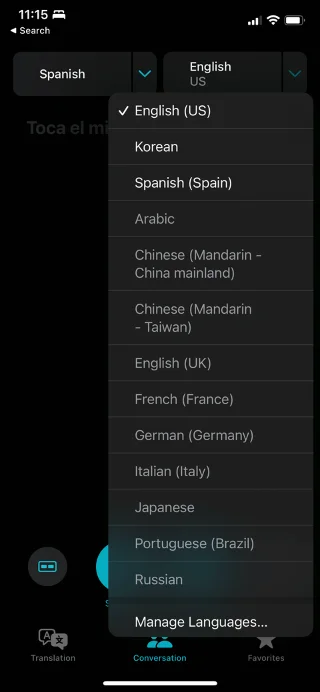

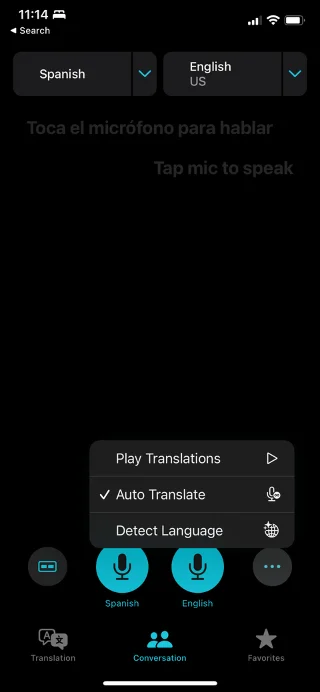
Live translation software on iPhone automatically detects speech and pauses to translate the conversation into the language of your choice in real time.
How to download languages for automatic translation offline
This method is useful when the Internet connection is interrupted or slow. To make sure you can still translate conversations offline, download your favorite languages to translate offline on iPhone:
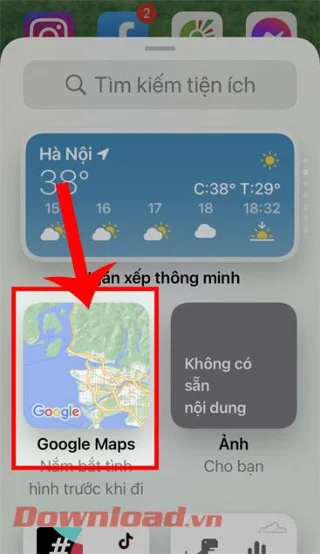
Note, offline translation may not be as accurate as when the Translate app is connected to the Internet.
Above is how to automatically translate conversations on iOS . Hopefully this article helps you use the translation application on iPhone more effectively.
Follow this guide on how to download Chrome on Macbook to get Google Chrome running quickly and safely on your device.
Discover exactly how to find your WhatsApp number on Android, iPhone, and desktop in under a minute. Follow these clear steps to view the number linked to your account.
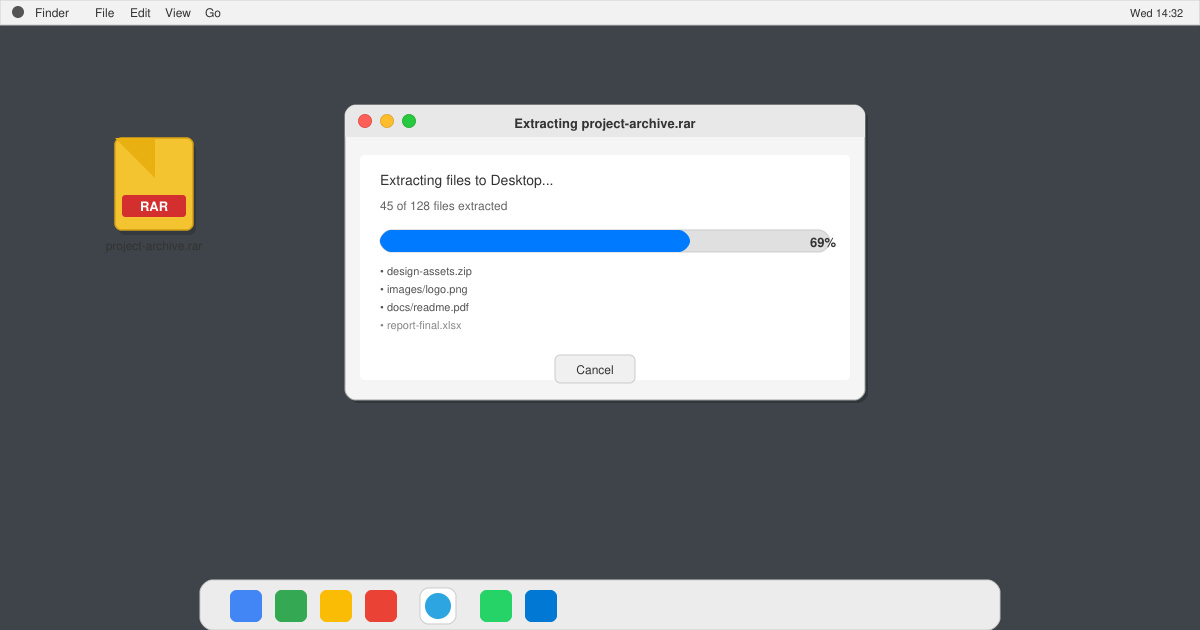
Learn how to open RAR file in Mac OS using free tools. This guide shows the fastest ways to extract RAR archives on your Mac in minutes.
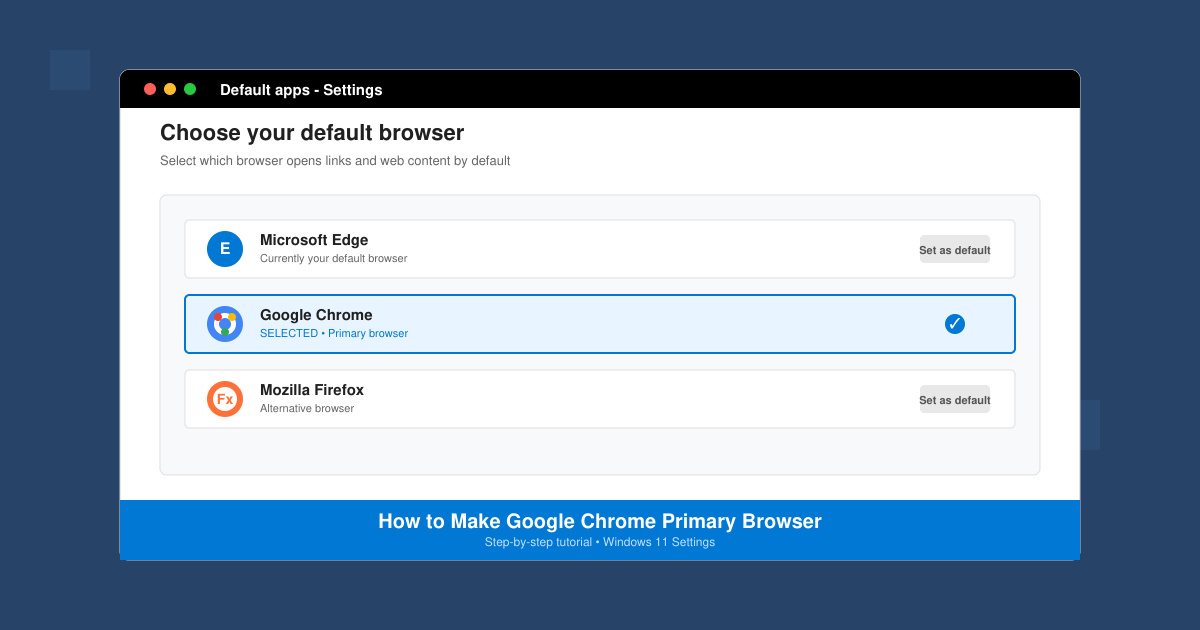
How to make Google Chrome primary browser on Windows, macOS, Android, and iOS with clear step-by-step instructions. Set Chrome as your default browser in minutes for better speed and sync.
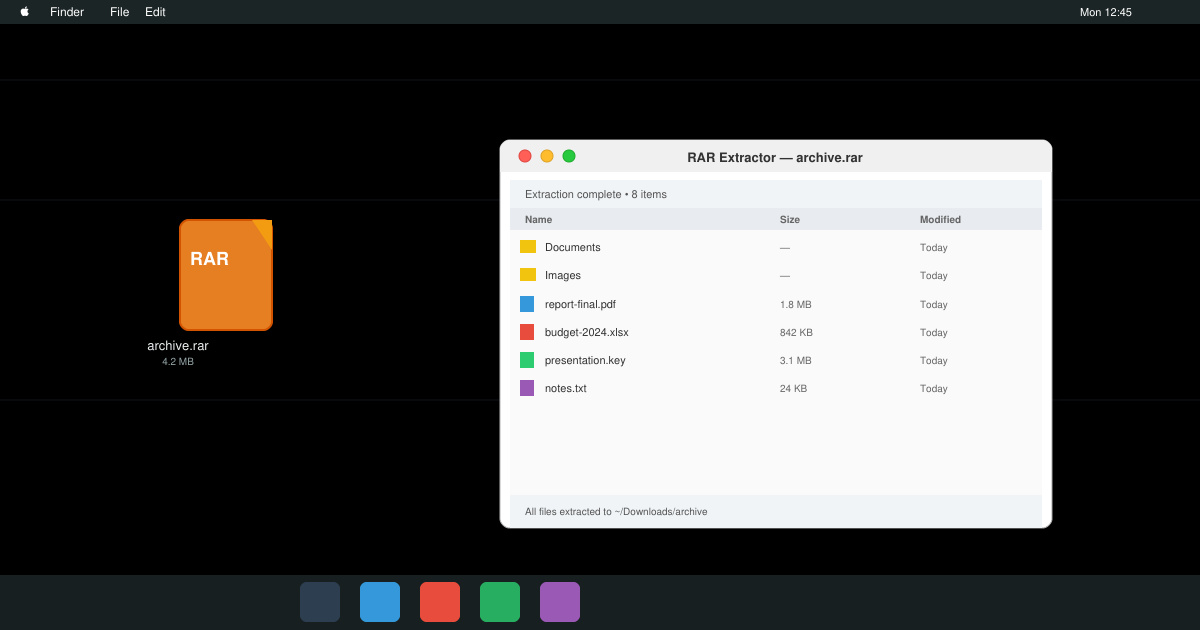
Need a rar program for mac to open RAR files? Learn the fastest way to install and use a reliable extractor on macOS in minutes.
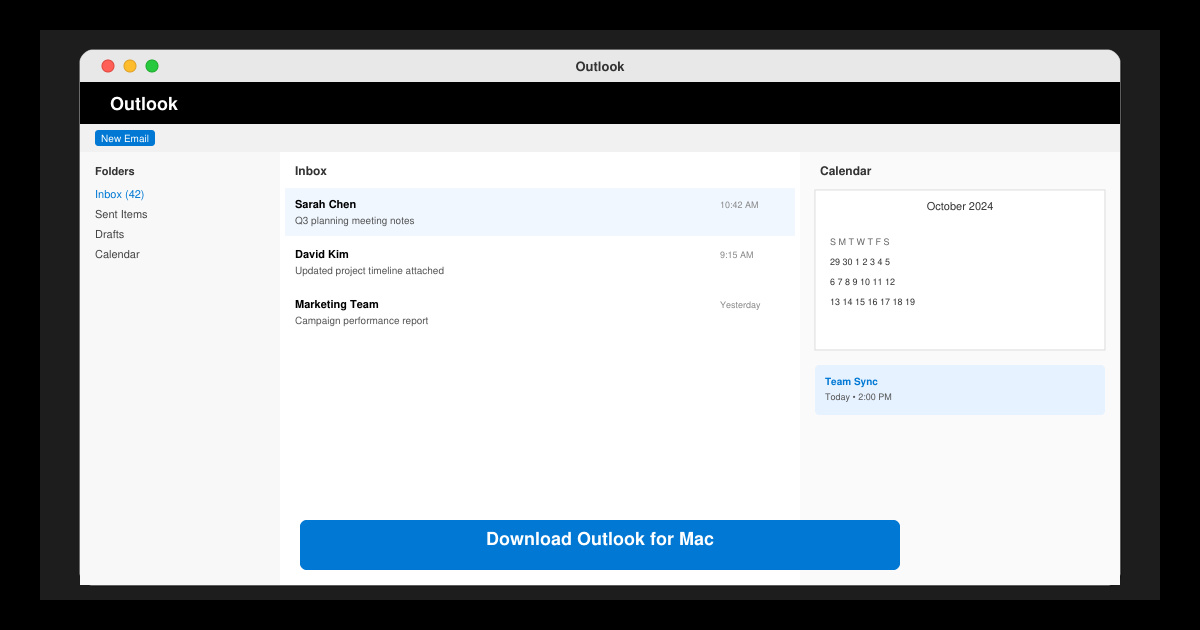
Download Outlook for Mac from the official Microsoft source and install it on your Mac in minutes. Follow this guide for the latest version compatible with macOS.
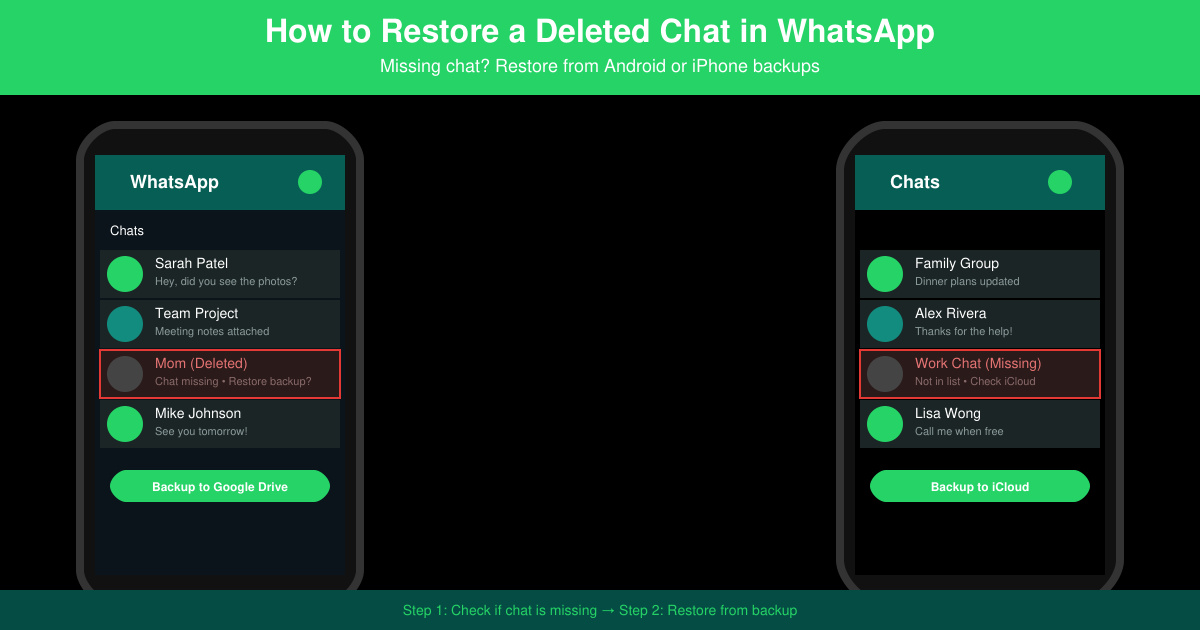
Learn exactly how to restore a deleted chat in WhatsApp on Android and iPhone using local or Google Drive backups. Follow these steps to recover conversations in minutes.
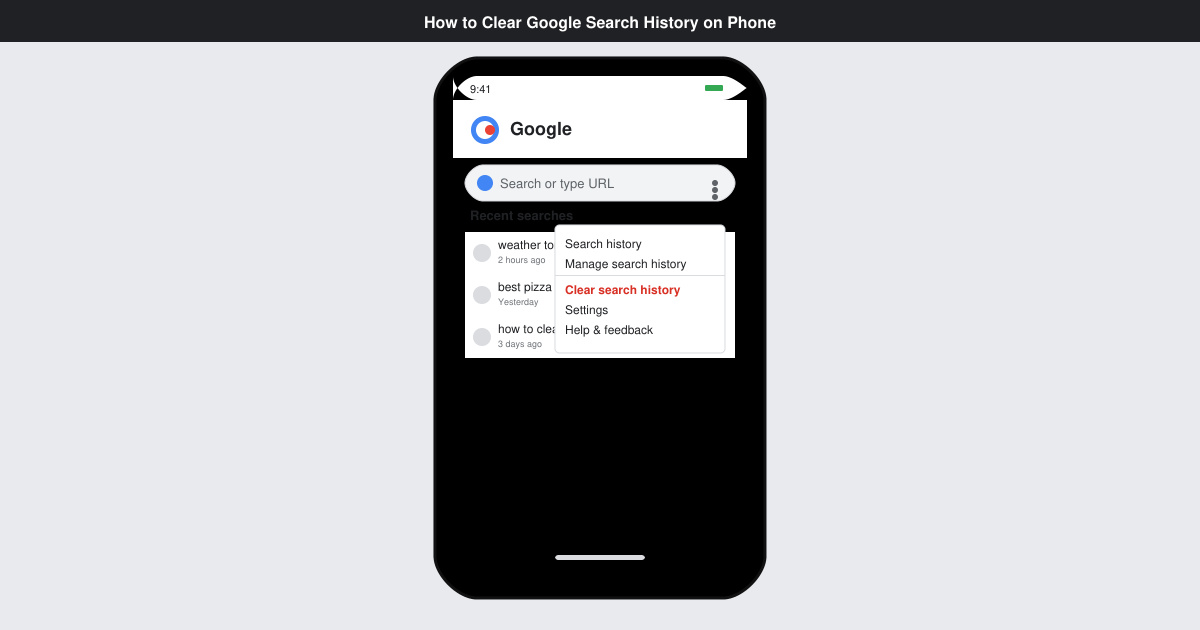
Learn how to clear Google search history on phone in just a few taps. Follow these exact steps for Android and iOS to remove search activity and improve privacy.
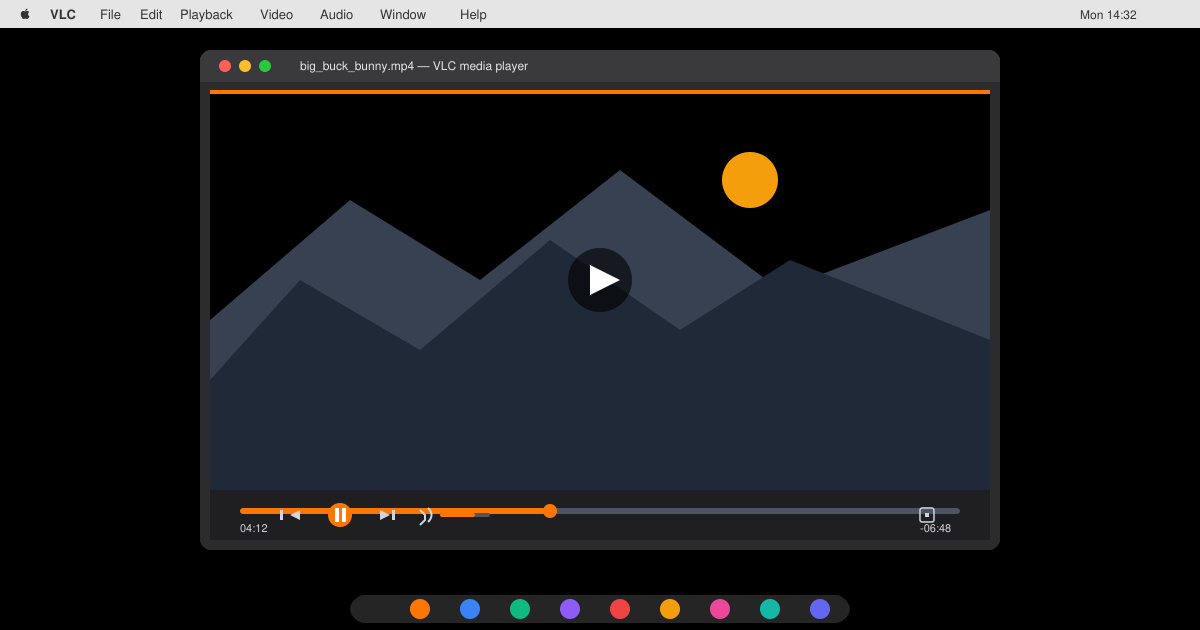
Complete your VLC Player Download Mac safely from the official source. This guide shows the exact steps to install VLC Media Player on macOS for reliable video and audio playback.
Learn how to Chromecast from iPhone to TV quickly and reliably. Follow these exact steps to stream videos, photos, and apps from your iPhone to any Chromecast device.