How to Download Chrome on Macbook
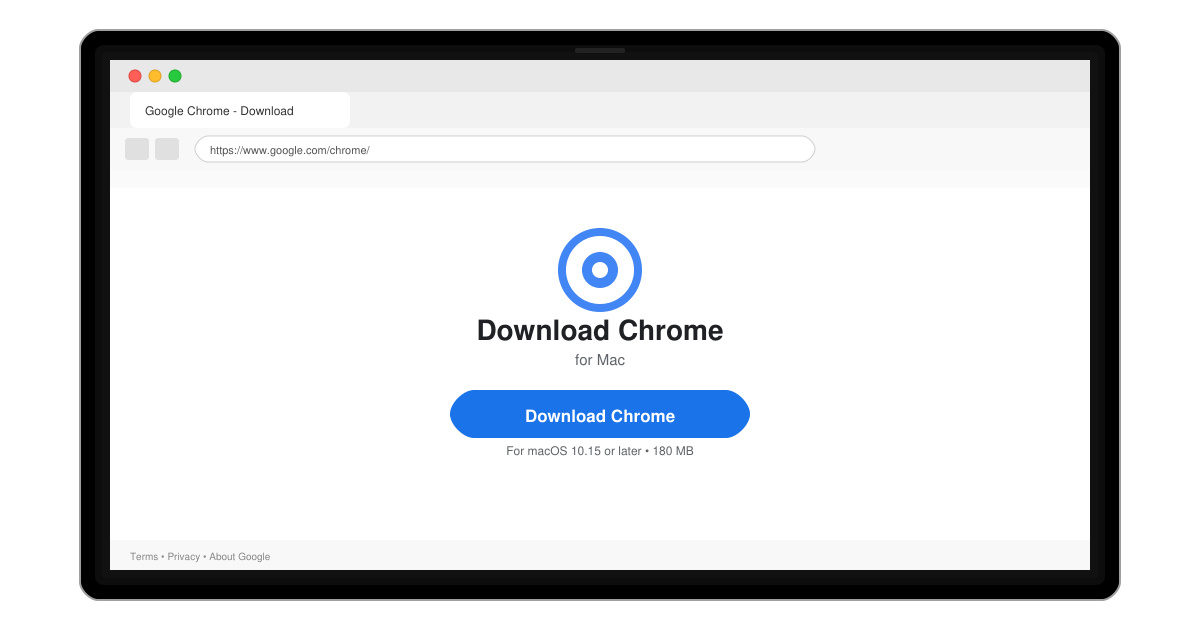
Follow this guide on how to download Chrome on Macbook to get Google Chrome running quickly and safely on your device.
Making Google Chrome your primary browser gives you fast performance, automatic sync across devices, and access to thousands of extensions. This guide explains exactly how to make Google Chrome primary browser on Windows, macOS, Android, and iOS without extra software.
Google Chrome handles modern web standards well and updates automatically. Once set as default, it opens all links from email apps, documents, and other programs. Users who switch report quicker page loads and seamless access to their bookmarks and passwords.
No special account is required, but signing into a Google account unlocks full sync. Check your current default browser first by clicking any web link outside Chrome.
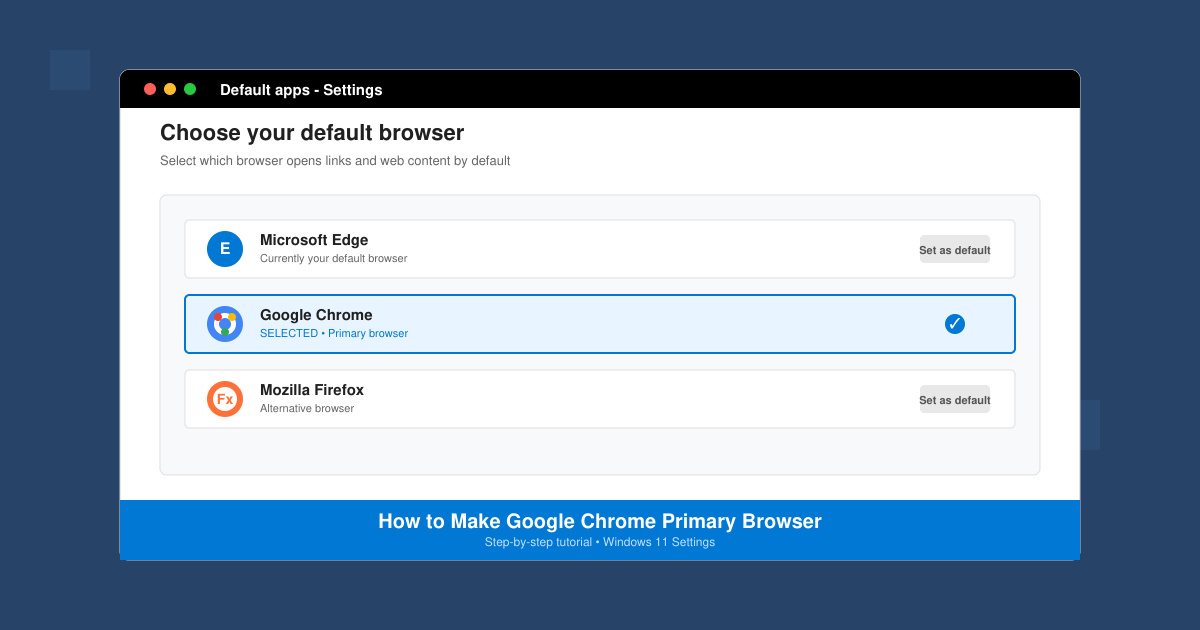
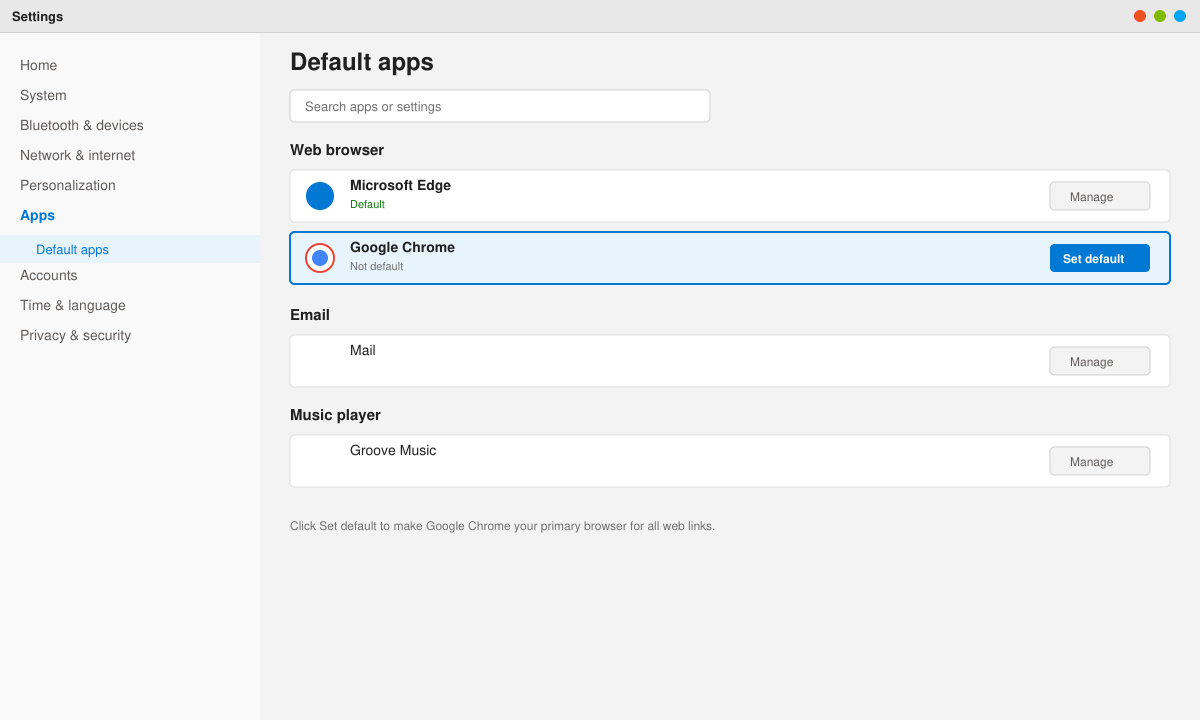
Open the Start menu and click Settings. Select Apps, then Default apps. Scroll to Chrome in the list and click it. Choose Set default to assign all web links and HTML files to Chrome.
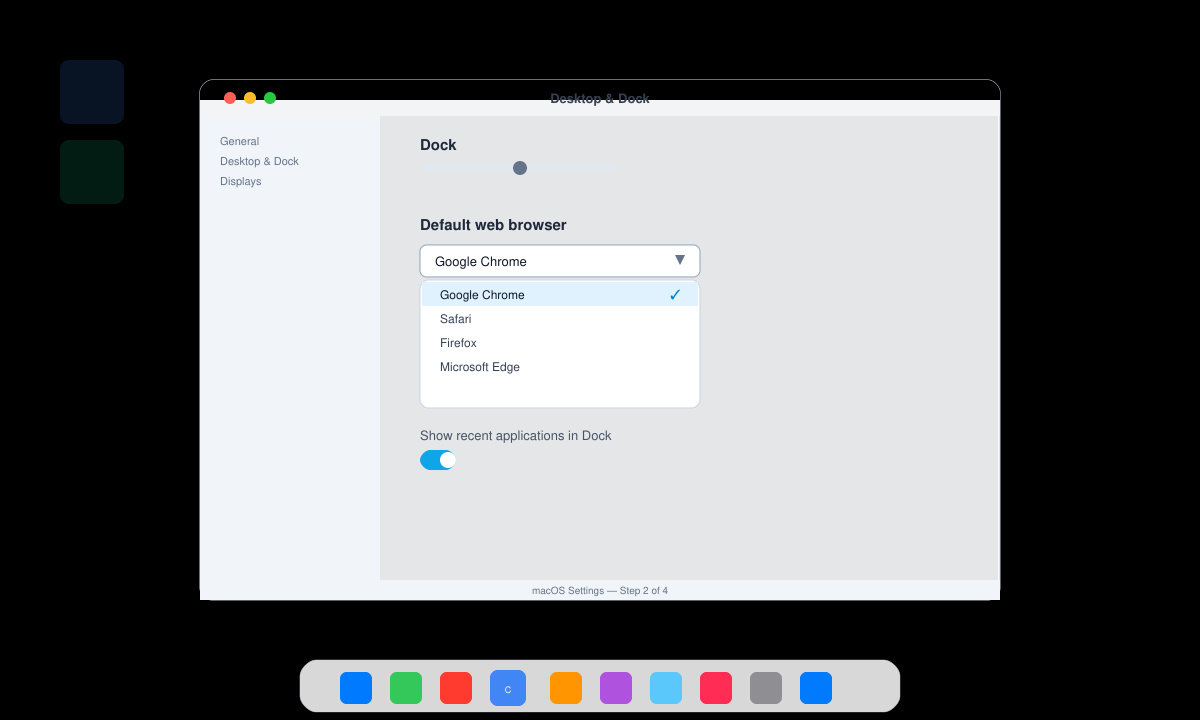
Click the Apple menu and choose System Settings. Go to Desktop & Dock. Find the Default web browser dropdown and select Google Chrome from the list.
Close Settings and open any link from another app such as Mail or Notes. The page should load in Chrome. If prompted, allow Chrome to become the default during the first launch.
On Android, open Settings, tap Apps, select Chrome, then tap Set as default and choose Open in Chrome. On iOS, go to Settings, scroll to Chrome, tap Default Browser App, and select Chrome. These changes apply immediately to all links in other apps.
No. Your bookmarks stay inside Chrome and remain available after the change.
Yes. You can keep other browsers installed but only Chrome will handle web links once set as default.
The steps are similar on Windows 10. Use Settings > Apps > Default apps and select Chrome.
Follow the platform-specific steps above and Google Chrome becomes your primary browser within minutes on every device.
Follow this guide on how to download Chrome on Macbook to get Google Chrome running quickly and safely on your device.
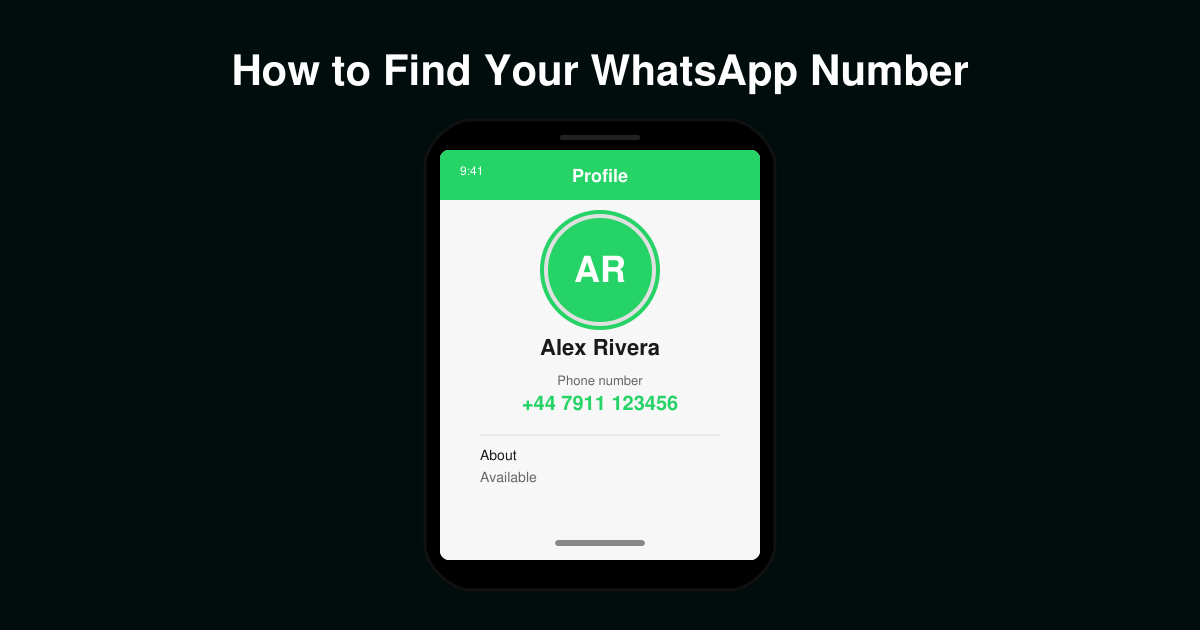
Discover exactly how to find your WhatsApp number on Android, iPhone, and desktop in under a minute. Follow these clear steps to view the number linked to your account.
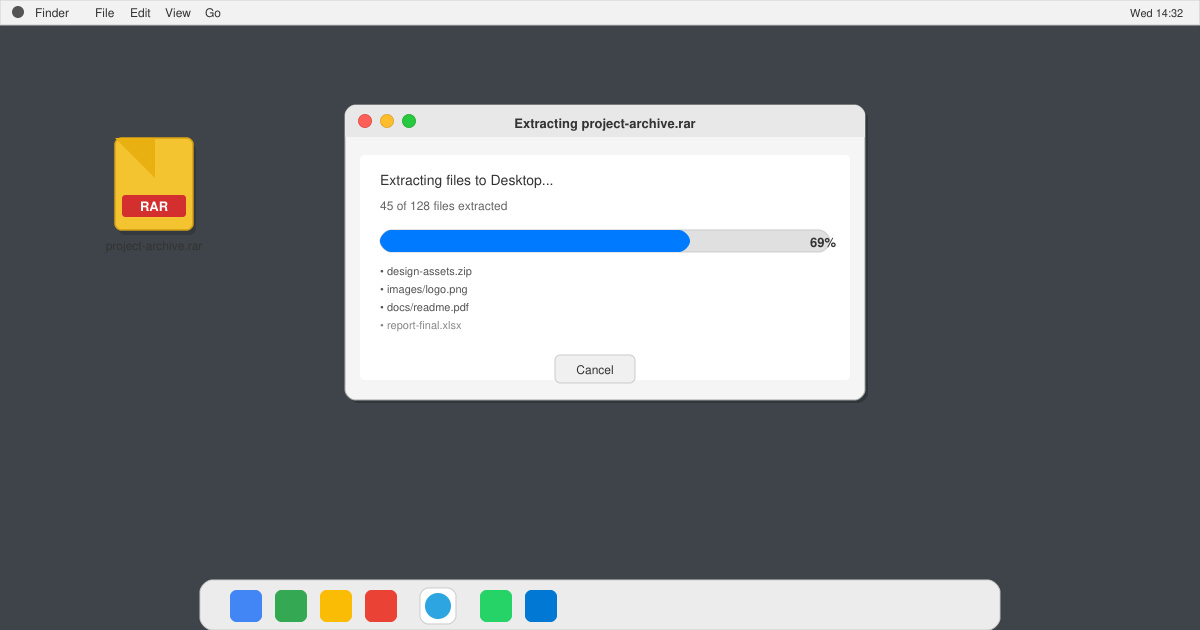
Learn how to open RAR file in Mac OS using free tools. This guide shows the fastest ways to extract RAR archives on your Mac in minutes.
How to make Google Chrome primary browser on Windows, macOS, Android, and iOS with clear step-by-step instructions. Set Chrome as your default browser in minutes for better speed and sync.
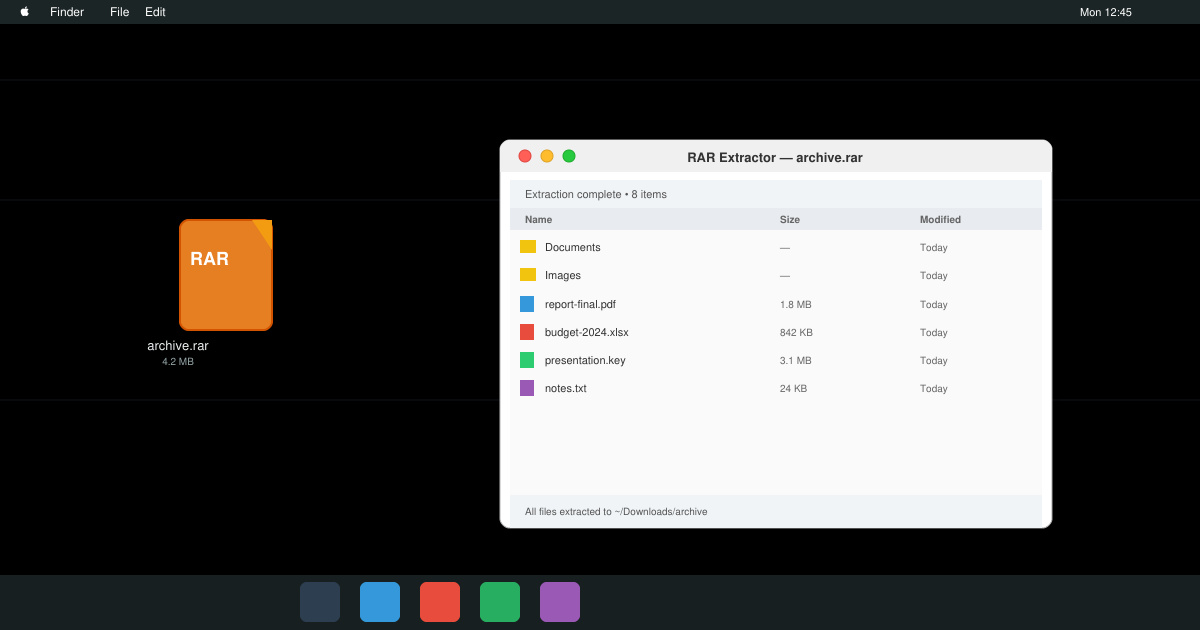
Need a rar program for mac to open RAR files? Learn the fastest way to install and use a reliable extractor on macOS in minutes.
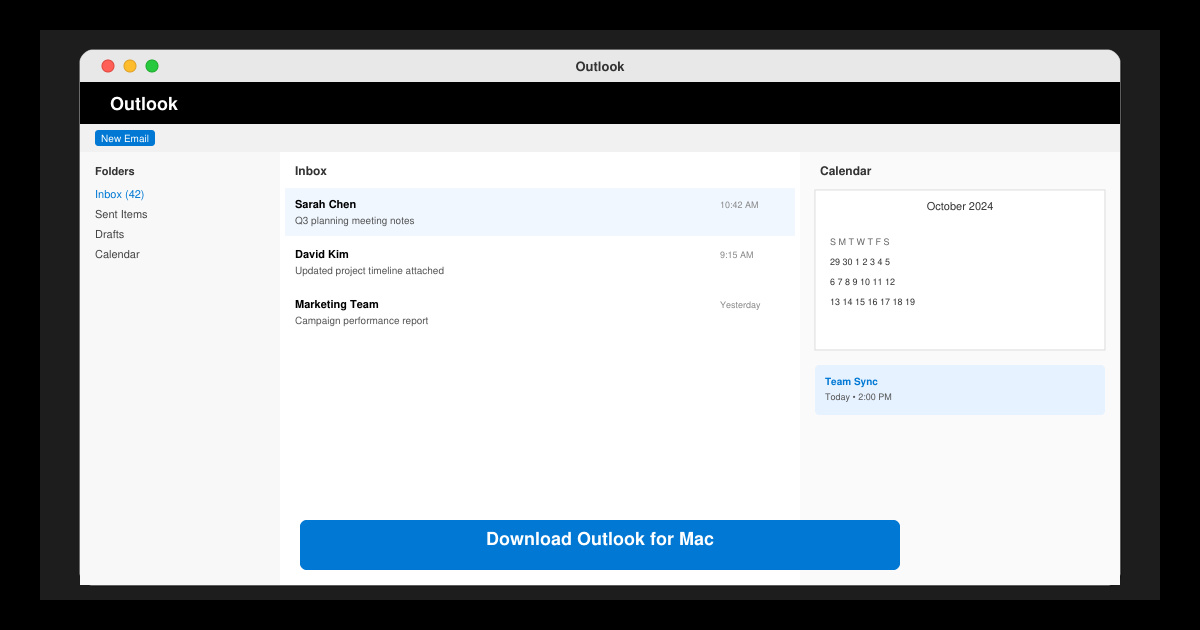
Download Outlook for Mac from the official Microsoft source and install it on your Mac in minutes. Follow this guide for the latest version compatible with macOS.
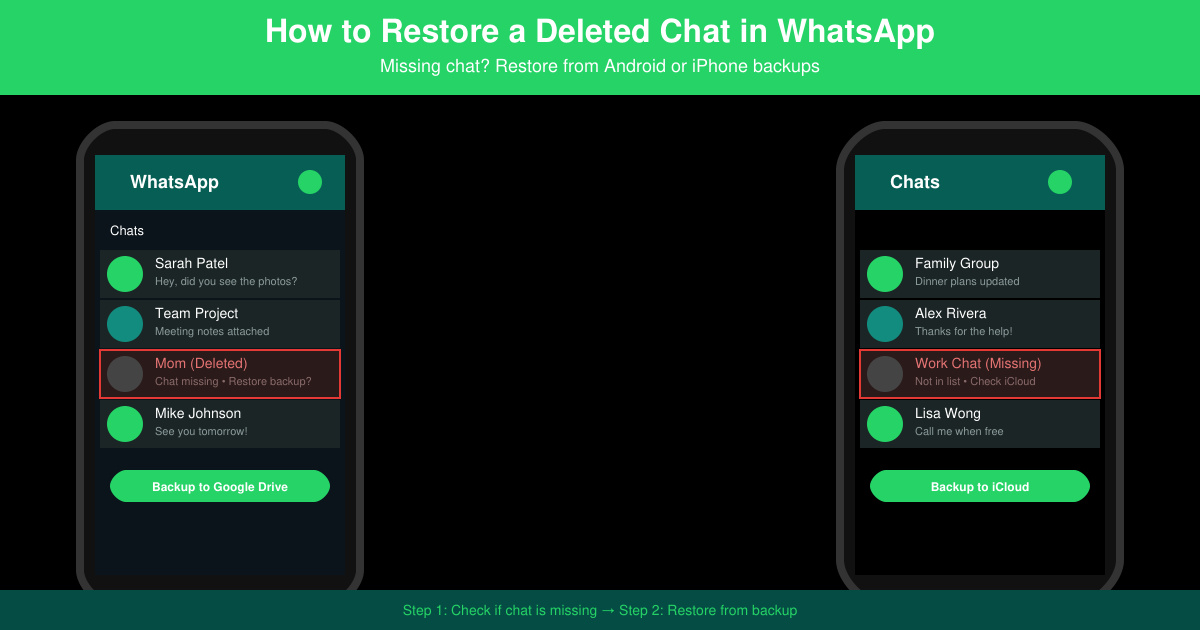
Learn exactly how to restore a deleted chat in WhatsApp on Android and iPhone using local or Google Drive backups. Follow these steps to recover conversations in minutes.
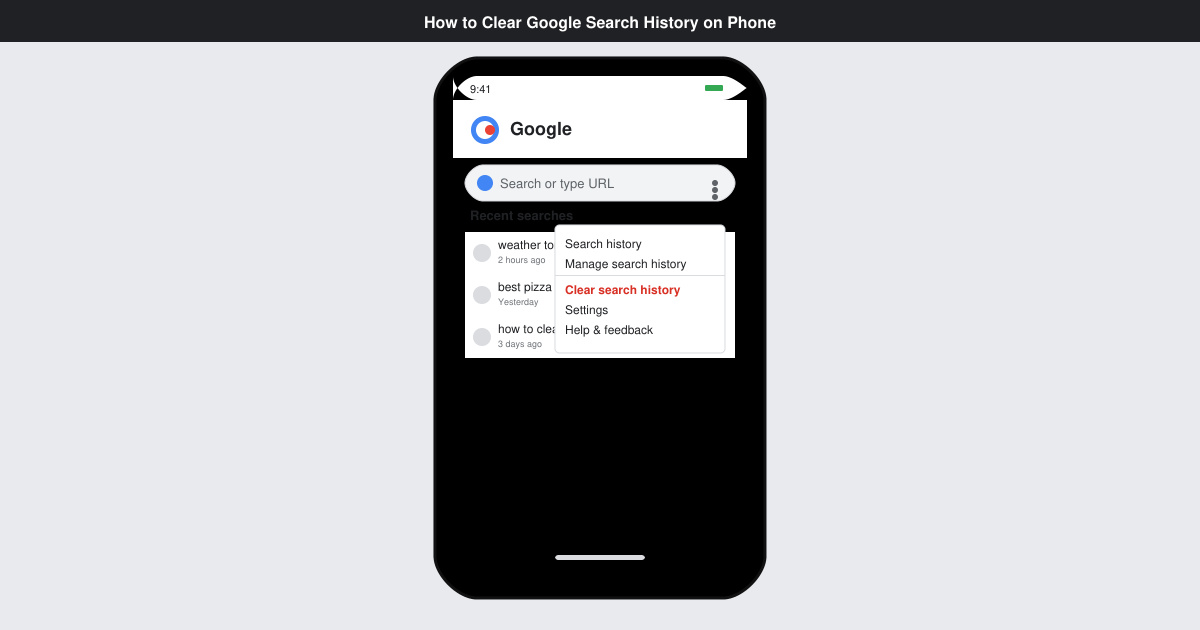
Learn how to clear Google search history on phone in just a few taps. Follow these exact steps for Android and iOS to remove search activity and improve privacy.
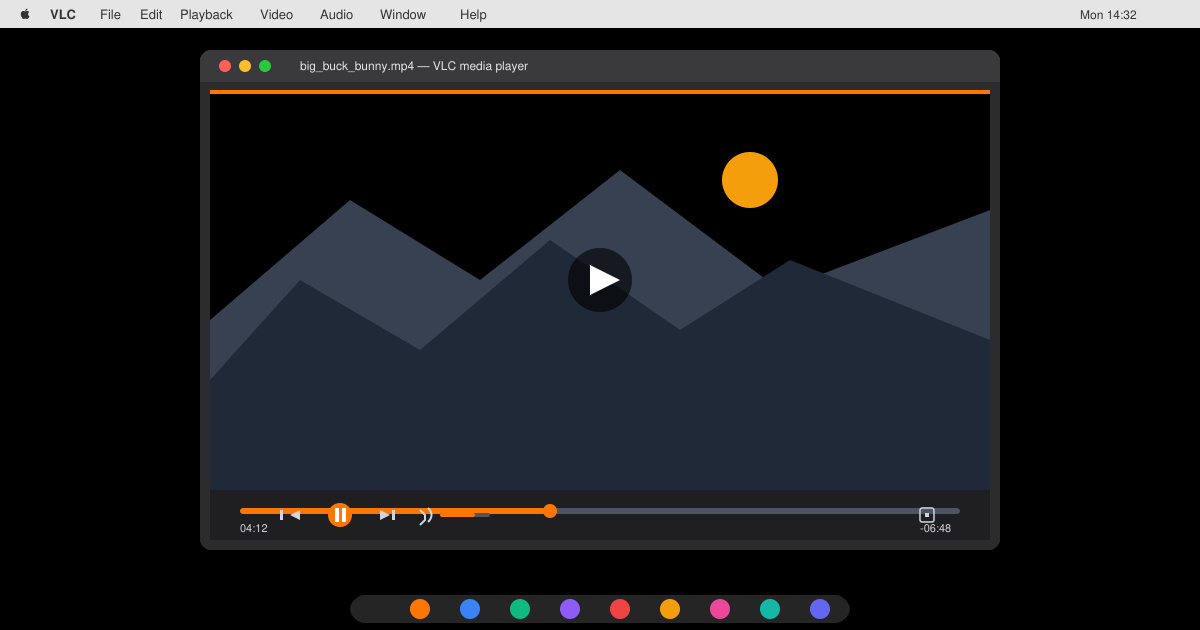
Complete your VLC Player Download Mac safely from the official source. This guide shows the exact steps to install VLC Media Player on macOS for reliable video and audio playback.
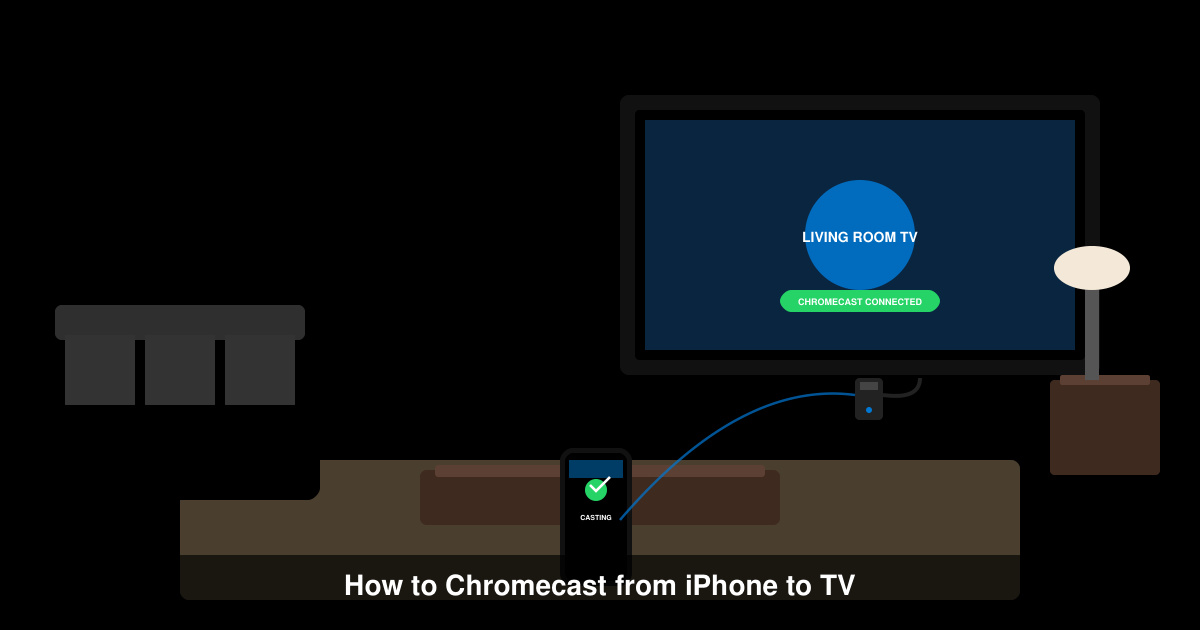
Learn how to Chromecast from iPhone to TV quickly and reliably. Follow these exact steps to stream videos, photos, and apps from your iPhone to any Chromecast device.