How to Download Chrome on Macbook
Follow this guide on how to download Chrome on Macbook to get Google Chrome running quickly and safely on your device.
How to Download Chrome on Macbook is straightforward when you follow the official route from Google. Chrome delivers fast performance, strong security features, and seamless syncing across devices. This article provides the exact steps to get Chrome installed on your MacBook running macOS.
Google Chrome stands out for its speed, extensive extension library, and integration with Google Workspace tools. Many MacBook users prefer it over Safari for better cross-platform consistency and developer tools. Before starting, ensure your MacBook meets the minimum requirements: macOS 10.15 or later and at least 2 GB of free storage space.
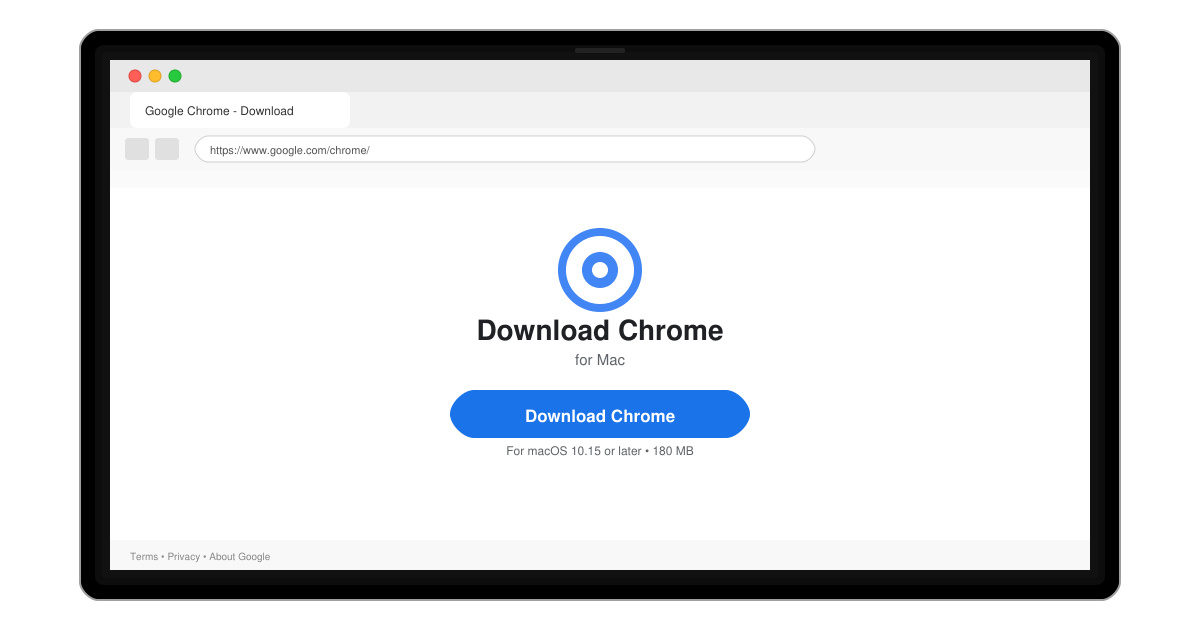
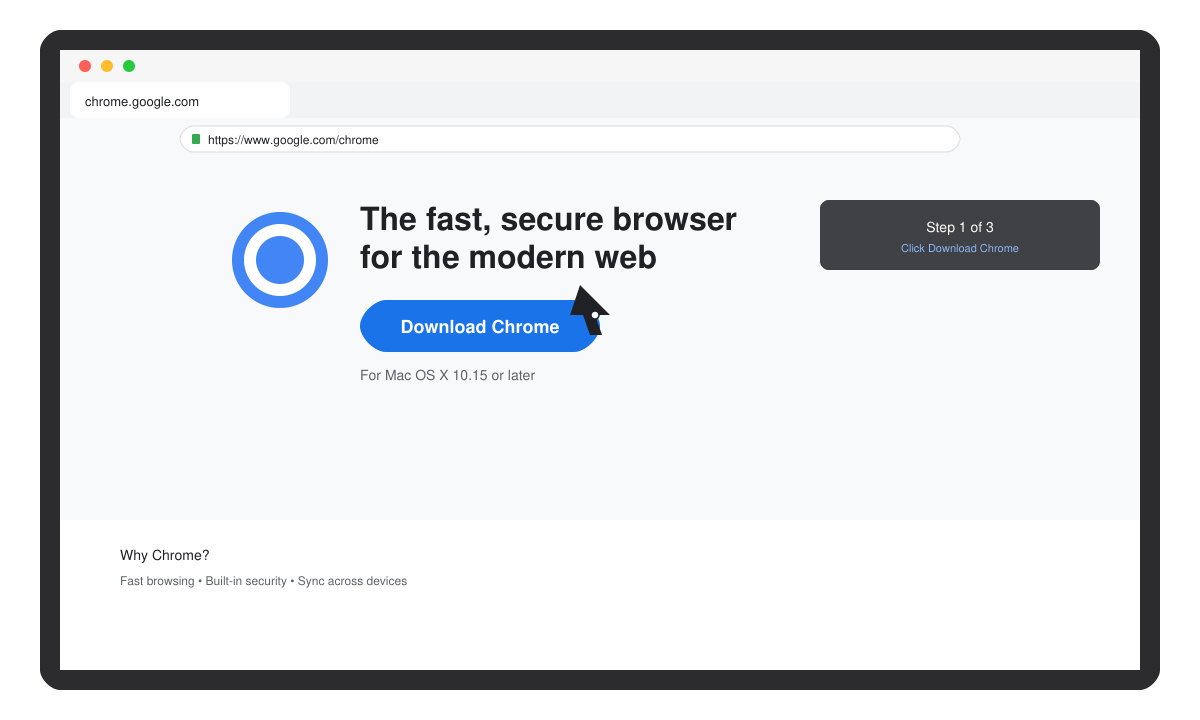
Open Safari on your MacBook and enter chrome.google.com in the address bar. Click the blue "Download Chrome" button on the page. The site automatically detects your macOS version and offers the correct .dmg file.
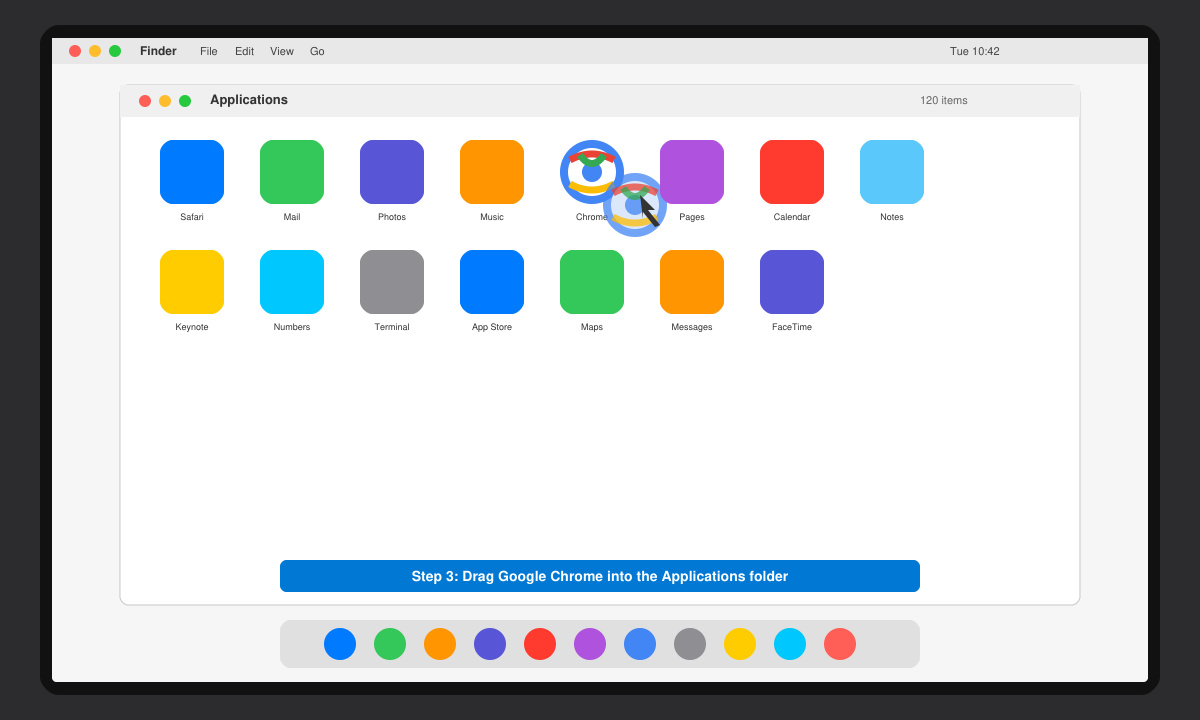
Locate the chrome-mac.dmg file in your Downloads folder. Double-click it to mount the disk image, then drag the Chrome icon into the Applications folder as shown in the window.
Open the Applications folder and double-click Google Chrome. When prompted, click "Open" to confirm the app from an identified developer. Sign in with your Google account to sync bookmarks, passwords, and extensions.
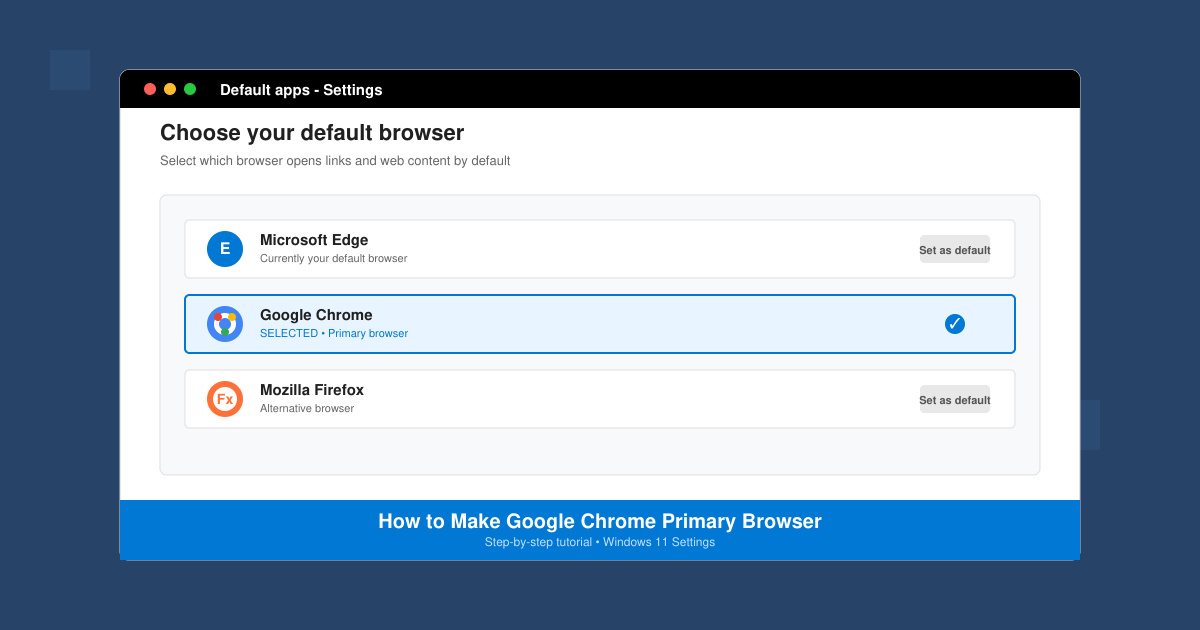
Go to System Settings > Desktop & Dock > Default web browser and select Google Chrome from the dropdown menu. This ensures all web links open in Chrome automatically.
If the download fails, check your internet connection and temporarily disable any VPN. Gatekeeper may block the app on first launch; right-click the Chrome icon, choose Open, then confirm. For repeated crashes after install, delete the app and redownload the latest version directly from the Google site. Clear the Downloads folder of old .dmg files to free space if needed.
Yes, Google Chrome is completely free to download and use on any MacBook.
Absolutely. Both browsers can coexist, and you can switch between them at any time.
Chrome checks for updates in the background and installs them when you relaunch the browser.
Following these steps ensures you successfully complete how to download Chrome on Macbook and enjoy a reliable browsing experience.
Follow this guide on how to download Chrome on Macbook to get Google Chrome running quickly and safely on your device.
Discover exactly how to find your WhatsApp number on Android, iPhone, and desktop in under a minute. Follow these clear steps to view the number linked to your account.
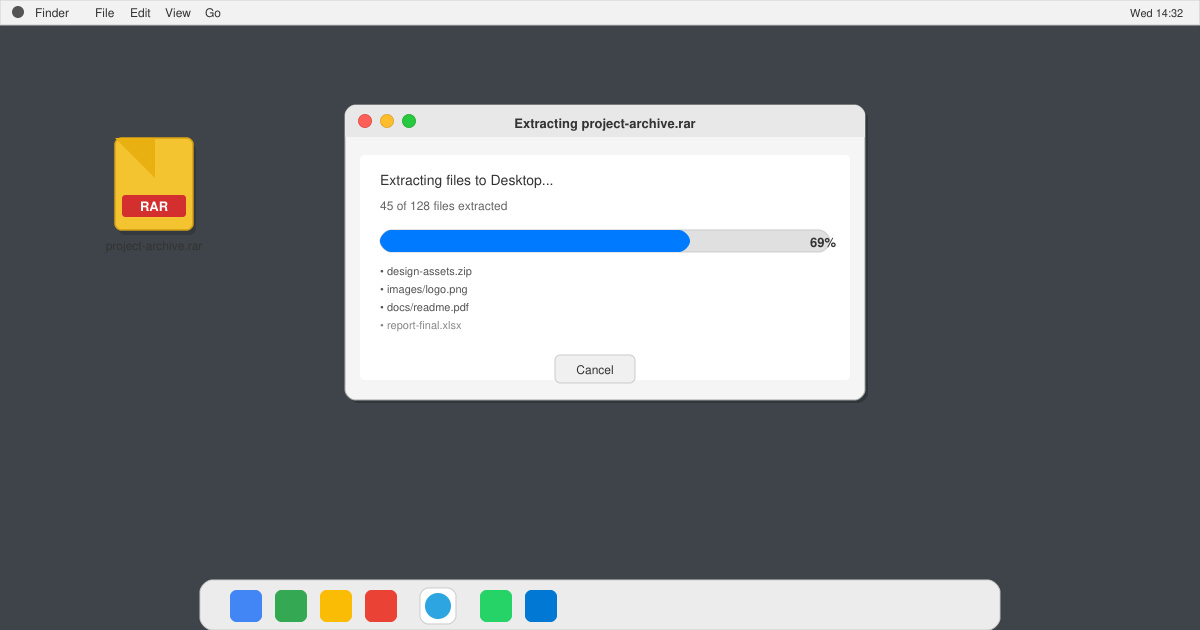
Learn how to open RAR file in Mac OS using free tools. This guide shows the fastest ways to extract RAR archives on your Mac in minutes.
How to make Google Chrome primary browser on Windows, macOS, Android, and iOS with clear step-by-step instructions. Set Chrome as your default browser in minutes for better speed and sync.
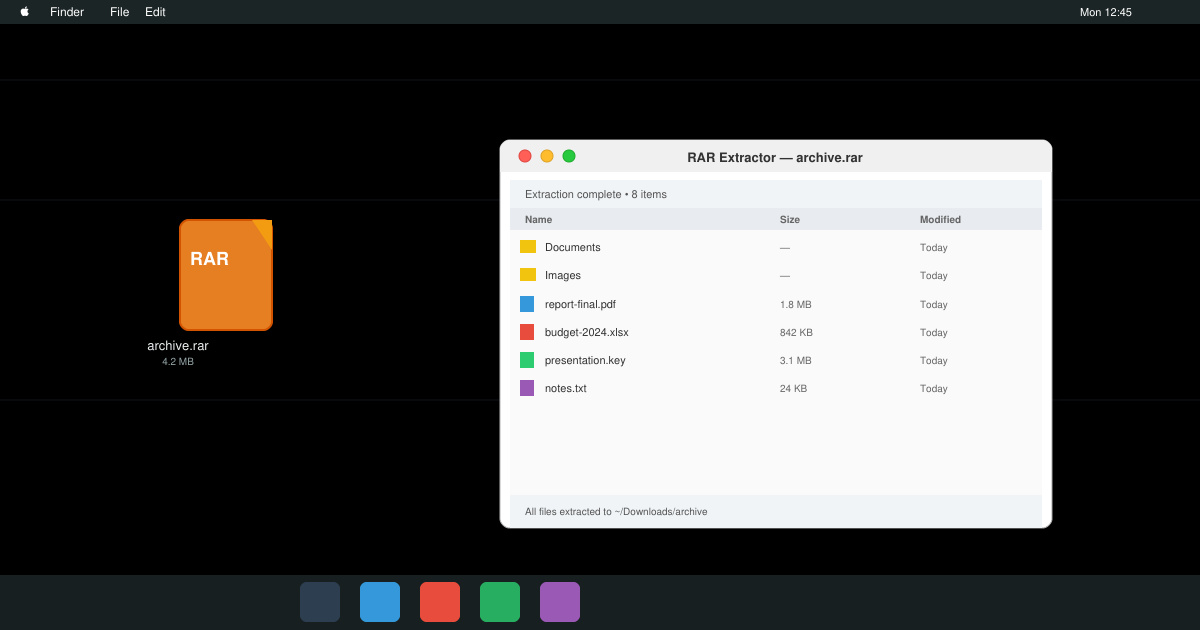
Need a rar program for mac to open RAR files? Learn the fastest way to install and use a reliable extractor on macOS in minutes.
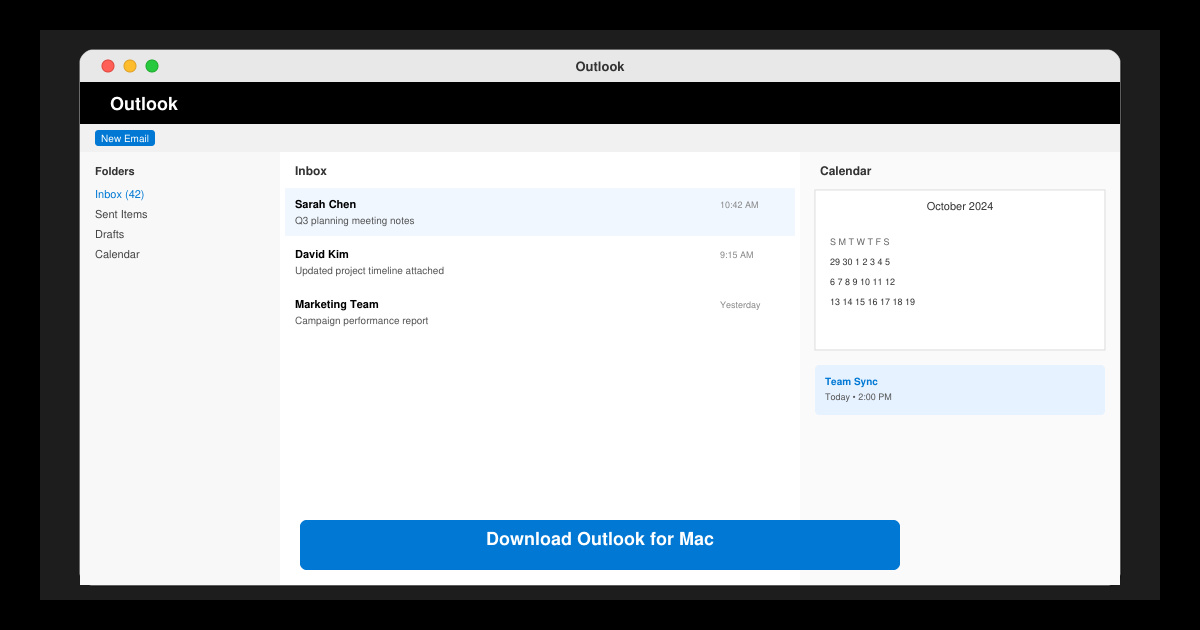
Download Outlook for Mac from the official Microsoft source and install it on your Mac in minutes. Follow this guide for the latest version compatible with macOS.
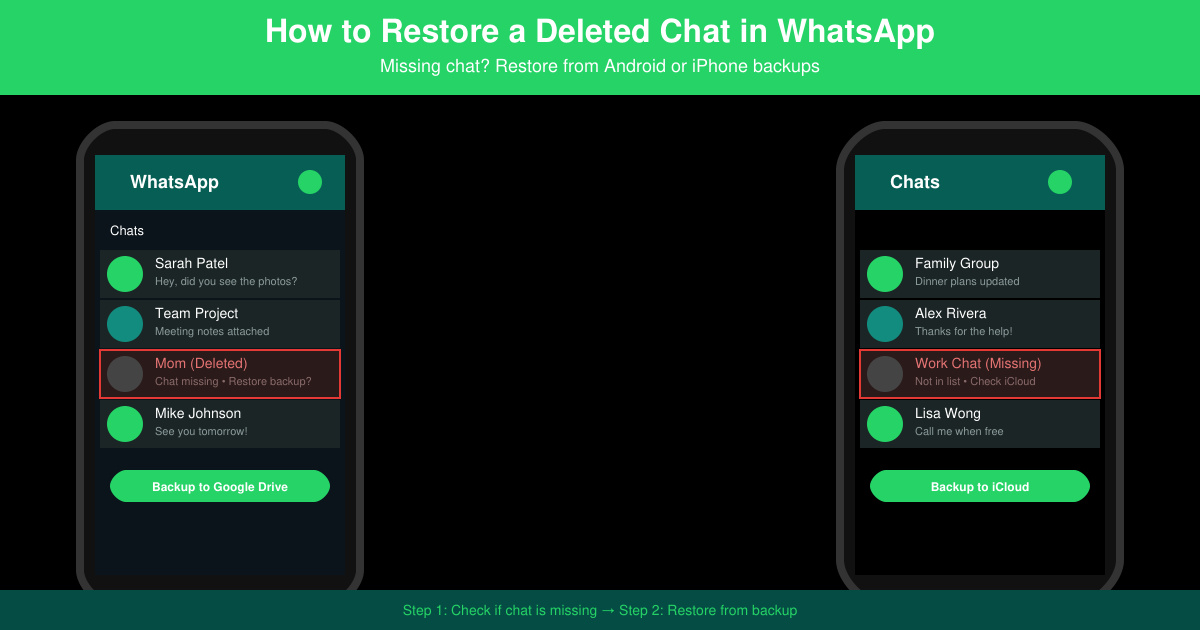
Learn exactly how to restore a deleted chat in WhatsApp on Android and iPhone using local or Google Drive backups. Follow these steps to recover conversations in minutes.
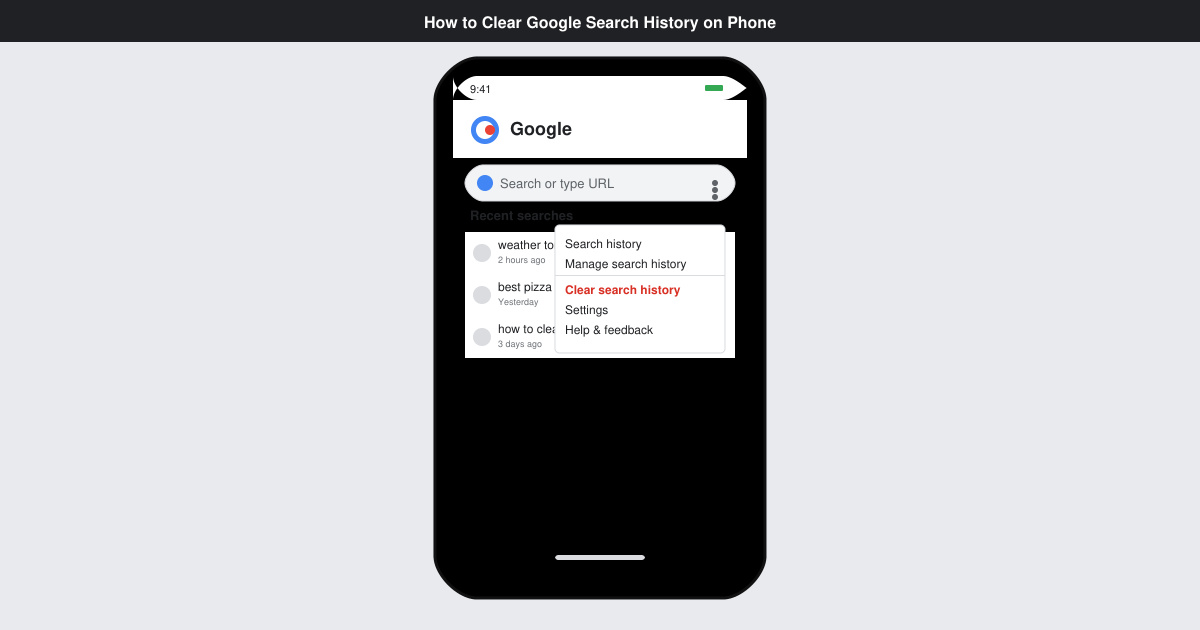
Learn how to clear Google search history on phone in just a few taps. Follow these exact steps for Android and iOS to remove search activity and improve privacy.
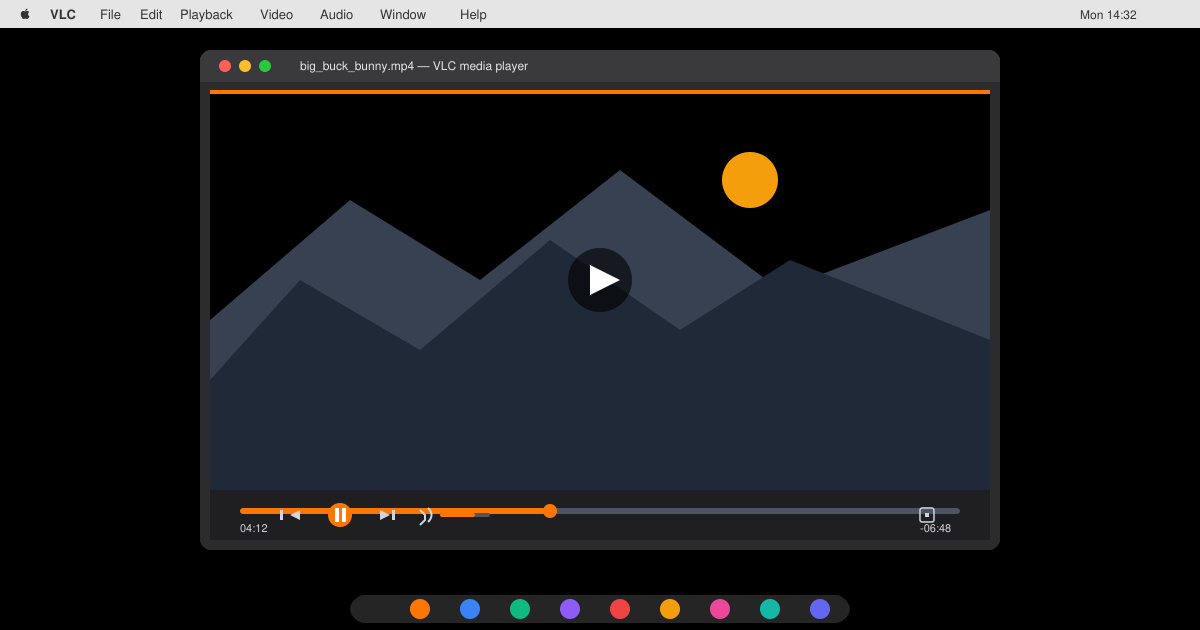
Complete your VLC Player Download Mac safely from the official source. This guide shows the exact steps to install VLC Media Player on macOS for reliable video and audio playback.
Learn how to Chromecast from iPhone to TV quickly and reliably. Follow these exact steps to stream videos, photos, and apps from your iPhone to any Chromecast device.