How to Download Chrome on Macbook
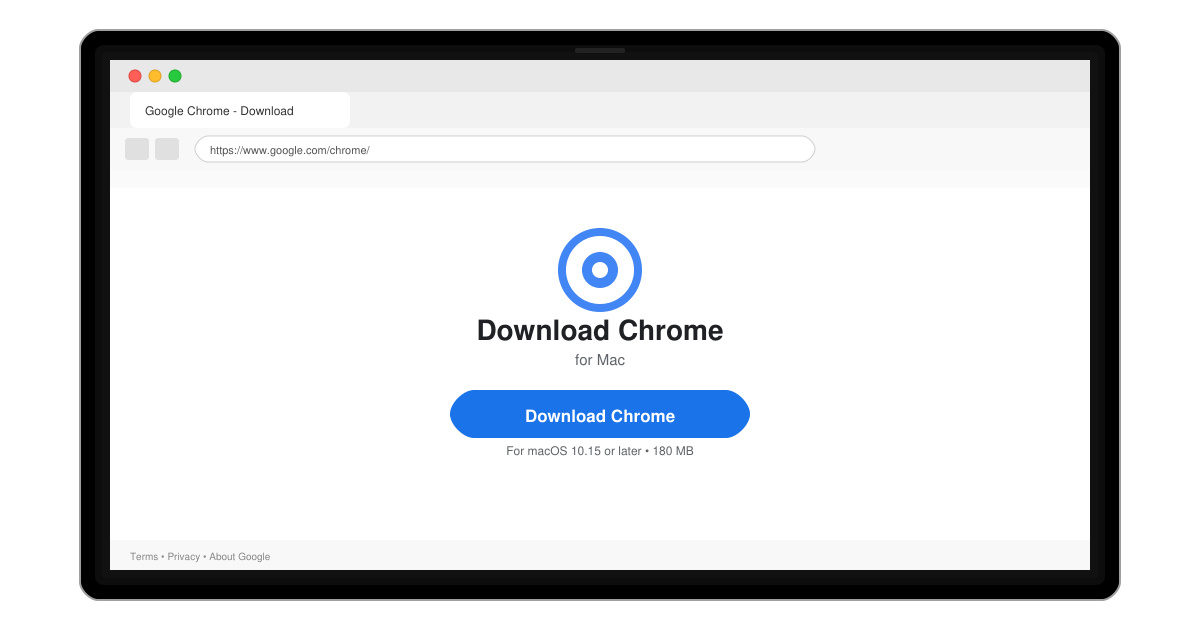
Follow this guide on how to download Chrome on Macbook to get Google Chrome running quickly and safely on your device.
How to Backup WhatsApp ensures your messages, photos, and videos stay safe when you switch phones or reinstall the app. Both Android and iOS users can create encrypted backups that restore everything quickly. This guide walks through the exact steps for each platform.
WhatsApp stores local copies on your device but relies on cloud services for full device transfers. Android users connect to Google Drive while iPhone users use iCloud. You must have enough free cloud storage and stay signed into the same account during restore. Backups include chats and media only if you enable the media option; otherwise only text messages are saved.
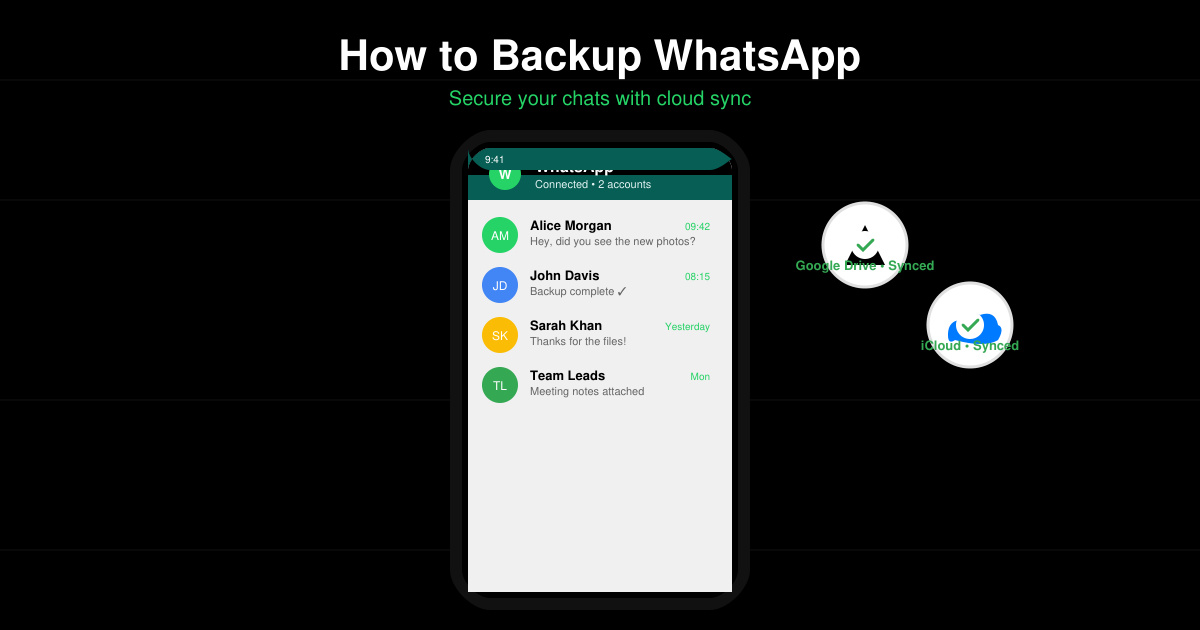
Launch WhatsApp on your Android phone. Tap the three-dot menu in the top right, then select Settings followed by Chats. This path leads directly to the backup controls.
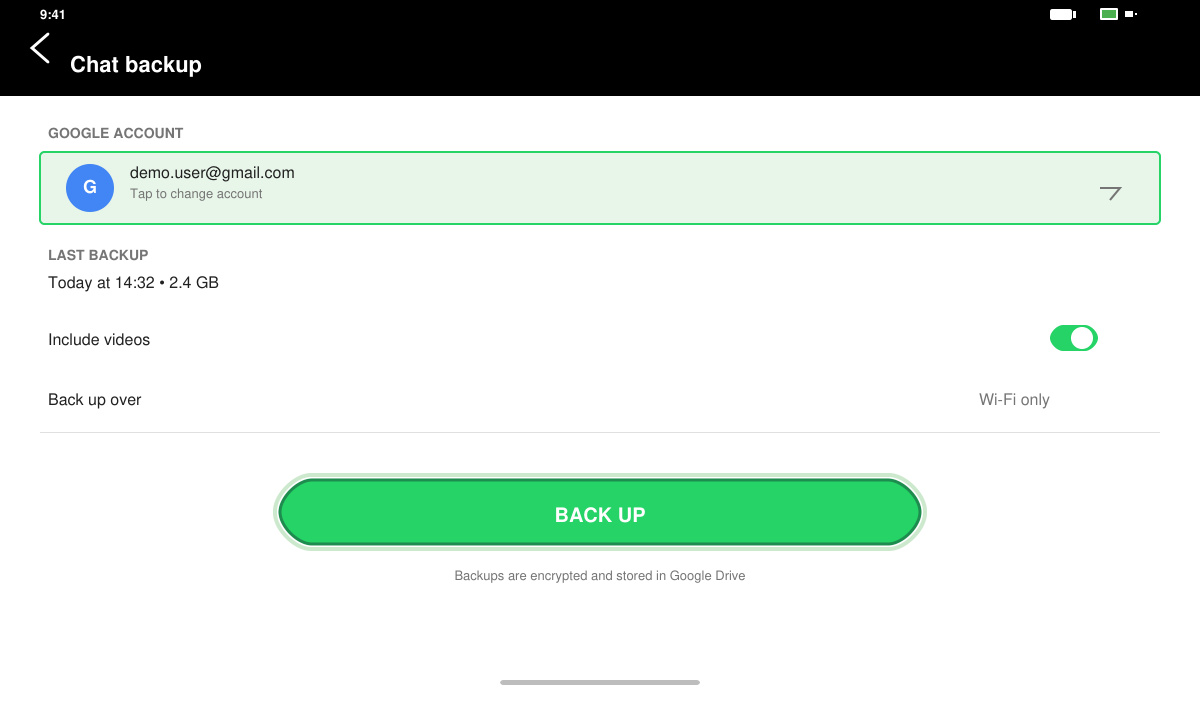
Tap Chat backup, then select your Google account. Choose Daily, Weekly, or Monthly frequency. Enable Include videos if you want media files backed up. Tap Back up to start the upload immediately.
Return to the Chat backup screen. Check the last backup date and size listed below the backup button. If the date is current and the size matches your chat volume, the process finished successfully.
Open WhatsApp on your iPhone. Tap Settings at the bottom right, then Chats, then Chat Backup. This screen shows your current iCloud backup status.
Make sure iCloud Drive is turned on in your iPhone Settings app under Apple ID > iCloud. Return to WhatsApp and tap Back Up Now. Include videos if desired by toggling the switch before starting.
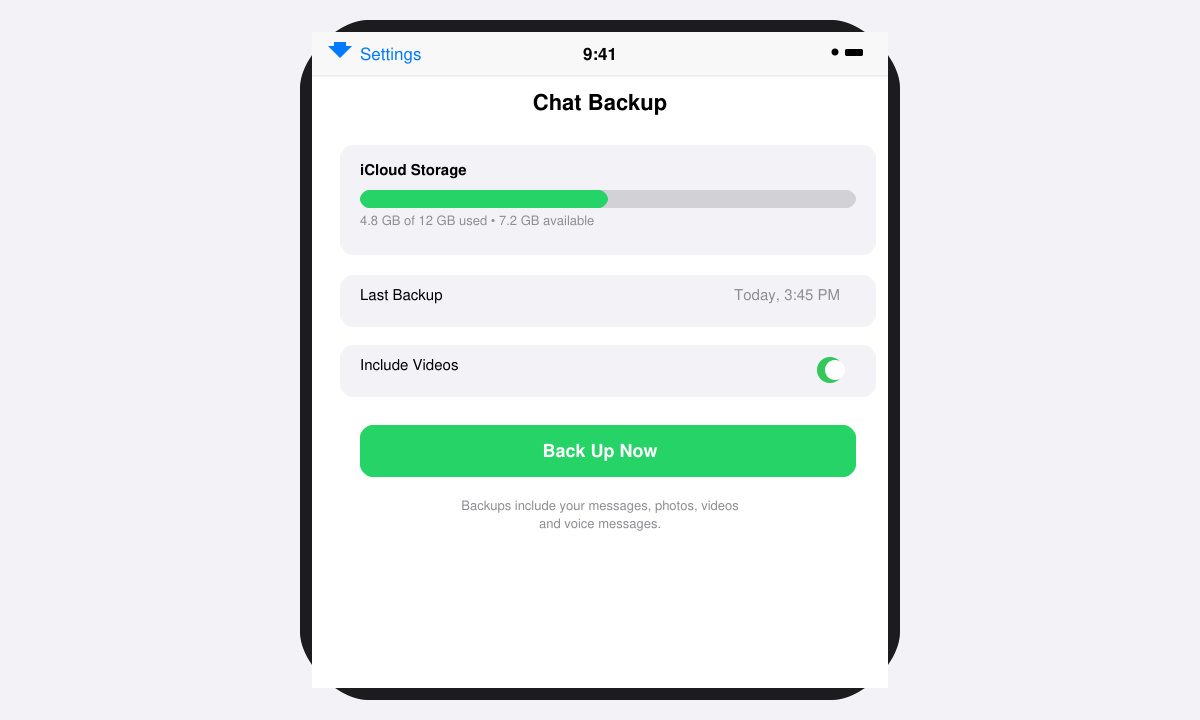
After the upload finishes, check the last backup timestamp on the same screen. You can also open iPhone Settings > Apple ID > iCloud > Manage Storage > WhatsApp to view stored backup size.
No. WhatsApp requires a cloud service for cross-device transfers. Local backups exist on the device but disappear when you switch phones.
Set the frequency to Daily if you receive many messages or media daily. Weekly works well for most users who want to balance storage use and data safety.
Call logs are not included in cloud backups. Only chat messages, photos, videos, and voice messages are saved and restored.
Following these steps creates reliable How to Backup WhatsApp copies that restore your full chat history whenever needed. Perform a fresh backup before any phone change to avoid losing data.
Follow this guide on how to download Chrome on Macbook to get Google Chrome running quickly and safely on your device.
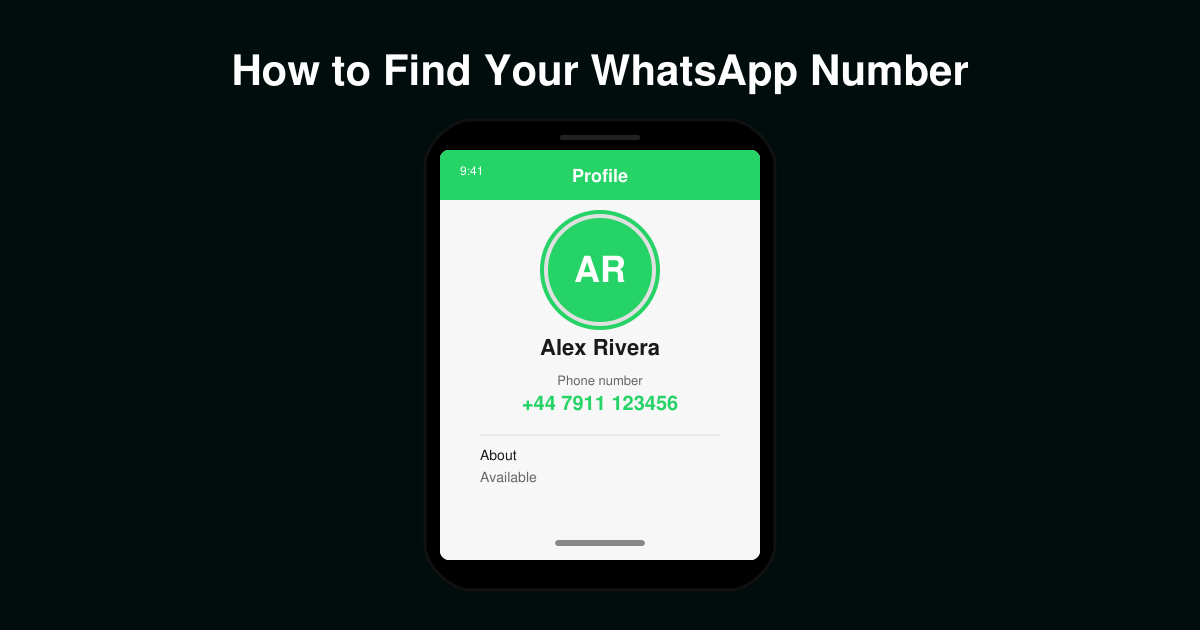
Discover exactly how to find your WhatsApp number on Android, iPhone, and desktop in under a minute. Follow these clear steps to view the number linked to your account.
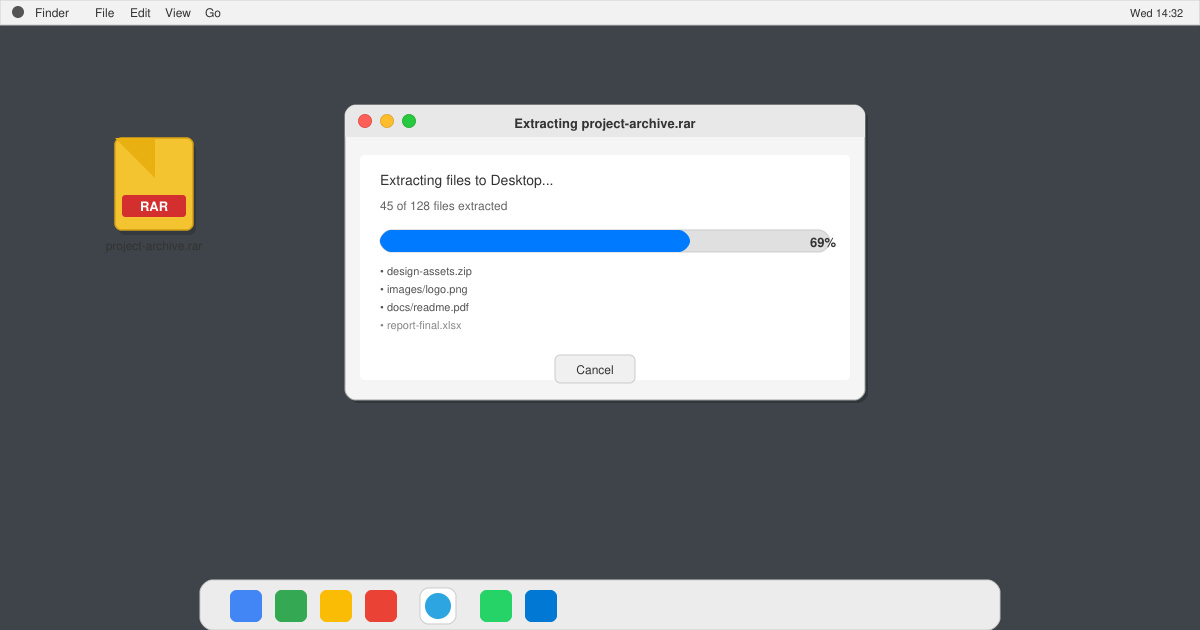
Learn how to open RAR file in Mac OS using free tools. This guide shows the fastest ways to extract RAR archives on your Mac in minutes.
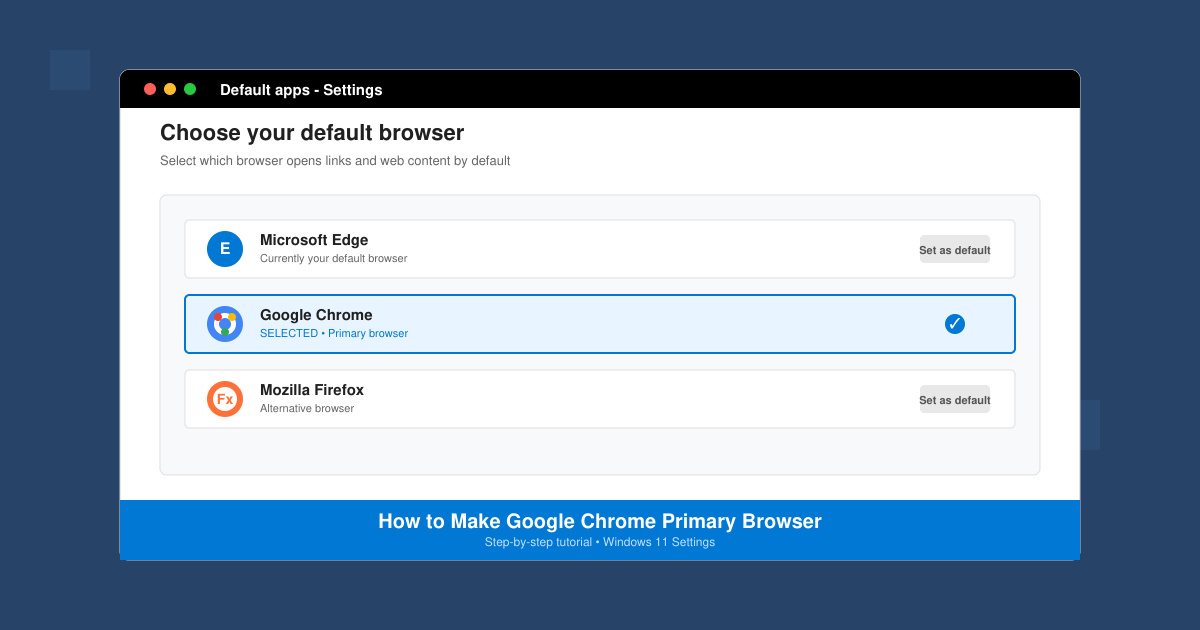
How to make Google Chrome primary browser on Windows, macOS, Android, and iOS with clear step-by-step instructions. Set Chrome as your default browser in minutes for better speed and sync.
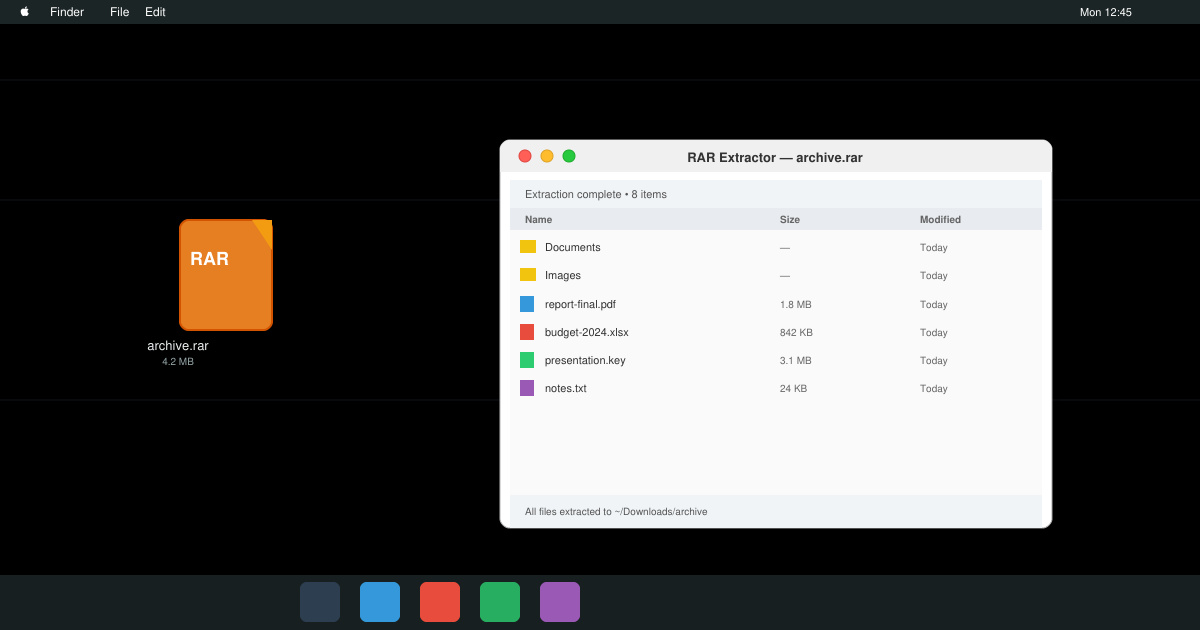
Need a rar program for mac to open RAR files? Learn the fastest way to install and use a reliable extractor on macOS in minutes.
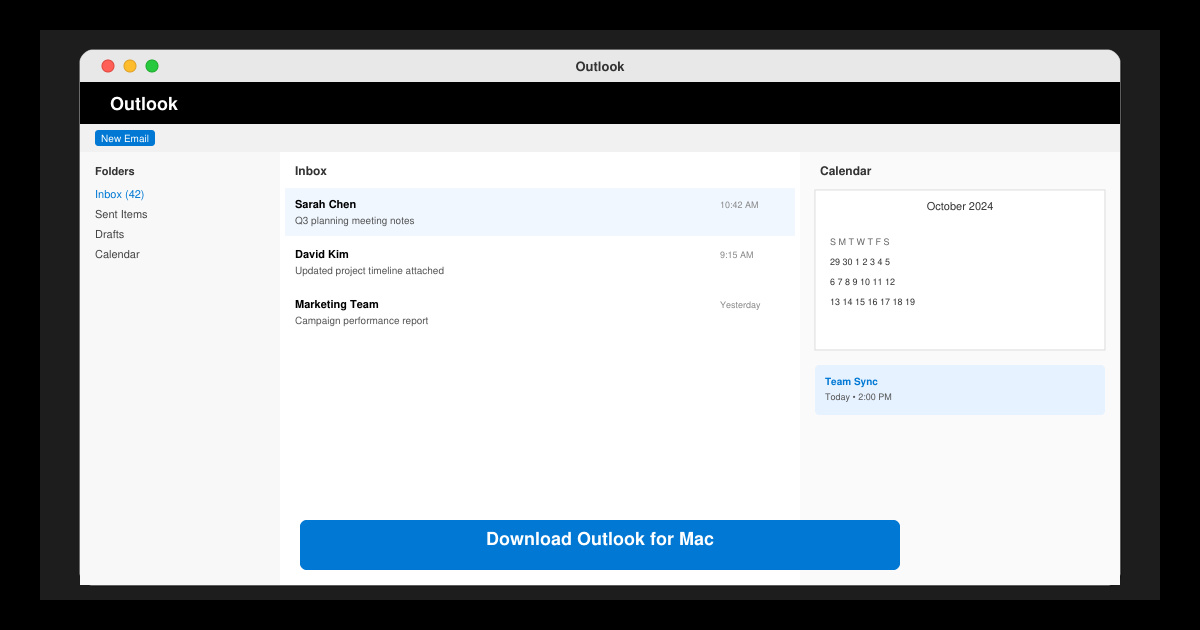
Download Outlook for Mac from the official Microsoft source and install it on your Mac in minutes. Follow this guide for the latest version compatible with macOS.
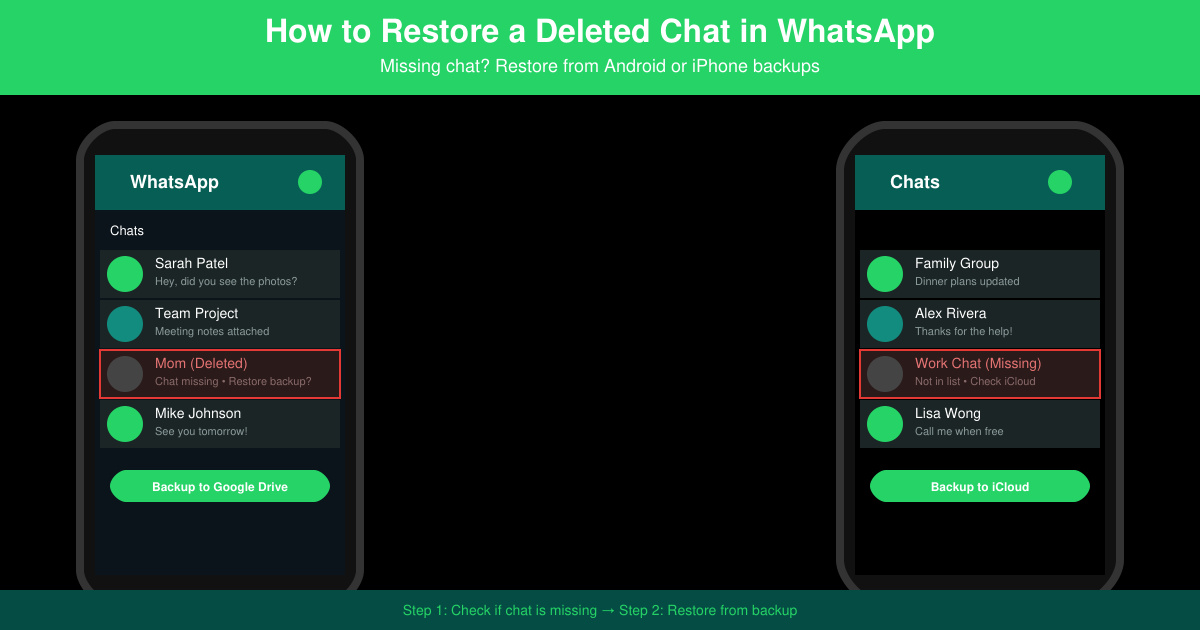
Learn exactly how to restore a deleted chat in WhatsApp on Android and iPhone using local or Google Drive backups. Follow these steps to recover conversations in minutes.
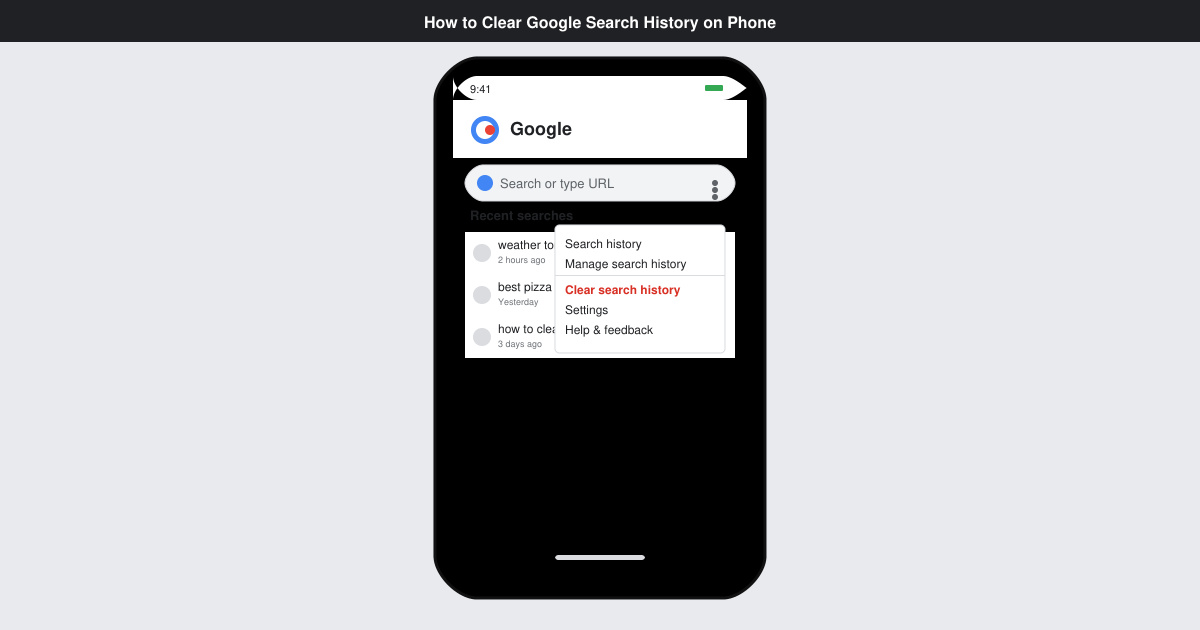
Learn how to clear Google search history on phone in just a few taps. Follow these exact steps for Android and iOS to remove search activity and improve privacy.
Complete your VLC Player Download Mac safely from the official source. This guide shows the exact steps to install VLC Media Player on macOS for reliable video and audio playback.
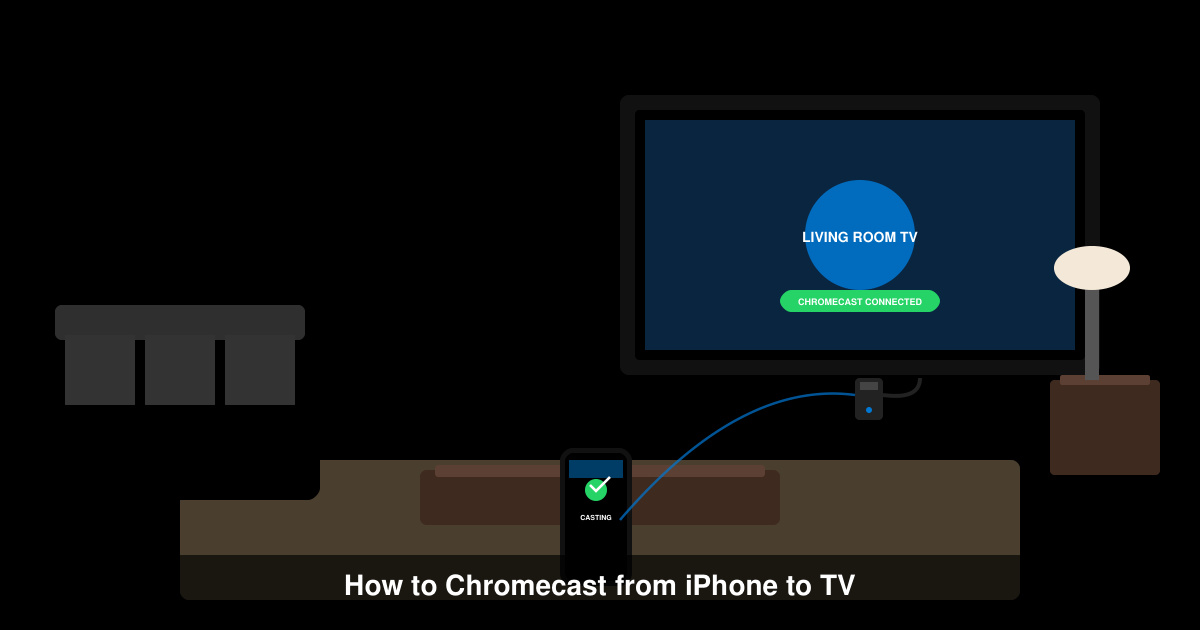
Learn how to Chromecast from iPhone to TV quickly and reliably. Follow these exact steps to stream videos, photos, and apps from your iPhone to any Chromecast device.