Home
» Technology
»
How to Contact Salesforce Support During a Major System Failure
How to Contact Salesforce Support During a Major System Failure
During a major Salesforce failure, the fastest path is usually not to send the same message through every channel. First confirm the scope in Salesforce Trust Status, then choose the support route that matches your Success Plan and business impact. For a business-stopping incident, use phone support when your plan permits it, or ask Help Agent to connect you with a Support engineer. Open or update one well-documented case and keep its case number available for every follow-up.
Salesforce support options change by Success Plan, region, language, product, and customer type. The instructions below reflect Salesforce Help and phone-number information checked on September 16, 2026. Free and trial organizations may not have the same support channels as paid customers, and a support page or phone number can change, so use the linked Salesforce pages as the final authority.
Quick decision table
Situation
Best first action
Important condition
Salesforce is down for many users or the business has stopped
Check Trust Status, then use phone support or Help Agent to request a Support engineer.
Salesforce identifies a Severity 1 issue as “Business Stopping.” Phone availability depends on the Success Plan and region.
Only one org, feature, integration, or group of users is affected
Open a case through Salesforce Help and document the affected org, product, and scope.
Do not assume a global outage just because one workflow fails.
You can’t sign in to the Salesforce Help portal
Ask an administrator or colleague with access to open or update the case; use phone support if your plan and severity qualify.
Keep your organization and contact details ready for identity verification.
You already have a case for the incident
Update the existing case and quote its case number.
Duplicate cases can split evidence and make ownership less clear.
1. Confirm whether the failure is global, regional, or specific to your org
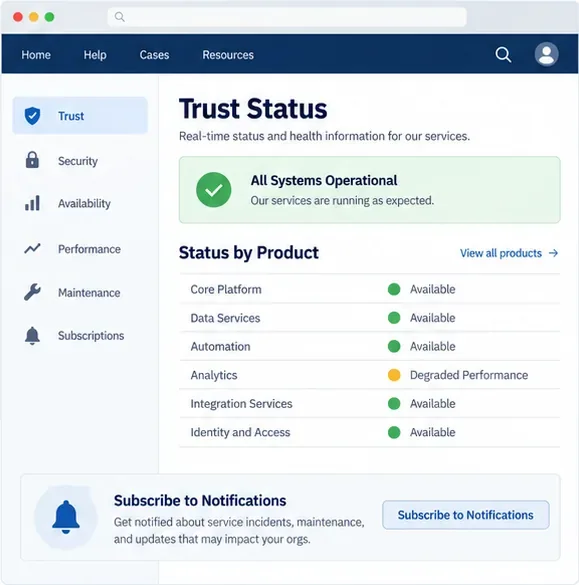
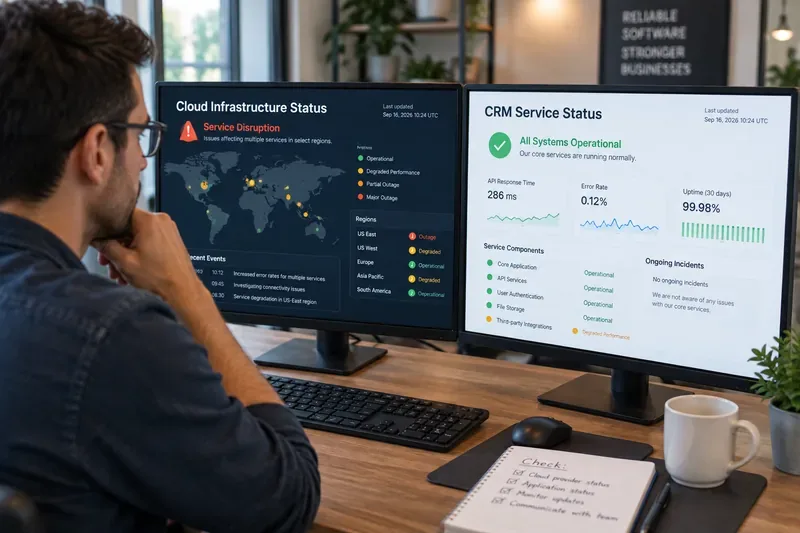
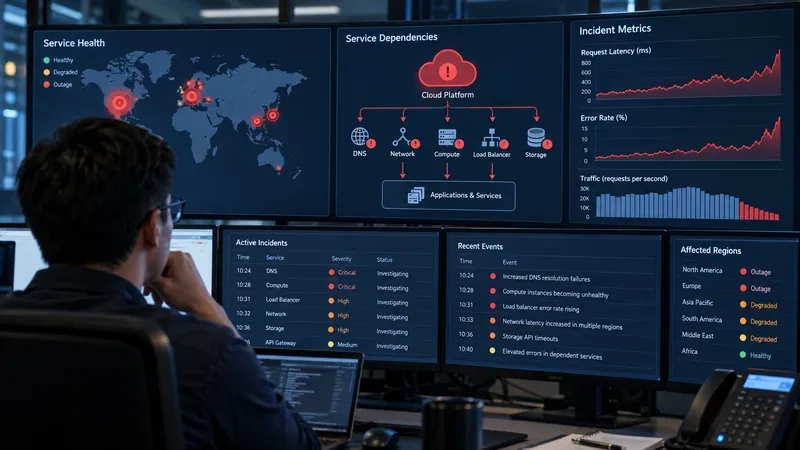
Before contacting support, spend a minute separating a platform-wide incident from an organization-specific problem. Check Salesforce Trust and the relevant product or instance view. Look for an active incident, performance degradation, maintenance event, or informational message. If you know your Salesforce instance or tenant, use that identifier rather than searching only for “Salesforce down.”
Conceptual Trust Status screen showing where an administrator can review product status and notifications; it is not a live Salesforce screenshot.
Also test the smallest useful comparison. Can another user in the same org log in? Is the problem limited to one browser, network, profile, API client, or integration? Are Salesforce pages unavailable, or is a connected service failing after authentication? These checks do not replace a support case, but they give Support an impact statement instead of a vague report.
2. Choose the Salesforce support channel that fits your case
Salesforce’s current How to Get Support from Salesforce Help article describes three main routes: Help Agent, phone support, and case submission. The correct option depends on your Success Plan, location, supported language, and severity.
Use Help Agent when you need guided triage or a case
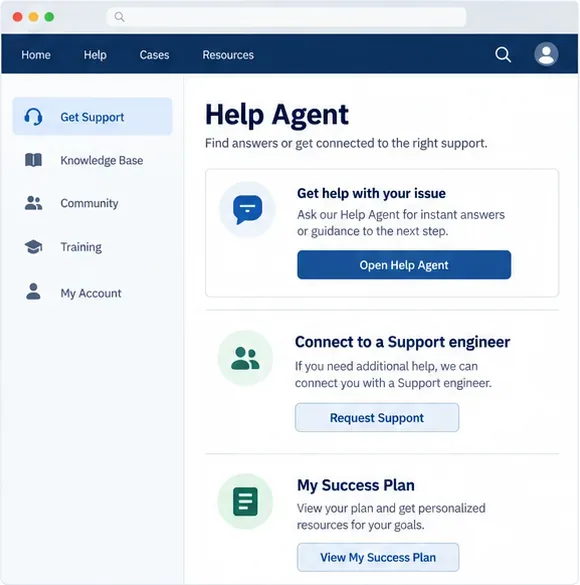
Log in to Salesforce Help, start a conversation with Help Agent, and ask it to connect you with a Support engineer if the automated guidance does not resolve the problem. Salesforce says Help Agent is available 24/7 for Standard, Premier, and Signature customers, subject to the supported product and language. Live chat is not available for free or trial org users.
Conceptual Salesforce Help screen showing the documented Help Agent and Support engineer route, plus the Success Plan area used to identify available support benefits.
If your organization has multiple orgs, select the Success Plan and organization that match the affected environment. A case attached to the wrong org can slow verification and routing. If Help Agent is already open in another conversation, Salesforce instructs users to end that conversation before starting a new one.
Use phone support for a business-stopping failure when eligible
Salesforce states that phone support is available to Premier and Signature customers. Standard customers can use phone support for Severity 1, or business-stopping, issues. When you call, be ready to identify the product and provide the case number if you are following up on an existing case. Keep the contact details in Salesforce Help current because Support may need to verify your identity.
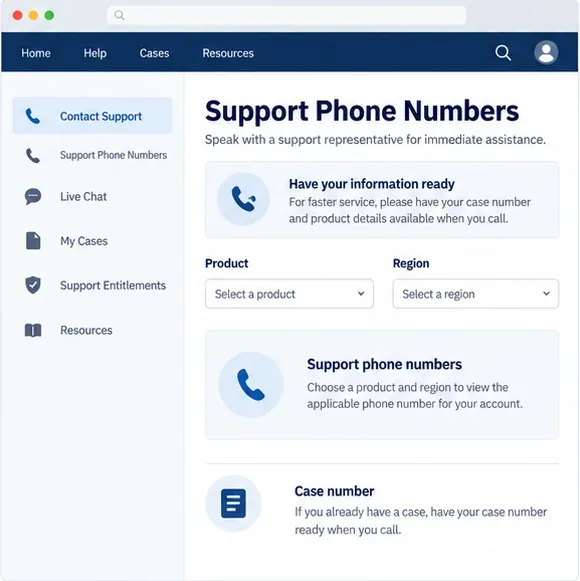
Use Salesforce’s current Customer Support Phone Numbers article rather than an old directory or a search-result snippet. For orientation, the page currently lists the United States number as +1-800-667-6389 and the Asia-Pacific regional English number as +65-6768-5004. It also lists country-specific numbers and hours. Toll-free numbers may not work when you are traveling outside the designated country, and toll numbers may incur charges.
Conceptual phone-support screen showing the information to prepare before calling: product, region, and an existing case number when applicable.
Use case submission for a documented, non-immediate escalation
Case submission is useful when the issue needs investigation but does not require a live phone conversation, or when your Success Plan directs you to the case form. Use the portal’s case workflow, select the affected organization, product, and severity, and write the impact in operational terms. A clear case is more useful than several short messages sent to different queues.
3. Prepare the information Support needs
Salesforce’s support guidance asks customers to explain what they were trying to do, what went wrong, when it last worked, how to reproduce the problem, what they expected, what actually happened, and the size or scope of the impact. During an outage, organize that information into a compact incident brief.
Organization: org name or ID, affected instance or tenant, production or sandbox, and the correct product.
Impact: number or type of affected users, business process stopped, geographic scope, and whether all users or only a subset are affected.
Timeline: first noticed time with time zone, last known good time, and important changes immediately before the failure.
Symptoms: exact error text, login behavior, failed API calls, timeouts, missing messages, or delayed jobs.
Reproduction: the shortest safe sequence that demonstrates the problem and whether it occurs in another browser, network, user, or environment.
Evidence: sanitized screenshots, request or correlation IDs, timestamps, and relevant logs with secrets removed.
Contact: one incident owner, a callback number, and the case number if one already exists.
Do not paste passwords, access tokens, private keys, payment data, health information, or other regulated content into a support case. Salesforce’s current guidance warns that Salesforce Help is separate from the Salesforce environment and is not intended for sensitive or regulated data. Redact first, then attach only the evidence Support needs.
4. Open or update the case without losing the incident trail
If you are opening a case, use the official case workflow from Salesforce Help. If the incident is already known on Trust Status, mention the incident title or link, but still describe your own org’s impact. A public incident may not explain why one integration, user group, or feature is failing in your environment.
If a case already exists, update it instead of opening duplicates. Include new timestamps, test results, changed impact, and any mitigation that was attempted. Make one person responsible for the case narrative so Support does not receive conflicting descriptions from several teams.
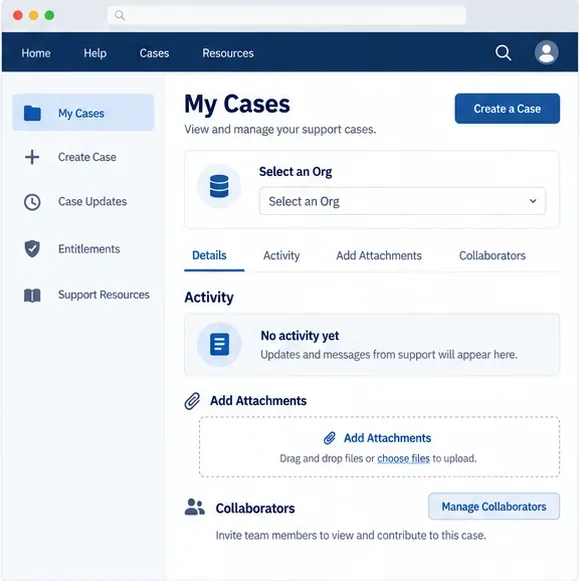
Conceptual My Cases screen showing the documented areas for selecting an org, reviewing activity, adding sanitized attachments, and involving collaborators.
Salesforce’s support instructions say that users can select an org in My Cases, add attachments from the Activity tab, and add collaborators. Use those controls to keep the right technical and business owners aligned. Do not create a new case merely because the first response is pending; update the existing case and follow the assigned Support process.
5. What to say in the first message
A practical opening can be short and specific:
“Severity 1 business impact: production users in [org or tenant] cannot [business action]. First observed [time and time zone]; last known good [time]. Affects [scope]. Error: [exact text]. Trust Status incident [link or title], if applicable. We tested [comparison]. Business workaround: [available or none]. Incident owner: [name and callback].”
Use Severity 1 only when the facts support a business-stopping classification. Do not exaggerate impact to move a routine configuration question ahead of a real outage. Accurate severity helps Support prioritize the incident and gives your internal stakeholders a defensible record.
6. Follow up while Salesforce is restoring service
Record the case number, incident ID, and the Support contact or queue.
Keep a timestamped incident log in your own system, including tests and business effects.
Reply in the existing case when new evidence changes the scope or severity.
Keep your internal users informed through a separate channel; do not make them repeatedly test production.
When Salesforce reports recovery, test login, the critical workflow, integrations, queued jobs, and downstream notifications.
Recovery is not complete merely because the login page loads. A major failure can leave delayed API requests, failed automations, duplicate retries, or messages waiting in an integration queue. Compare records created during the incident with the source system, confirm scheduled jobs ran, and document any manual work that must be replayed.
Final checklist
Check Trust Status and identify the affected org, instance, tenant, or product.
Classify the business impact honestly; use phone support for a qualifying Severity 1 incident.
Choose Help Agent, phone support, or case submission according to your Success Plan and region.
Prepare the timeline, scope, exact symptoms, reproduction steps, and sanitized evidence.
Open one case, keep the case number, and add updates instead of creating duplicates.
Use My Cases and collaborators to keep the response team aligned.
Verify downstream workflows after Salesforce reports recovery.