How to Download Chrome on Macbook
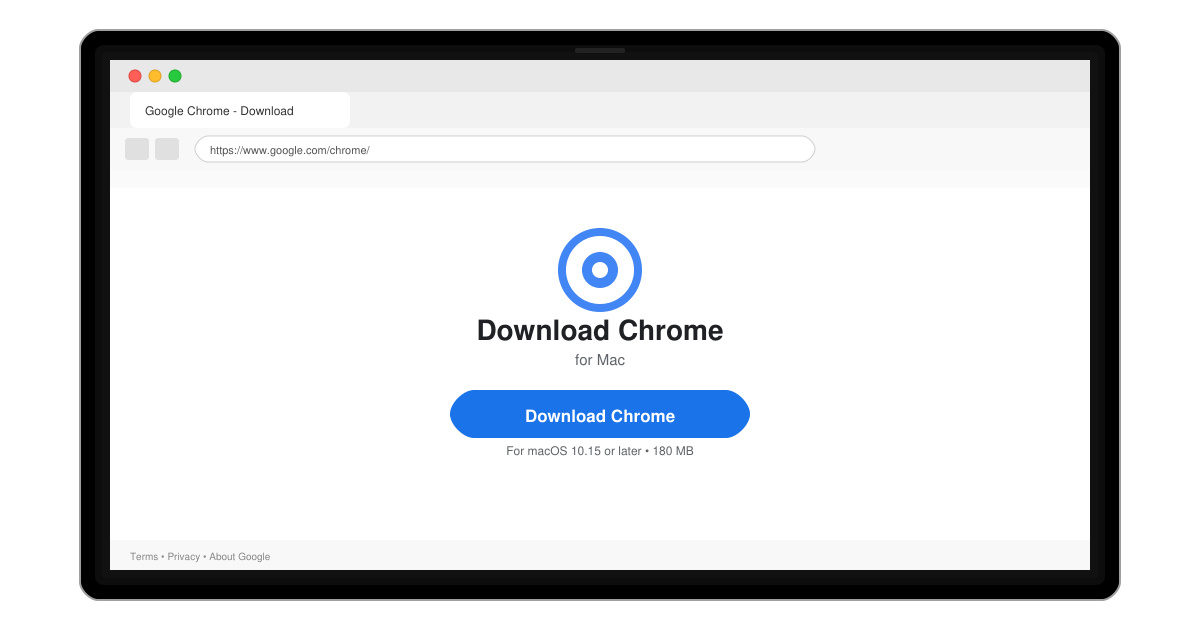
Follow this guide on how to download Chrome on Macbook to get Google Chrome running quickly and safely on your device.
Making Google Chrome handle all your web links is a quick system change. This guide shows exactly How to Make Chrome Your Default on every major platform. You will finish the process in under five minutes once you reach the correct menu.
Install the latest version of Google Chrome from the official site or your device’s app store first. Close any open browsers so the system can register the change without conflicts. The steps differ by operating system, so identify yours before continuing.
Click the Start button, type “Settings,” and press Enter. In the left sidebar select Apps, then click Default apps on the right side.
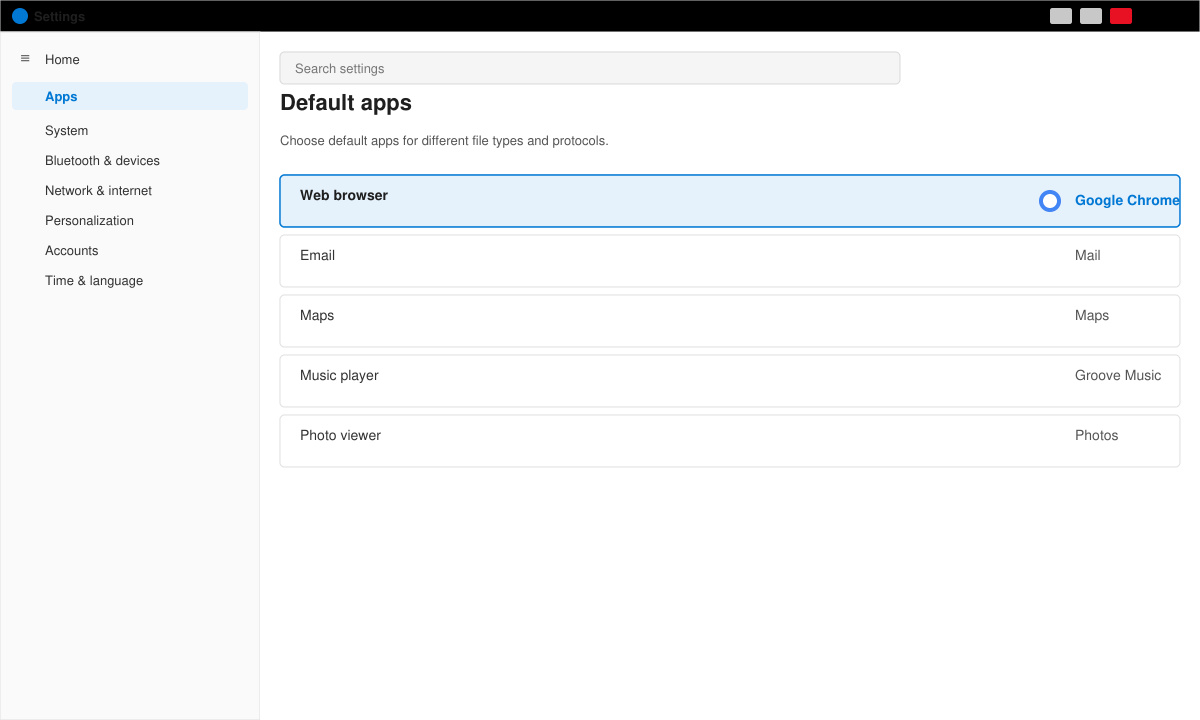
Scroll to the “Web browser” heading. Click the current browser name, then select Google Chrome from the list. Windows immediately applies the change.
Click any link in an email or document. The page should now open in Chrome. If it does not, restart your computer and test again.
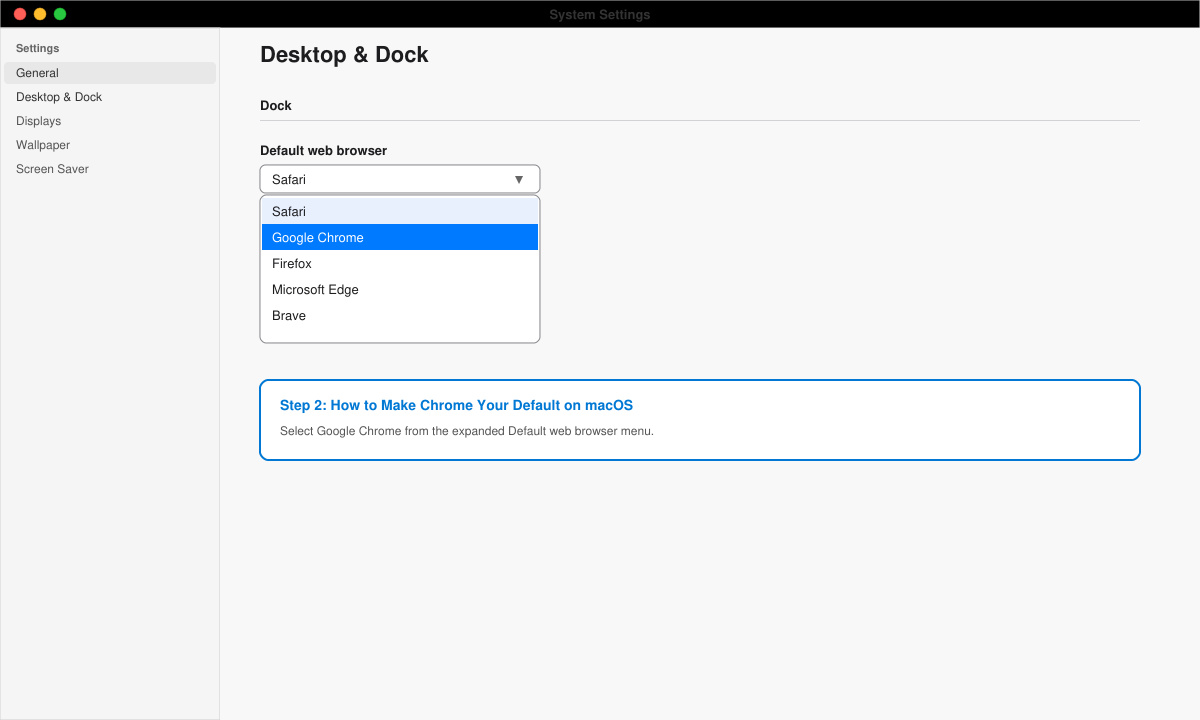
Click the Apple menu and choose System Settings. Select Desktop & Dock from the left sidebar.
Scroll down to the “Default web browser” dropdown. Click it and choose Google Chrome. The system updates the preference instantly.
No. Bookmarks and saved passwords stay inside Chrome regardless of the default browser setting.
Yes. Repeat the same steps and select the other browser instead of Chrome.
Chrome OS uses Chrome as the only browser by default, so no extra steps are needed.
Following these steps completes How to Make Chrome Your Default on your device. All future links will open directly in Chrome.
Follow this guide on how to download Chrome on Macbook to get Google Chrome running quickly and safely on your device.
Discover exactly how to find your WhatsApp number on Android, iPhone, and desktop in under a minute. Follow these clear steps to view the number linked to your account.
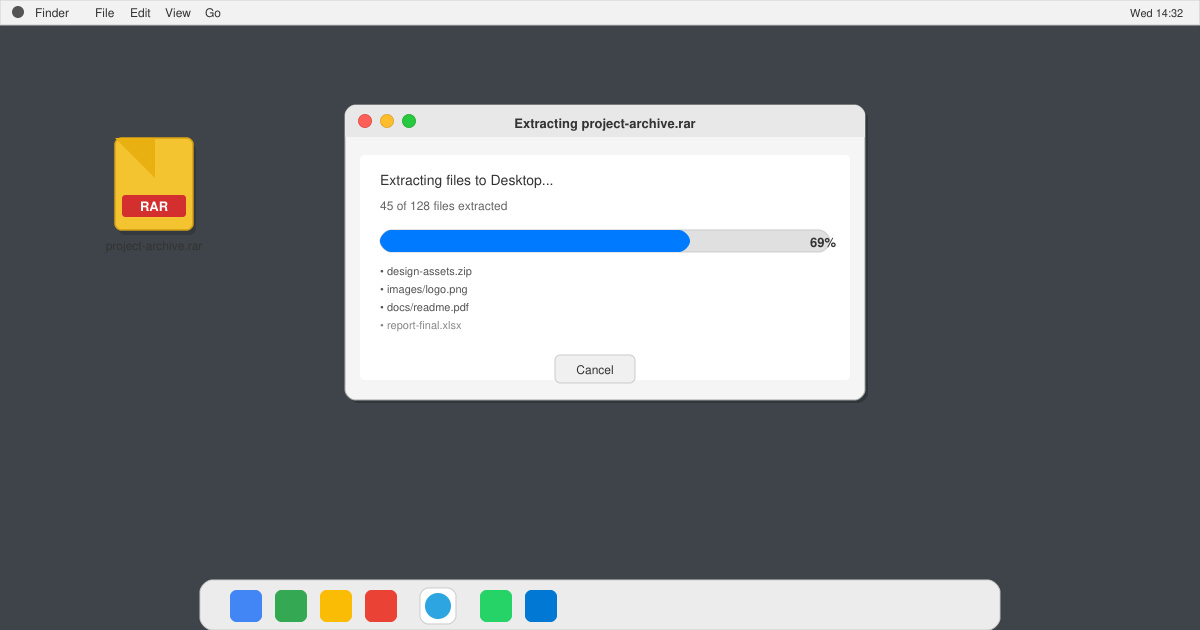
Learn how to open RAR file in Mac OS using free tools. This guide shows the fastest ways to extract RAR archives on your Mac in minutes.
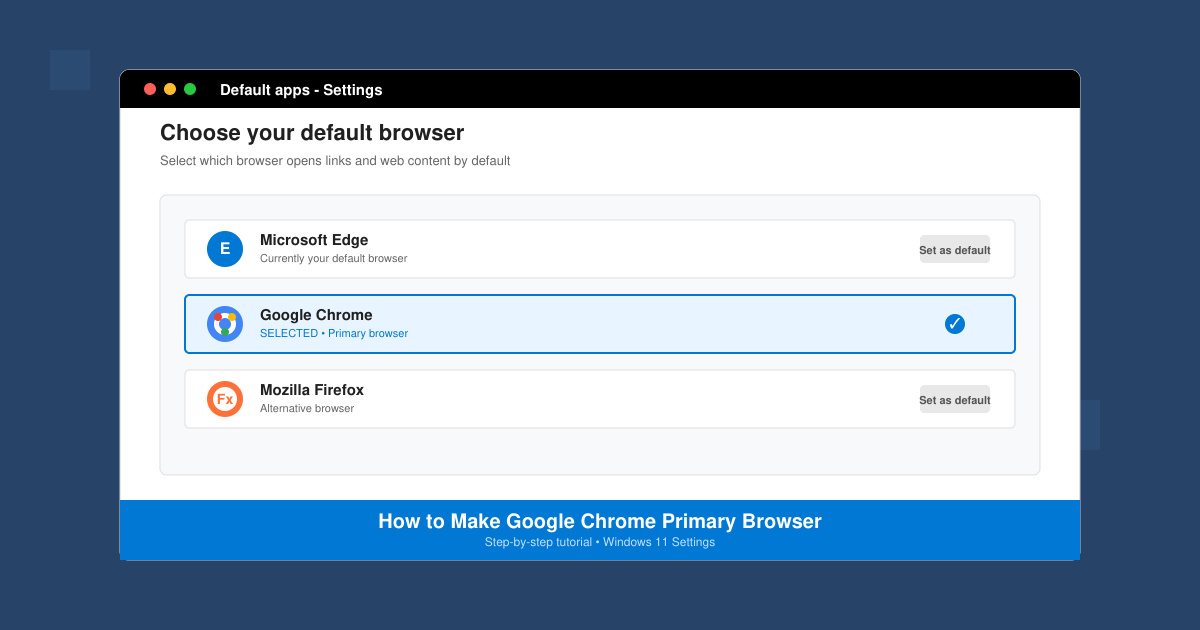
How to make Google Chrome primary browser on Windows, macOS, Android, and iOS with clear step-by-step instructions. Set Chrome as your default browser in minutes for better speed and sync.
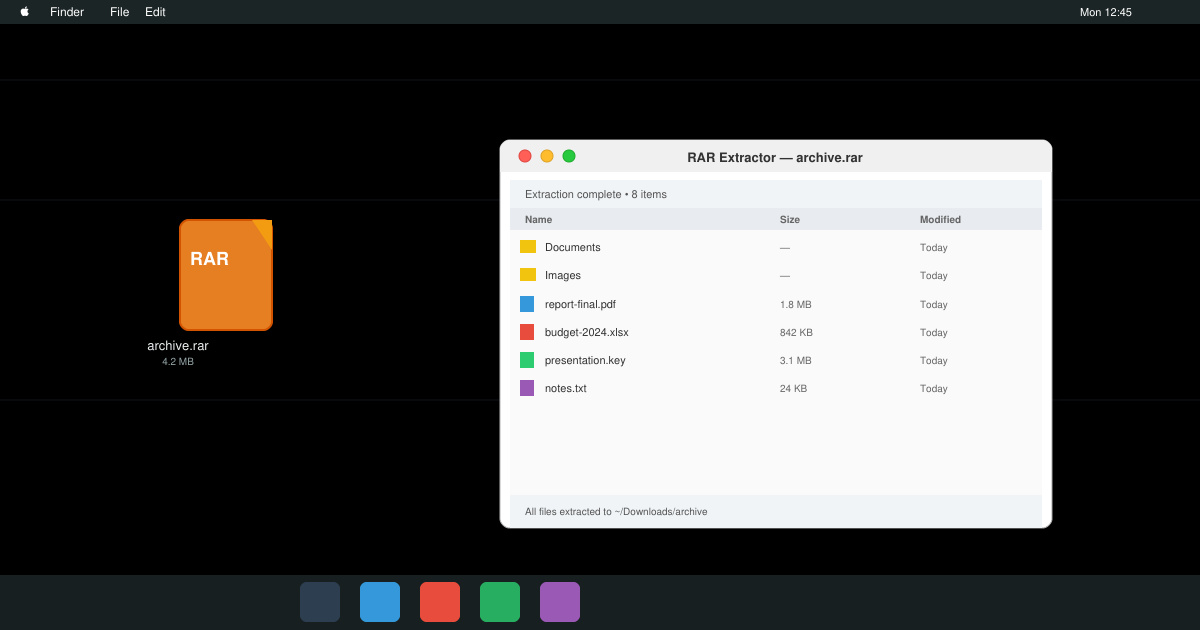
Need a rar program for mac to open RAR files? Learn the fastest way to install and use a reliable extractor on macOS in minutes.
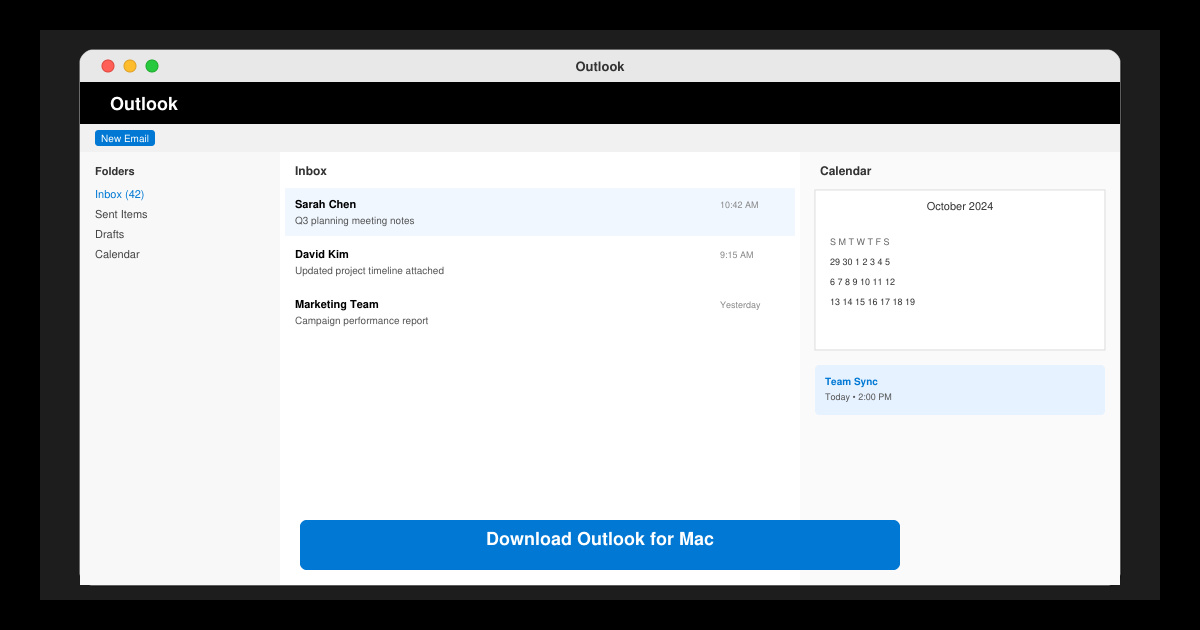
Download Outlook for Mac from the official Microsoft source and install it on your Mac in minutes. Follow this guide for the latest version compatible with macOS.
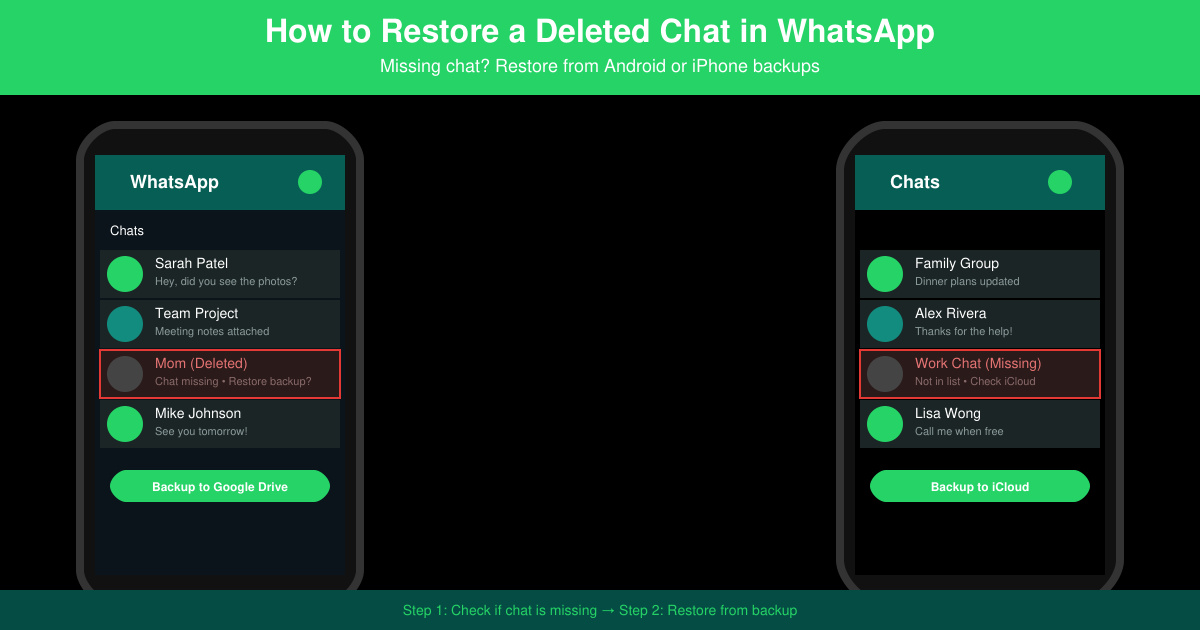
Learn exactly how to restore a deleted chat in WhatsApp on Android and iPhone using local or Google Drive backups. Follow these steps to recover conversations in minutes.
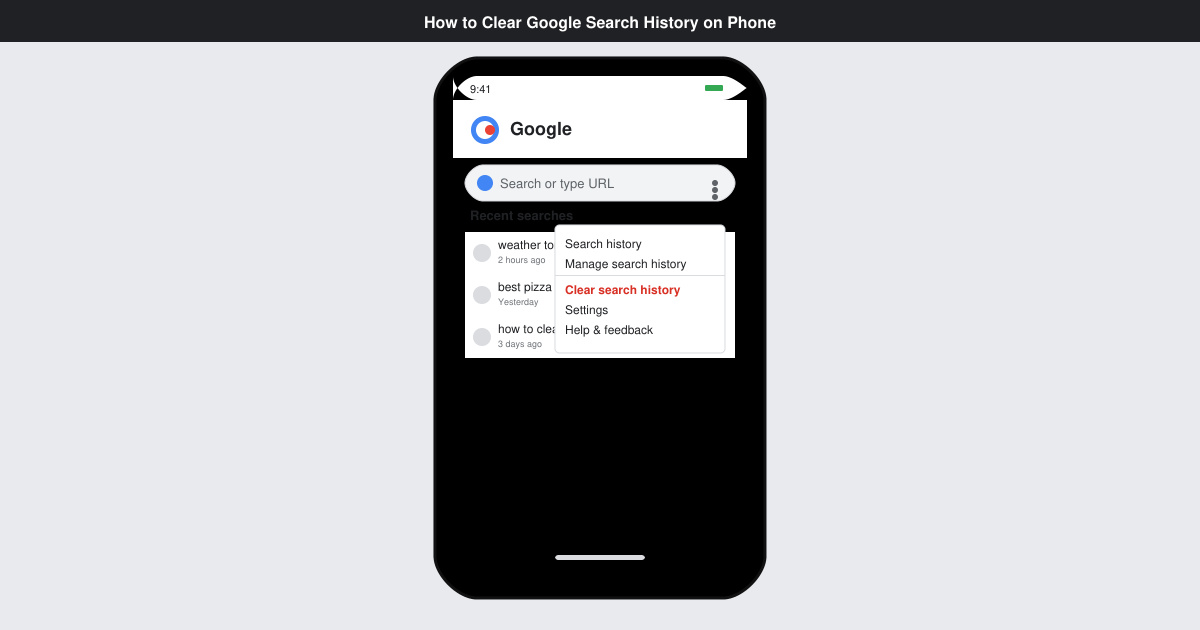
Learn how to clear Google search history on phone in just a few taps. Follow these exact steps for Android and iOS to remove search activity and improve privacy.
Complete your VLC Player Download Mac safely from the official source. This guide shows the exact steps to install VLC Media Player on macOS for reliable video and audio playback.
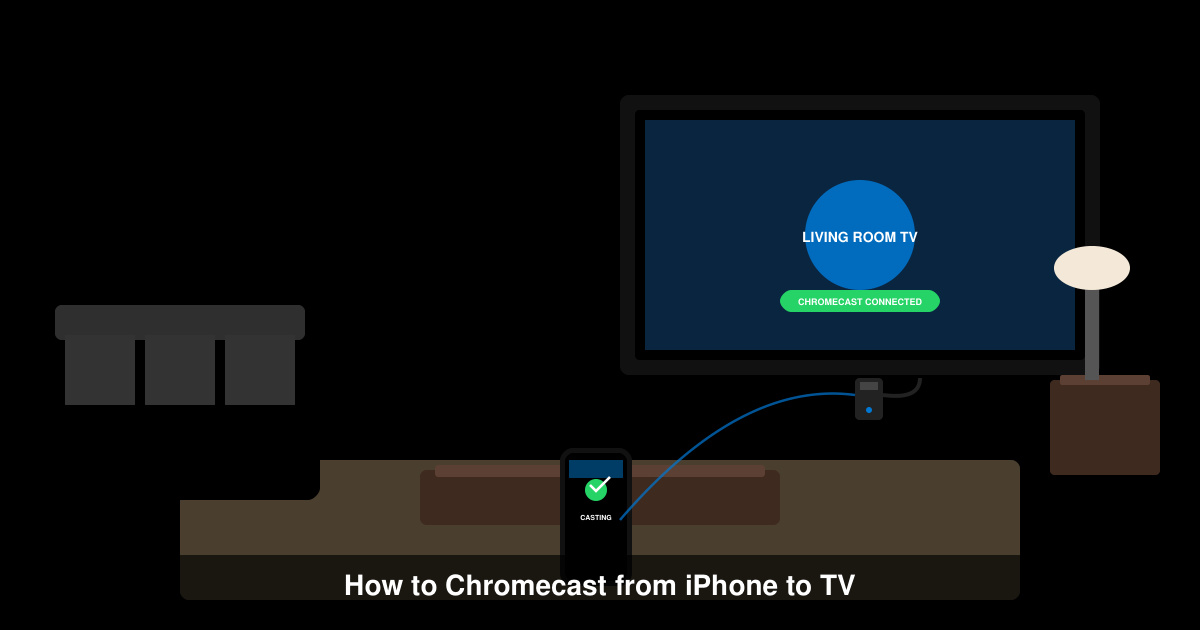
Learn how to Chromecast from iPhone to TV quickly and reliably. Follow these exact steps to stream videos, photos, and apps from your iPhone to any Chromecast device.