How to Download Chrome on Macbook
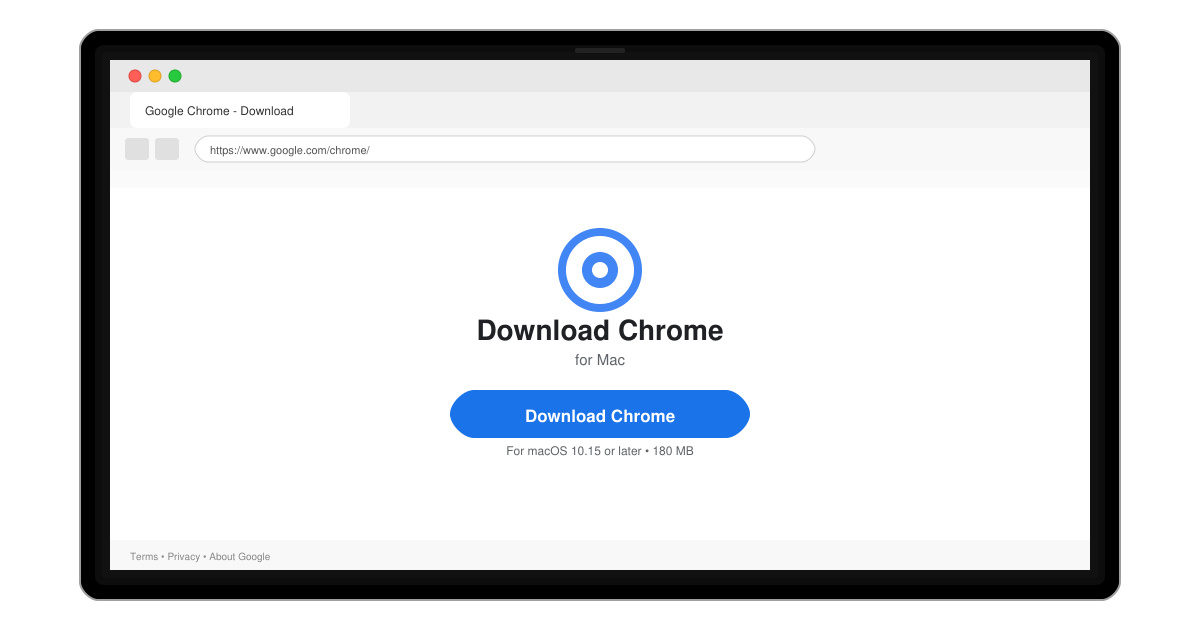
Follow this guide on how to download Chrome on Macbook to get Google Chrome running quickly and safely on your device.
Apple includes built-in support for ZIP files but not for RAR archives. RAR remains popular for large file sets and better compression ratios. Without an extractor, double-clicking a .rar file produces no result or an error. The methods below require no paid software and keep all processing local to your machine.
Before starting, make sure your Mac runs macOS Ventura or later for the smoothest experience. You will also need a stable internet connection for the initial download. Both approaches below work on Intel and Apple Silicon Macs.
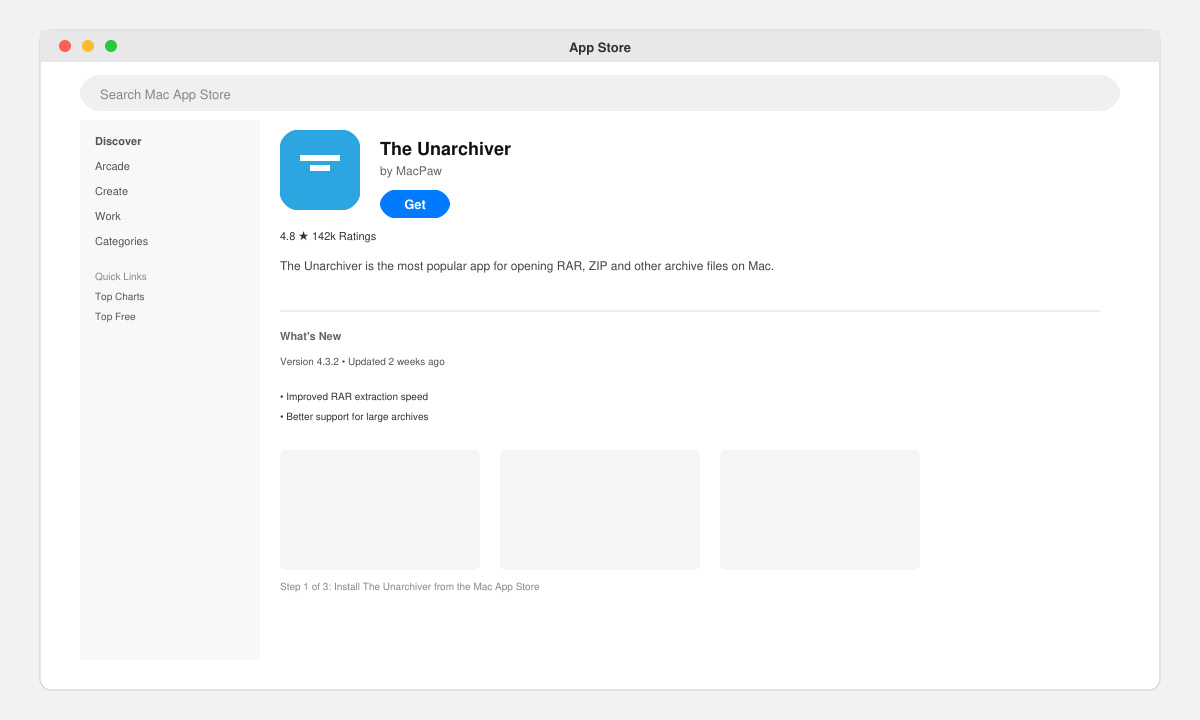
Open the App Store on your Mac, search for “The Unarchiver”, and click Get. The app is free and developed by MacPaw. After installation finishes, launch it once from Applications or Spotlight so it registers with the system.
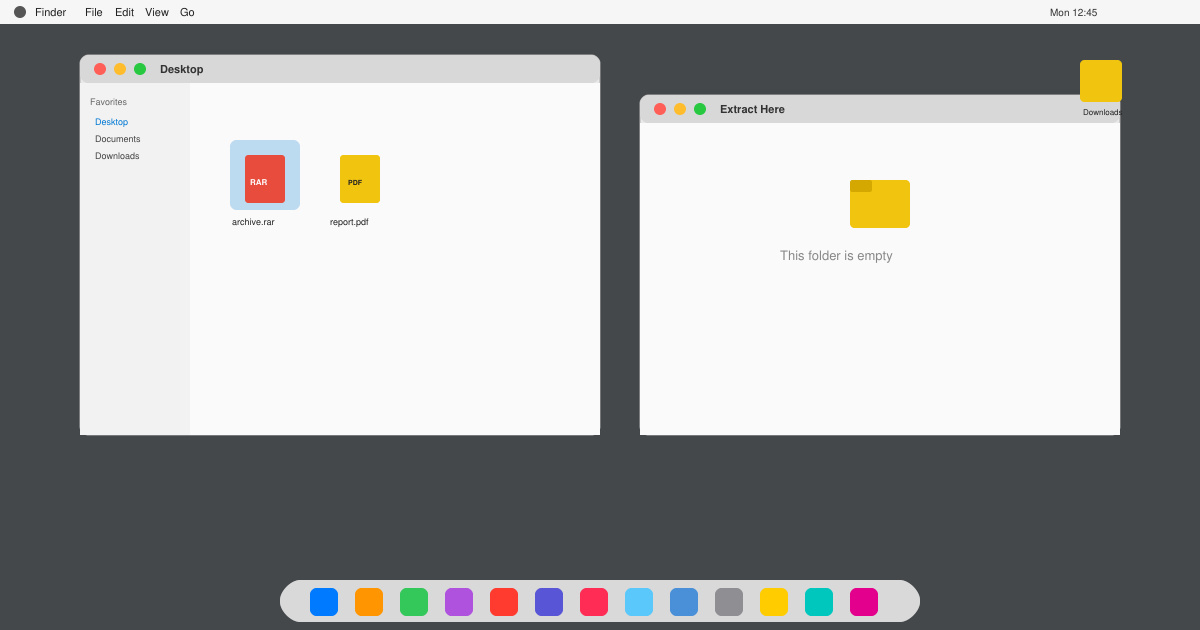
Right-click any .rar file in Finder, choose Get Info, then scroll to the Open with section. Select The Unarchiver from the dropdown menu and click Change All. This ensures future RAR files open automatically with one click.
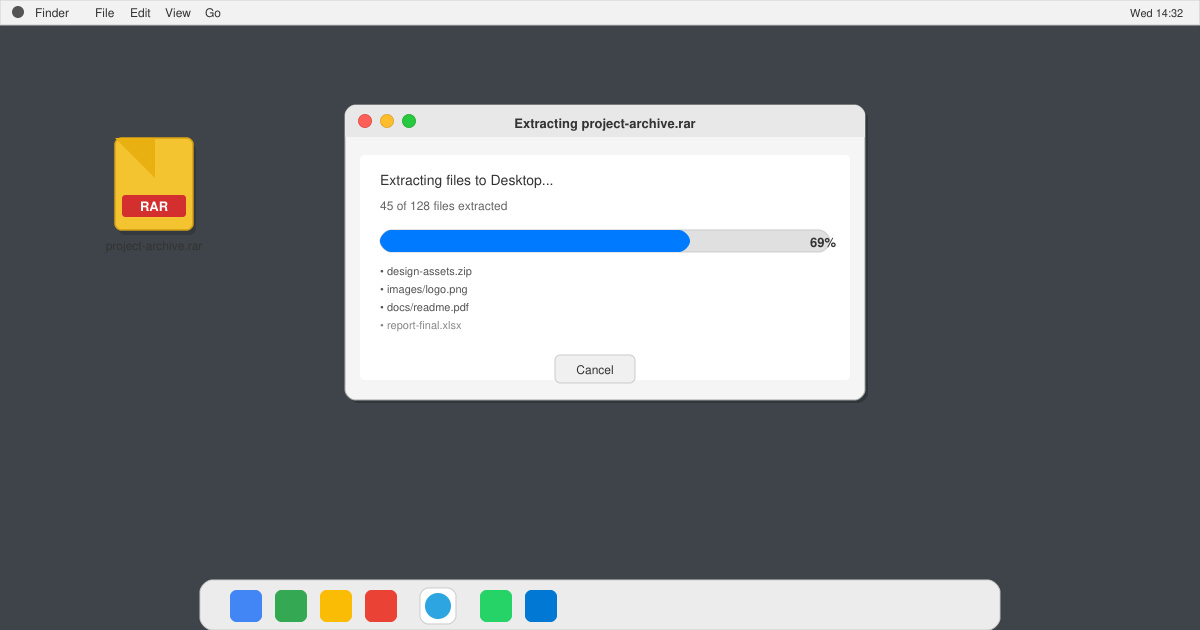
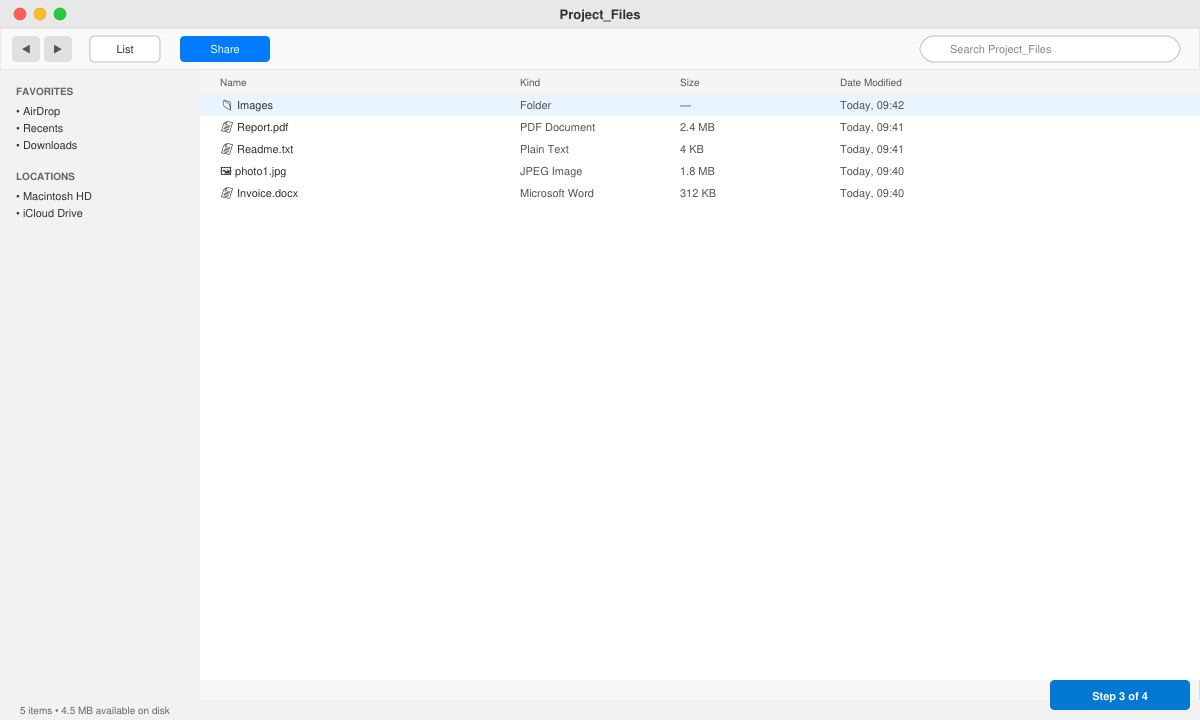
Double-click the RAR file. The Unarchiver creates a new folder with the same name and places the extracted files inside it. You can also right-click the RAR file and choose Open With → The Unarchiver for the same result. Large archives may take several seconds to finish.
If you prefer not to install any apps, use the built-in Terminal with the Homebrew package manager. First install Homebrew by pasting the command from brew.sh into Terminal and following the prompts. Once Homebrew is ready, run brew install unrar. Navigate to the folder containing your RAR file with the cd command, then type unrar x filename.rar. The files extract into the current directory.
Only if you already have Homebrew and the unrar command-line tool installed. Otherwise a free app is required.
Yes, the current version fully supports RAR5 archives as well as older RAR4 files.
No. Archive Utility only handles ZIP, and third-party apps remain necessary for RAR support.
Both The Unarchiver and the Terminal method let you open a RAR in Mac reliably. Choose the app route for the simplest daily workflow or the command line for a lightweight solution.
Follow this guide on how to download Chrome on Macbook to get Google Chrome running quickly and safely on your device.
Discover exactly how to find your WhatsApp number on Android, iPhone, and desktop in under a minute. Follow these clear steps to view the number linked to your account.
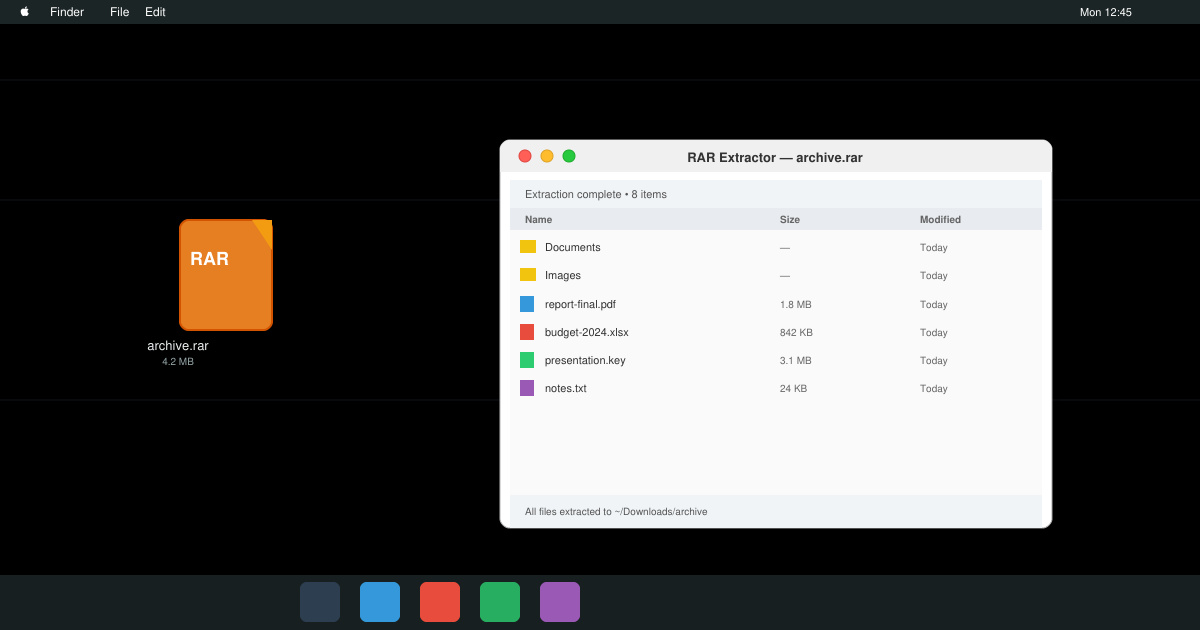
Learn how to open RAR file in Mac OS using free tools. This guide shows the fastest ways to extract RAR archives on your Mac in minutes.
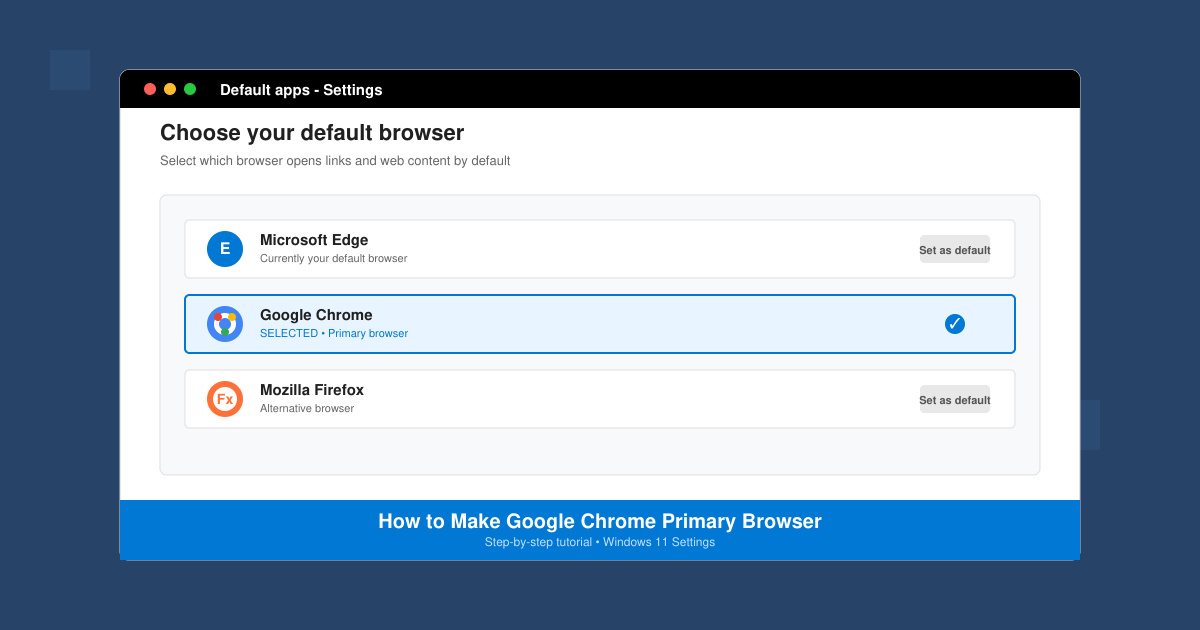
How to make Google Chrome primary browser on Windows, macOS, Android, and iOS with clear step-by-step instructions. Set Chrome as your default browser in minutes for better speed and sync.
Need a rar program for mac to open RAR files? Learn the fastest way to install and use a reliable extractor on macOS in minutes.
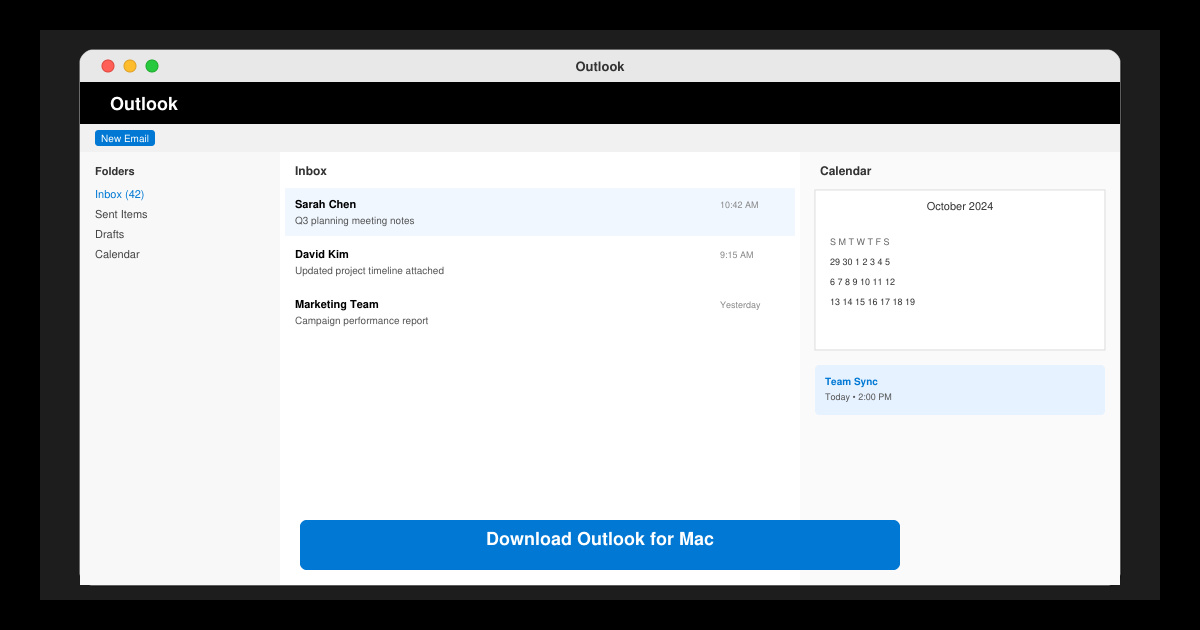
Download Outlook for Mac from the official Microsoft source and install it on your Mac in minutes. Follow this guide for the latest version compatible with macOS.
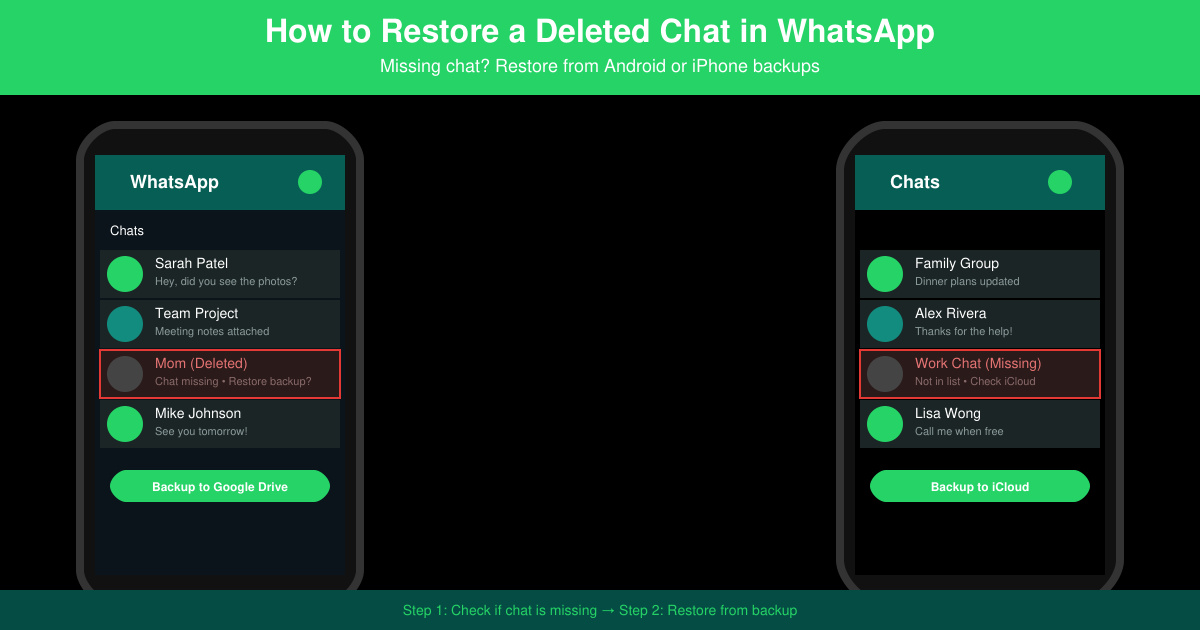
Learn exactly how to restore a deleted chat in WhatsApp on Android and iPhone using local or Google Drive backups. Follow these steps to recover conversations in minutes.
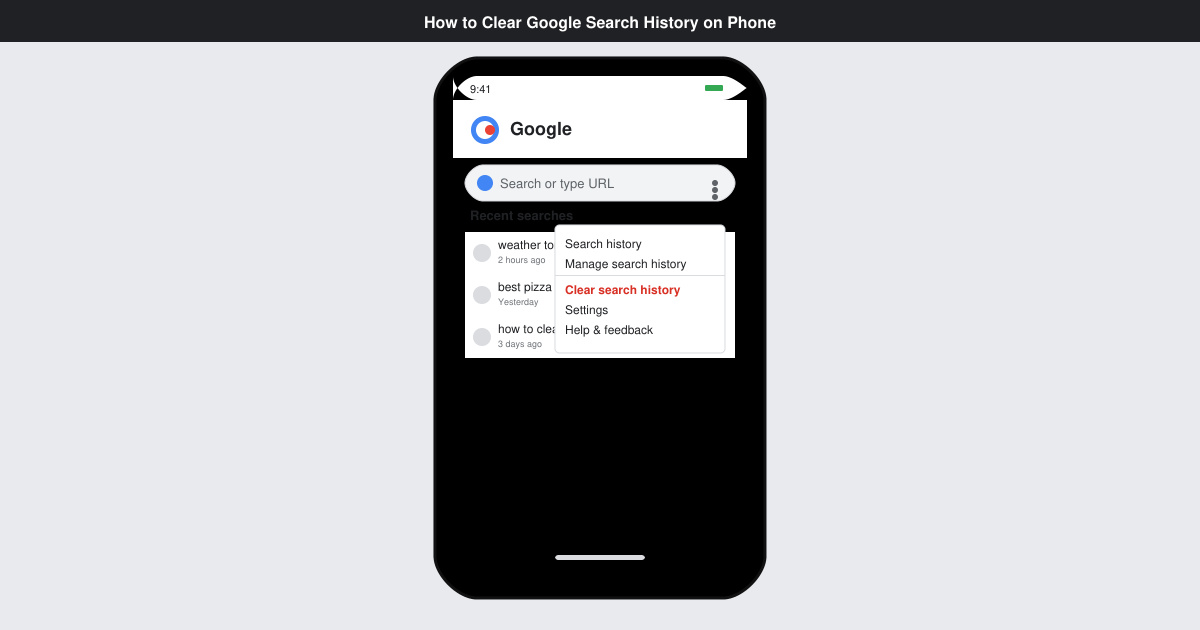
Learn how to clear Google search history on phone in just a few taps. Follow these exact steps for Android and iOS to remove search activity and improve privacy.
Complete your VLC Player Download Mac safely from the official source. This guide shows the exact steps to install VLC Media Player on macOS for reliable video and audio playback.
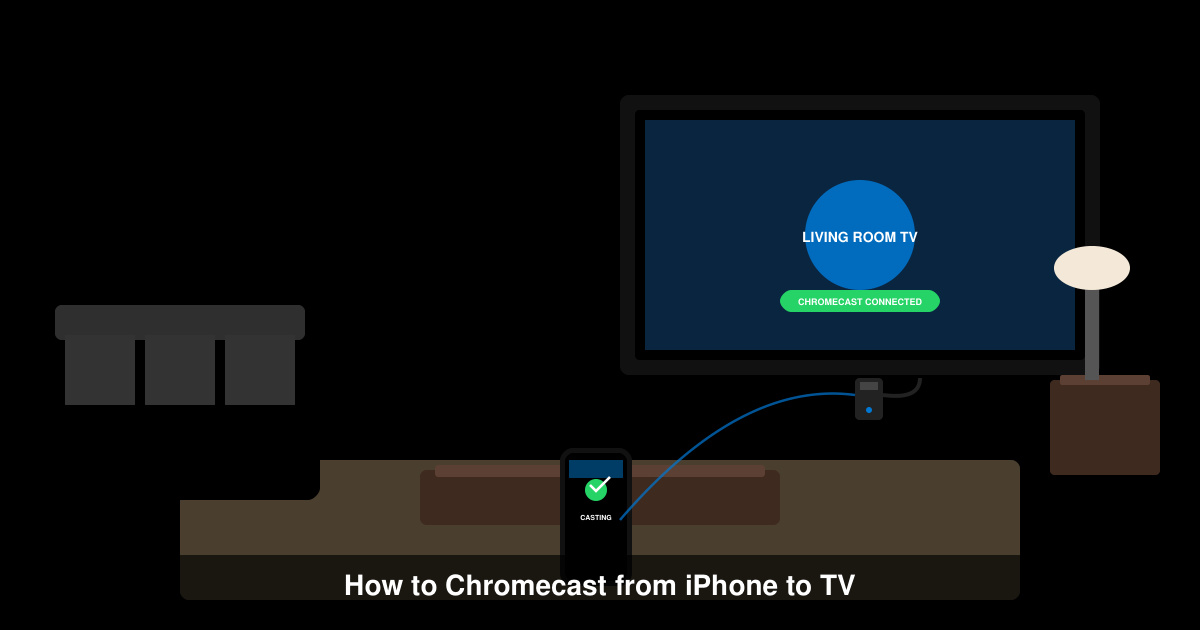
Learn how to Chromecast from iPhone to TV quickly and reliably. Follow these exact steps to stream videos, photos, and apps from your iPhone to any Chromecast device.