How to Download Chrome on Macbook
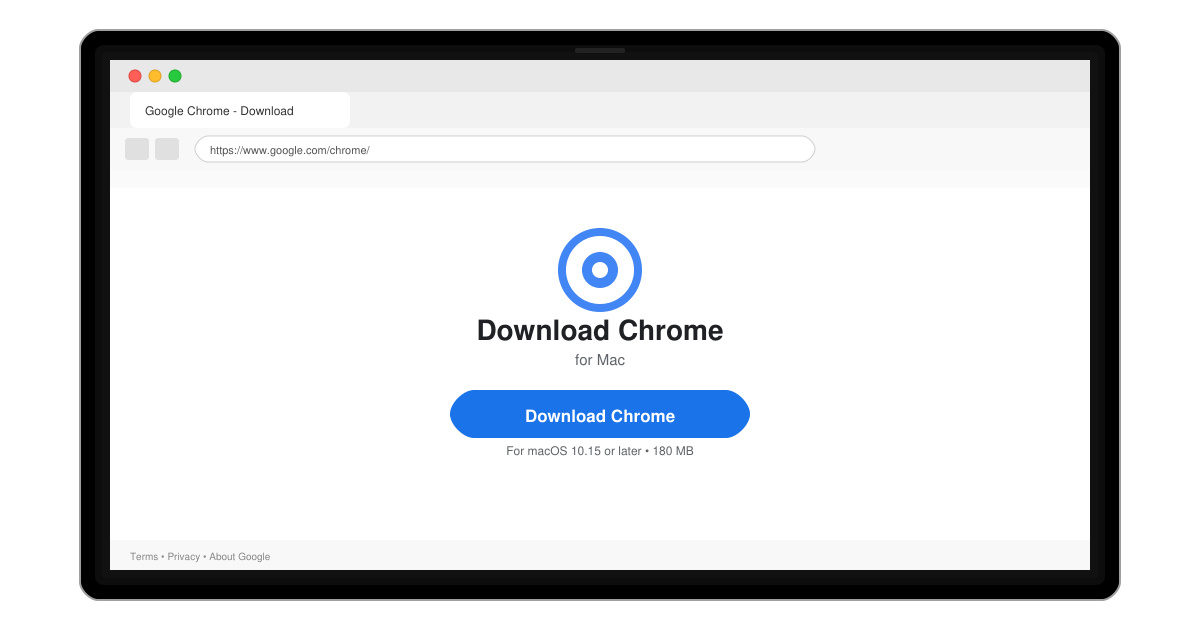
Follow this guide on how to download Chrome on Macbook to get Google Chrome running quickly and safely on your device.
Sent a RAR archive but your MacBook Air won't open it? The built-in Archive Utility does not support RAR files, so you need a free third-party app. This guide shows exactly how to open RAR file on MacBook Air using the most reliable free tool available.
Apple's Archive Utility handles ZIP and some other formats natively, but RAR requires a dedicated extractor. The Unarchiver is the simplest free option because it integrates directly into Finder and supports every common RAR variant, including password-protected and multi-part archives. No terminal commands or paid software are required.
Before starting, make sure your MacBook Air is running macOS 10.15 or later and has a stable internet connection for the initial download. Close any large applications to keep the process quick.
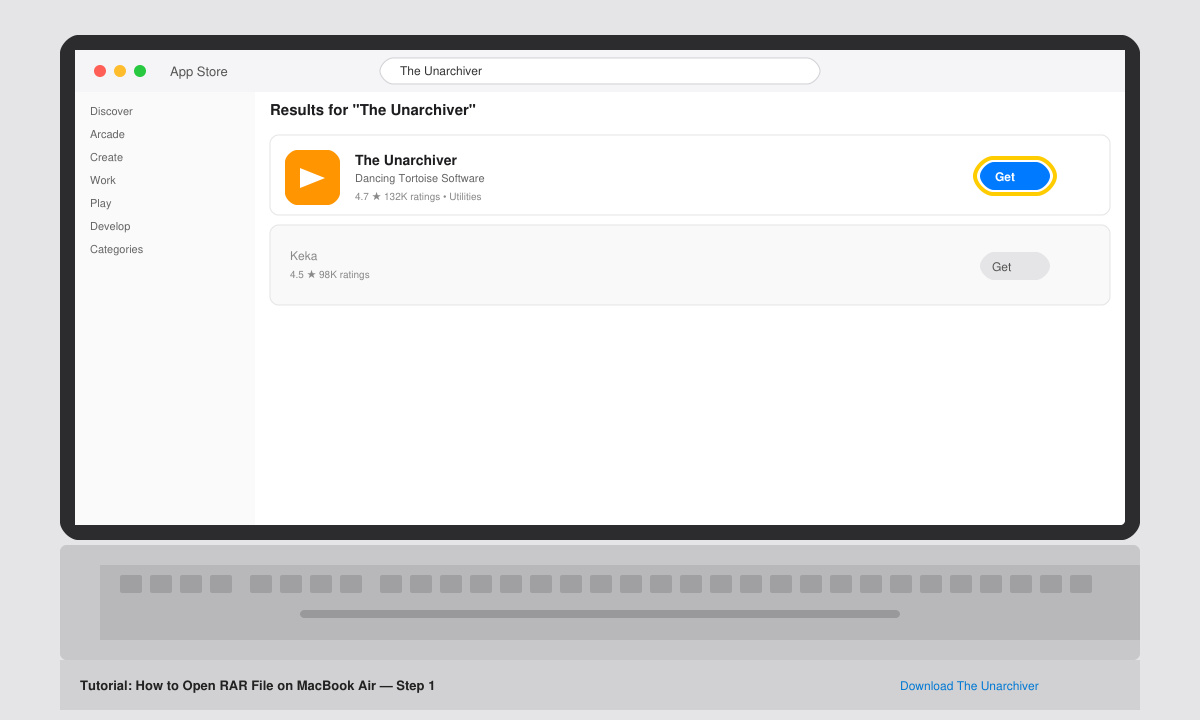
Click the Apple menu, open the App Store, and search for "The Unarchiver". Click Get, then Install. Once the download finishes, the app appears in your Applications folder and in the Dock.
Open The Unarchiver from Launchpad or the Applications folder. In the first screen, click "Associate" next to RAR so the app becomes the default handler for .rar files. You can leave all other formats checked or adjust them later in Preferences.
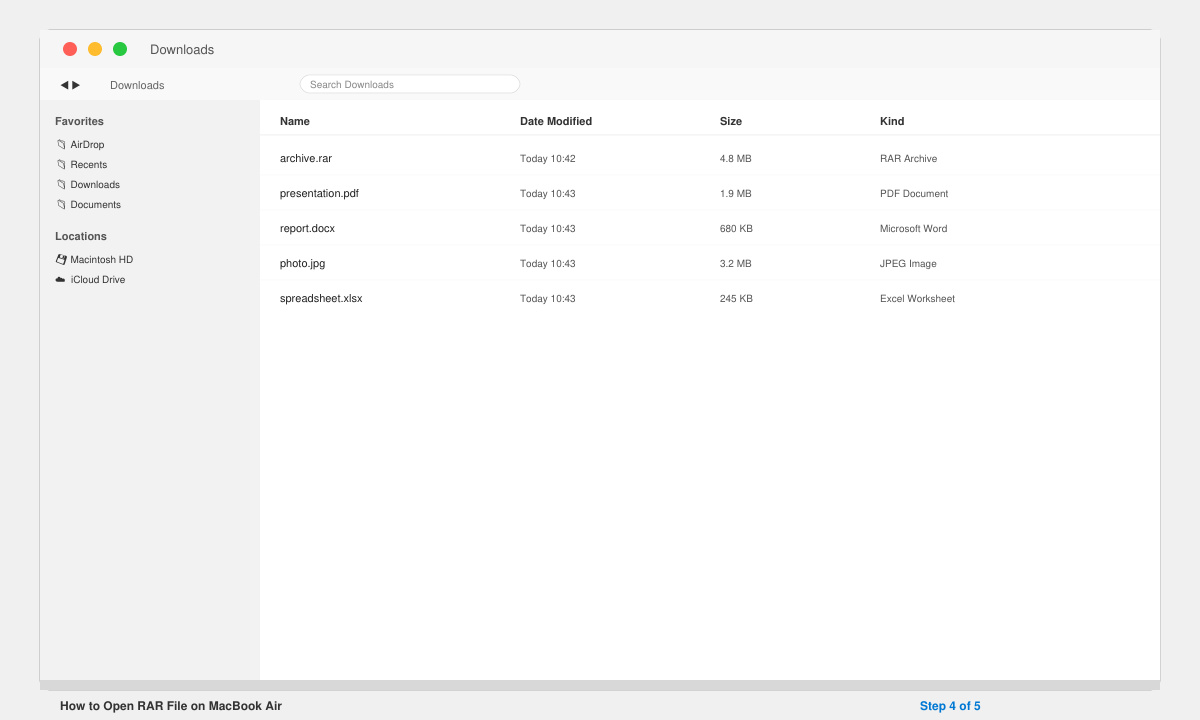
Navigate to the folder containing the RAR file. Double-click the file or right-click it and choose Open With > The Unarchiver. The extraction window appears automatically.
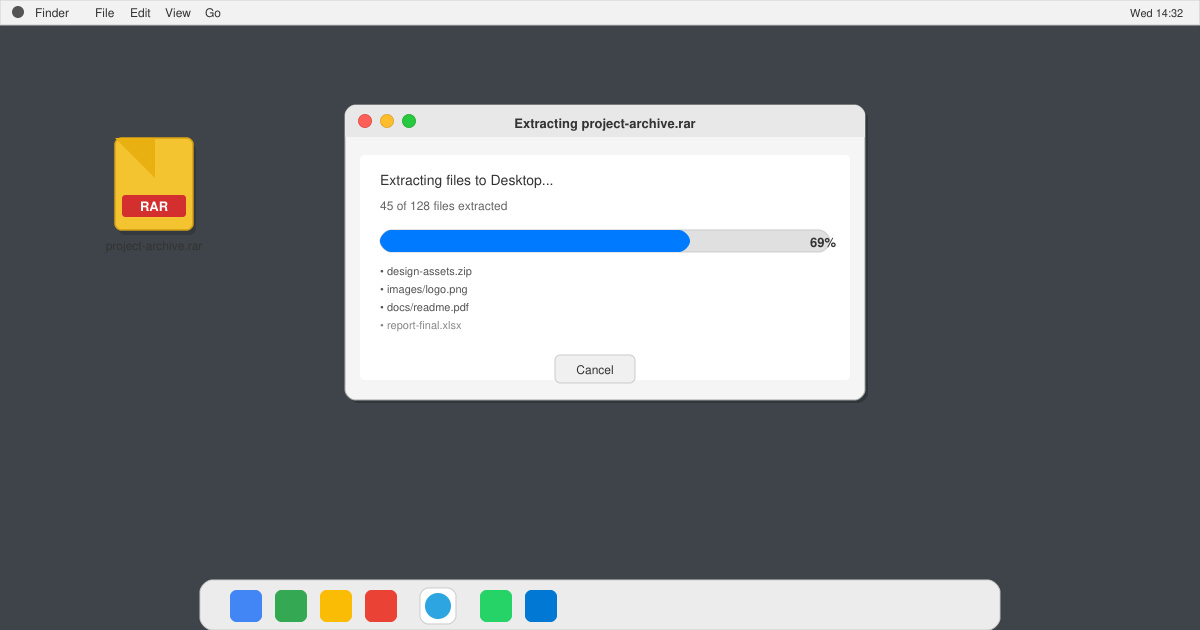
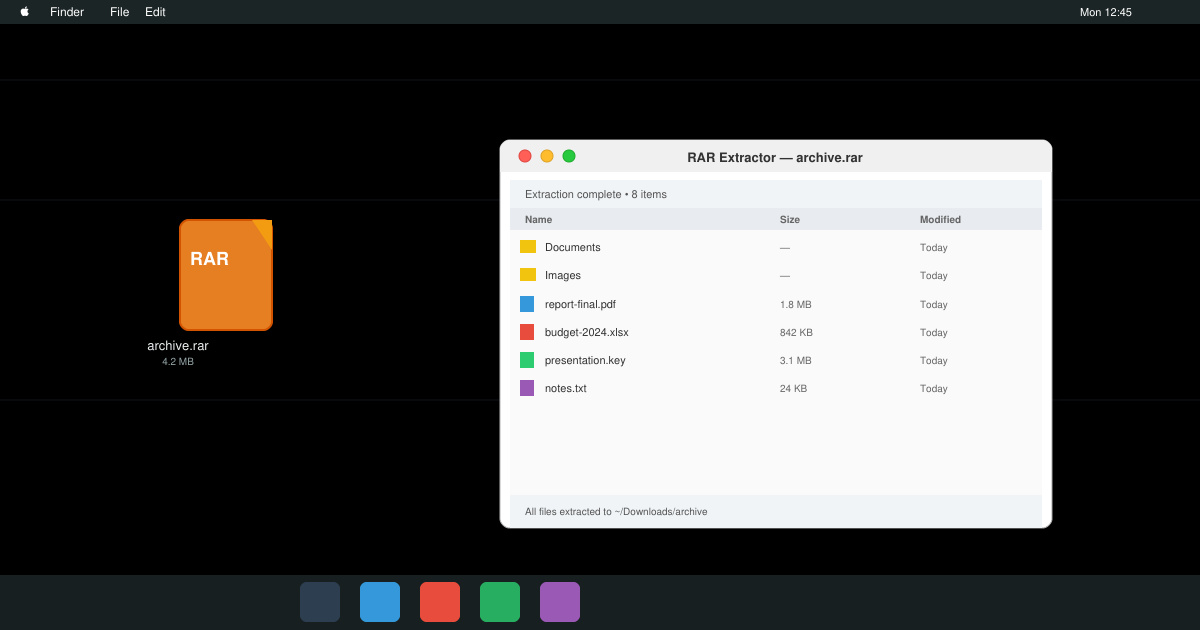
Select the folder where you want the extracted files to appear, then click Extract. The Unarchiver shows a progress bar. When it finishes, the new folder opens in Finder with all original files ready to use.
No. The built-in Archive Utility does not support RAR, so a free extractor is required.
Yes. It is available directly from the App Store and has been trusted for years with no malware reports.
The Unarchiver only extracts. Use the free app Keka if you also need to create RAR archives on your MacBook Air.
Following the steps above lets you open any RAR file on MacBook Air in under two minutes. Keep The Unarchiver installed so future RAR archives open instantly with a double-click.
Follow this guide on how to download Chrome on Macbook to get Google Chrome running quickly and safely on your device.
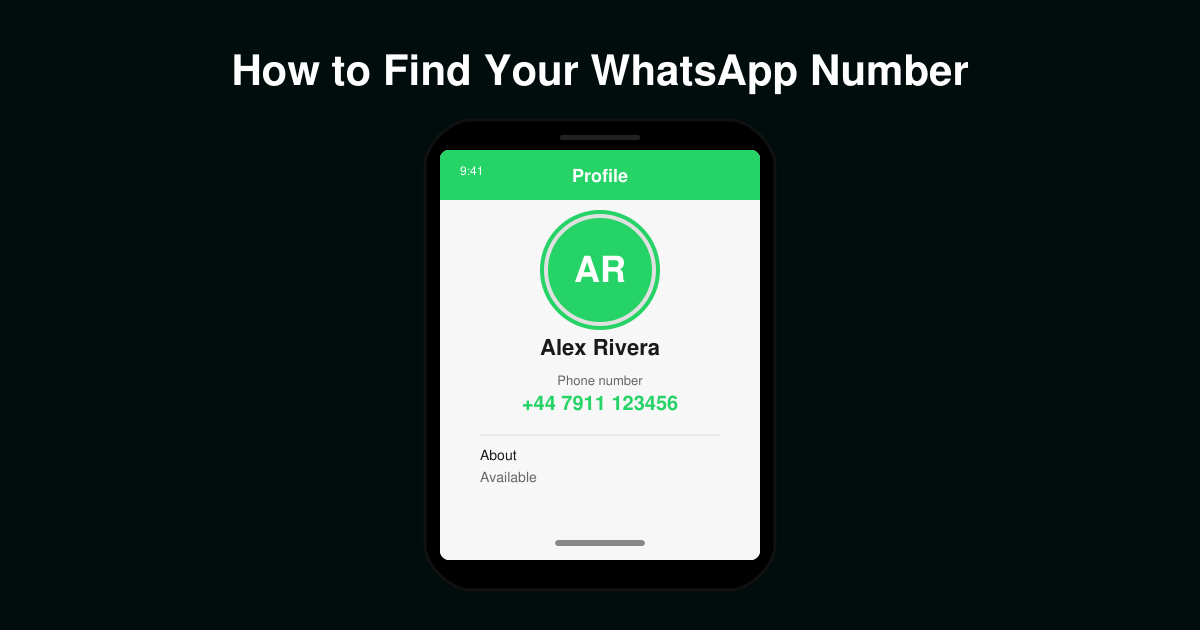
Discover exactly how to find your WhatsApp number on Android, iPhone, and desktop in under a minute. Follow these clear steps to view the number linked to your account.
Learn how to open RAR file in Mac OS using free tools. This guide shows the fastest ways to extract RAR archives on your Mac in minutes.
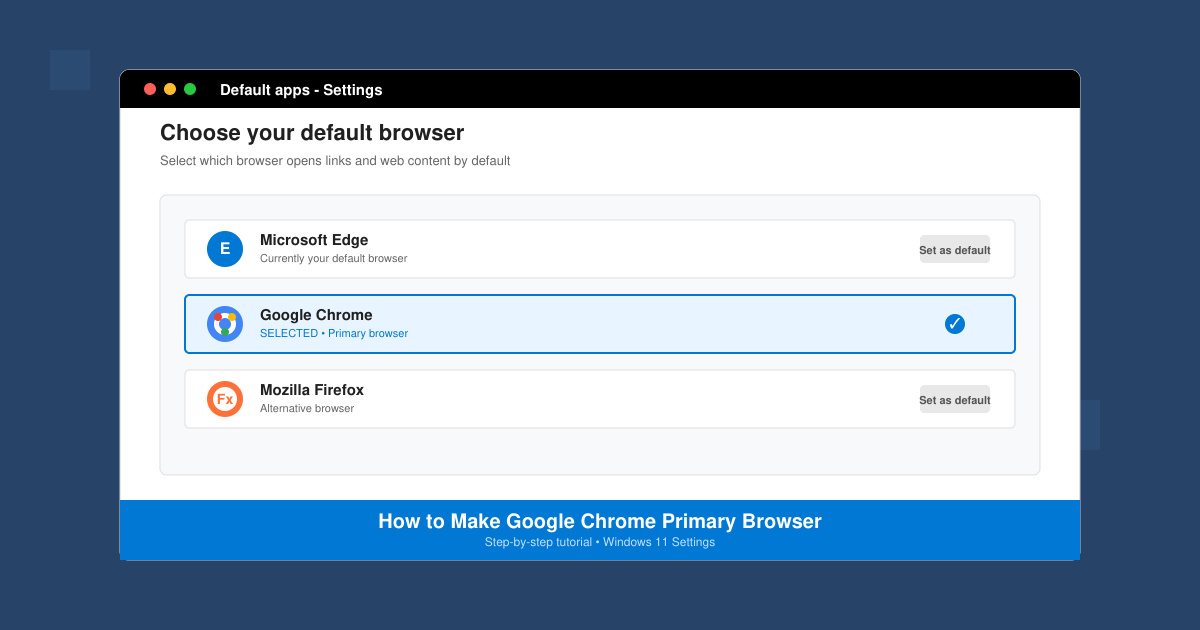
How to make Google Chrome primary browser on Windows, macOS, Android, and iOS with clear step-by-step instructions. Set Chrome as your default browser in minutes for better speed and sync.
Need a rar program for mac to open RAR files? Learn the fastest way to install and use a reliable extractor on macOS in minutes.
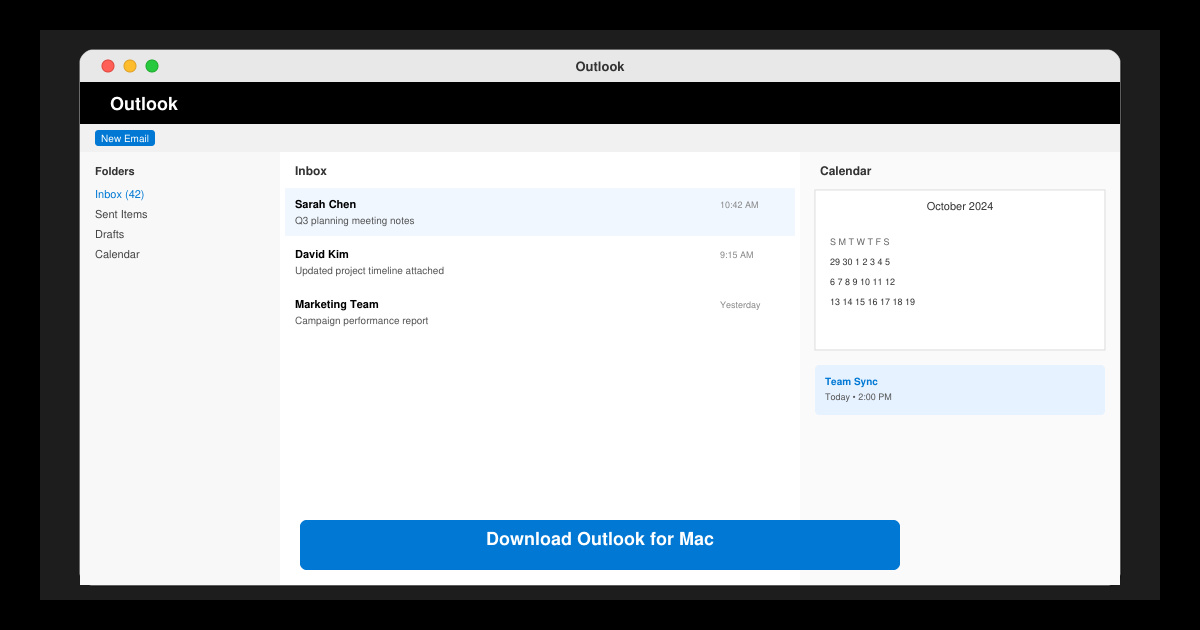
Download Outlook for Mac from the official Microsoft source and install it on your Mac in minutes. Follow this guide for the latest version compatible with macOS.
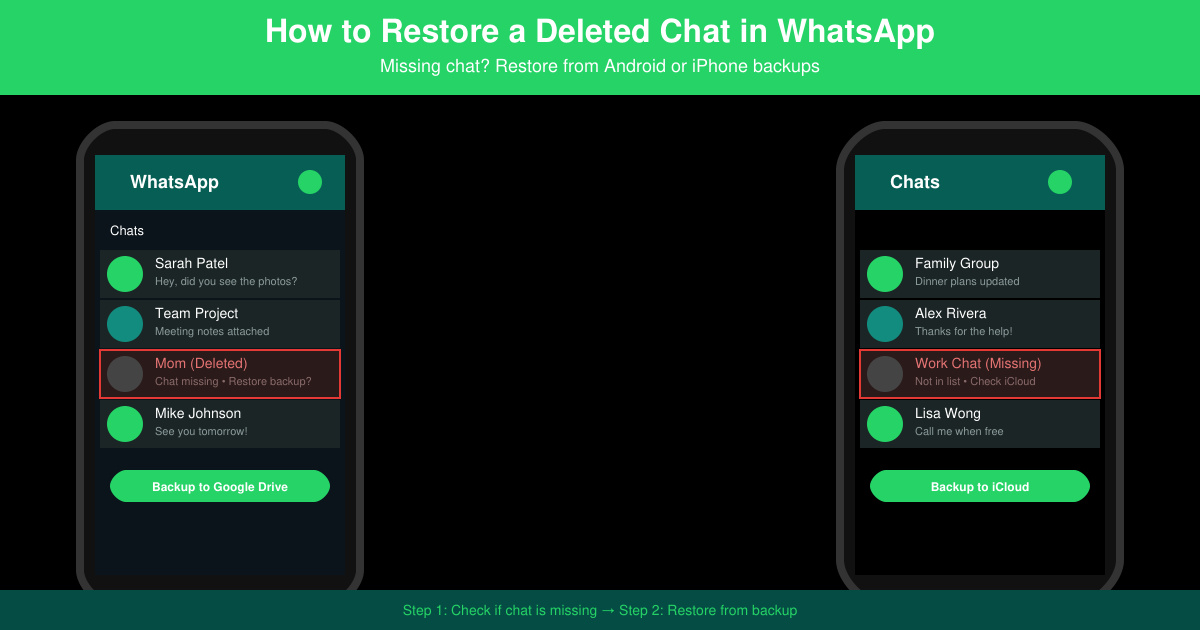
Learn exactly how to restore a deleted chat in WhatsApp on Android and iPhone using local or Google Drive backups. Follow these steps to recover conversations in minutes.
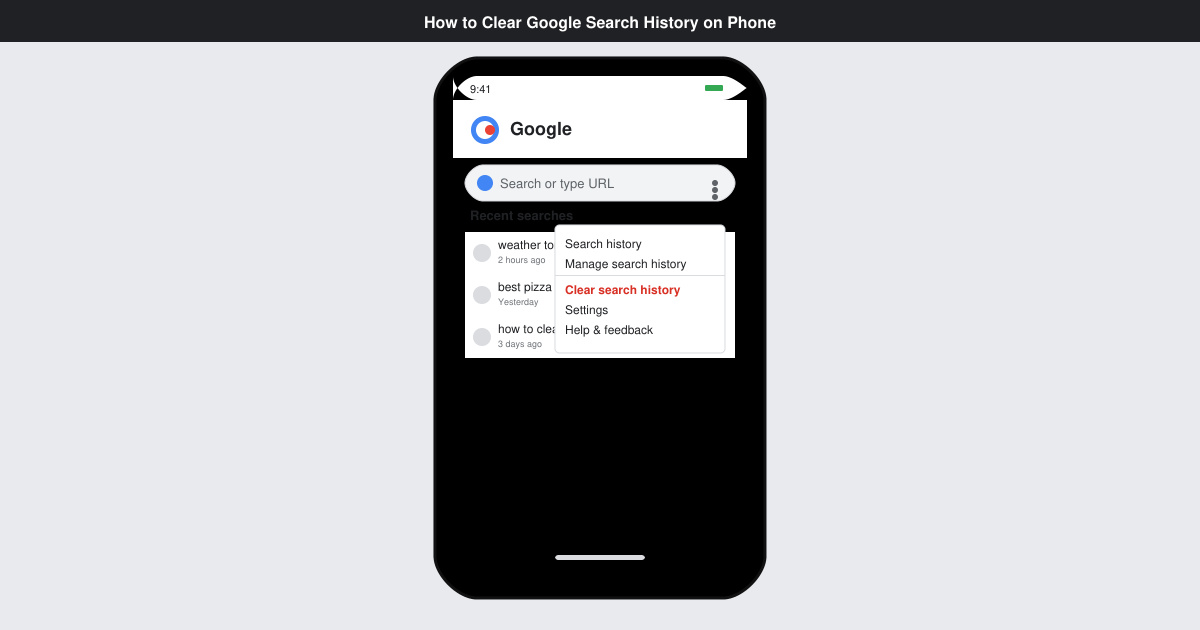
Learn how to clear Google search history on phone in just a few taps. Follow these exact steps for Android and iOS to remove search activity and improve privacy.
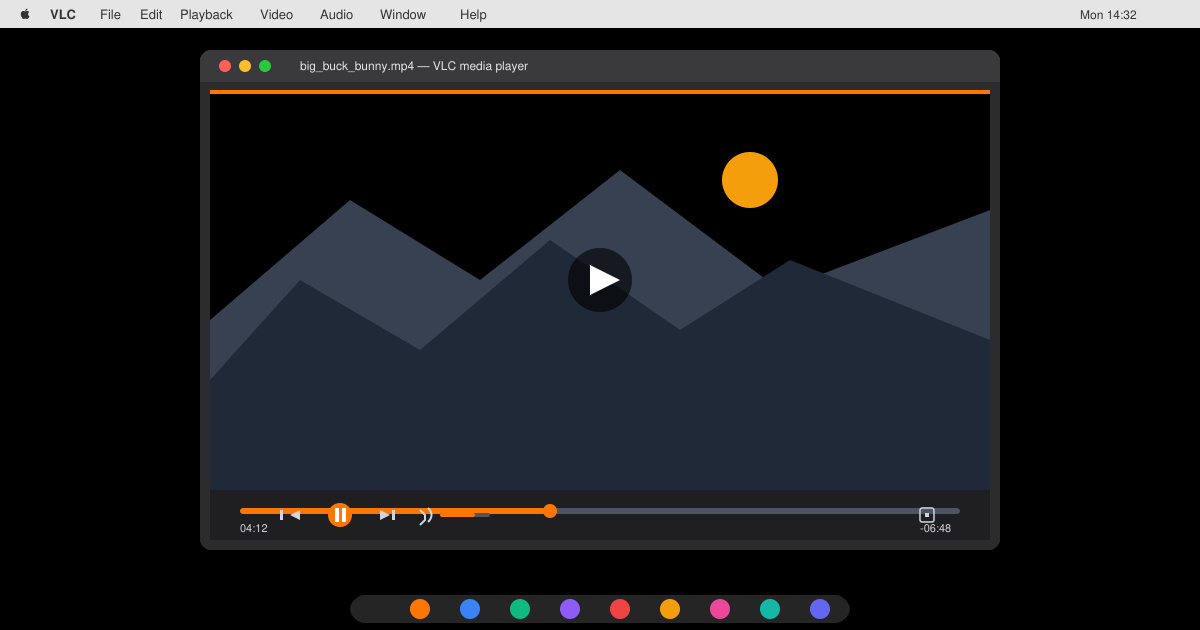
Complete your VLC Player Download Mac safely from the official source. This guide shows the exact steps to install VLC Media Player on macOS for reliable video and audio playback.
Learn how to Chromecast from iPhone to TV quickly and reliably. Follow these exact steps to stream videos, photos, and apps from your iPhone to any Chromecast device.