How to Download Chrome on Macbook
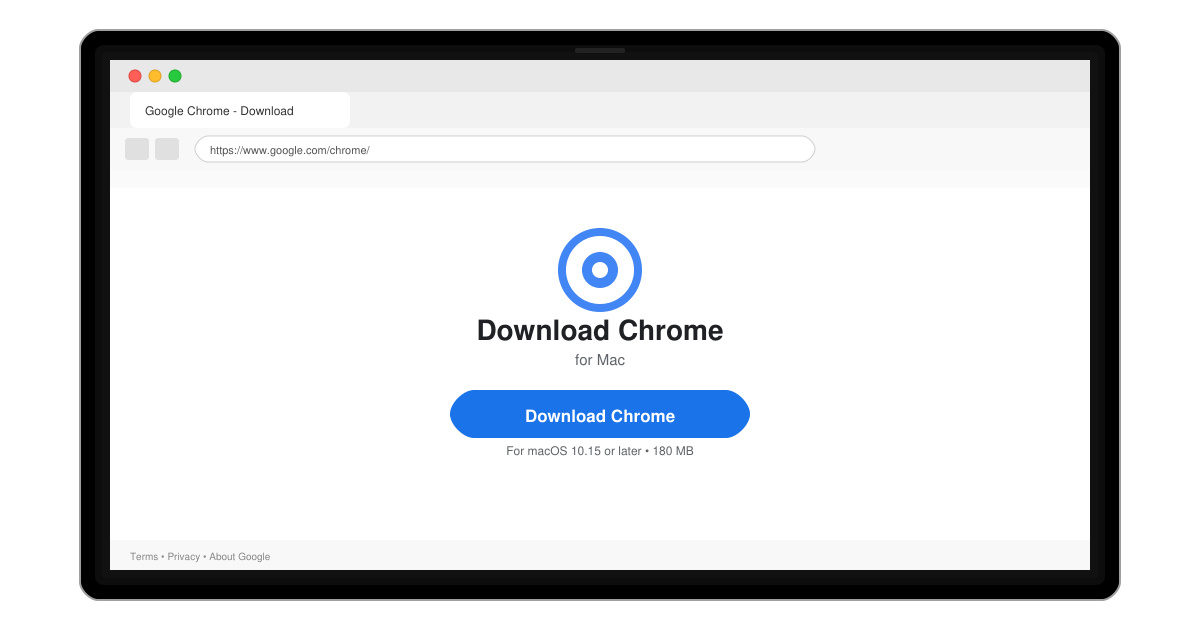
Follow this guide on how to download Chrome on Macbook to get Google Chrome running quickly and safely on your device.
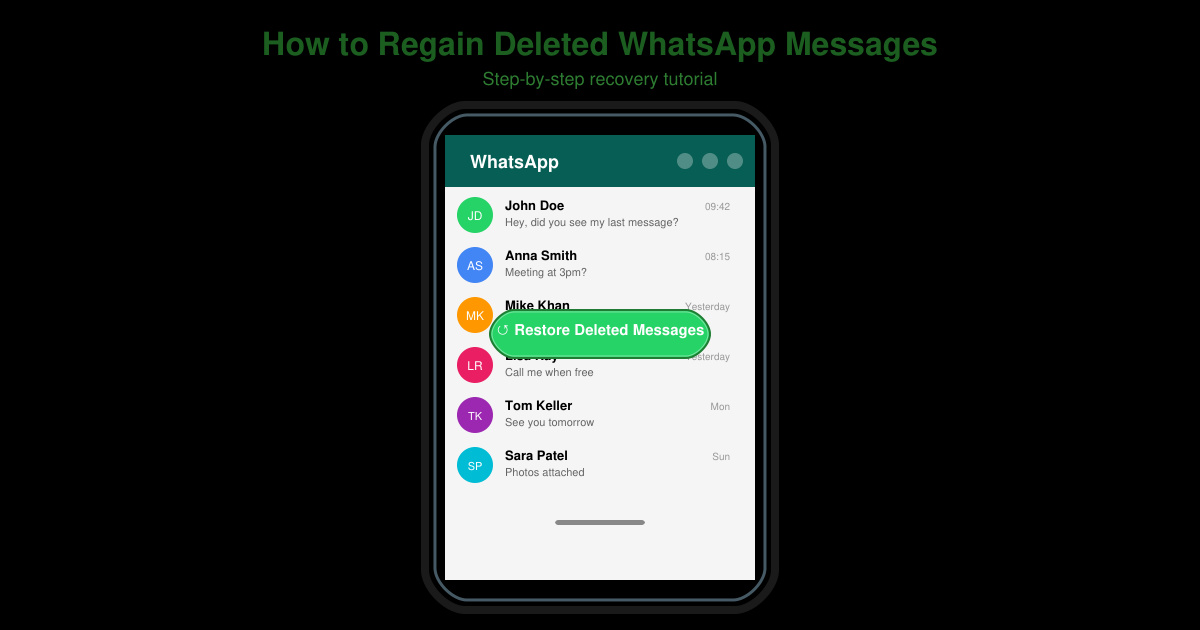
Losing chats in WhatsApp happens easily through accidental deletion or app glitches. You can regain deleted WhatsApp messages by restoring from a recent backup if one exists on your device or cloud account. This article walks through the exact process for both Android and iOS users.
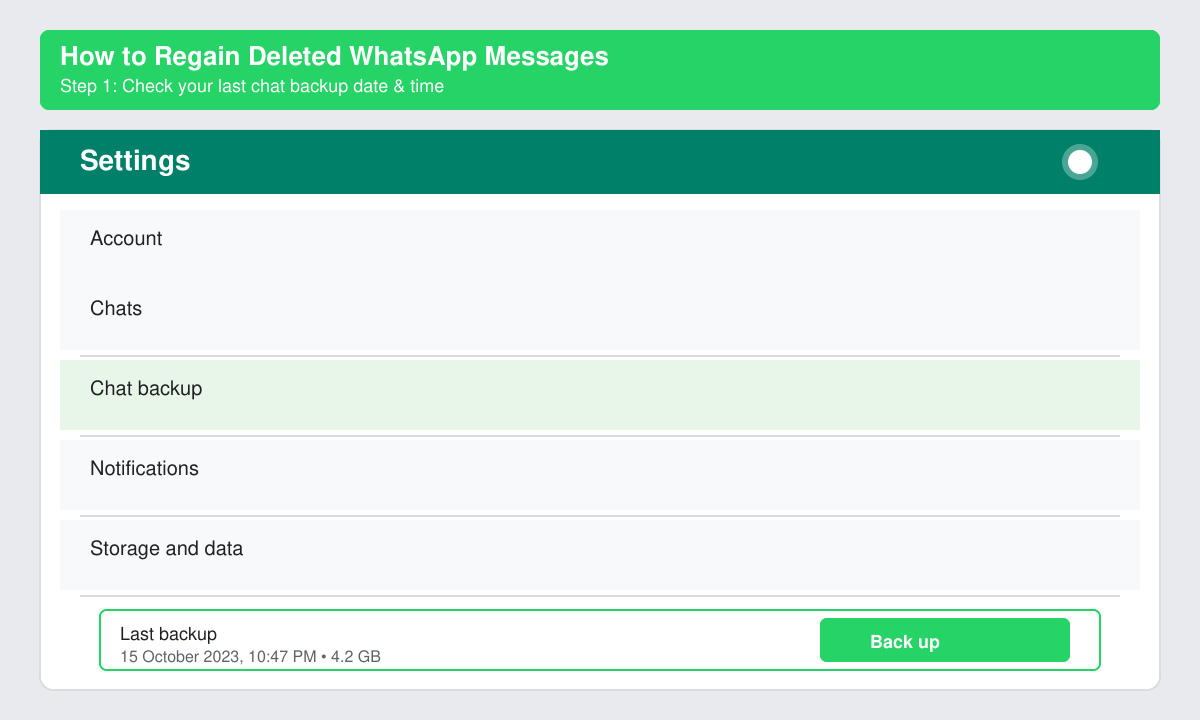
WhatsApp stores messages locally and in cloud backups. To regain deleted WhatsApp messages you must have enabled backups beforehand and have access to the same phone number and Google or Apple account used for the backup. Verify your backup date in WhatsApp settings first, because restoring overwrites any newer messages that arrived after the backup was created.
Open WhatsApp, tap the three-dot menu in the top right, select Settings, then Chats, and finally Chat backup. Note the date and time of the last backup. If the backup is recent enough to contain the messages you need, proceed to the next step.
Long-press the WhatsApp icon on your home screen or app drawer and choose Uninstall. On Android also clear the app data through Settings > Apps > WhatsApp > Storage > Clear data. This step removes the current local database so the backup can be restored cleanly.
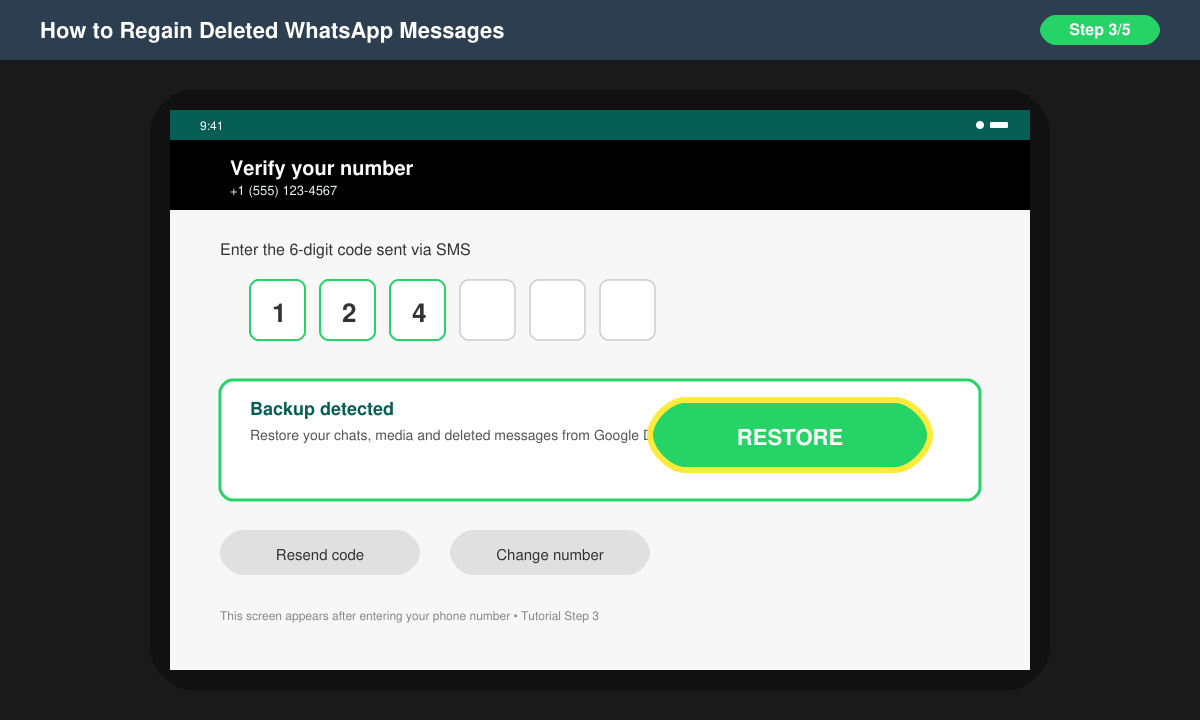
Download WhatsApp again from the Google Play Store or Apple App Store. Open the app and enter your phone number. After verification you will see a prompt asking if you want to restore messages from the backup. Tap Restore.
Keep the app open and connected to Wi-Fi until the progress bar reaches 100 percent. Open any chat that previously contained the deleted messages to confirm they have returned. If the messages are still missing, the backup did not include them.
No reliable method exists without a prior backup. Third-party recovery tools often fail or risk account bans because they violate WhatsApp's terms of service.
Yes. Any chats received after the backup date will be replaced by the older version. Export important recent chats first if possible.
The steps are nearly identical, except Android uses Google Drive backups while iPhone uses iCloud. Both platforms show the restore prompt automatically after number verification.
Restoring from an existing backup remains the only official and safe way to regain deleted WhatsApp messages. Perform the steps above as soon as you notice the loss to maximize your chances of success.
Follow this guide on how to download Chrome on Macbook to get Google Chrome running quickly and safely on your device.
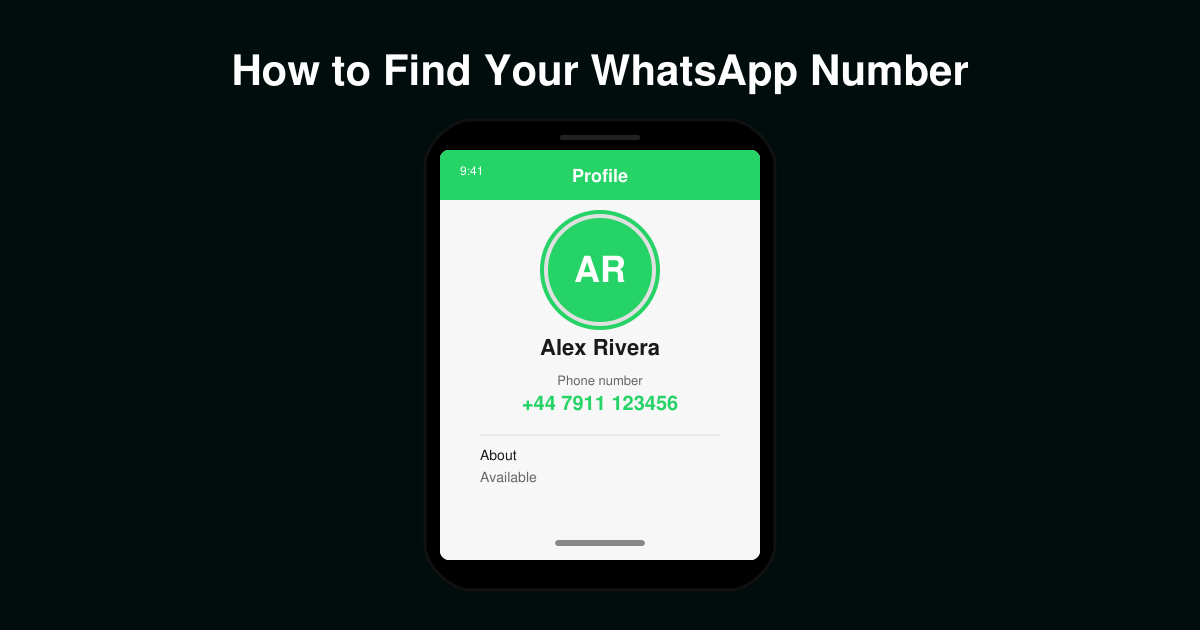
Discover exactly how to find your WhatsApp number on Android, iPhone, and desktop in under a minute. Follow these clear steps to view the number linked to your account.
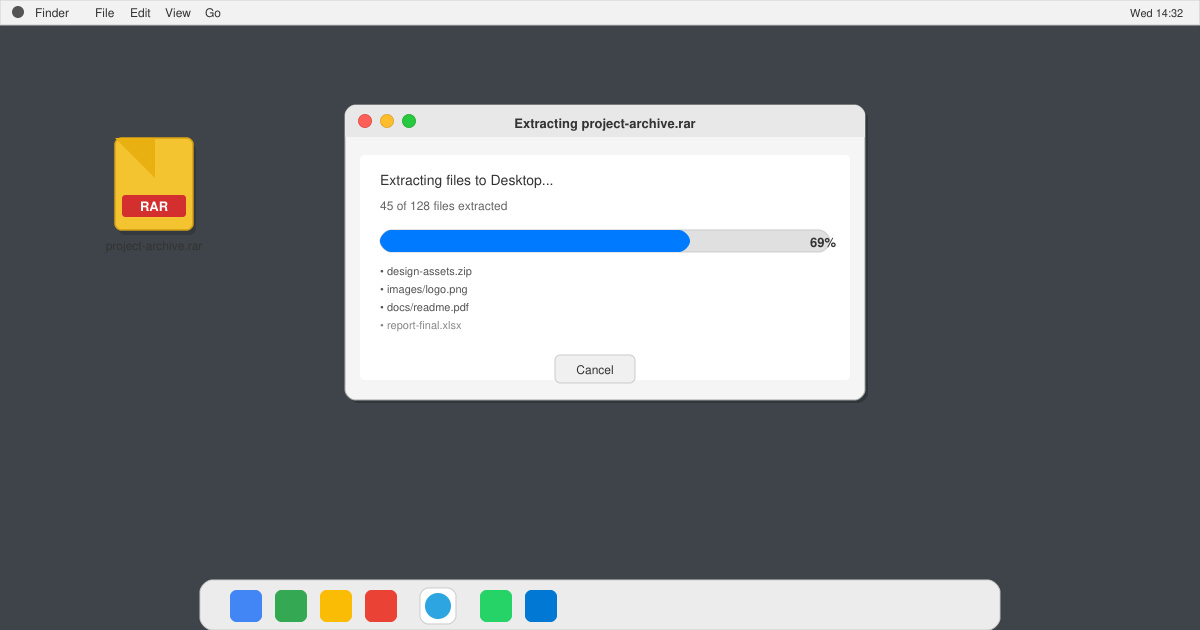
Learn how to open RAR file in Mac OS using free tools. This guide shows the fastest ways to extract RAR archives on your Mac in minutes.
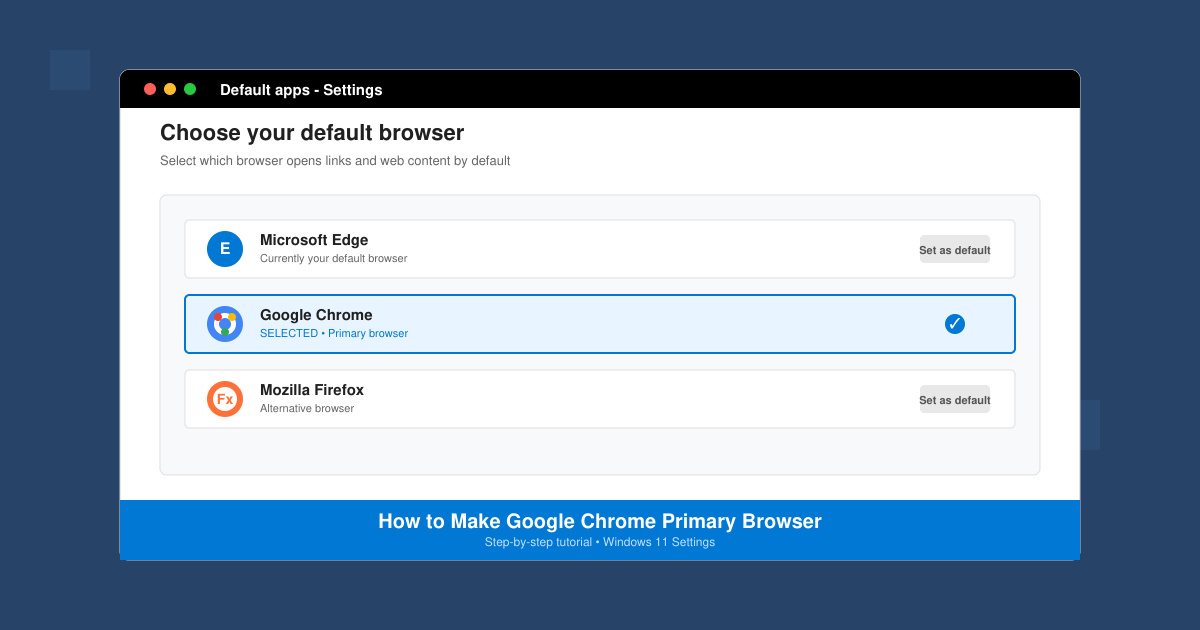
How to make Google Chrome primary browser on Windows, macOS, Android, and iOS with clear step-by-step instructions. Set Chrome as your default browser in minutes for better speed and sync.
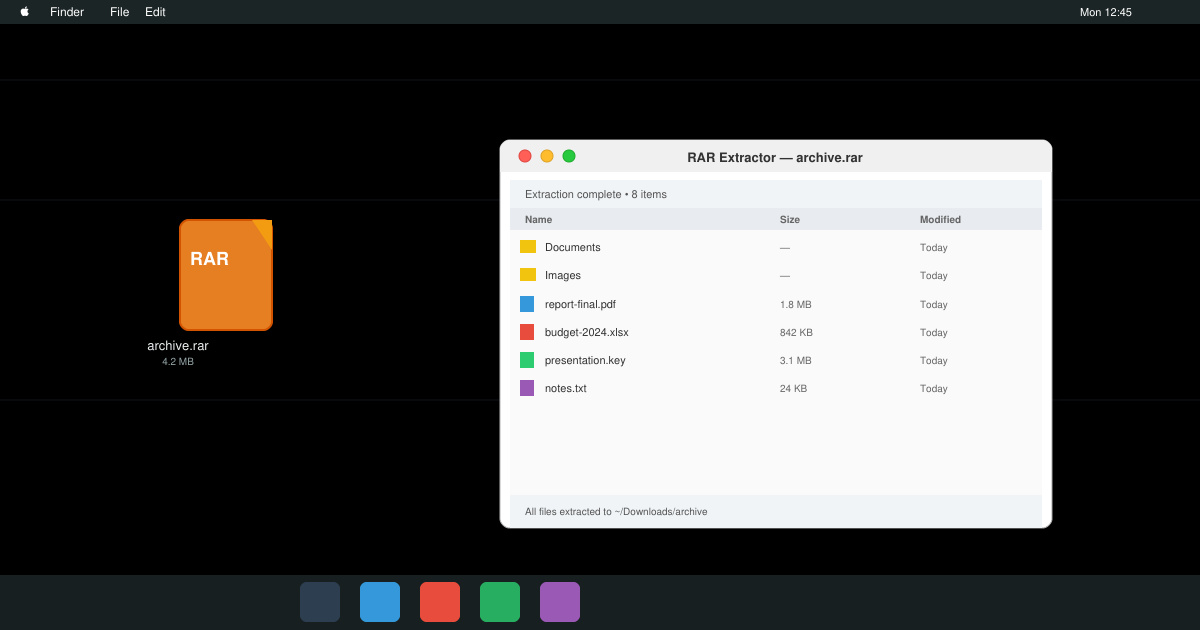
Need a rar program for mac to open RAR files? Learn the fastest way to install and use a reliable extractor on macOS in minutes.
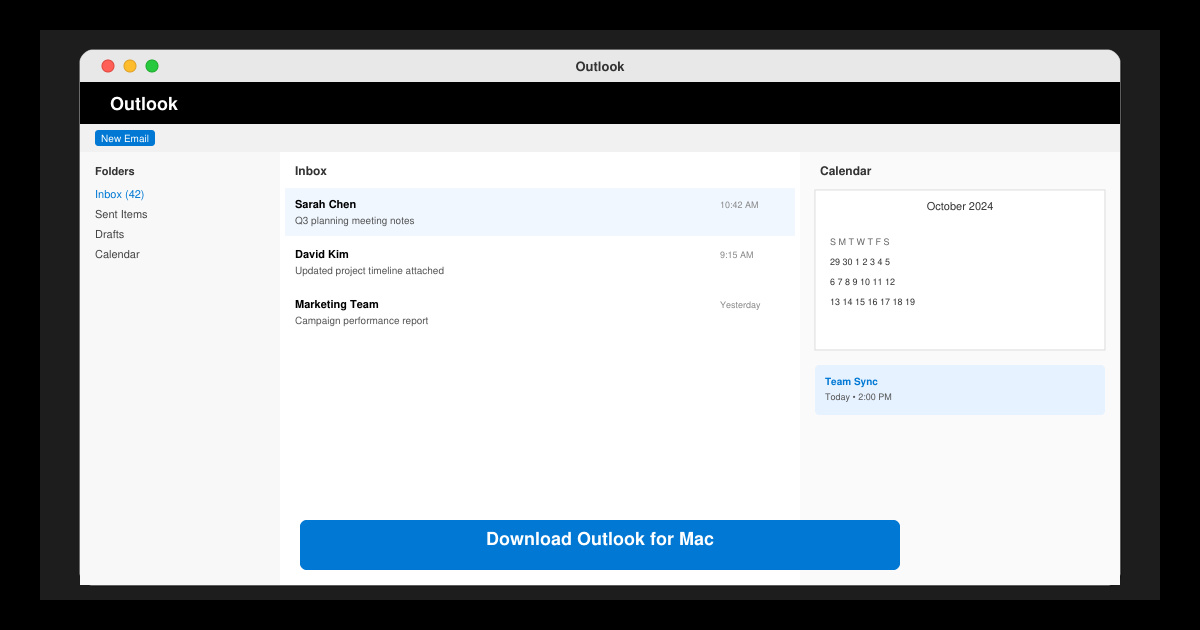
Download Outlook for Mac from the official Microsoft source and install it on your Mac in minutes. Follow this guide for the latest version compatible with macOS.
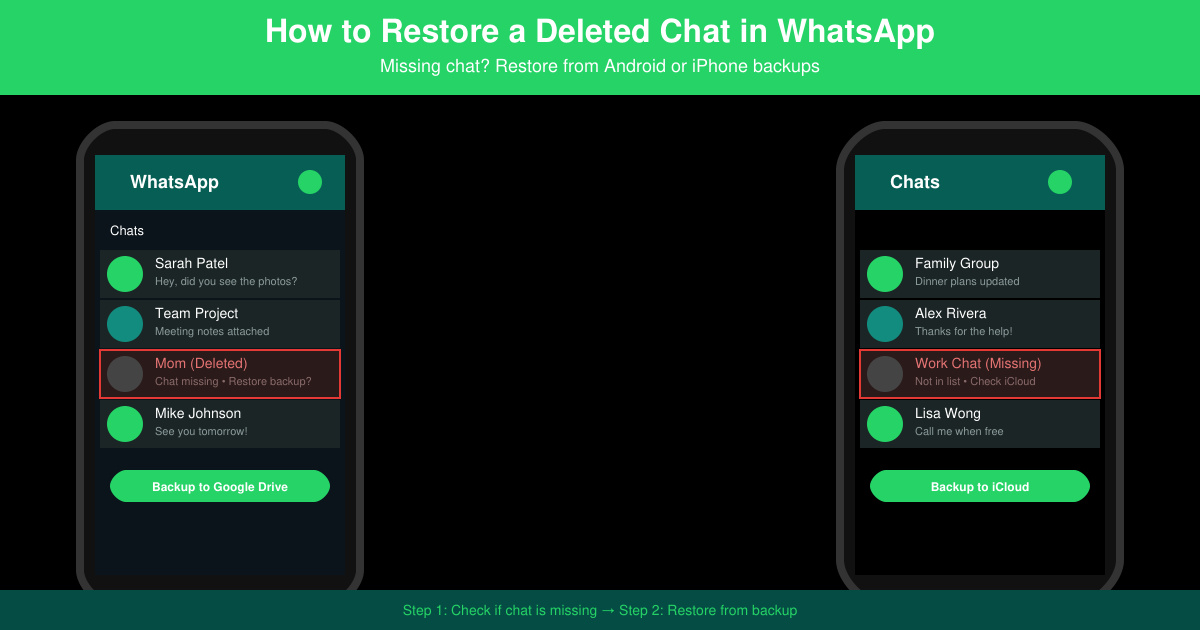
Learn exactly how to restore a deleted chat in WhatsApp on Android and iPhone using local or Google Drive backups. Follow these steps to recover conversations in minutes.
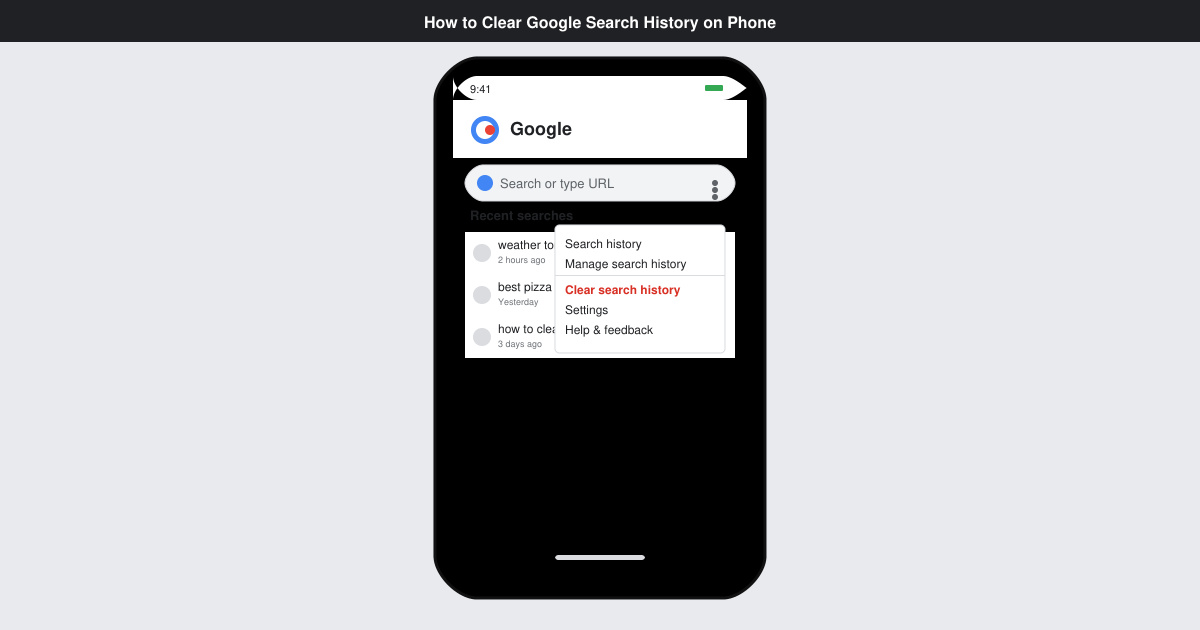
Learn how to clear Google search history on phone in just a few taps. Follow these exact steps for Android and iOS to remove search activity and improve privacy.
Complete your VLC Player Download Mac safely from the official source. This guide shows the exact steps to install VLC Media Player on macOS for reliable video and audio playback.
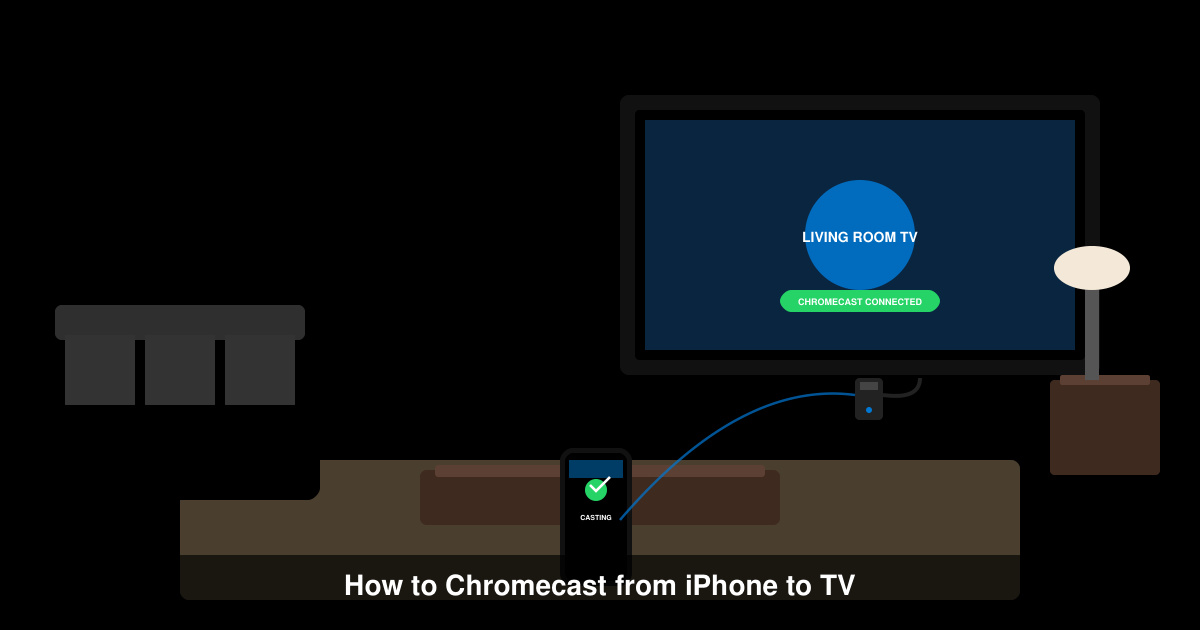
Learn how to Chromecast from iPhone to TV quickly and reliably. Follow these exact steps to stream videos, photos, and apps from your iPhone to any Chromecast device.