How to Restore Previous Microsoft Edge Sessions After a Crash

Imagine pouring hours into research, only for Microsoft Edge to crash and vanish your open tabs. 😩 Don't panic! The good news? Edge has smart built-in tools to restore previous Microsoft Edge sessions in seconds. This guide delivers exact steps for the latest versions, keeping your workflow smooth. Stick around—you'll be back up and running before your coffee cools.
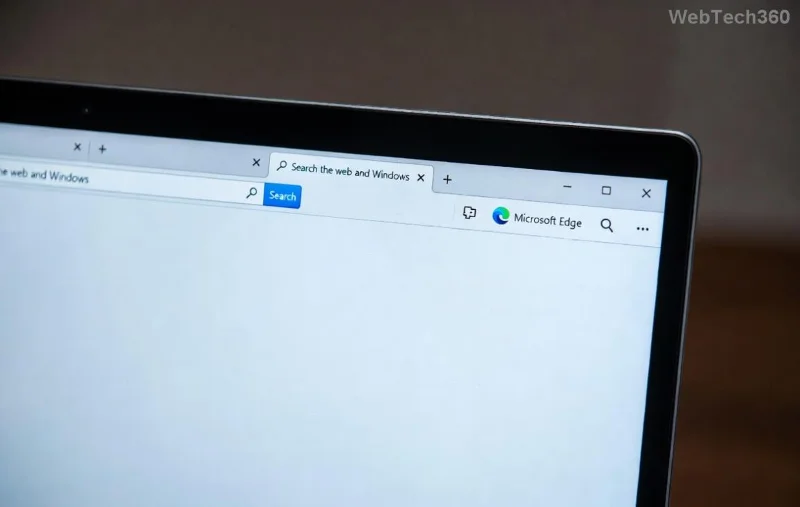
Microsoft Edge welcome back screen after crash for session recovery

✅ Method 1: Leverage Edge's Automatic "Welcome Back" Recovery

Edge shines here with its auto-recovery. After a crash:

  1. ➡️ Relaunch Microsoft Edge. You'll see a "Welcome back" page listing your lost tabs and windows.
  2. ⭐ Click Restore—all tabs snap back like magic!
  3. ✅ If no page appears, check Settings > System and performance > Startup boost (disable if interfering).

This works 90% of the time on fresh installs. Pro tip: Enable On startup: Continue where you left off in Settings for future-proofing.

🔧 Method 2: Keyboard Magic with Ctrl + Shift + T

No welcome page? No sweat. This universal shortcut revives tabs one by one:

  • 🖱️ Press Ctrl + Shift + T (Windows) or Cmd + Shift + T (Mac).
  • 🔄 Repeat to reopen multiple tabs—Edge remembers your session history.
  • 💡 Bonus: Right-click the tab bar > Reopen closed tab for mouse lovers.

Keyboard shortcut demonstration for restoring Edge tabs after crash

Why it rocks: Instant, no extensions needed. Readers rave—"Saved my 50-tab project!"

📋 Method 3: Dive into History for Deeper Recovery

For stubborn crashes:

  1. ➡️ Hit Ctrl + H or Menu > History.
  2. ⭐ Scroll to "Recently closed"—right-click tabs/windows to restore.
  3. ✅ Export history via three dots > Save all for backups.
Action Shortcut Restores
Reopen last tab Ctrl + Shift + T Single tab
History view Ctrl + H All recent
Full session Welcome page Tabs + windows

🛡️ Prevent Future Crashes & Boost Recovery

Stay ahead:

  • Settings > On startup: Choose "Continue where you left off".
  • ✅ Update Edge: Menu > Help and feedback > About Microsoft Edge.
  • 🔒 Clear problematic extensions: edge://extensions/.
  • 💎 Install "Session Buddy" extension for manual saves—get it here.
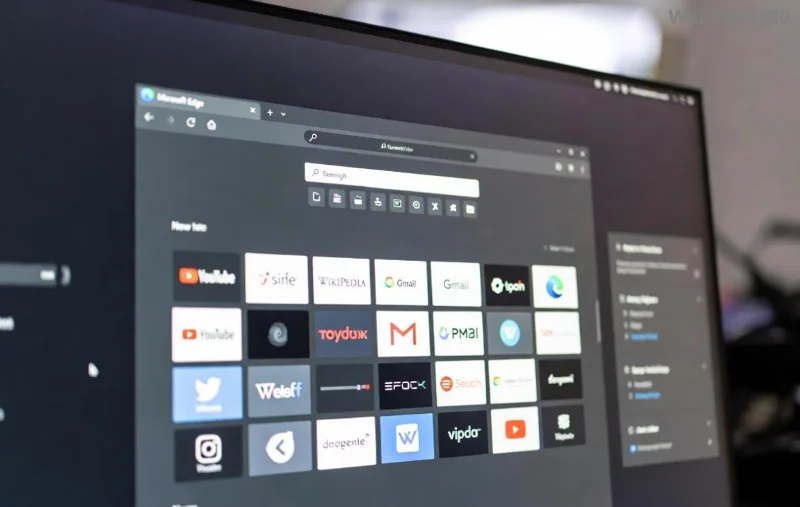
Edge settings for startup and session restoration options

❌ Troubleshooting: When Restore Previous Microsoft Edge Sessions Fails

Rare hiccups? Try these in order:

  1. ➡️ Restart PC—clears temp glitches.
  2. ⭐ Reset Edge: Settings > Reset settings > Restore settings to default (keeps bookmarks).
  3. ✅ Check for malware via Windows Security.
  4. 🔍 Official fix: Visit Microsoft Edge support.

Still stuck? Comment below—we've got your back! 👇

🎉 Wrap-Up: Never Lose Tabs Again

Mastering these steps means Microsoft Edge crash recovery is a non-issue. From Ctrl + Shift + T to startup tweaks, you're equipped. Test it now—crash-proof your browser and reclaim your time. What's your go-to recovery trick? Share in comments! 🚀

Proven on the newest Edge builds for seamless restore Edge tabs after crash.
Leave a Comment

How to Restore Previous Microsoft Edge Sessions After a Crash

How to Restore Previous Microsoft Edge Sessions After a Crash

Frustrated by Microsoft Edge crashes wiping your tabs? Discover proven steps to restore previous sessions effortlessly. Quick fixes for the latest Edge versions—no tab loss forever!

How to Fix Microsoft Edge Result_Code_Killed_Bad_Message

How to Fix Microsoft Edge Result_Code_Killed_Bad_Message

Tired of Microsoft Edge crashing with "Result_Code_Killed_Bad_Message"? Discover proven, step-by-step fixes to resolve this error quickly and restore smooth browsing. Updated for the latest Edge versions!

How to Disable Microsoft Edge Game Assist on Windows 11

How to Disable Microsoft Edge Game Assist on Windows 11

Struggling with Microsoft Edge Game Assist interrupting your games? Learn how to disable Microsoft Edge Game Assist on Windows 11 step-by-step. Simple, effective methods for gamers. Boost your performance now!

Troubleshooting Microsoft Edge Mica Effect Not Working

Troubleshooting Microsoft Edge Mica Effect Not Working

Troubleshooting Microsoft Edge "Mica Effect" not working? Discover step-by-step fixes to enable beautiful Mica transparency in Edge on Windows 11. Quick, easy solutions that work!

Troubleshooting Microsoft Edge Extensions Not Working

Troubleshooting Microsoft Edge Extensions Not Working

Microsoft Edge extensions not working? Discover proven troubleshooting steps to fix crashes, loading issues, and more. Get your browser extensions running smoothly today with our expert guide.

How to Disable Microsoft Edge Sidebar and Notifications

How to Disable Microsoft Edge Sidebar and Notifications

Struggling with annoying Microsoft Edge sidebar and notifications? Discover simple, step-by-step methods to disable Microsoft Edge sidebar and notifications for good. Enjoy a cleaner, faster browsing experience today!

Troubleshooting Microsoft Edge BitLocker Recovery Key

Troubleshooting Microsoft Edge BitLocker Recovery Key

Facing BitLocker Recovery Key issues in Microsoft Edge? This step-by-step troubleshooting guide fixes common errors fast. Retrieve your key securely from your Microsoft account without stress. Updated with latest tips!

Solving Microsoft Edge Ssl Version or Cipher Mismatch

Solving Microsoft Edge Ssl Version or Cipher Mismatch

Tired of the frustrating Microsoft Edge "SSL Version or Cipher Mismatch" error blocking your sites? Discover step-by-step fixes, from quick resets to advanced tweaks, that work on the latest Edge versions. Get back online in minutes!

Solving Microsoft Edge Certificate Error on Public Wi-Fi

Solving Microsoft Edge Certificate Error on Public Wi-Fi

Tired of Microsoft Edge Certificate Error blocking you on public Wi-Fi? Get step-by-step fixes to bypass SSL warnings safely and surf securely. Proven methods for quick resolution.

Troubleshooting Microsoft Edge 400 Bad Request Header Error

Troubleshooting Microsoft Edge 400 Bad Request Header Error

Struggling with Microsoft Edge "400 Bad Request" Header Error? Discover proven, step-by-step fixes to resolve this frustrating issue quickly. Clear cache, reset settings, and more for smooth browsing. Updated with latest Edge tips!

Solving Microsoft Edge Security Center Missing Fix

Solving Microsoft Edge Security Center Missing Fix

Tired of Microsoft Edge Security Center missing? Discover step-by-step fixes to restore it instantly on Windows. Quick, reliable solutions for ultimate browser security. Works on latest Edge builds!

Troubleshooting Microsoft Edge Windows Sandbox Error

Troubleshooting Microsoft Edge Windows Sandbox Error

Stuck with Microsoft Edge "Windows Sandbox" Error? Discover step-by-step troubleshooting fixes to resolve it quickly. Enable features, update settings, and restore seamless browsing today!

How to Fix Microsoft Edge WebDAV Drive Mapping Error

How to Fix Microsoft Edge WebDAV Drive Mapping Error

Tired of the frustrating Microsoft Edge WebDAV drive mapping error? Follow our step-by-step fixes to map your WebDAV drives effortlessly and regain seamless access. Proven solutions for instant results!

Solving Microsoft Edge Script Error on High-Traffic Websites

Solving Microsoft Edge Script Error on High-Traffic Websites

Tired of Microsoft Edge "Script Error" crashing your browsing on high-traffic websites? Get step-by-step fixes, causes, and prevention tips for seamless performance on busy sites like social media and news portals.

Solving Microsoft Edge Server Error In / Application

Solving Microsoft Edge Server Error In / Application

Tired of the frustrating Microsoft Edge "Server Error In / Application"? Get proven, step-by-step solutions to fix it fast. No tech skills needed – restore smooth browsing today!