How to Download Chrome on Macbook
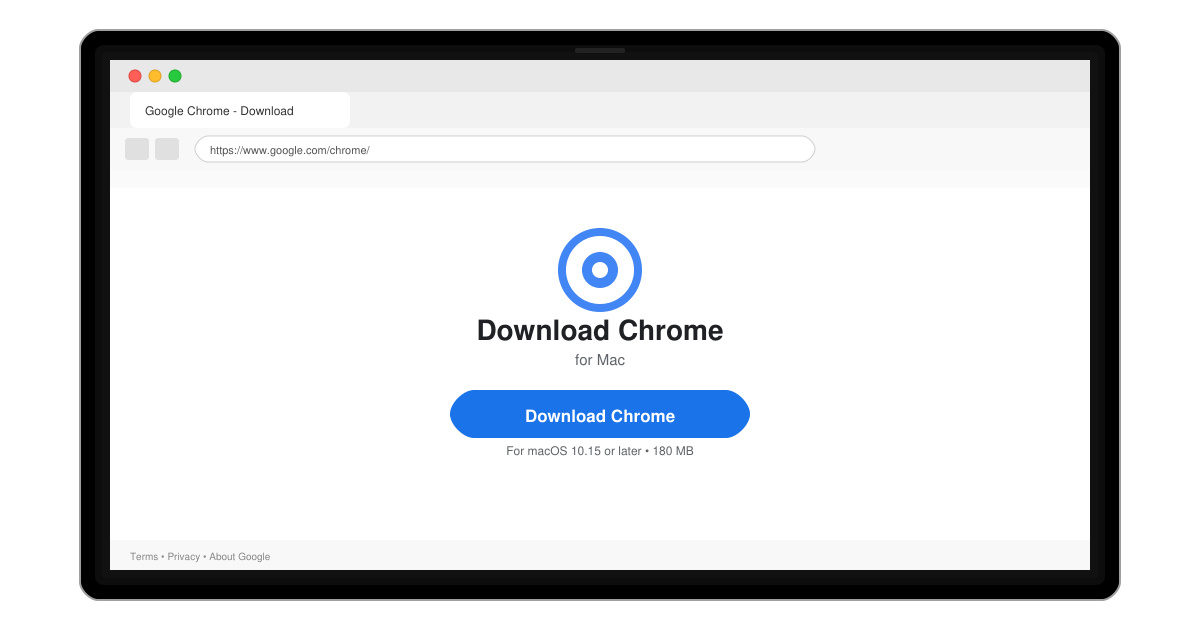
Follow this guide on how to download Chrome on Macbook to get Google Chrome running quickly and safely on your device.
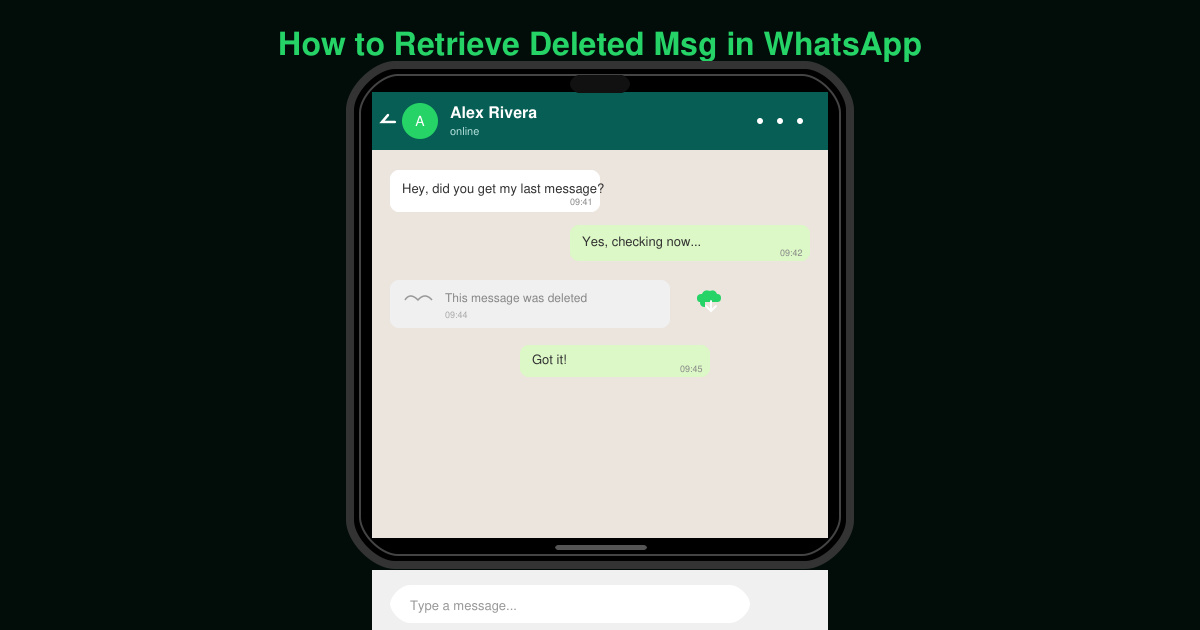
Accidentally deleted an important WhatsApp conversation or had messages removed by the sender? How to retrieve deleted msg in WhatsApp depends on whether you have a recent backup or can access notification logs. This guide shows the most reliable methods that work on both Android and iPhone without needing extra paid tools.
WhatsApp stores chat history in cloud backups. Restoring from a backup dated before the deletion brings back the messages, but it will replace your current chats. Make sure you know the backup date first.
Open Settings, tap Notifications, then select Notification history. Toggle the switch to on if it is not already enabled. This records message previews even after they are deleted in WhatsApp.
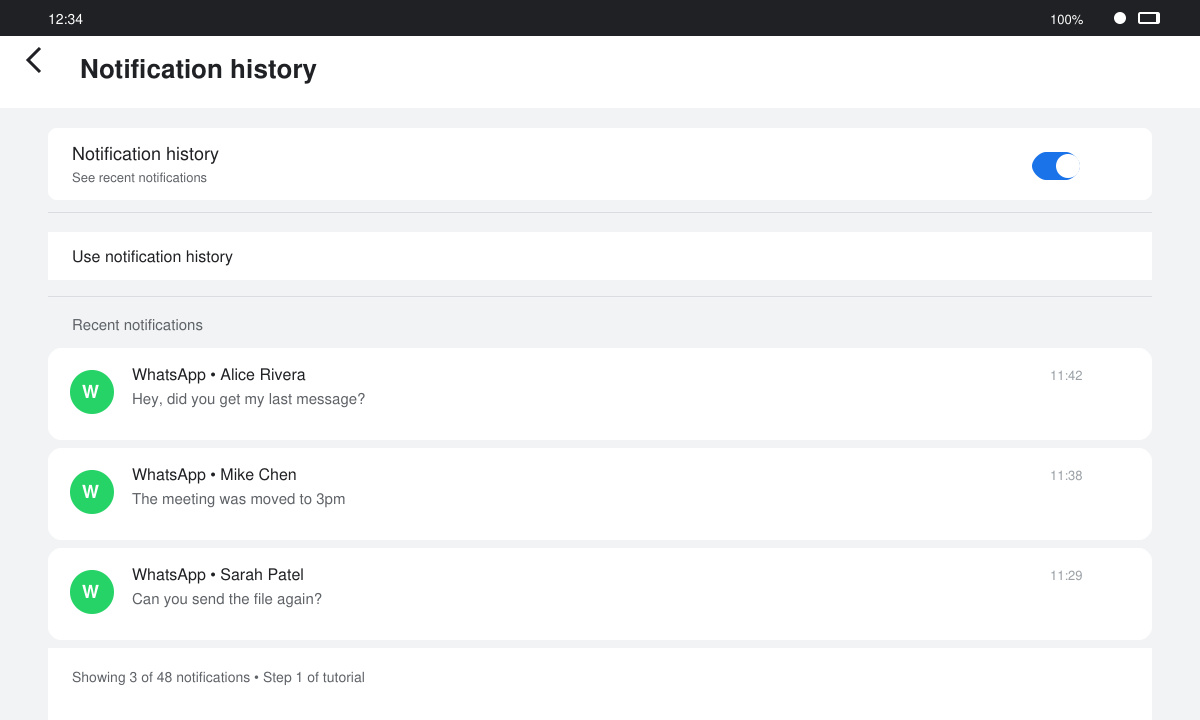
Return to WhatsApp and open the conversation where messages disappeared. Scroll up to see if any deleted content appears in the notification log area. The history only shows messages received while the feature was active.
Uninstall WhatsApp, reinstall it from the Play Store, verify your number, and choose Restore when prompted. Select the most recent local backup stored in the WhatsApp/Databases folder if the cloud version is too new.
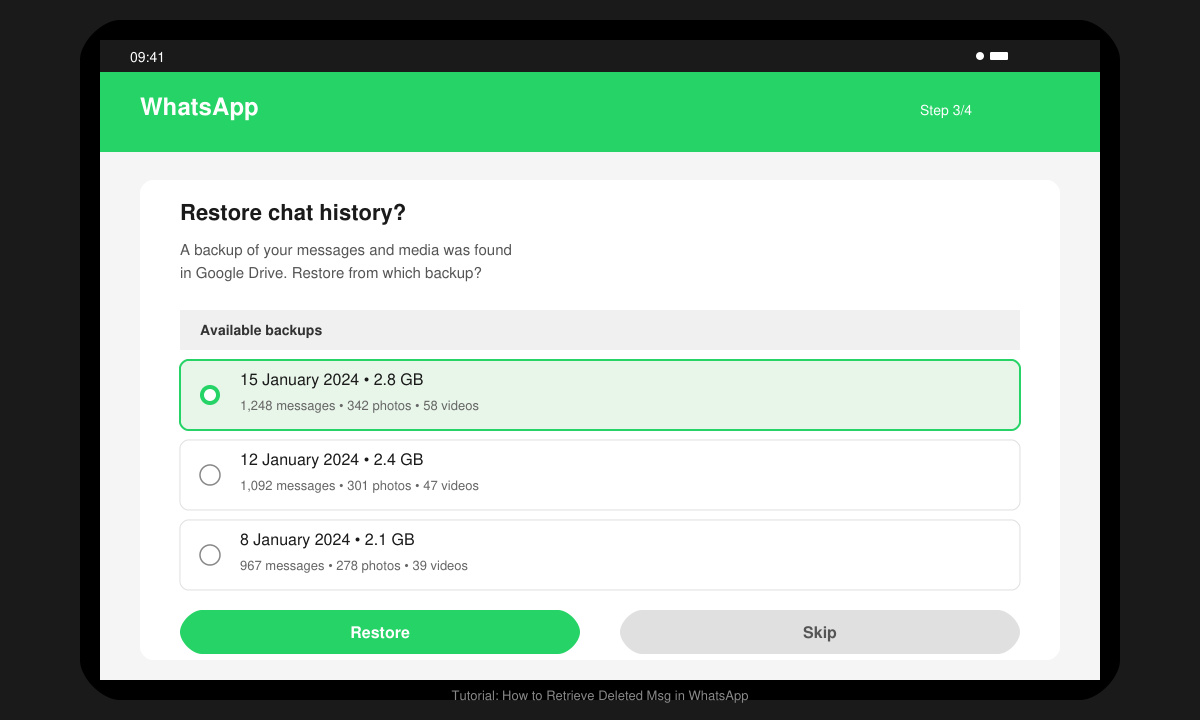
Delete and reinstall WhatsApp from the App Store. After verifying your number, tap Restore Chat History when the iCloud backup option appears. Only backups created before deletion will contain the missing messages.
No official method exists. Notification history sometimes shows the original text before it disappears, but success is not guaranteed.
Yes. Any chats created after the backup date will be replaced. Export them manually first if they contain important information.
Most require root access on Android and carry security risks. Stick to WhatsApp’s built-in backup and notification tools instead.
Following the backup restore or notification history steps above gives you the best chance to retrieve deleted msg in WhatsApp without complications.
Follow this guide on how to download Chrome on Macbook to get Google Chrome running quickly and safely on your device.
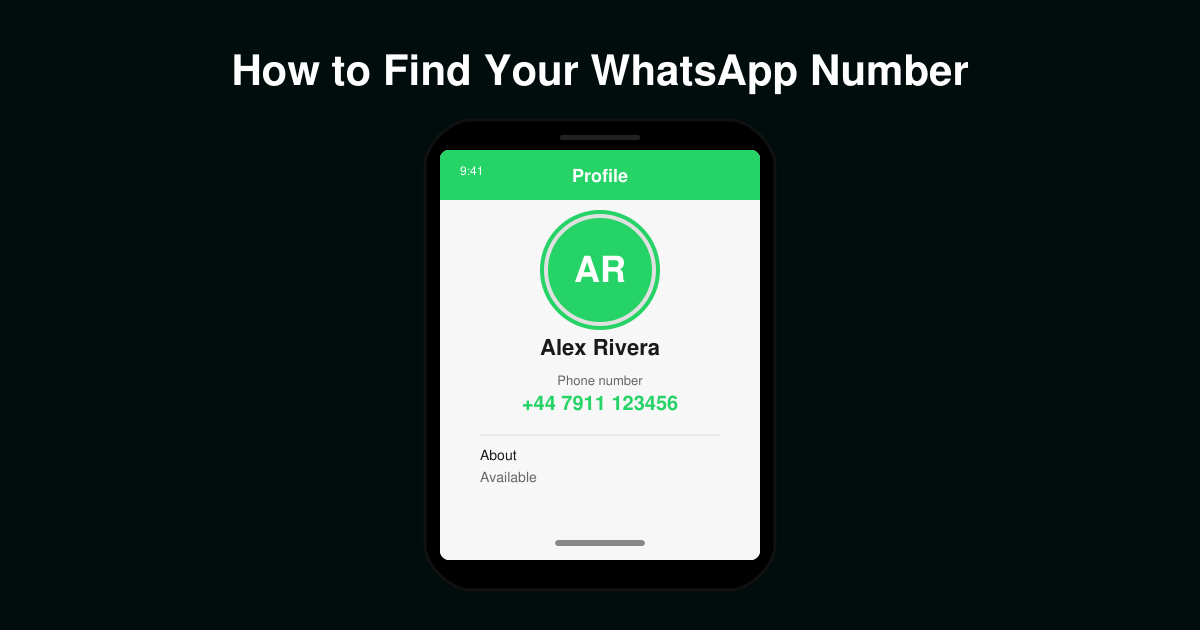
Discover exactly how to find your WhatsApp number on Android, iPhone, and desktop in under a minute. Follow these clear steps to view the number linked to your account.
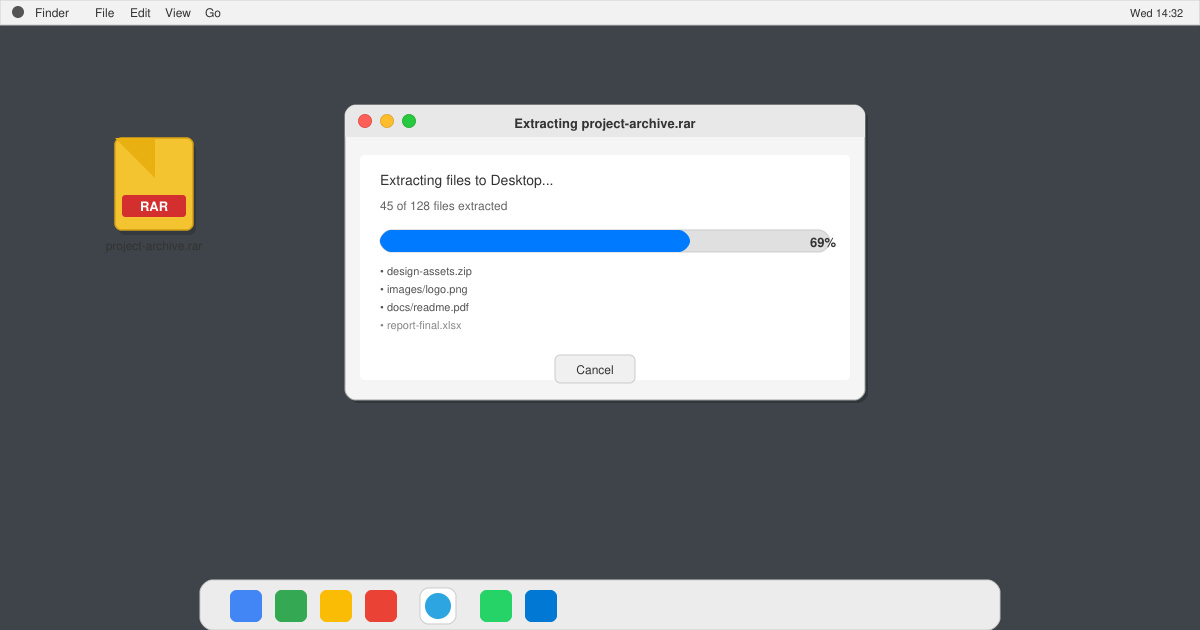
Learn how to open RAR file in Mac OS using free tools. This guide shows the fastest ways to extract RAR archives on your Mac in minutes.
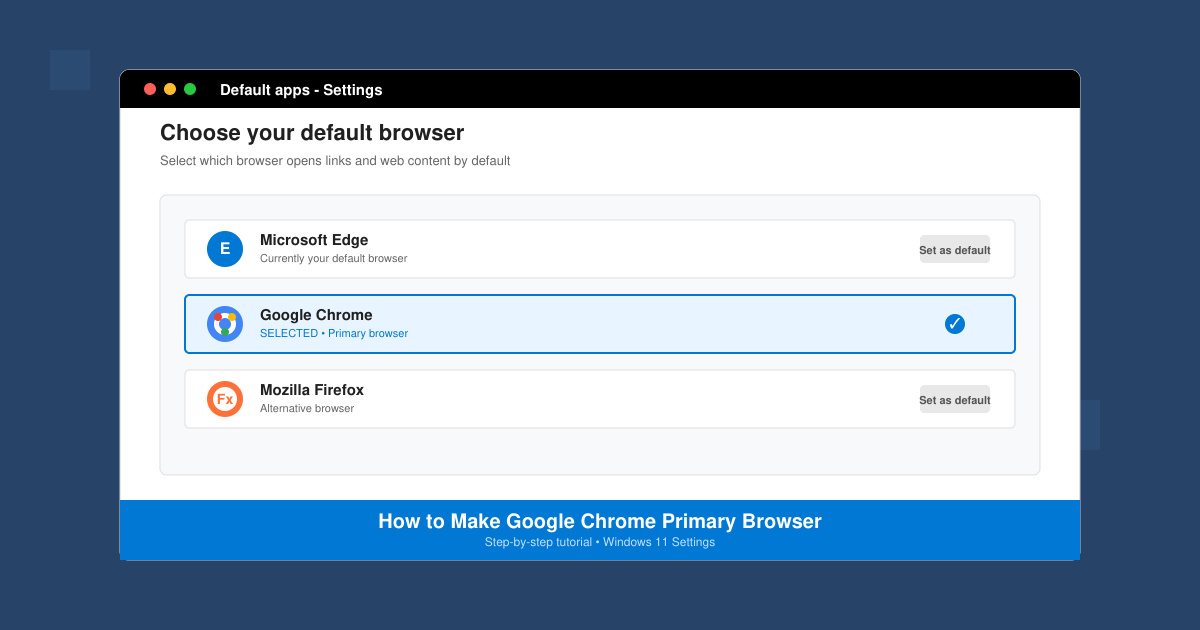
How to make Google Chrome primary browser on Windows, macOS, Android, and iOS with clear step-by-step instructions. Set Chrome as your default browser in minutes for better speed and sync.
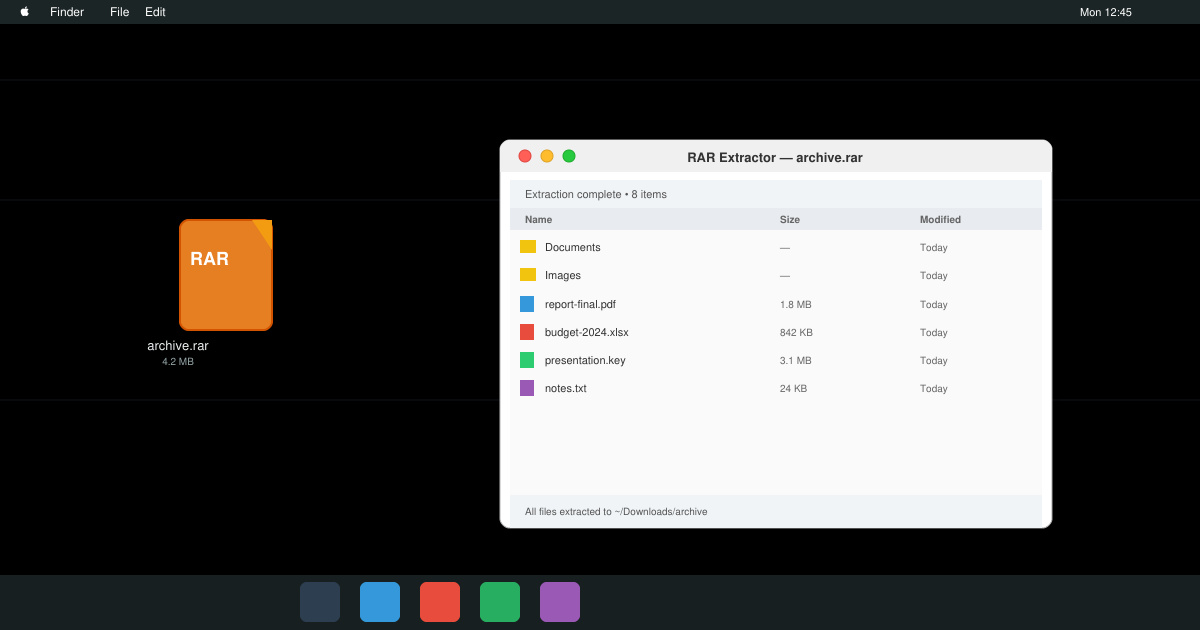
Need a rar program for mac to open RAR files? Learn the fastest way to install and use a reliable extractor on macOS in minutes.
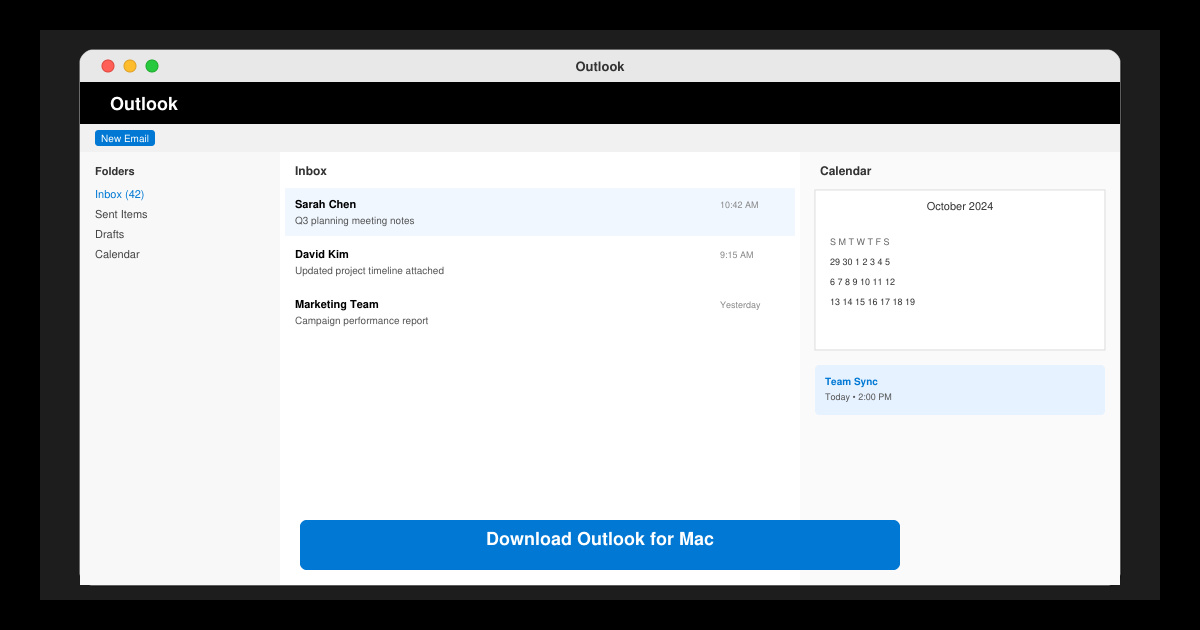
Download Outlook for Mac from the official Microsoft source and install it on your Mac in minutes. Follow this guide for the latest version compatible with macOS.
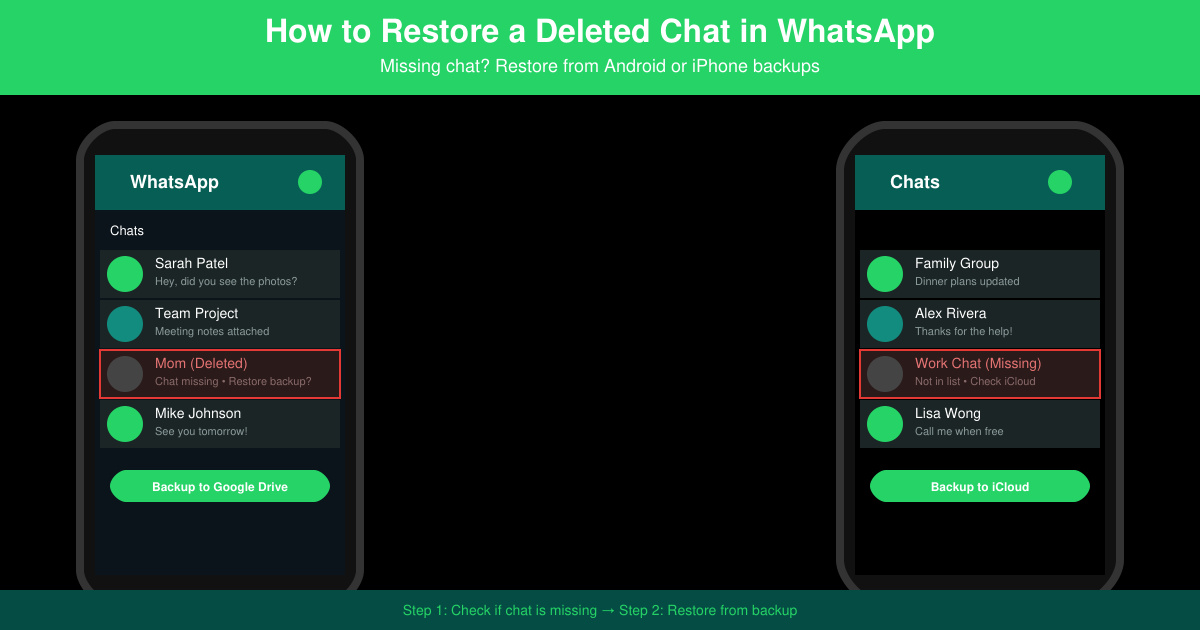
Learn exactly how to restore a deleted chat in WhatsApp on Android and iPhone using local or Google Drive backups. Follow these steps to recover conversations in minutes.
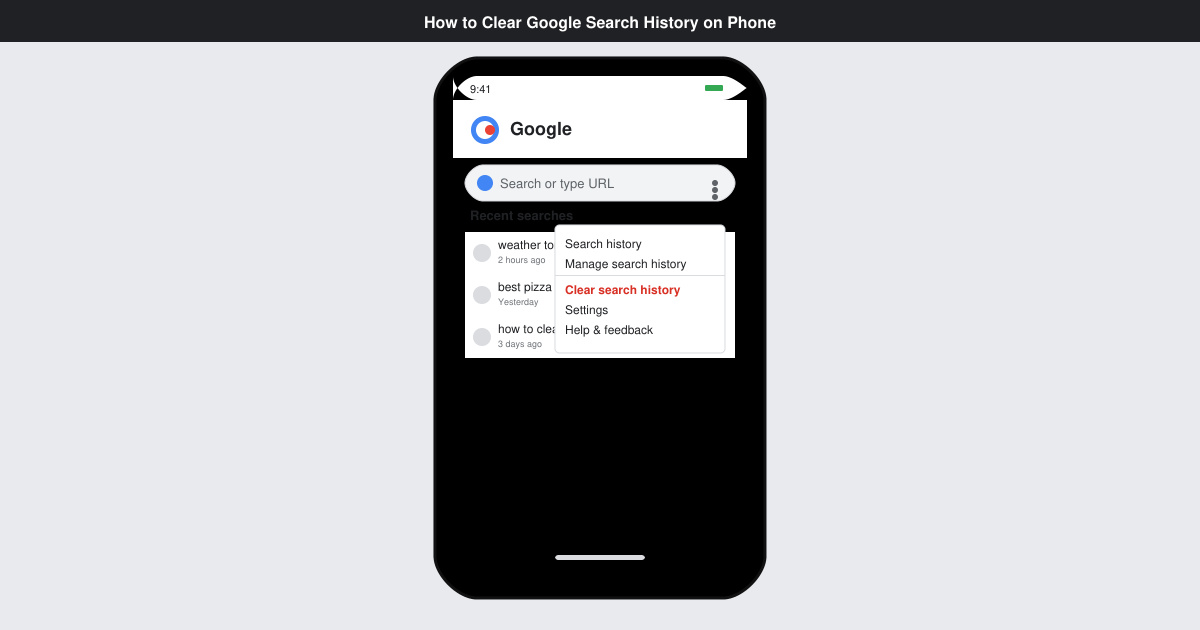
Learn how to clear Google search history on phone in just a few taps. Follow these exact steps for Android and iOS to remove search activity and improve privacy.
Complete your VLC Player Download Mac safely from the official source. This guide shows the exact steps to install VLC Media Player on macOS for reliable video and audio playback.
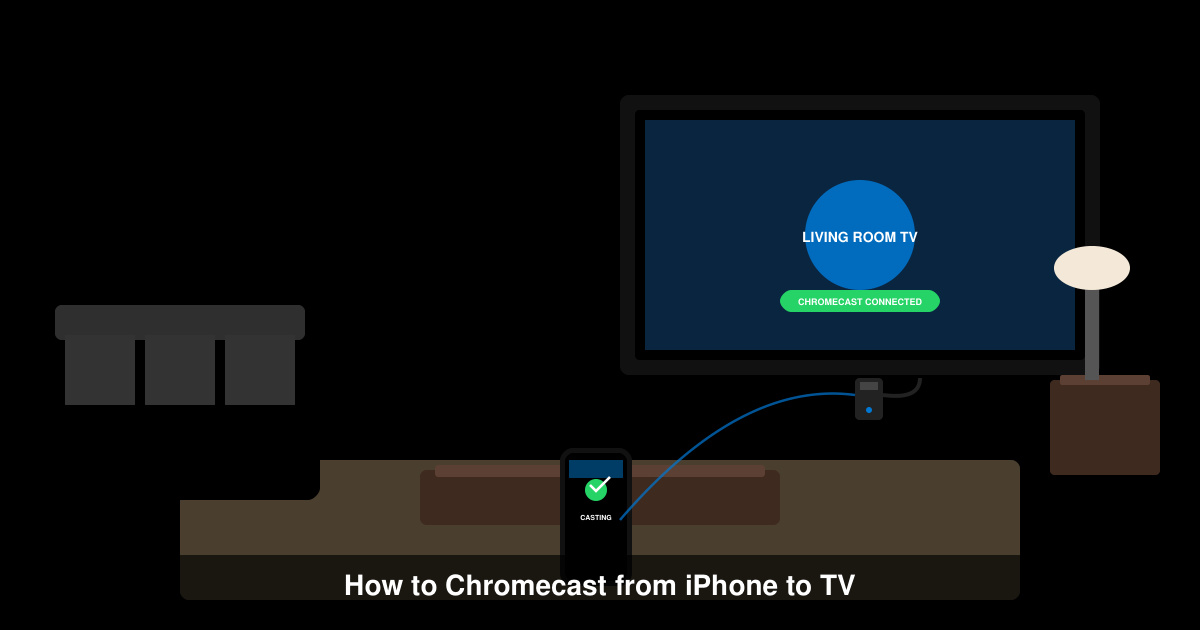
Learn how to Chromecast from iPhone to TV quickly and reliably. Follow these exact steps to stream videos, photos, and apps from your iPhone to any Chromecast device.