How to Boil Broccoli
Master how to boil broccoli perfectly every time with this step-by-step guide. Learn exact timing and techniques for tender, vibrant, nutrient-rich results.
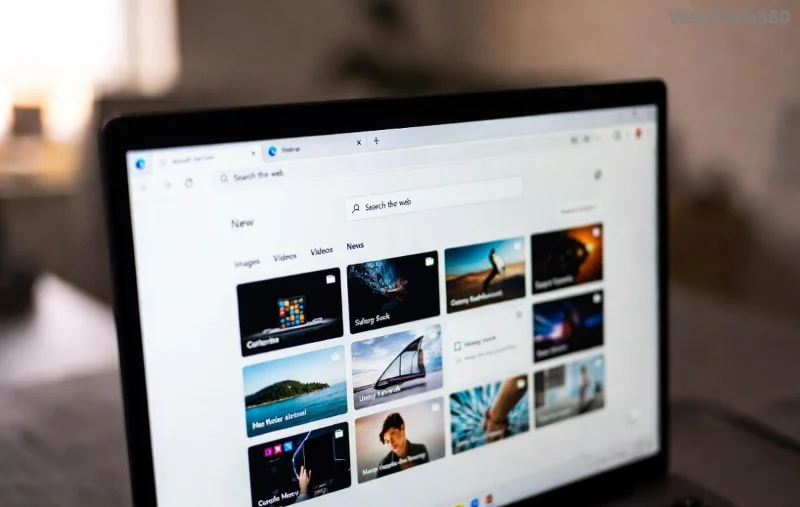
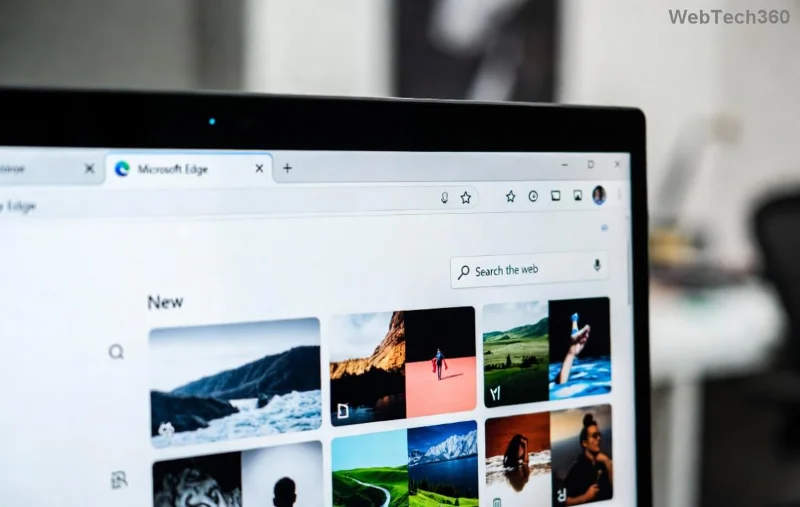
Frustrated with sluggish PDF readers that drain your battery and slow down your workflow? Discover the joy of using Microsoft Edge as your default PDF viewer! It's built-in, blazing fast, and secure – perfect for seamless reading, annotations, and printing. Whether you're on Windows 11 or 10, this guide delivers how to set Microsoft Edge as default PDF viewer with crystal-clear steps. Let's dive in and transform your PDF experience today! 👆
Microsoft Edge isn't just a browser; it's a powerhouse for PDFs. Here's why it's a game-changer:
Ready to switch? Follow these foolproof steps for Windows – the most common setup. It'll take under 2 minutes! 😊
Windows makes it a breeze. We'll use the modern Settings app for the latest method.
.pdf..pdf (often Adobe or Edge legacy), then pick Microsoft Edge.Pro Tip: For protocol defaults like mailto:pdf, check "Choose default apps by protocol" too.
Prefer browser controls? Edge has its own toggle for PDF handling.
This combo ensures Edge shines for both browsing and desktop PDFs. Smooth sailing! 🚀
Windows 11 refines defaults with "Set as default" buttons. Here's the edge:
| Action | Steps | Why It Works |
|---|---|---|
| App-by-App | Settings > Apps > Installed apps > Microsoft Edge > Set as default | One-click for all Edge-handled files, including PDFs |
| File Type | Settings > Default apps > .pdf > Edge | Targets PDFs precisely – no extras |
| Advanced | Control Panel > Default Programs > Associate a file type | Legacy option for older tweaks |
Stuck? Don't worry – quick fixes ahead:
For official help, visit Microsoft Edge Support.
Now that Microsoft Edge is your default PDF viewer, level up:
Imagine zipping through reports without lag – that's your new reality! Share your wins in comments below. What's your favorite Edge feature? Keep exploring for more productivity hacks. You've got this! 👏
Master how to boil broccoli perfectly every time with this step-by-step guide. Learn exact timing and techniques for tender, vibrant, nutrient-rich results.
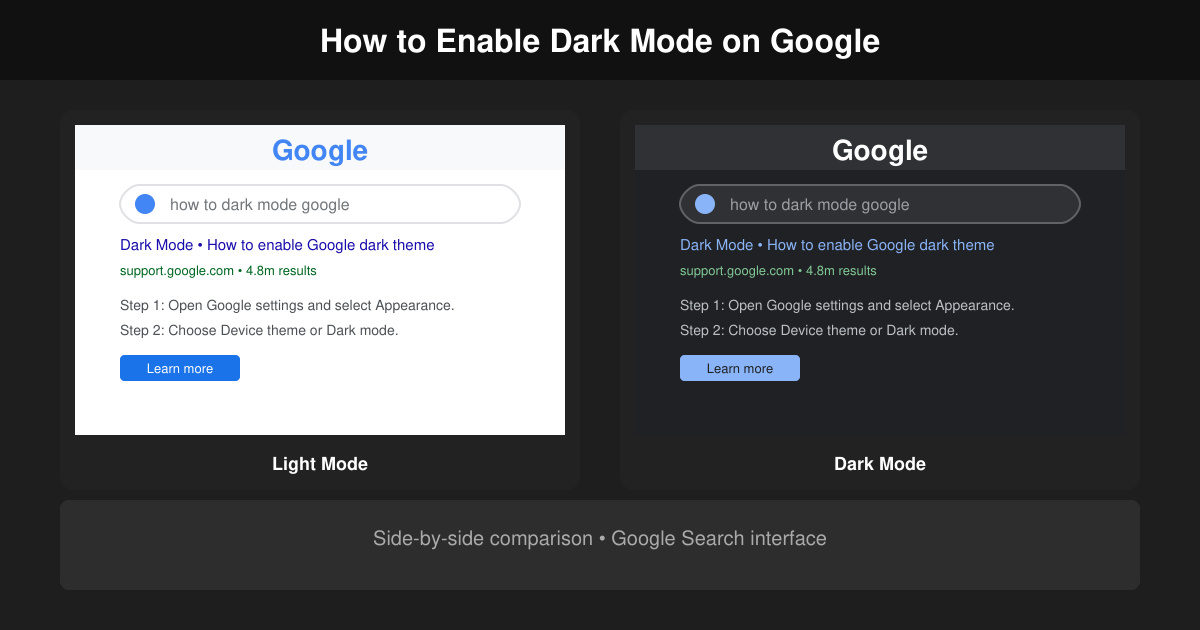
Learn how to dark mode on Google across Search, Chrome and apps to cut eye strain at night. This guide shows the exact settings to enable Google dark theme in under a minute.
Learn exactly how to add font to Canva with this step-by-step guide. Upload custom fonts through Brand Kit to use them across all your designs in minutes.
How to Use Skype for free video calls, messaging, and screen sharing. Follow this complete guide to install the app, set up your account, and start communicating in minutes.
Learn how to clear Google history quickly to protect your privacy. This step-by-step guide shows you how to delete search activity from your Google account on any device.
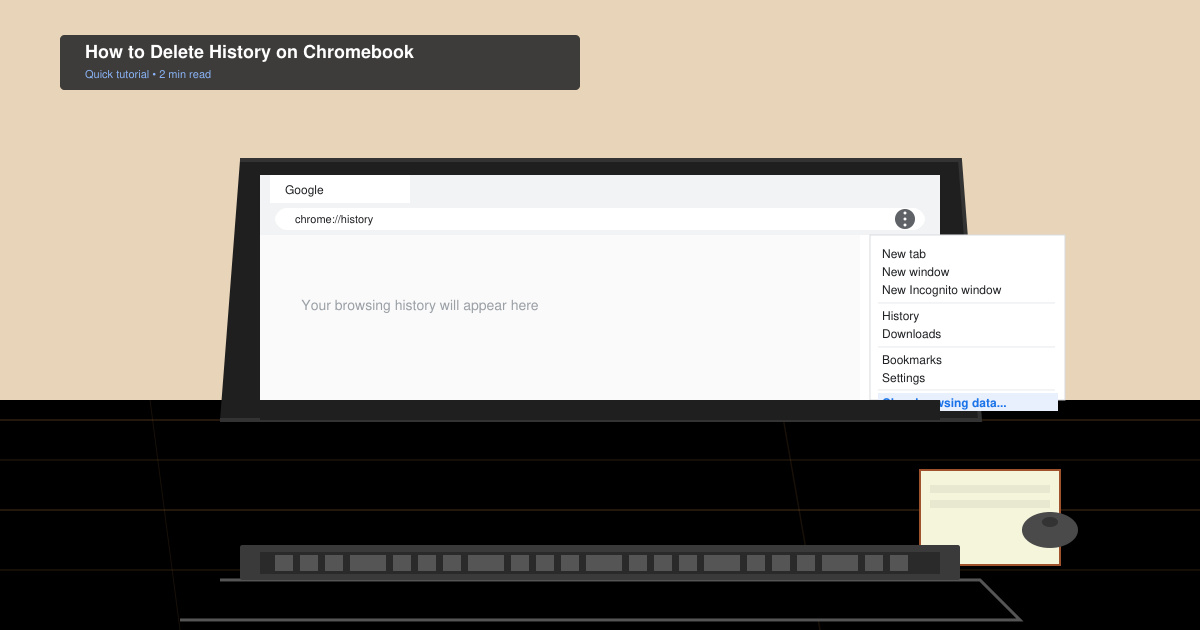
Learn exactly how to delete history on Chromebook to protect your privacy. Follow these precise steps to clear browsing data, cookies, and cached files on your device.
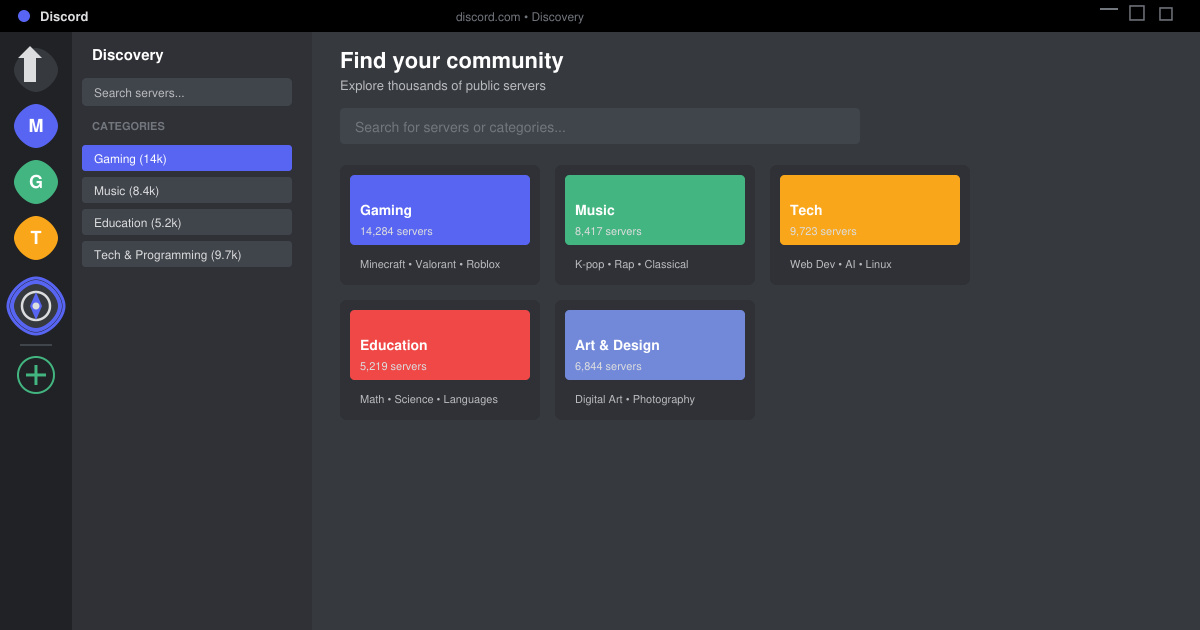
Learn how to find a server on Discord with this clear walkthrough of the built-in Discovery tool and other reliable methods. Join active communities fast.
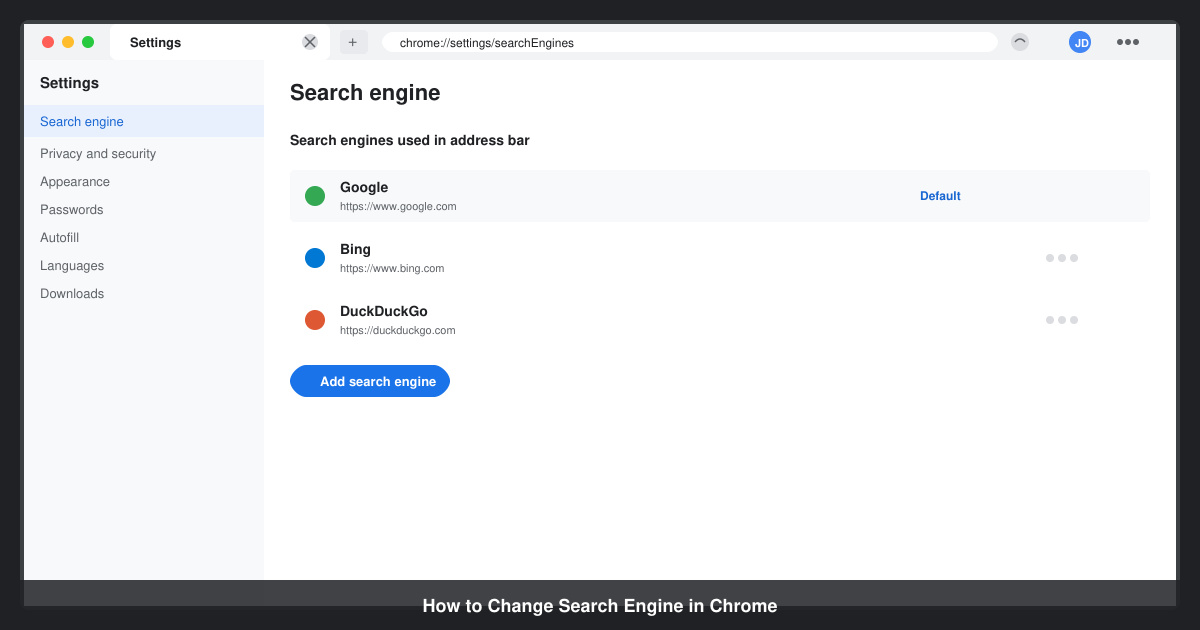
How to Change Search Engine in Chrome takes just a few clicks in Settings. Switch your default provider to Google, Bing, DuckDuckGo or another option and improve search results instantly.
Learn exactly how to cast Netflix to Chromecast from your phone or computer. Follow these steps to stream movies and shows to your TV in minutes.
Learn exactly how to set Google as your homepage on Chrome in under a minute. Follow the precise steps in Chrome Settings to make google.com load when you click the home button.