Of all types of gas stoves , travel gas stoves, also known as mini gas stoves are the type of stove that moves a lot and has the lowest safety. Because of the use of mini gas cylinders that charge continuously, and furthermore the gas cylinders are closer to the fire, the problems of fire and explosion are more likely to occur than negative gas stoves , single gas stoves or double gas stoves .
Follow the WebTech360 's instructions below to safely use the mini gas stove.
Check the gas tank
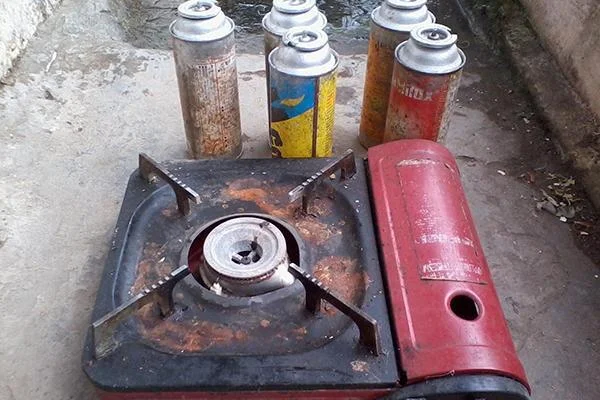 Do not use a gas tank that is too old
The gas tank cap has a small valve to guide the gas vapor out. Carefully check the valve is not loose or warped. The valve warped will make the contact head not match, when you turn on the stove, the gas will leak out causing danger.
Note that the gas tank must be new, not much rust, avoid gas leakage, fire or explosion while cooking.
Check out the gas stove
 The pan and bracket must be clean and dry
Check the burner to make sure there are no leaks. Stoves must be clean and should be dry before using them.
When the burner is too old, rust will make the pot black and the cooking efficiency is not high. In addition, when there is a small dirty object on the burner, a burning fire on the outside of the gas tank will easily heat up the tank and cause an accident on the gas cylinder.
Install the gas cylinder in the correct position
 Install the gas cylinder in the correct position
The gas tank has a small slot, pay attention to install the groove in the correct position to fit into the stove. Many users do not pay attention to this groove, so when pulling the lever down, gas leaks and still cannot cook because the gas tank is not fixed in the necessary position.
See also: How to install a gas can for a mini gas stove
Turn off and turn on gas safely
 Pull the lever first and then adjust the temperature
Put the pot of food in the kitchen and pull the lever down to bring the gas pipe to the gas tank. Then turn on the stove and immediately set to minimum heat. Once you've determined that everything is working, adjust the temperature back to the required level.
See also: How to use the mini gas stove
Avoid using saucepans too big
 Use a pot that fits the kitchen bezel
When using pots and pans too big for the stove, the fire will be radiated wider, closer to the gas tank. If heated for a long time, the gas cylinder is heated, which may explode. So, only use the pot that fits the stove to save gas and ensure safety when using.
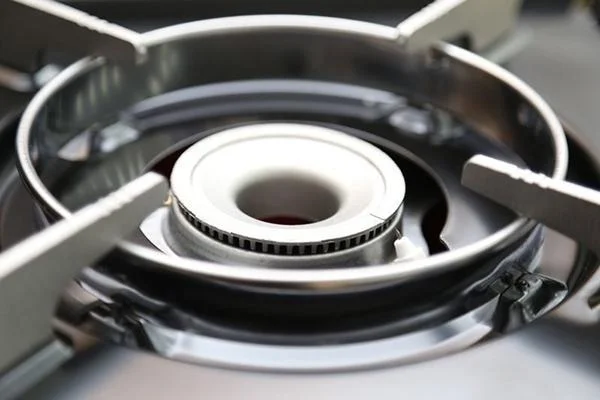 The pan and bracket must be clean and dry
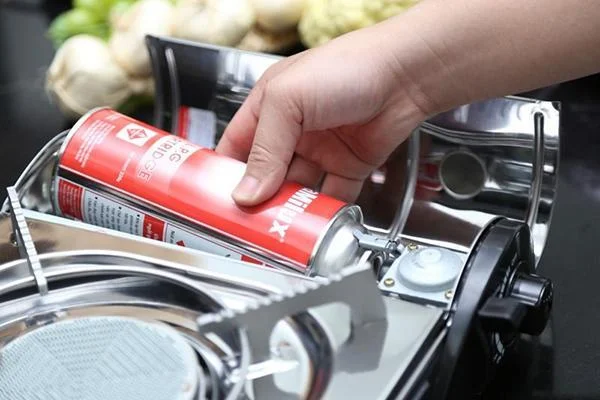 Install the gas cylinder in the correct position
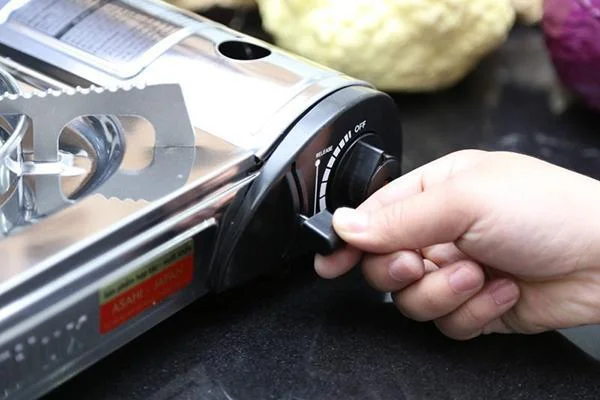 Pull the lever first and then adjust the temperature
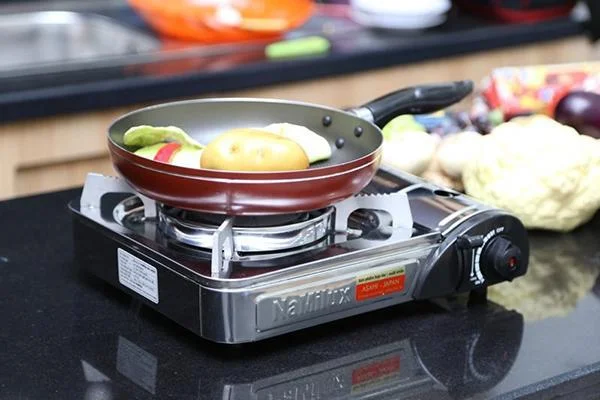 Use a pot that fits the kitchen bezel








