Home
» Today
»
Ole Miss vs. Texas: How to Follow the Game Live
Ole Miss vs. Texas: How to Follow the Game Live
To follow Ole Miss vs. Texas live, start with the ABC broadcast or the ESPN App stream, then keep an official team game center open for the live score, stats, and audio. The 2026 matchup was scheduled for Saturday, October 24, at Darrell K Royal–Texas Memorial Stadium in Austin. Kickoff was set for 6:30 p.m. Austin time, Central Daylight Time (CDT, UTC−05:00), which is 11:30 p.m. UTC on October 24. The Ole Miss tune-in notice lists ABC and the ESPN App, and official team pages provide live game information. If you are joining after kickoff, use those live pages rather than relying on a score copied into an article.
Game detail
Information
Matchup
Ole Miss at Texas
Date
Saturday, October 24, 2026
Kickoff
6:30 p.m. CDT (UTC−05:00) in Austin; 7:30 p.m. EDT (UTC−04:00); 11:30 p.m. UTC
Venue
Darrell K Royal–Texas Memorial Stadium, Austin, Texas
Listed TV and stream
ABC; ESPN App
Illustrative example: Jordan’s live-game setup
Imagine Jordan, a hypothetical fan in Austin who is away from a television when the game starts. Jordan opens an official game center for the score, checks the listed ESPN App stream for video, and saves a radio option in case mobile video is inconvenient. During play, Jordan uses the box score to look up team and player numbers. This example is fictional and describes a practical routine; it is not a testimonial or a report of a real viewing test.
1. Choose the video broadcast
Ole Miss Athletics lists the game on ABC and names the ESPN App as its live-stream option. The SEC’s October 24 television schedule also lists Ole Miss at Texas on ABC. If you plan to watch, open the app or locate ABC through your usual TV service before kickoff, then confirm that the matchup appears in the live listings. Streaming access can depend on the service and account available to you, so check the on-screen access requirements rather than assuming a particular subscription includes it.
A television broadcast is the most direct way to watch the game.
Jordan’s hypothetical plan starts with video but does not depend on video alone. A working stream gives the full broadcast; the live score and audio links below provide alternatives if the app is unavailable or Jordan needs to step away from the screen.
2. Follow the score and play-by-play
For a quick check on the game clock and score, open either the Ole Miss game center or the Texas game center. The official pages organize live information around the matchup and link to game statistics. The ESPN game page is another place to check live score updates, highlights, and stats.
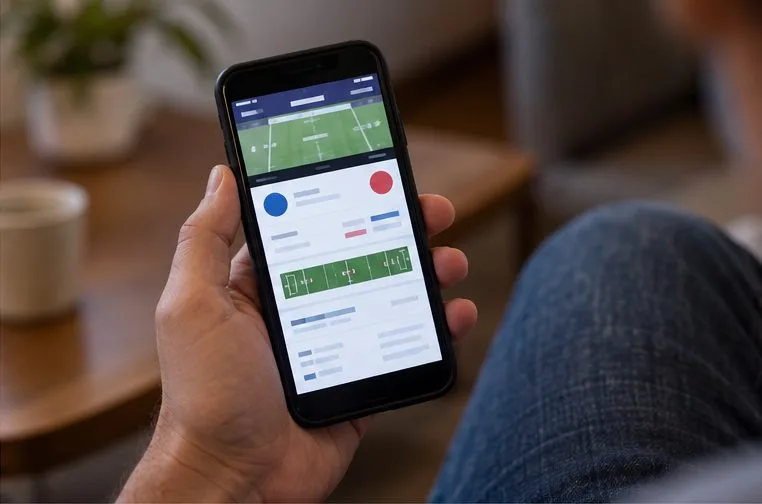
A phone makes it easy to check the live game center while away from a TV.
In the illustrative scenario, Jordan keeps one official game center open on a phone and checks ESPN if a display seems behind. Live feeds can update at different moments; if two pages briefly disagree, check the clock and refresh before treating either display as final. Avoid relying on an old search-result snippet or social post for a current score.
3. Use the box score for detail
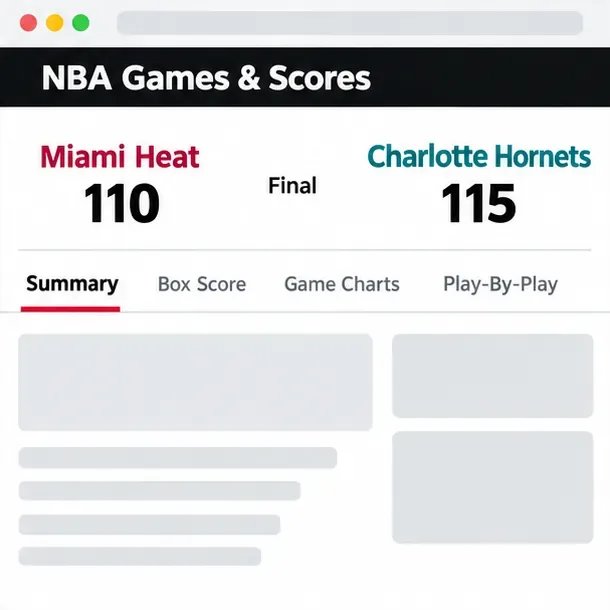
A scoreboard answers “What is happening now?” A box score helps answer “How is it happening?” The team game centers include routes to game statistics, team totals, and player leaders. Use those views to review categories such as passing, rushing, receiving, turnovers, and scoring by quarter when the live data is available. The official Ole Miss game center and Texas game center are useful cross-checks because each school maintains its own matchup page.
A larger screen makes team totals and player statistics easier to scan.
Jordan can use the box score to answer a narrow question—such as which team is gaining more yards on the ground—without trying to infer the whole story from a single highlight. Statistics are live and may be revised as plays are reviewed, so use the final box score after the game for settled totals.
4. Switch to radio or live audio
If video is not practical, the Ole Miss tune-in page lists the Ole Miss Radio Network and live audio through OleMissSports.com. Texas Athletics lists online audio at TexasLonghorns.com/audio and provides broadcast details in its football fan guide. Open the school’s official audio page and choose the game broadcast when it is available.
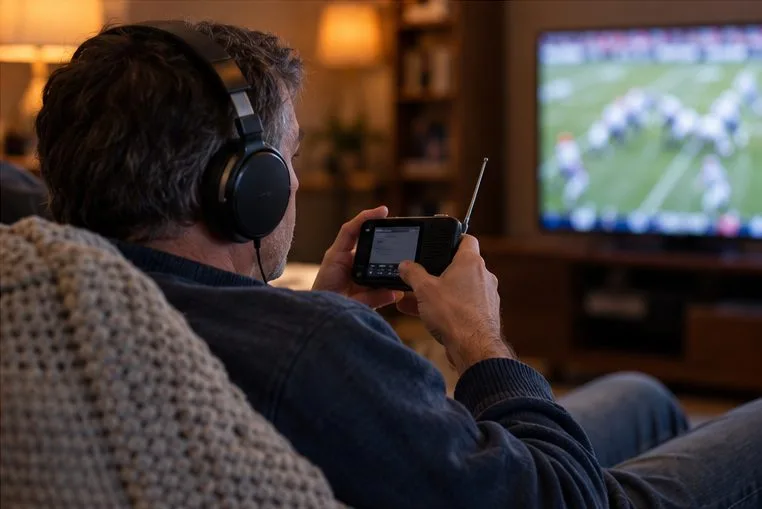
Radio commentary is a useful way to follow the action without a video stream.
For Jordan, radio is the backup while traveling between errands, and the scoreboard stays open for the clock and score. Audio may use a different delivery path from a video stream, so a short delay between them is possible. If synchronizing matters, follow one source consistently instead of switching back and forth after every play.
Quick checklist for game day
Confirm the matchup and kickoff on an official team or SEC listing.
Open ABC or the ESPN App listing for video, and check access before the game.
Bookmark one official game center for the live score and stats.
Keep an official radio option handy if video is unavailable.
After the game, use the final box score or recap instead of a live feed.
After the final whistle
When play ends, return to either school’s game center for the final box score and linked recap. That is the better reference for a completed result because live widgets can continue to show cached or in-progress information for a time. For any later replay or highlight, use the official broadcast or team links and check their current availability; this guide does not assume that a live stream remains on demand.
The time conversion above uses Austin’s daylight-saving offset on the event date. The National Institute of Standards and Technology says U.S. daylight saving time in 2026 runs from March 8 through November 1; October 24 therefore falls in CDT for Austin. See the NIST daylight-saving schedule for the official rule dates.