How to Download Chrome on Macbook
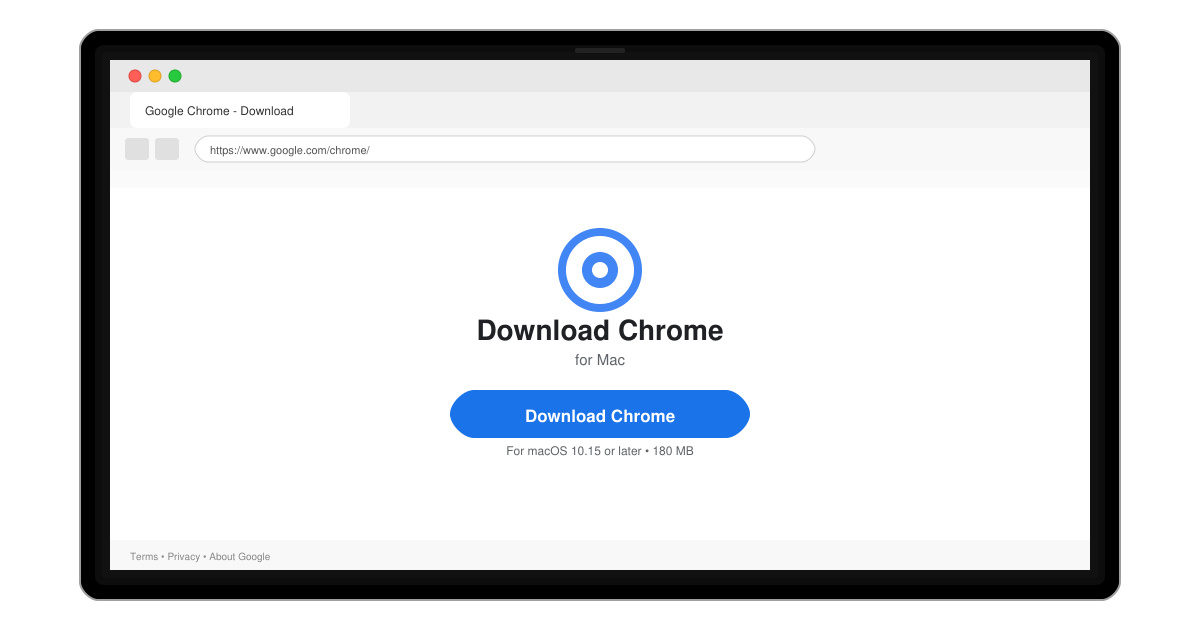
Follow this guide on how to download Chrome on Macbook to get Google Chrome running quickly and safely on your device.
macOS does not include native support for RAR archives, so users need a dedicated Rar File Opener for Mac to extract these files. The most straightforward solution is a free app that handles RAR, ZIP, and other formats without extra steps. This article walks through the exact process of installing and using one.
The built-in Archive Utility on macOS only supports ZIP, and it fails on most RAR files. A proper Rar File Opener for Mac adds full RAR decompression plus password-protected and multi-part archives. The Unarchiver is the simplest option because it is free, lightweight, and available directly from the Mac App Store.
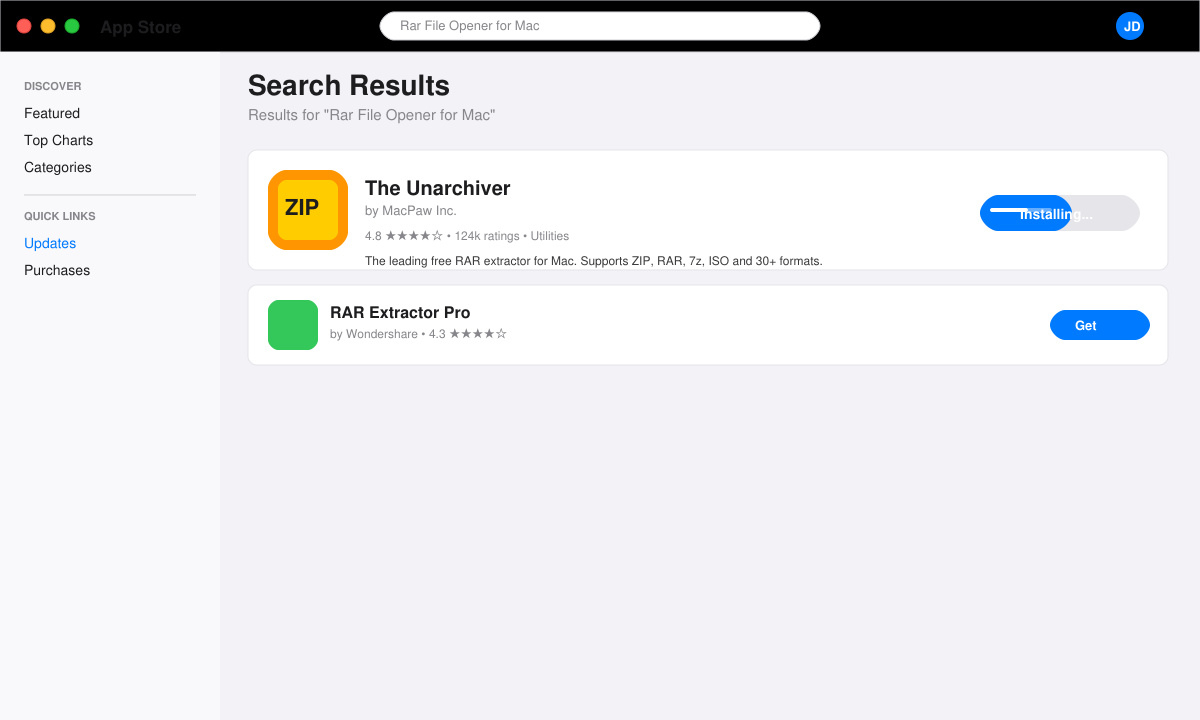
Click the Apple menu, open the App Store, and type “The Unarchiver” in the search field. Click Get, then Install. The app is 4.8 MB and installs in under 30 seconds.
Right-click any RAR file, choose Get Info, scroll to Open with, select The Unarchiver from the menu, and click Change All. This ensures every RAR file opens with one double-click.
Go to System Settings > Privacy & Security > Files and Folders. Make sure The Unarchiver has access to your Downloads and Documents folders so it can write extracted files.
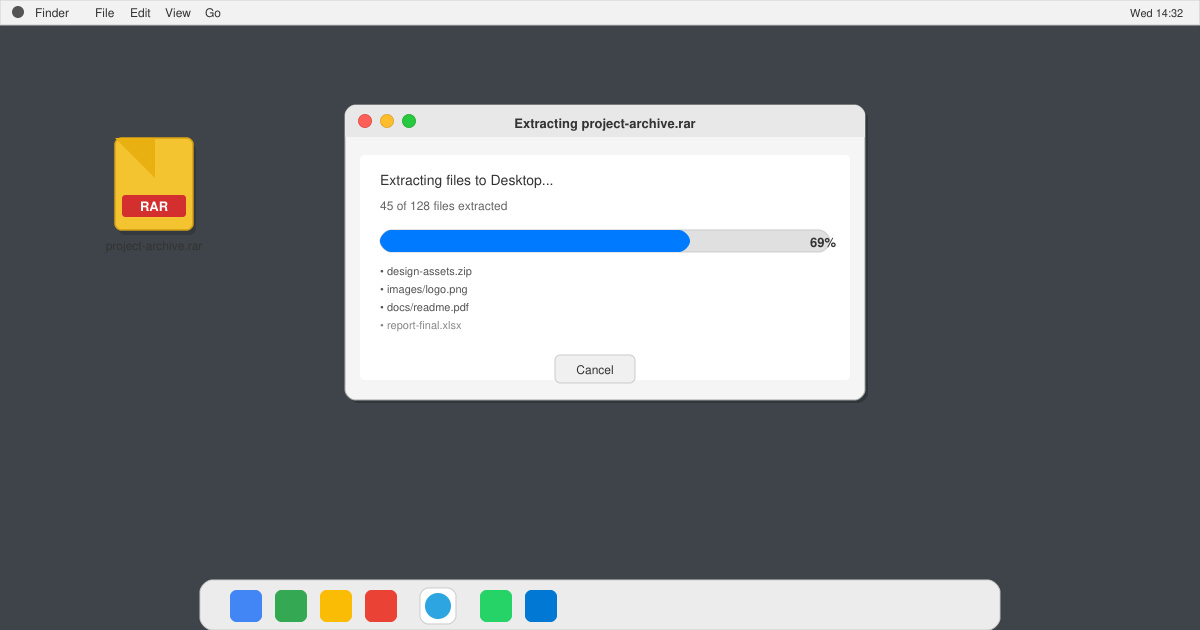
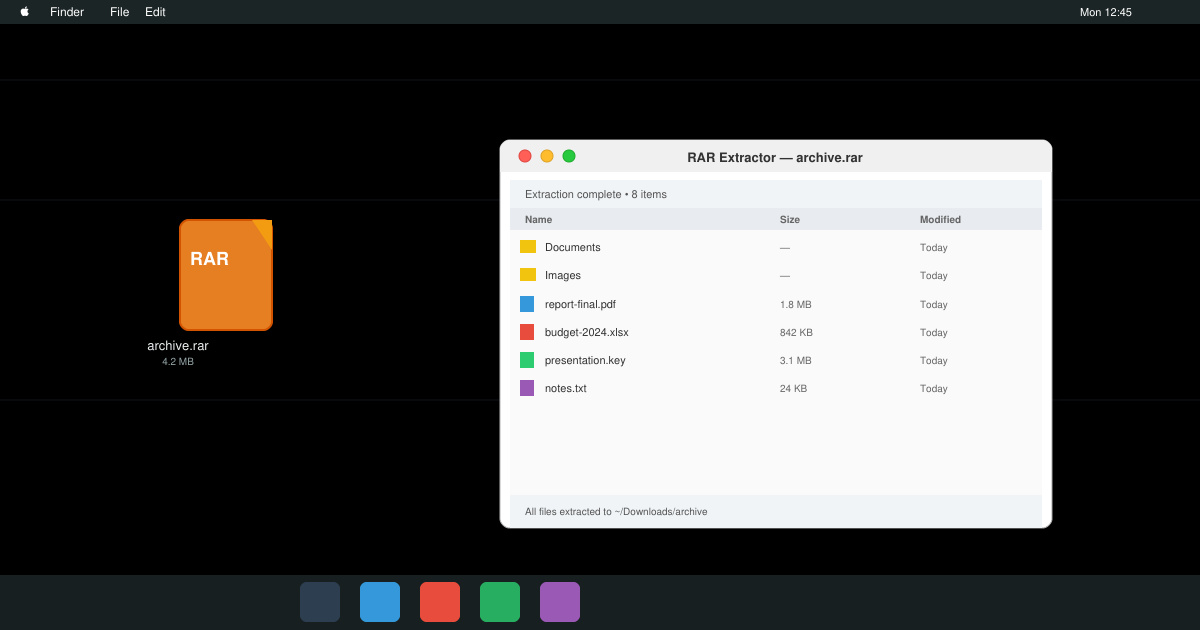
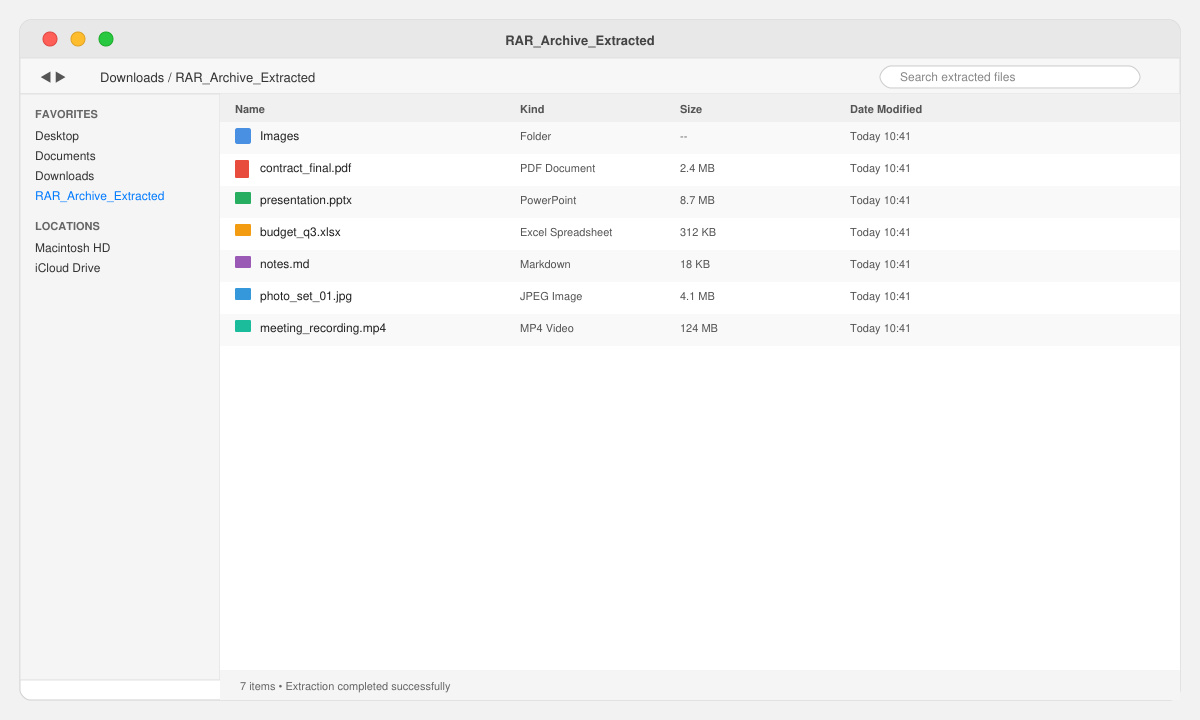
Download a small RAR test file, double-click it, and watch the extraction window appear. The files will appear in the same folder as the original archive.
No. Keka and RAR Extractor are solid paid alternatives, but The Unarchiver remains the most popular free choice.
Only if you use the Terminal command “unrar”, which still requires installing Homebrew and the unrar package first.
Yes. The current version is fully compatible with macOS 14 and 15.
With The Unarchiver installed and set as default, opening RAR files on your Mac becomes a single click. This Rar File Opener for Mac handles every common archive format reliably and keeps your workflow simple.
Follow this guide on how to download Chrome on Macbook to get Google Chrome running quickly and safely on your device.
Discover exactly how to find your WhatsApp number on Android, iPhone, and desktop in under a minute. Follow these clear steps to view the number linked to your account.
Learn how to open RAR file in Mac OS using free tools. This guide shows the fastest ways to extract RAR archives on your Mac in minutes.
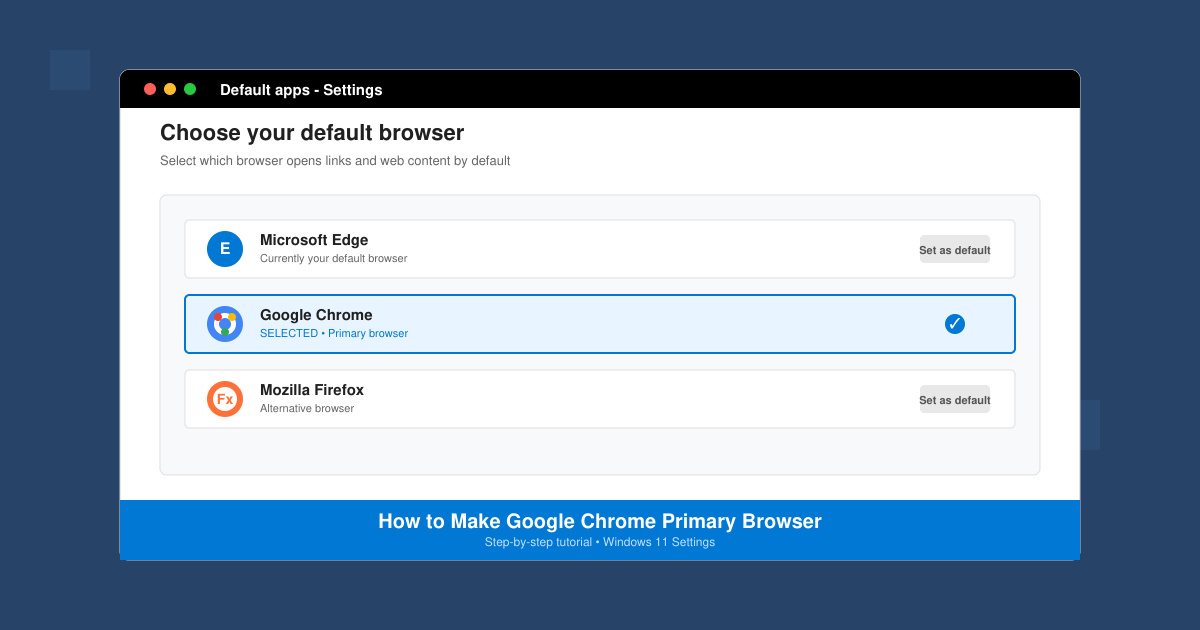
How to make Google Chrome primary browser on Windows, macOS, Android, and iOS with clear step-by-step instructions. Set Chrome as your default browser in minutes for better speed and sync.
Need a rar program for mac to open RAR files? Learn the fastest way to install and use a reliable extractor on macOS in minutes.
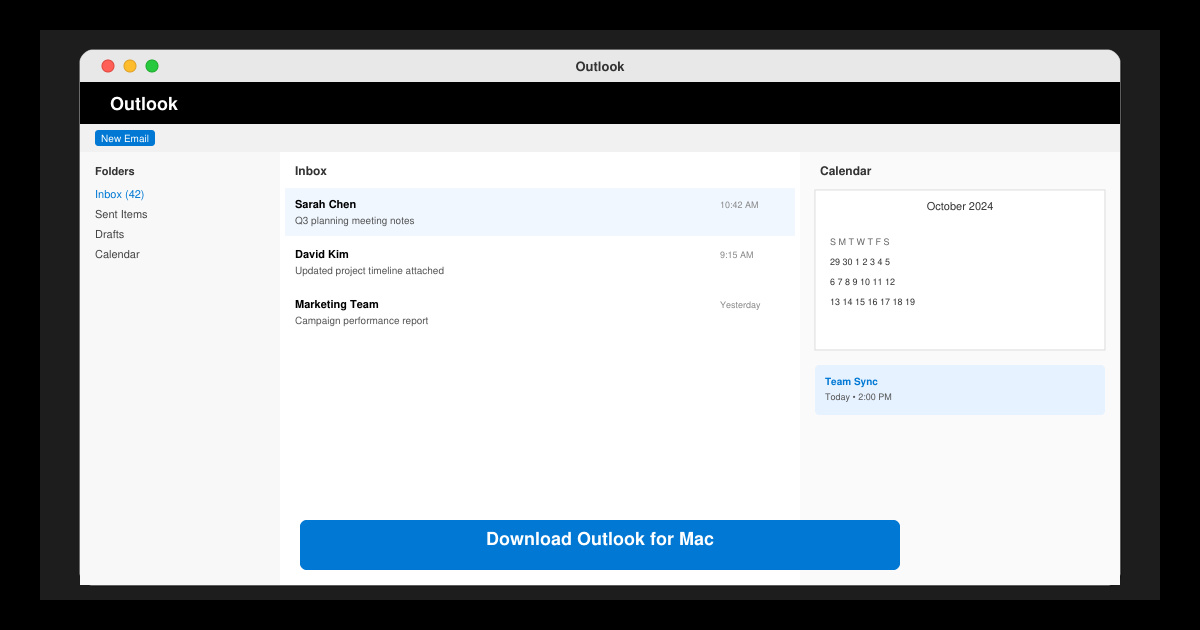
Download Outlook for Mac from the official Microsoft source and install it on your Mac in minutes. Follow this guide for the latest version compatible with macOS.
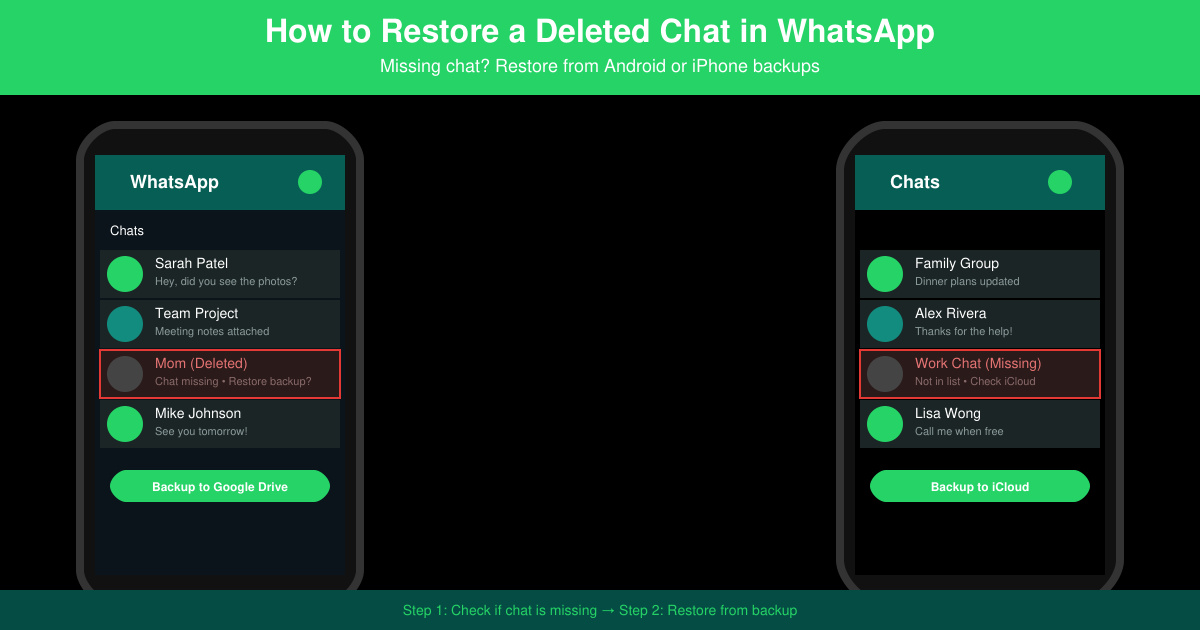
Learn exactly how to restore a deleted chat in WhatsApp on Android and iPhone using local or Google Drive backups. Follow these steps to recover conversations in minutes.
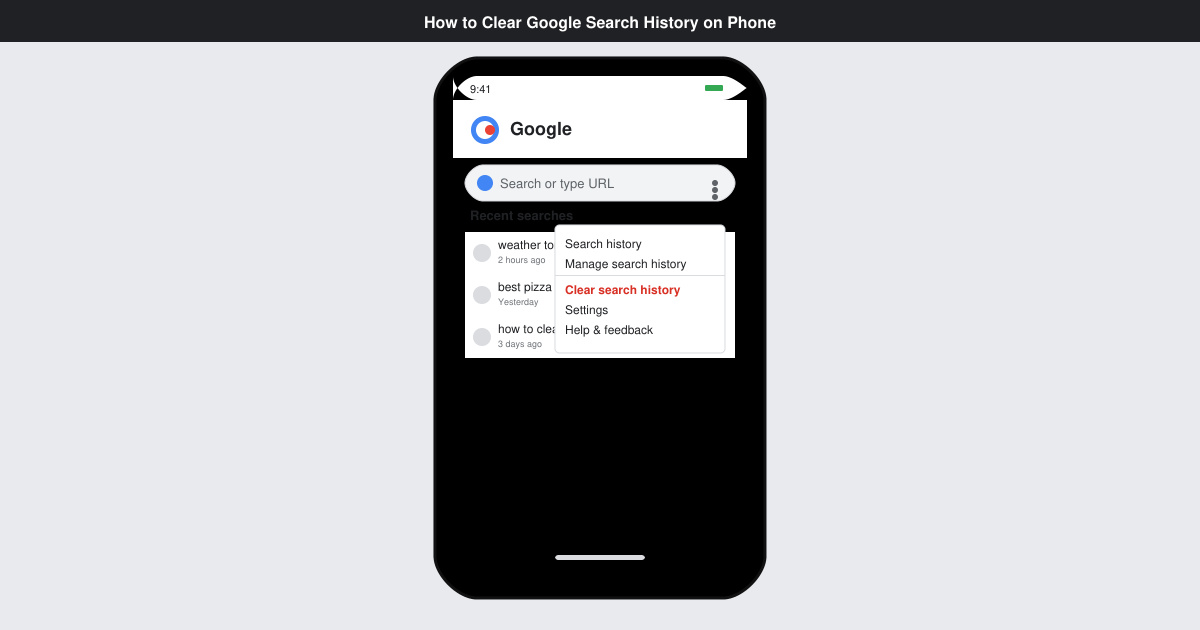
Learn how to clear Google search history on phone in just a few taps. Follow these exact steps for Android and iOS to remove search activity and improve privacy.
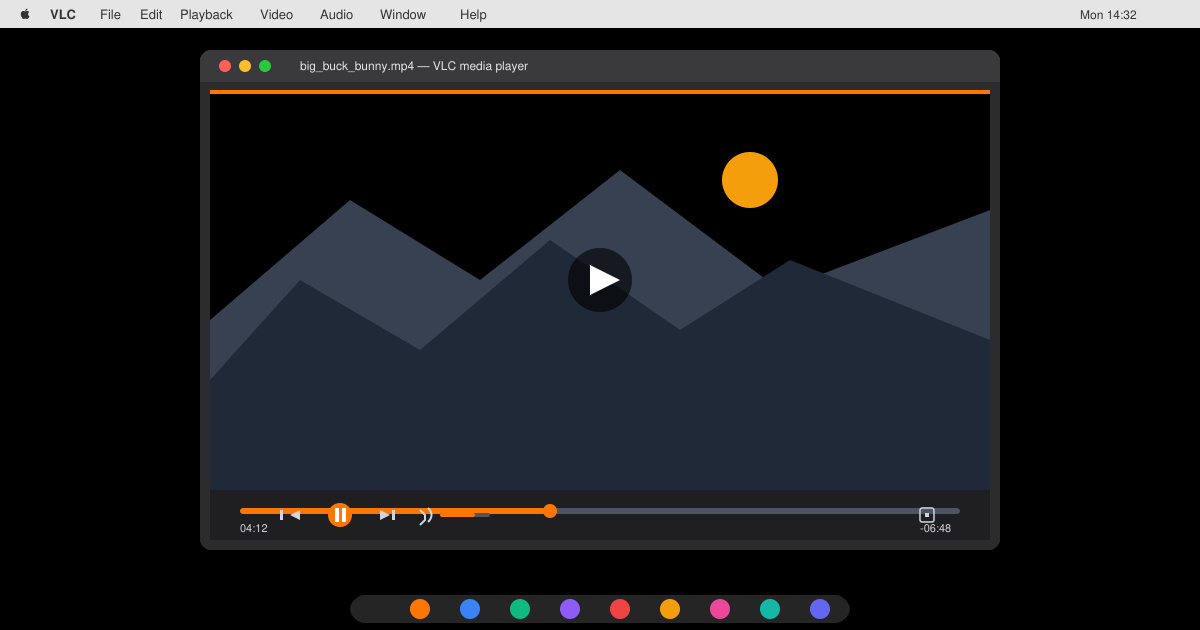
Complete your VLC Player Download Mac safely from the official source. This guide shows the exact steps to install VLC Media Player on macOS for reliable video and audio playback.
Learn how to Chromecast from iPhone to TV quickly and reliably. Follow these exact steps to stream videos, photos, and apps from your iPhone to any Chromecast device.