Home
» Technology
»
Salesforce Outage 2025: A Retrospective on Major Disruptions
Salesforce Outage 2025: A Retrospective on Major Disruptions
The most important conclusion from the Salesforce outage record for 2025 is that there was no single, year-defining “global Salesforce outage.” Instead, customers experienced several different disruption patterns: a broad service interruption in February, authentication failures across multiple clouds in June, a major Heroku platform incident caused by an unintended vendor update, an Indianapolis data-center network event, and later incidents limited to particular instances or features. That distinction matters because the right response depends on what failed.
If users cannot sign in, a browser refresh will not solve the problem. If the public status page is delayed, a generic outage monitor may also be incomplete. If Salesforce is available but an integration queue is stuck, the CRM itself may look healthy while business processes are still failing. The practical lesson from 2025 is to combine tenant-specific status notifications, independent monitoring, tested manual procedures, and a recovery check for downstream systems.
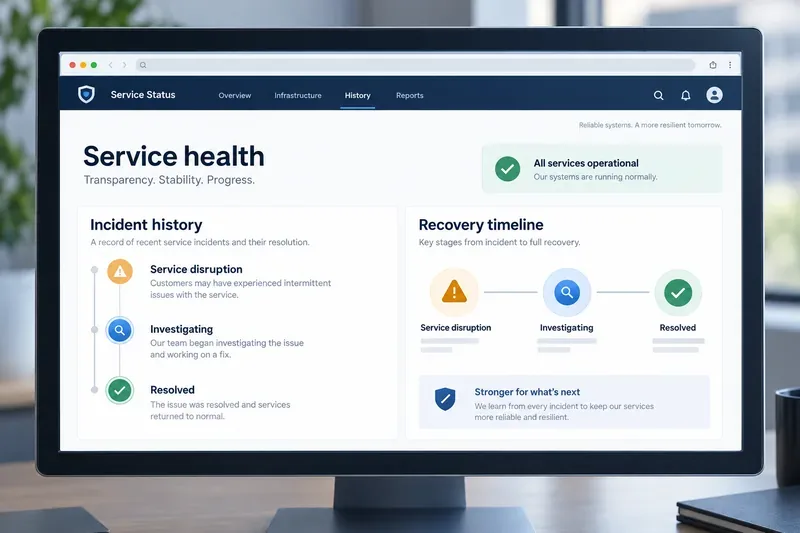
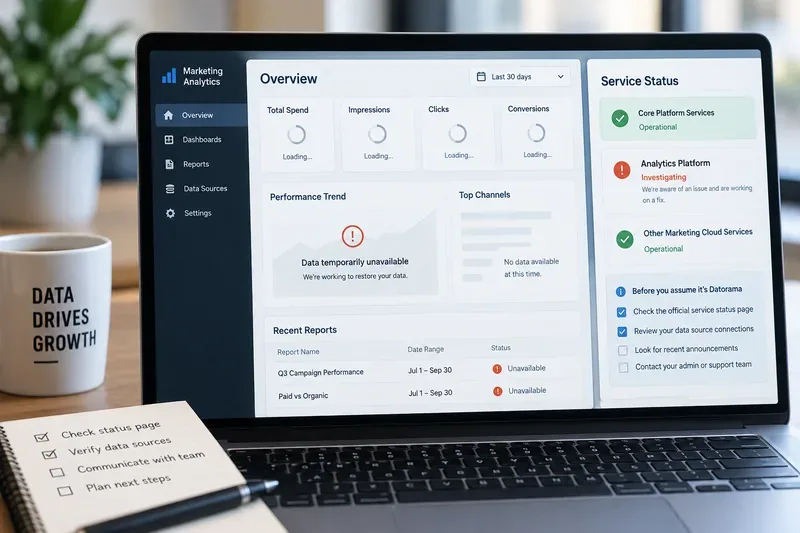
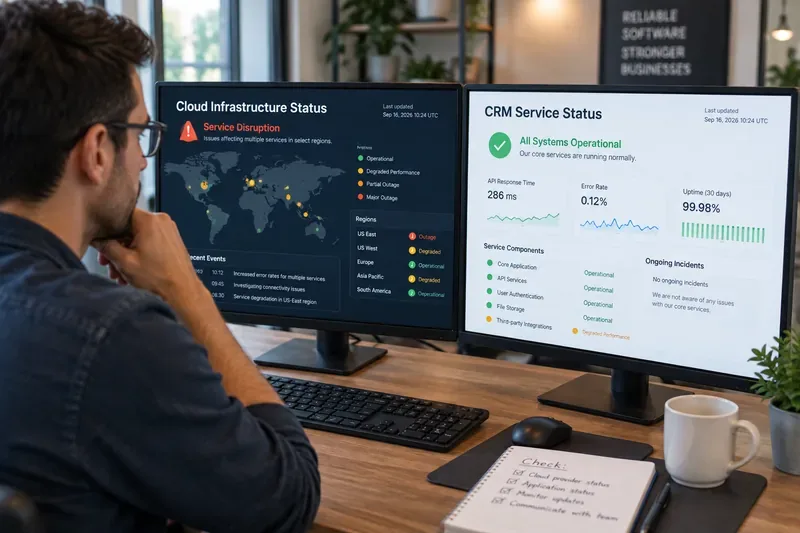
A generic service-status dashboard shows the stages teams review when reconstructing an outage timeline; it is a conceptual illustration, not a live Salesforce screenshot.
What were the major Salesforce disruptions in 2025?
The following incidents are useful for a retrospective because they show different failure modes. They are not a claim that every Salesforce status event in 2025 is listed here.
Date
Disruption
What the record shows
Why it matters
February 7
Service disruption
The official incident record says the disruption ended at 11:21 UTC and lasted about 2 hours and 20 minutes.
A broad service event can affect normal Salesforce work even when the root cause is not publicly detailed.
June 10
Cross-cloud authentication failures
Salesforce reported impact to authentication services for Heroku, Commerce, Marketing Cloud, and Salesforce services.
Login and identity dependencies can create a cross-product outage without every product having the same technical fault.
June 10
Heroku platform disruption
Heroku later attributed the incident to an unintended system update applied to production infrastructure by a vendor. The Heroku status site was also affected.
The communication channel can become part of the incident, making independent notification paths essential.
June 18
Indianapolis data-center network disruption
Salesforce reported that a cooling-system failure at the Indianapolis data center affected Stacks 1 and 6.
Physical infrastructure events can be narrower than a global outage but still severe for the instances involved.
November 1
Instance-level core-service disruption
The official incident record identifies IND76 as an impacted instance and records the event as resolved.
Instance-specific checks are more useful than relying only on broad “Is Salesforce down?” reports.
December 31
WhatsApp messaging performance degradation
Salesforce reported performance impact to the WhatsApp messaging feature on multiple instances and later confirmed restoration at 16:56 UTC.
A feature can be impaired while the rest of the CRM remains usable.
The June 10 incidents reveal two different failure layers
June 10 is especially important because “Salesforce outage” can describe more than one event. Salesforce’s Trust record described multi-factor authentication failures affecting several clouds. Heroku’s later corrective-action report described a platform service disruption that began at 06:00 UTC and was caused by an unintended system update applied to production infrastructure by a vendor.
Heroku also acknowledged that its status site was affected. According to the Heroku corrective-action update, status-page design shortcomings and API latency led to timeouts, and the page could appear to show no active incidents. Heroku said it responded with controls including a permanent halt on unattended vendor operating-system upgrades, image audits, additional monitoring, cached status content, independent communication planning, and stronger incident-response procedures.
This is a valuable distinction for administrators. A status page is not the service itself, but customers use it to decide whether to wait, fail over, open a support case, or communicate with their own users. If the status channel shares too much infrastructure with the affected platform, it may not provide a dependable view at the moment it is most needed.
What did the 2025 record teach Salesforce customers?
1. Authentication deserves its own continuity plan
A team may have healthy application data and still be unable to work if login, multi-factor authentication, or a connected identity path fails. This is particularly important for businesses that use Salesforce, Heroku, Commerce, and Marketing Cloud together. Document which users need access to which systems, identify emergency contacts who can receive vendor updates, and define what work can continue without a successful login.
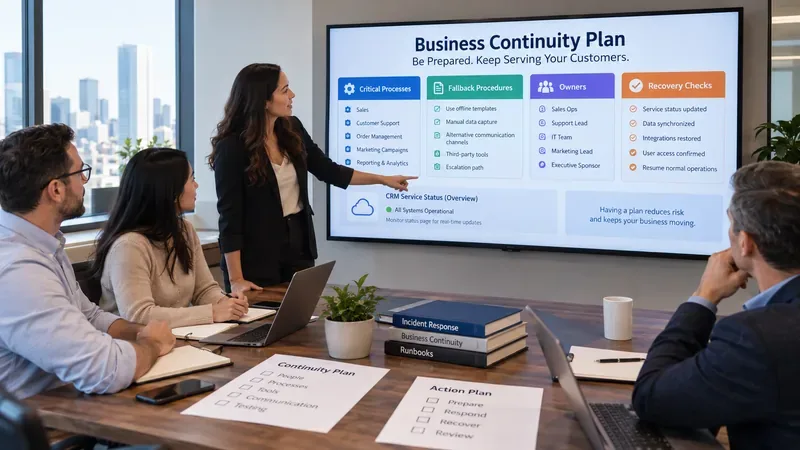
For a small sales team, that may mean a short-lived manual call list and a shared incident log. For a contact center or healthcare operation, it may require a formal downtime procedure, approved read-only exports, and a tested escalation tree. The scale of the fallback should match the business consequence of being locked out.
2. A generic status page is not enough
Salesforce’s own documentation explains that Trust Status provides availability and performance information, while newer My Trust Center views are designed around tenants and supported products. The operational point is simple: know your instance or tenant identifier before an incident begins.
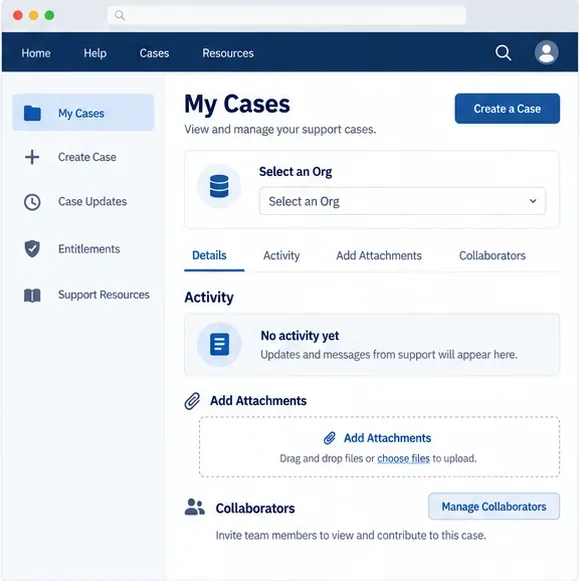
Salesforce also provides instructions for subscribing to My Trust Center messages and notifications. Configure notifications for the people who must act, not only for the administrator who originally created the org. Keep an independent channel, such as an internal status page or an approved messaging group, so your company can communicate even if a vendor status site is slow or unavailable.
3. Recovery is more than seeing the login screen
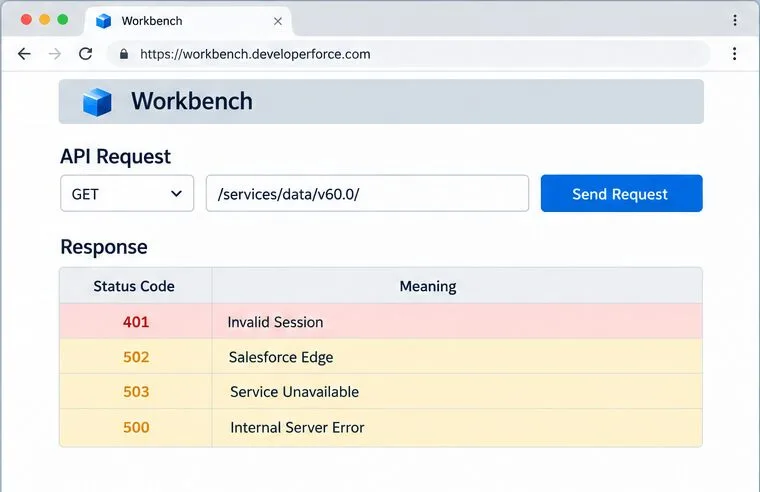
When Salesforce reports that services are restored, the incident may still have business effects. A delayed API request can be retried twice, a queued message can arrive late, or a failed deployment can leave records out of sync. After recovery, check the workflows that matter most: authentication, API calls, scheduled jobs, integration queues, email or messaging delivery, record creation, and reporting freshness.
For example, imagine a mid-sized support team whose agents use Salesforce cases while a separate commerce system sends updates through an integration. If Salesforce becomes available at 10:00 a.m. but the integration queue contains failed messages from the outage window, the team should not close the incident merely because the browser loads. The correct test is whether new and previously failed case updates move through the full workflow without duplication.
Which continuity measures fit your organization?
Business condition
Practical minimum
When to add more
Small team; a short interruption is tolerable
Subscribe to relevant Trust notifications, record the instance identifier, and maintain a short manual-work checklist.
Add exports and recovery tests if customer history or compliance records are critical.
Revenue, contact center, or service operations depend on Salesforce all day
Use independent monitoring, a downtime procedure, integration retry controls, and a named incident owner.
Test failover or alternate intake channels during business hours before a real outage.
Salesforce is coupled to Heroku or several clouds
Monitor each product’s status source and document authentication dependencies separately.
Run joint recovery exercises that test login, APIs, queues, and customer communications together.
Regulated or high-value data
Use an approved backup and retention design, access controls, audit trails, and a recovery runbook.
Have the runbook reviewed by security, legal, compliance, and business owners.
How to use this retrospective in 2026 and beyond
Start with a one-page dependency map. Write down your Salesforce instance or tenant, identity provider, connected clouds, critical integrations, status subscriptions, and the manual process used during an outage. Then define an objective recovery check for each important workflow. “Salesforce is back” is too vague; “new cases, outbound messages, and order updates are processing without duplicates” is testable.
Finally, review changes that can affect availability: vendor updates, operating-system changes, releases, configuration changes, and instance migrations. The June Heroku incident shows why unattended changes require strong controls and why status communication needs resilience of its own. The June 18 event shows why physical capacity and data-center dependencies still matter in a cloud service. The December feature degradation shows why teams should monitor the functions they actually use, not just the platform’s top-level availability.
The most suitable response is therefore conditional. A small organization may need notifications and a clear manual checklist. A business that cannot pause sales or support needs independent monitoring, queue-aware recovery, and a practiced downtime process. A highly regulated organization needs tested restoration, evidence, and governance. The 2025 Salesforce outage record supports one consistent conclusion: resilience is built around the customer’s dependency chain, not around a single green status indicator.
Sources and scope
This retrospective uses Salesforce Trust incident records and Salesforce or Heroku documentation available at the time of writing. Incident pages can be updated after resolution, and Salesforce’s product coverage differs between Trust Status and My Trust Center. Where Salesforce has not published a detailed root-cause analysis, this article does not infer one.