Home
» Technology
»
Salesforce Heroku Outage: What Happens to Deployed Applications?
Salesforce Heroku Outage: What Happens to Deployed Applications?
As of September 16, 2026, the public Heroku Status API snapshot showed Apps, Data, and Tools as green, with no active incidents listed. That is only a point-in-time check, not a promise that every app, region, or dependency is healthy. Heroku now identifies Salesforce Trust's Heroku status page as the primary channel for incident and maintenance communications, while the legacy status API remains useful for a quick programmatic snapshot.
There is also an important platform-level development behind the outage question. In its February 6, 2026 update, Heroku said it had moved to a sustaining engineering model focused on stability, security, reliability, and support. Heroku described the platform as actively supported and production-ready, and said existing credit-card customers should see no change to pricing, billing, service, or day-to-day usage. That announcement is a lifecycle and investment update—not a statement that deployed applications are being shut down.
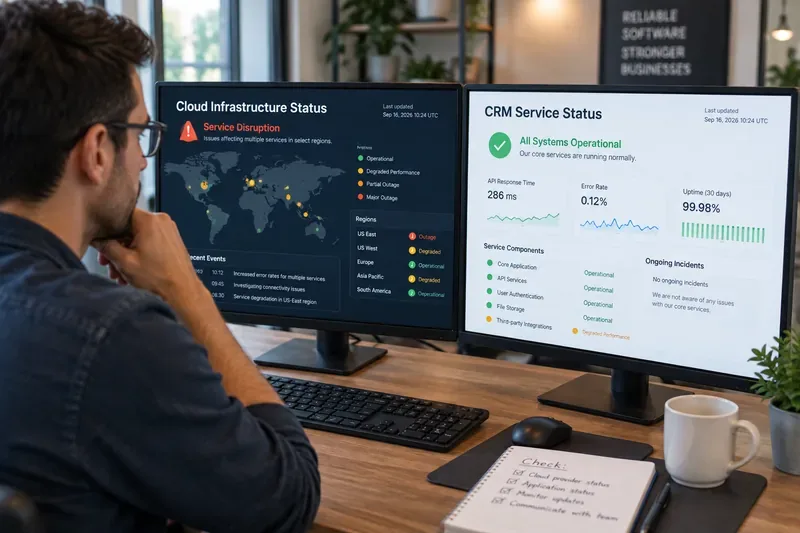
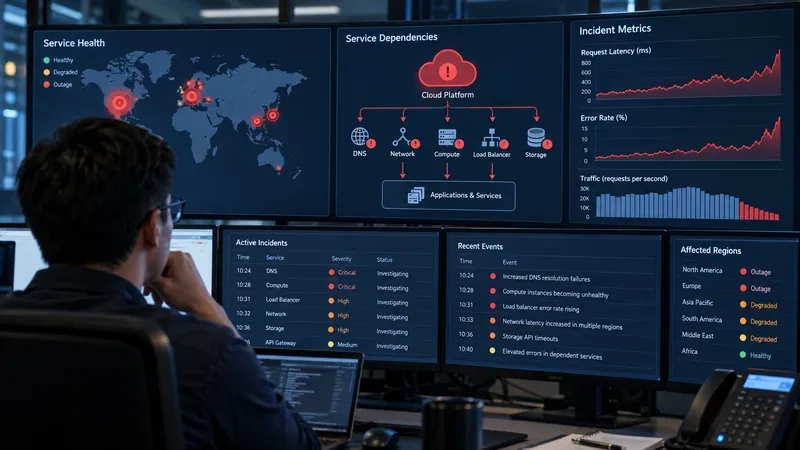
A conceptual operations scene showing a developer monitoring application health; it is not a live Salesforce or Heroku status screenshot.
What a Salesforce Heroku outage can actually affect
“Heroku outage” is not one failure mode. Heroku's own service categories separate the platform into Apps, Data, and Tools. The practical impact depends on which layer is impaired and whether your application can continue without it.
Service layer
What may fail
What users may notice
Immediate priority
Apps
Dynos, routing, or scheduled application work
Timeouts, 5xx responses, slow pages, or missed jobs
Test the public app and separate web traffic from background work
Data
Heroku Postgres, Heroku Key-Value Store, Apache Kafka, or Heroku Connect
Failed reads and writes, stale records, delayed queues, or sync gaps
Protect data integrity and control retry volume
Tools
Git-push deployments, the Deployment API, GitHub integration, logging, or telemetry
Deploys fail, logs are unavailable, or the dashboard does not reflect reality
Avoid repeated releases and use independent monitoring
External dependencies
Salesforce APIs, payment providers, identity services, DNS, or third-party webhooks
The Heroku app loads but a key workflow fails
Check dependency status before migrating the whole app
Impact on applications that are already deployed
1. A running app may remain reachable
A control-plane or deployment-tool problem does not automatically mean that every running dyno stops serving requests. Heroku's application lifecycle documentation explains that web dynos receive HTTP traffic through Heroku routers, while worker dynos process background jobs. If the affected component is the dashboard, CLI, or deployment path, an existing web application may continue responding even though an operator cannot deploy, scale, inspect logs, or change configuration normally.
The reverse is also possible: a Tools service can be healthy while an Apps or routing incident makes the public URL unavailable. This is why a green dashboard view—or a failed dashboard login—should not be treated as a complete application health check.
2. Data failures can turn a partial outage into a business incident
If the app process is running but its database or queue is impaired, users may see a page that loads without current data, failed form submissions, duplicate-looking retries, or delayed fulfillment. A read-only page might appear normal while checkout, account changes, or order processing silently backs up.
Do not respond to every database error by increasing retries. A retry storm can increase load and create duplicate work when the service recovers. Prefer bounded, idempotent retries; pause nonessential batch activity if your runbook allows it; and record which operations completed, failed, or remain unknown.
3. Deployment confidence may be lower than runtime confidence
During a Heroku outage affecting Git pushes, the Deployment API, build infrastructure, or logs, a developer may be unable to prove whether a release reached production. Re-running the same deploy can create confusion or produce multiple releases that are difficult to reconcile. Capture the commit identifier, release number if available, local command output, and timestamps. Wait for an official recovery signal before attempting a controlled verification deploy.
4. Salesforce connectivity is a separate dependency
A Salesforce-related incident does not necessarily stop the web dynos that host a Heroku app. However, an application that relies on Salesforce authentication, API calls, Heroku Connect synchronization, or event-driven workflows can still be materially impaired. The right question is not simply “Is Heroku down?” but “Which user journey depends on which service, and what data can safely be deferred?”
Test from outside the office network. Use an external synthetic check or a separate connection to test the public URL, a lightweight health endpoint, and one representative user action. This distinguishes a platform event from a local DNS, firewall, or VPN problem.
Classify the failing operation. Is the failure in routing, a dyno process, a database query, a deployment, logging, or an external API? A simple service map prevents a team from migrating an otherwise healthy app because one dependency is unavailable.
Reduce risky changes. Freeze nonessential releases, configuration edits, add-on changes, and scaling experiments until the platform state is clearer. Preserve evidence instead of changing several variables at once.
Protect customer workflows. If safe, switch to a read-only mode, defer noncritical jobs, show an explicit maintenance message, or disable a failing integration. Make the degraded behavior visible rather than accepting requests that cannot be completed reliably.
Reconcile after recovery. Check writes, queues, scheduled tasks, webhooks, Salesforce synchronization, and third-party callbacks. An HTTP 200 response after recovery does not prove that every background workflow caught up.
Which resilience choice fits your application?
There is no single best response architecture. The right investment depends on the cost of downtime, the durability requirements of your data, and how much operational complexity your team can support.
Need
Reasonable approach
Trade-off to accept
Low-cost internal app
External uptime checks, a documented recovery runbook, and tested backups
Recovery may be manual and slower
Customer-facing app with moderate downtime tolerance
Independent monitoring, graceful degradation, bounded queues, and a warm redeploy path
More engineering work and more systems to maintain
Critical revenue or safety workflow
A separately operated failover environment, replicated data strategy, and rehearsed cutover
Higher cost, consistency questions, and a harder operational model
Teams considering migration
Compare incident history, support needs, portability, recovery objectives, and integration dependencies before moving
A migration can introduce new failure modes and does not remove dependency risk
Multi-region or multi-provider failover is valuable only when it is independently tested. A standby environment that shares the same identity provider, DNS, data store, secrets, or deployment pipeline may fail along with the primary. Conversely, a simple Heroku deployment with good external monitoring and a clear degraded mode may be the more dependable choice for a small team that cannot operate two platforms.
What the 2026 Heroku update means for deployed apps
The sustaining engineering model changes the expectations around platform evolution more than it changes the immediate behavior of an existing app. Heroku says its focus is stable, secure, reliable operation and support, with new work aligned to sustaining goals. For teams already running production applications, the verified customer-facing message is continuity: core functionality remains available, and credit-card customers do not need to change their day-to-day usage because of that announcement.
The trade-off is strategic. Organizations that choose Heroku for rapid adoption of broad new platform features should review the roadmap and contract options carefully. Organizations that prioritize a managed deployment experience, mature app primitives, and reduced infrastructure administration may view a stability-focused model differently. Heroku also said new Enterprise Account contracts would no longer be offered to new customers, while existing Enterprise subscriptions and support would be honored and could renew. That matters for procurement and future architecture decisions, but it is not evidence of an outage or an automatic risk to currently deployed applications.
Bottom line
The latest official snapshot checked on September 16, 2026 showed no active Heroku incidents, and Heroku's 2026 sustaining-engineering announcement described continued support for the platform. If an outage occurs, however, the impact on a deployed application depends on the failing layer: Apps can affect availability, Data can affect correctness and queued work, Tools can affect deployment and observability, and Salesforce or third-party dependencies can break individual journeys while the app itself remains online.
Use Salesforce Trust as the primary incident source, compare it with the public status API, test the real user path from outside your network, and classify the dependency before taking action. Choose failover, graceful degradation, or a wait-and-verify response according to your recovery objective—not because every Heroku outage requires the same remedy.