Home
» Technology
»
StoreForce Experiencing Issues? How Retail Teams Can Handle Workforce Management Disruptions
StoreForce Experiencing Issues? How Retail Teams Can Handle Workforce Management Disruptions
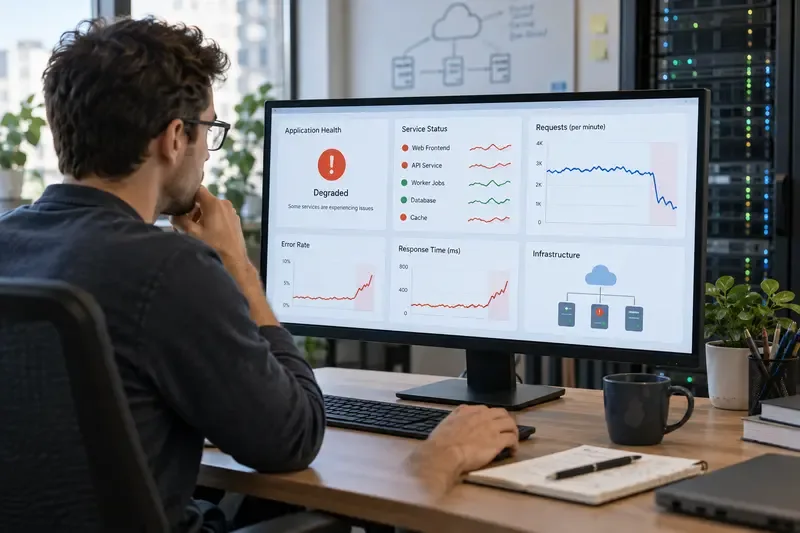
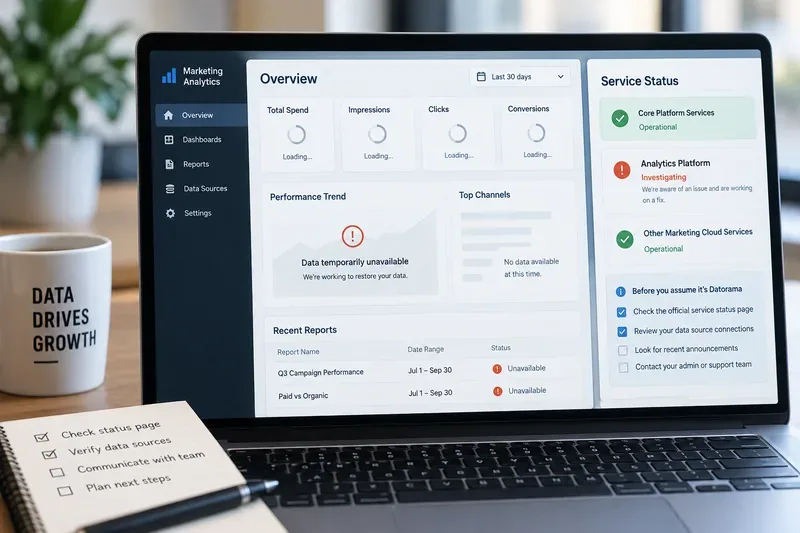
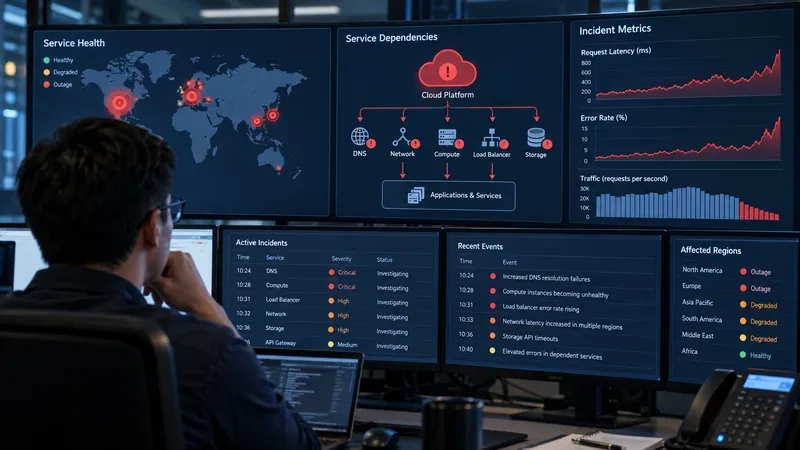
When a retail workforce management system stops loading, runs slowly, or shows information that employees and managers do not expect, the operational impact can spread quickly. A store manager may be unable to confirm who is scheduled for the evening shift. An associate may not be able to check a shift change. District leaders may lose timely visibility into staffing, labor, or store performance. The first challenge is not simply “fix the app.” It is figuring out whether the problem is local to one device or store, limited to one workflow, or part of a wider StoreForce service disruption.
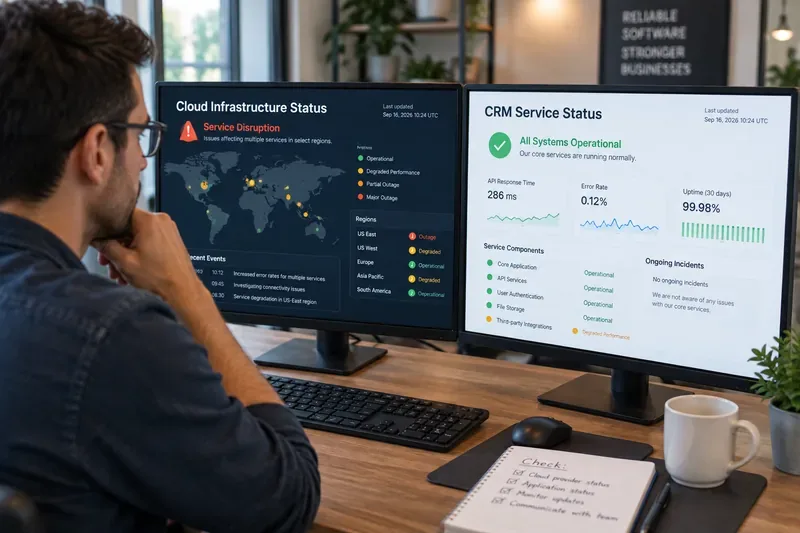
As of September 16, 2026, the official StoreForce pages reviewed for this article did not provide a public incident bulletin that confirms a platform-wide outage. StoreForce’s public website and technical-support contact page were available during research, but that does not prove that every tenant, mobile workflow, integration, or regional service is operating normally. If your organization is currently seeing errors, treat the symptoms as real while you verify their scope.
Retail managers may need to fall back to verified staffing records and direct communication while a workforce management system is unavailable.
Why StoreForce problems can disrupt retail operations so quickly
StoreForce describes its platform as supporting retail workforce management, scheduling, time and attendance, performance management, employee engagement, communications, and store execution. Its official workforce-management materials also describe processes such as planning, scheduling, reforecasting, timekeeping, and output to payroll systems. That means a single access problem can affect more than one screen or one role. You can review the vendor’s current product scope on the official StoreForce solutions page and its retail workforce management overview.
The operational risk depends on what is failing. If only a dashboard is slow, stores may still be able to run their shifts. If scheduling, employee self-service, or timekeeping is unavailable, managers may need an immediate fallback because employees still need to know when to work and stores still need accurate attendance records. If an integration with HR, payroll, point-of-sale, or reporting systems is delayed, the visible StoreForce screen may not be the original source of the problem.
Start by identifying the exact symptom
Before changing settings or asking employees to reinstall anything, write down what is actually happening. “StoreForce is down” is too broad to troubleshoot efficiently. A better incident description is: “Managers in three stores can sign in, but published schedules do not load,” or “The mobile app fails on store Wi-Fi but works over cellular data.” That distinction immediately narrows the likely causes.
Symptom
What it may suggest
First check
Login page will not open
Network, DNS, browser, authentication, or wider service issue
Try another network and device
Login works but schedules do not load
Feature-specific problem, permissions, data synchronization, or backend delay
Compare another user and location
Only one employee is affected
Account, role, device, cached session, or local app issue
Test the same workflow with another account
Several stores fail at the same time
Shared network, SSO, integration, regional, or vendor-side issue
Check a store on a different network or region
Time or labor data looks stale
Delayed sync or upstream integration issue
Compare timestamps with the source system
Work from the easiest checks to the harder ones
1. Confirm whether the problem is limited to one device
Try the same StoreForce workflow from a second supported device or browser. If a manager’s laptop fails but a nearby workstation works, the incident is probably not a complete StoreForce outage. Check for an expired session, a browser problem, local security software, or a device-specific network issue before escalating the incident as a platform failure.
2. Compare store Wi-Fi with another connection
If your security policy permits it, compare the same action over another approved connection, such as a corporate backup network or a managed mobile connection. A failure on one network but not another points toward local connectivity, DNS, filtering, proxy, firewall, or identity-routing problems. Do not bypass company security controls simply to make the application work; the goal is to isolate the fault safely.
3. Check whether the issue affects one user, one role, or everyone
Ask one manager and one associate to test the same relevant workflow. Role-specific failures can occur even when the application itself is reachable. For example, a store manager may access scheduling while an employee self-service function fails, or one user may have an authentication or permissions problem. Record which roles work and which do not.
4. Look for a pattern across locations
For multi-store retailers, scope is one of the most valuable diagnostic signals. Contact a small number of representative locations instead of broadcasting a vague message to every store. Include at least one store on a different network path or geographic area if possible. If unrelated locations begin reporting the same error at nearly the same time, the probability of a shared service, identity, or integration incident increases.
5. Verify dependencies before blaming the workforce platform
StoreForce states that it connects with systems used for business intelligence and reporting, sales and point-of-sale data, and HR or employee systems. If staff data, sales data, time records, or schedules are missing or delayed, verify whether the upstream system produced and transmitted the expected data. A successful StoreForce login does not guarantee that every connected data source is healthy.
6. Escalate with evidence, not just an outage label
If the issue persists across users, devices, or stores, collect enough information for your internal IT team or StoreForce support to act quickly. Useful evidence includes the exact time the problem started, affected locations, affected roles, device and browser or app version, the operation being attempted, error text, screenshots that do not expose sensitive employee information, and whether another network or device changed the result.
StoreForce’s current official contact page explicitly directs users seeking technical support to contact the company. If your organization has a contractual support channel, named customer-success contact, or internal service desk, use that route because it may carry tenant-specific escalation information not exposed on the public website.
Keep the store running while the issue is unresolved
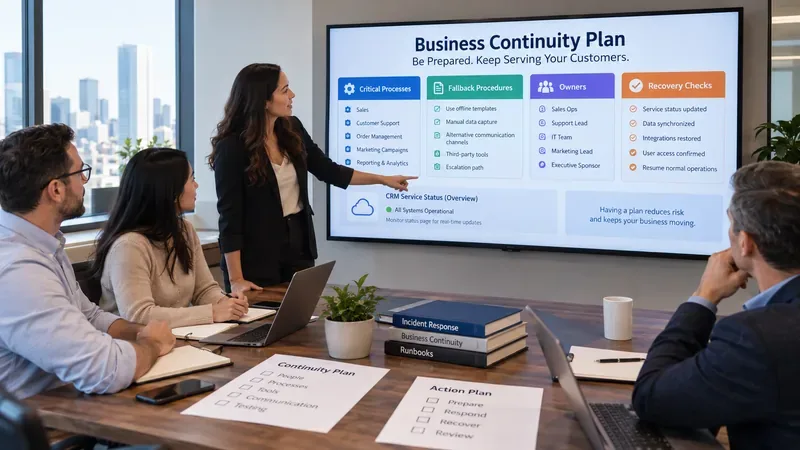
A technical incident should not create a second incident through inconsistent manual decisions. Use your company’s documented business-continuity process if one exists. For scheduling disruptions, work from the most recently verified published schedule rather than reconstructing shifts from memory. Record any manager-approved changes in a temporary log so they can be reconciled later. For timekeeping disruptions, follow the organization’s approved manual attendance procedure and preserve timestamps and manager approvals.
Communication also matters. Tell employees what is known, what is not yet confirmed, and which temporary source should be treated as authoritative. Avoid telling staff that a shift is canceled merely because a mobile screen will not load. Likewise, do not ask employees to repeatedly swap shifts, clock in through unapproved channels, or create duplicate records that could complicate reconciliation after service returns.
What should you avoid during a StoreForce disruption?
Do not make a platform-wide outage claim from a single failed login. Do not clear every device, reset large numbers of passwords, or reinstall applications across the workforce until you know the problem is local. Those actions can add new authentication and support problems while the original issue is still under investigation.
Also avoid creating unofficial spreadsheets or messaging threads that become a parallel scheduling system with no ownership. A temporary fallback should have a clear start time, named owner, and reconciliation plan. The longer an incident lasts, the more important it becomes to preserve a clean audit trail of shift changes, attendance exceptions, and manager decisions.
How to verify that StoreForce has actually recovered
A login screen opening is not enough to declare recovery. Test the business workflows that were affected. A practical recovery check should include the following:
Managers can sign in from the normal store network.
Affected schedules load with the expected employees, dates, and published status.
Employees can access the functions that failed during the incident.
Recent shift, attendance, or schedule changes appear correctly rather than showing stale data.
Any connected HR, payroll, point-of-sale, or reporting feeds have resumed expected synchronization.
Temporary manual records have been reconciled without creating duplicate or contradictory entries.
Run these checks in more than one affected location when the original issue involved multiple stores. If one store recovers while another remains broken, the incident may be only partially resolved.
The key question is scope, not just availability
When StoreForce appears to be experiencing issues, the fastest path to a useful answer is to determine scope: one device, one user, one store, one function, one integration, or many locations at once. Start with low-risk checks, preserve verified staffing and time records, then escalate with precise evidence if the symptoms persist.
Because no official public StoreForce incident notice was identified in the sources reviewed on September 16, 2026, this article does not assert that StoreForce is currently experiencing a global outage. Your organization’s tenant-specific support channel remains the best source for confirmation of an active incident affecting your environment. Once service appears to return, verify the actual retail workflows—not just the login page—before closing the incident.