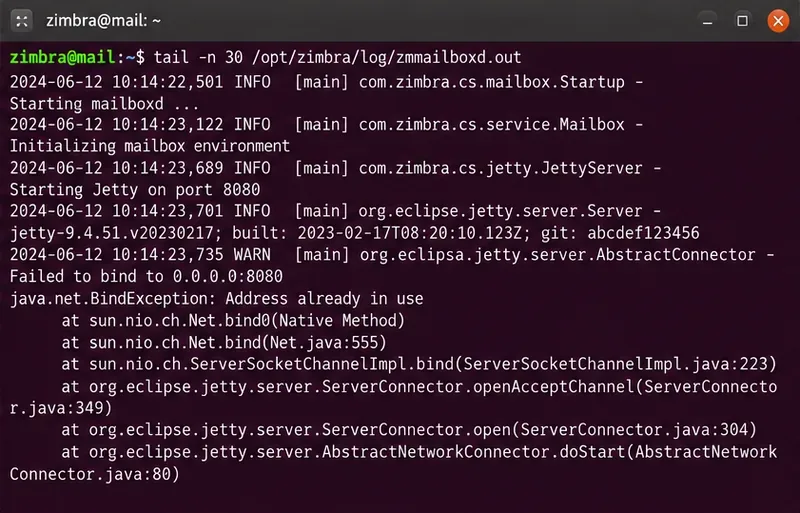
Zimbra Services Stopped? Find the Failure Behind zmcontrol
Diagnose Zimbra services marked Stopped with targeted log checks, safe restart commands, and fixes for DNS, disk, ports, and permissions.
To configure a Zimbra out-of-office auto responder from the command line, use zmprov ma to set the account’s reply text and enable zimbraPrefOutOfOfficeReplyEnabled. In this hypothetical example, an administrator schedules a reply for Maya’s account, checks the returned attributes, and tests with a direct message so the result is measurable without treating a mailing-list message as a failed test.
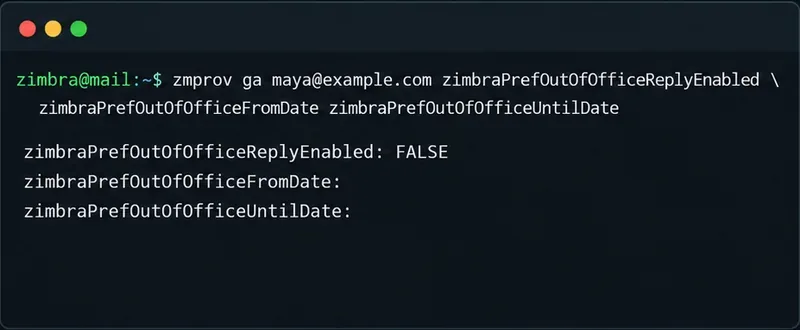
Run the commands as the Zimbra system user on a mailbox server or through an environment where zmprov is configured to reach the target Zimbra server. Replace maya@example.com with the exact mailbox address; do not run a write command against a distribution list or an unintended account.
zmprov ga maya@example.com zimbraFeatureOutOfOfficeReplyEnabled zimbraPrefOutOfOfficeReplyEnabled zimbraPrefOutOfOfficeReply zimbraPrefOutOfOfficeFromDate zimbraPrefOutOfOfficeUntilDatega reads account attributes. Check that the mailbox exists, whether the account-level feature flag is enabled, whether an older reply or schedule is already present, and whether the responder is currently enabled. Zimbra documents the feature flag and account preference separately: a disabled feature can prevent use even when the account has a reply configured. If the feature is disabled by policy or a class of service, ask the Zimbra administrator to resolve that policy instead of assuming a mailbox-level change will override it.
The official Zimbra 10 Configuration Guide describes the out-of-office reply as an account preference and lists its enabled, date, and cache attributes. The Zimbra command-line reference shows the zmprov ma pattern; that wiki page is marked as work in progress and gives older ZCS examples, so confirm behavior against your installed release before automating changes across many accounts.
For the hypothetical Maya account, the message gives senders a practical next step and avoids promising that she will respond immediately. Set the message and enabled flag together:
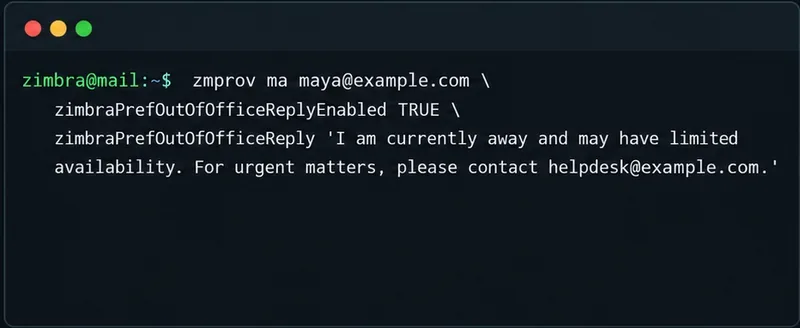
zmprov ma maya@example.com \
  zimbraPrefOutOfOfficeReplyEnabled TRUE \
  zimbraPrefOutOfOfficeReply 'I am away with limited access to email. For urgent matters, contact helpdesk@example.com.'
In this command, ma means modify account. The shell’s single quotes keep the sentence together as one value; avoid apostrophes inside the quoted text unless you adjust shell quoting. The Zimbra 10 guide documents this reply attribute as a single string with a maximum length of 8,192 characters, but a short plain-text message is easier to read and less likely to expose details that should not be sent automatically.
If Maya should receive a different message from external senders, configure it separately. This is optional; leave the external reply disabled if the same internal message is appropriate or if policy does not allow external auto replies.
zmprov ma maya@example.com \
  zimbraPrefOutOfOfficeExternalReplyEnabled TRUE \
  zimbraPrefOutOfOfficeExternalReply 'Maya is away. For assistance, contact helpdesk@example.com.'
Zimbra’s OOO process documentation describes external replies as separate preferences. How the server classifies senders as internal or external can depend on the installation’s sender-domain configuration, so validate both paths from representative accounts.
For this hypothetical schedule, Maya is away from midnight UTC on November 12 through the configured end boundary on November 20, 2026. Zimbra stores these attributes as generalized time values; the trailing Z denotes UTC.
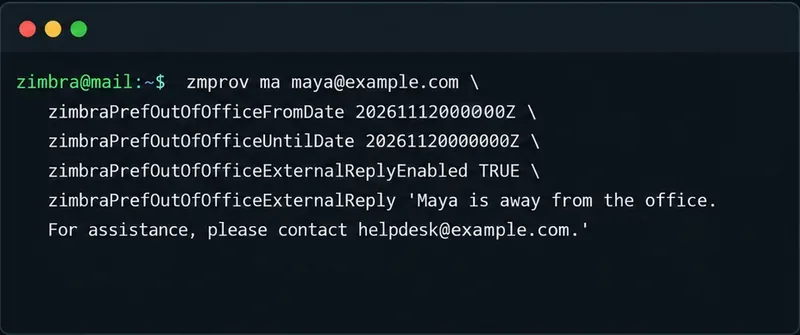
zmprov ma maya@example.com \
  zimbraPrefOutOfOfficeFromDate 20261112000000Z \
  zimbraPrefOutOfOfficeUntilDate 20261120000000Z
Convert the user’s local away times to UTC before setting the values. Do not copy these example dates into a real mailbox. Zimbra’s process-flow documentation says the date check is applied when a start or end date is set, and that a responder does not send outside the configured interval. If you want an unscheduled responder, clear or omit both dates rather than leaving an old window behind. If the installed release interprets a boundary differently than your operational expectation, choose a slightly earlier start and later end, then verify with test messages on either side of the intended period.
To stop the responder without deleting the message or schedule, set the enabled preference to false:
zmprov ma maya@example.com zimbraPrefOutOfOfficeReplyEnabled FALSEThis is preferable to removing the account’s message when the text may be reused later. It also gives a clear rollback if a test shows that the reply is going to the wrong audience.
Read back the effective values after each update. This catches a mistyped account, an unexpected date, or a preference that did not save.
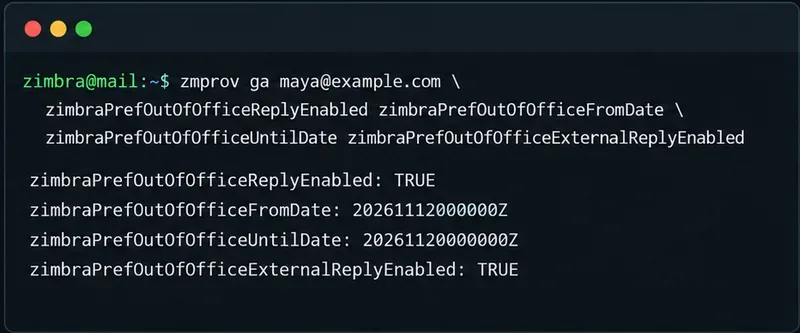
zmprov ga maya@example.com \
  zimbraFeatureOutOfOfficeReplyEnabled \
  zimbraPrefOutOfOfficeReplyEnabled \
  zimbraPrefOutOfOfficeFromDate \
  zimbraPrefOutOfOfficeUntilDate \
  zimbraPrefOutOfOfficeExternalReplyEnabled \
  zimbraPrefOutOfOfficeCacheDuration
For a delivery check, send a normal message from a test account directly to Maya’s address in the To or Cc field, while the configured date window is active. Confirm the sender receives the intended text and that an external test gets the separate external wording if that option is enabled. A single successful reply is the useful signal; do not expect one for every message from the same sender. Zimbra caches out-of-office replies to avoid repeatedly answering the same sender, and the documented default cache duration is seven days. Use a different test sender or wait for the cache period before testing repeat behavior.
If no reply arrives, check the feature flag, enabled preference, date values and UTC conversion first. Zimbra’s out-of-office process flow also notes that replies may be suppressed for messages in Junk or Trash, automated messages with an Auto-Submitted value other than no, bulk or mailing-list traffic, invalid envelope senders, and messages where the mailbox is not directly named in the first ten To/Cc recipients. A listserv or a Bcc-only test therefore does not establish that the responder is broken. The response itself is not saved in the Sent folder, so verify at the sender’s mailbox rather than looking for a sent copy in Maya’s account.
When the saved attributes look correct but the direct test still fails, inspect the mailbox log for the relevant delivery and OOO processing messages; log details and paths can differ by deployment. Change one likely cause at a time, then repeat the direct test with a fresh sender. This CLI method configures mailbox preferences; it cannot override server policy, prove that every downstream system delivers the reply, or guarantee replies to automated, bulk, or list traffic.
Diagnose Zimbra services marked Stopped with targeted log checks, safe restart commands, and fixes for DNS, disk, ports, and permissions.
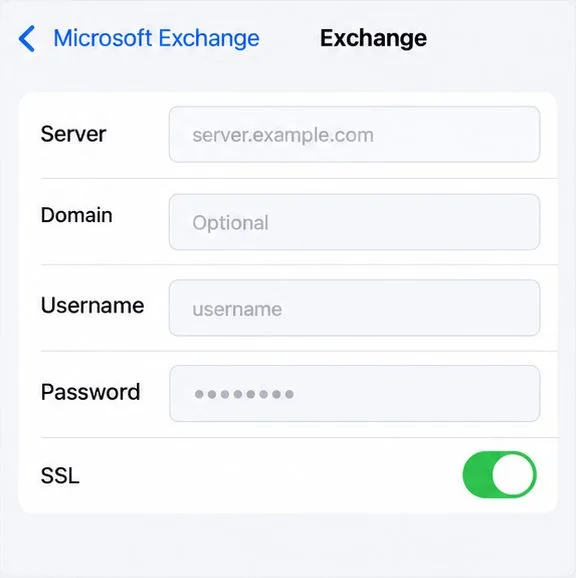
Resolve iOS connection failures by checking the Zimbra Mobile Sync setting, server hostname, HTTPS certificate, and Exchange account details in the right order.
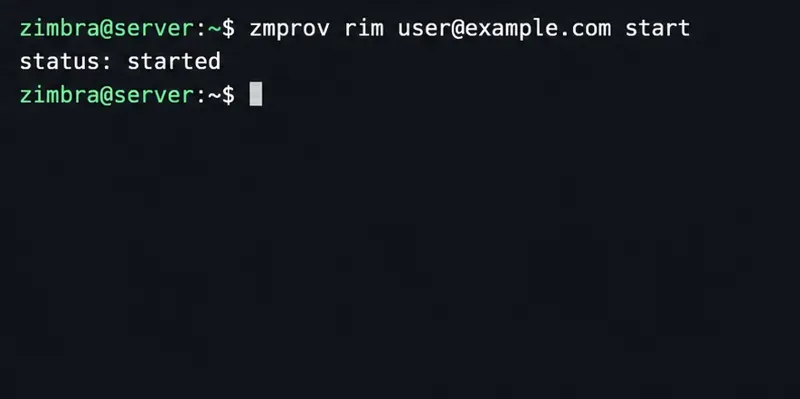
Restore mailbox search by checking index storage, running a targeted Zimbra reindex, and verifying results when it completes.
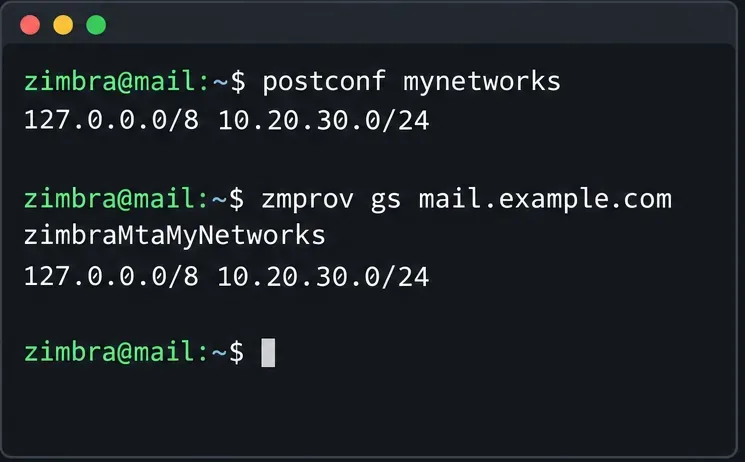
Narrow Zimbra’s trusted relay networks safely, preserve required local addresses, and verify that only approved IPs can relay without SMTP authentication.
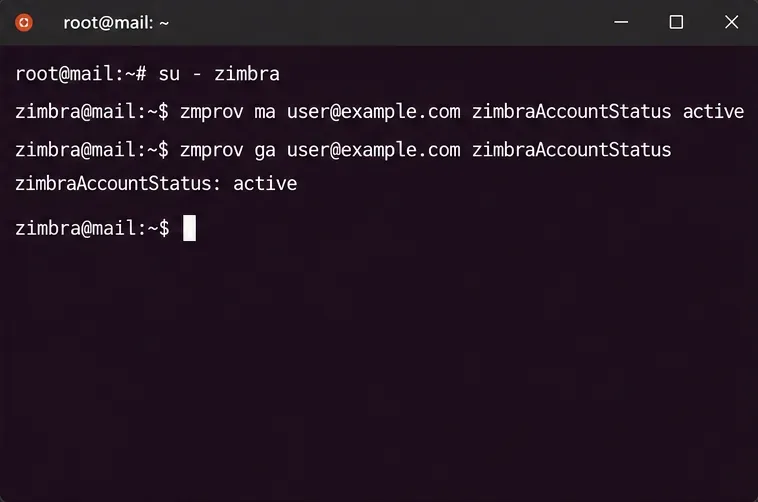
Diagnose Zimbra account lockouts, check authentication logs, safely reactivate a mailbox, and stop repeated failed sign-ins without disabling protection.
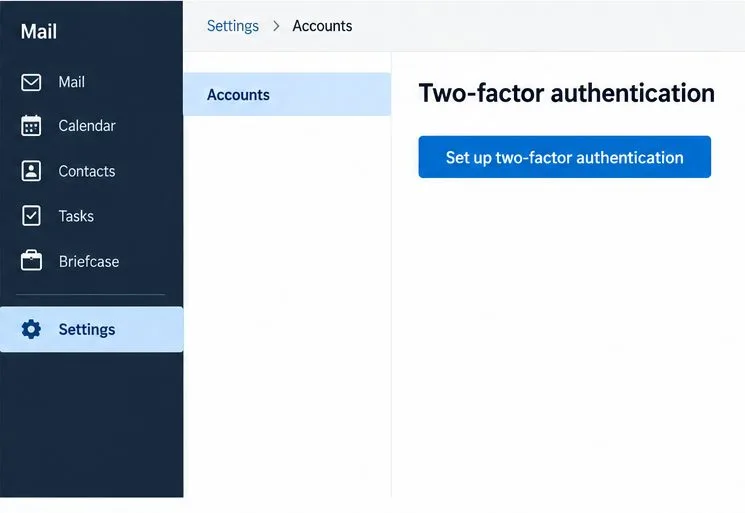
Enable Zimbra two-factor authentication for administrator accounts, choose an enrollment policy, and verify Web Client setup before relying on the second factor.
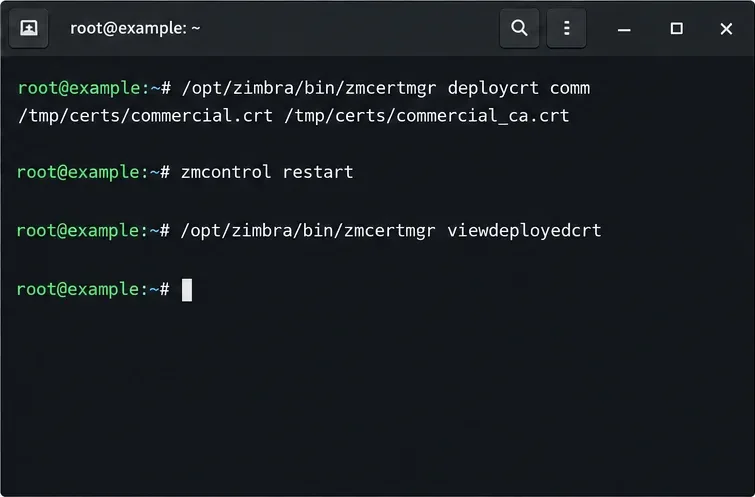
Prepare the matching key and CA chain, verify the certificate with zmcertmgr, and deploy it on Zimbra with a service and hostname check.
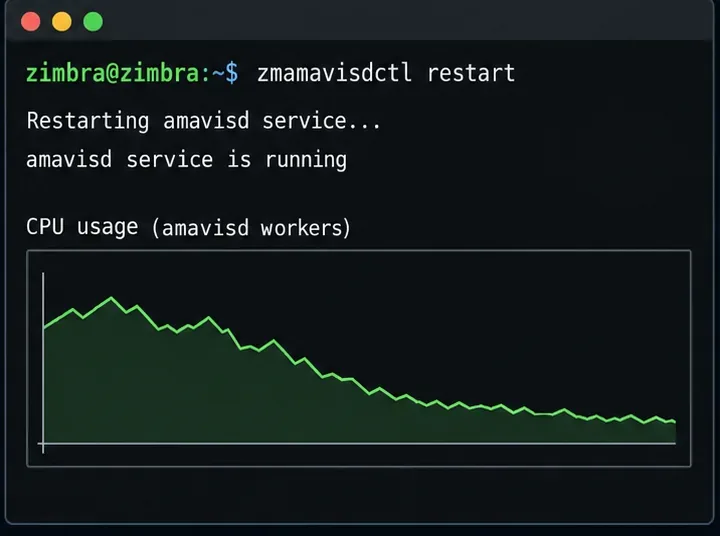
Trace high Amavis CPU to a stuck scan, inspect Zimbra logs and queues, and recover mail filtering safely with release-aware checks.
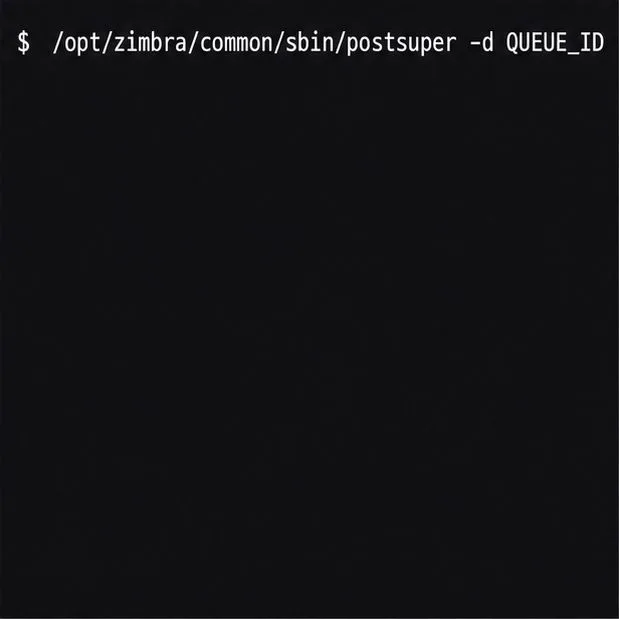
Inspect the Zimbra Postfix queue, fix the cause of delayed delivery, and safely request a retry. Learn when to remove a specific message and what never to purge blindly.