How to Download Chrome on Macbook
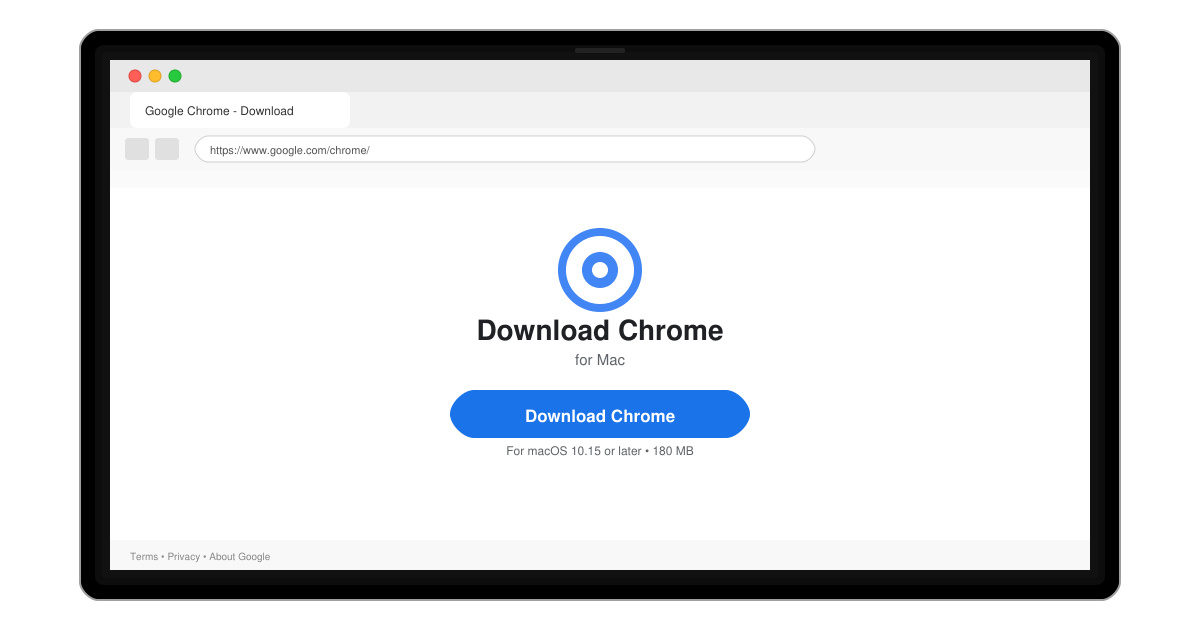
Follow this guide on how to download Chrome on Macbook to get Google Chrome running quickly and safely on your device.
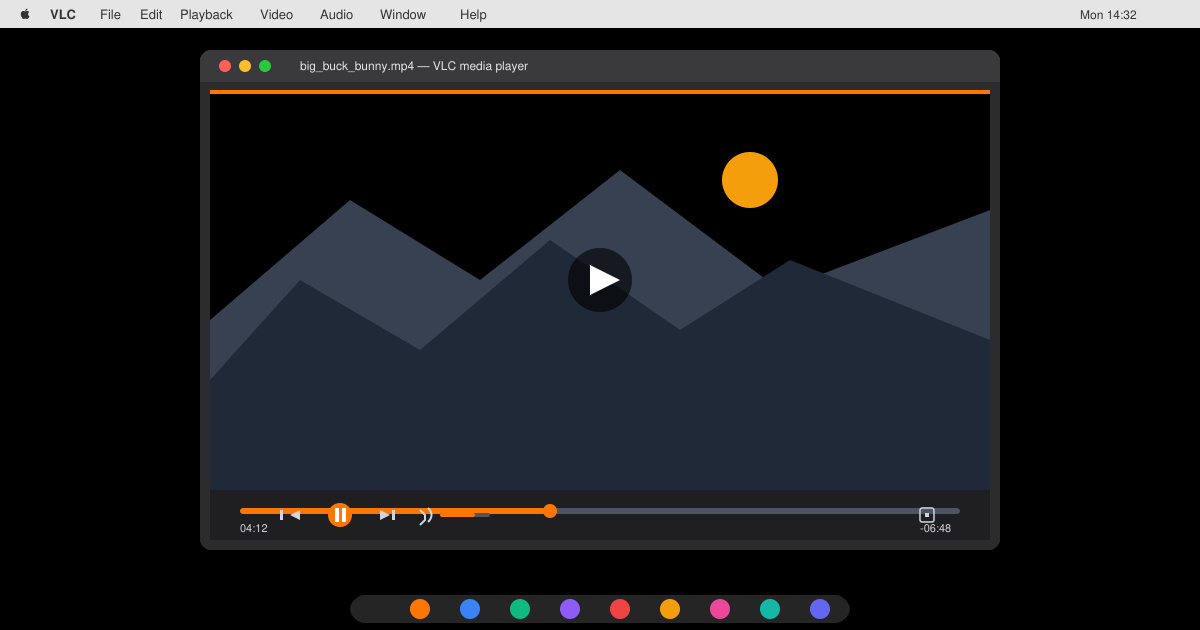
Looking for a VLC Player Download for Macbook Air? VLC Media Player delivers free, codec-free playback for nearly every video and audio format directly on your MacBook Air. This guide shows the exact steps to download, install, and launch the application without any third-party sites.
Before you begin, confirm your MacBook Air runs macOS 10.7.5 or later and that you have an active internet connection. Close any open media players and note your current macOS version in About This Mac so you select the correct build. The official site always provides the latest stable version compatible with both Intel and Apple Silicon models.
VLC Player Download for Macbook Air works best when you avoid unofficial mirrors that may bundle adware. Always verify the download link ends in videolan.org.
Open Safari or your preferred browser and go directly to videolan.org/vlc. The page automatically detects your Mac and displays the correct download button for macOS.
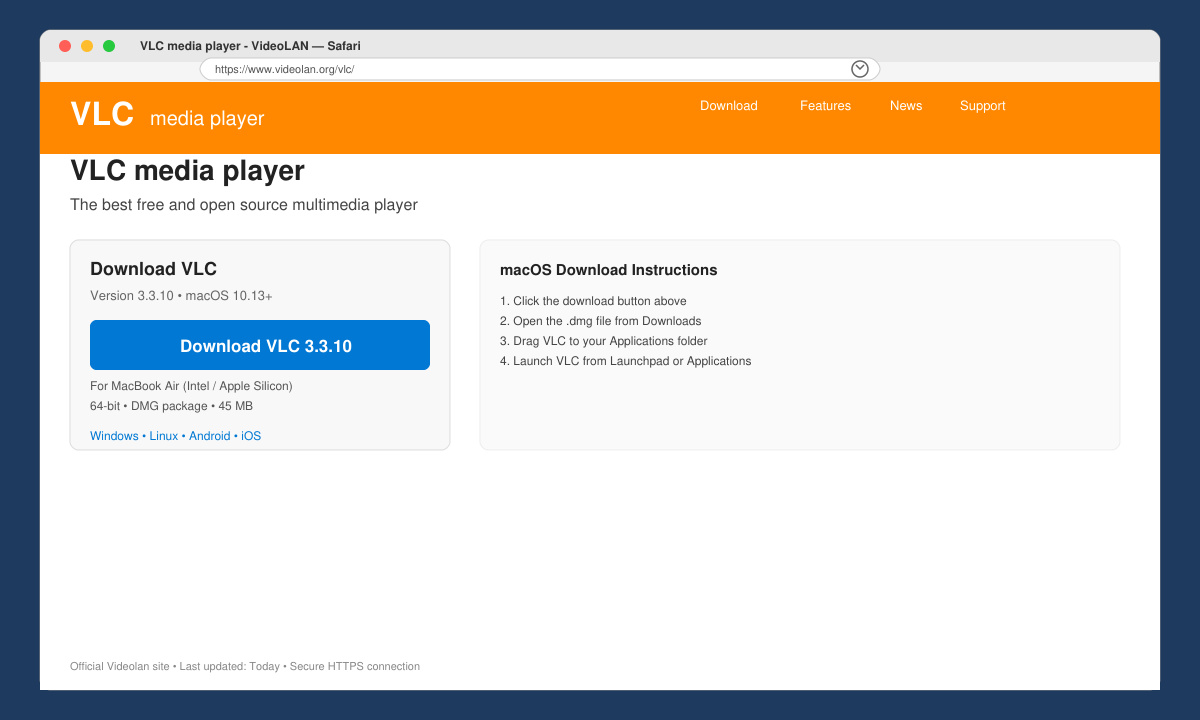
Click the large blue Download VLC button. The file vlc-x.x.x.dmg will save to your Downloads folder. Check the file size against the number shown on the site to confirm integrity.
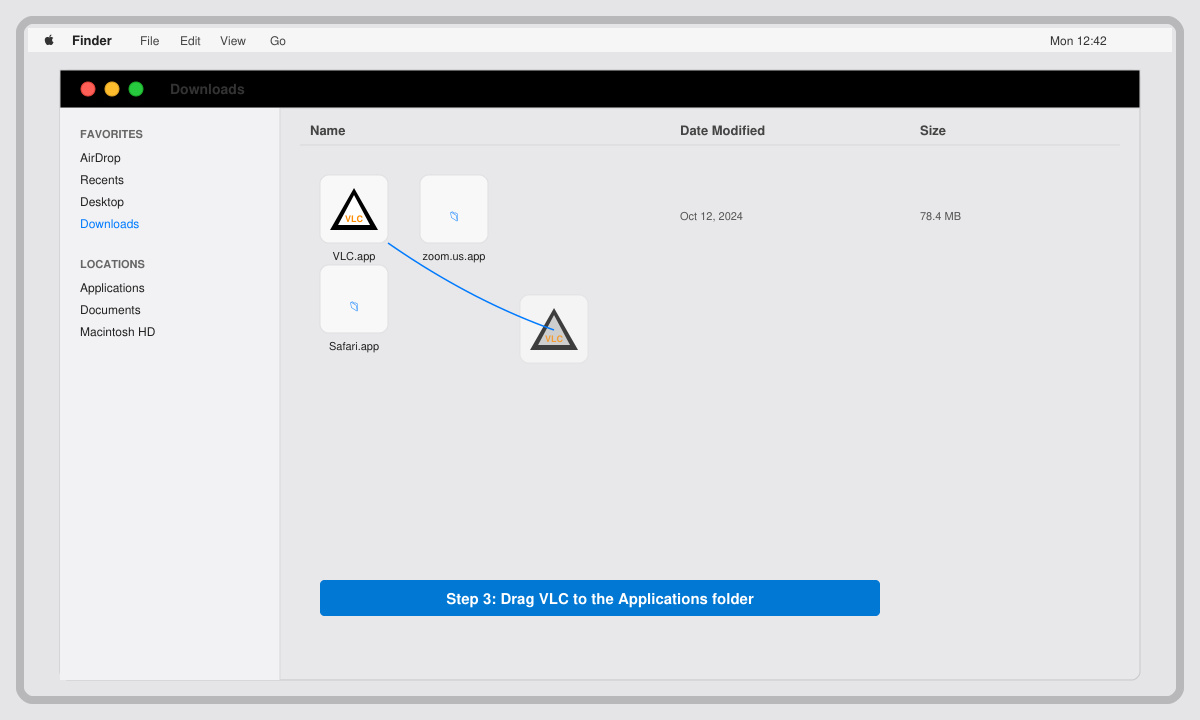
Double-click the downloaded .dmg file. Drag the VLC icon into the Applications folder shown in the Finder window. Do not run VLC from inside the disk image.
Open Launchpad or the Applications folder and double-click VLC. On first launch macOS may ask for permission to access media files and the network. Click Allow for both prompts.
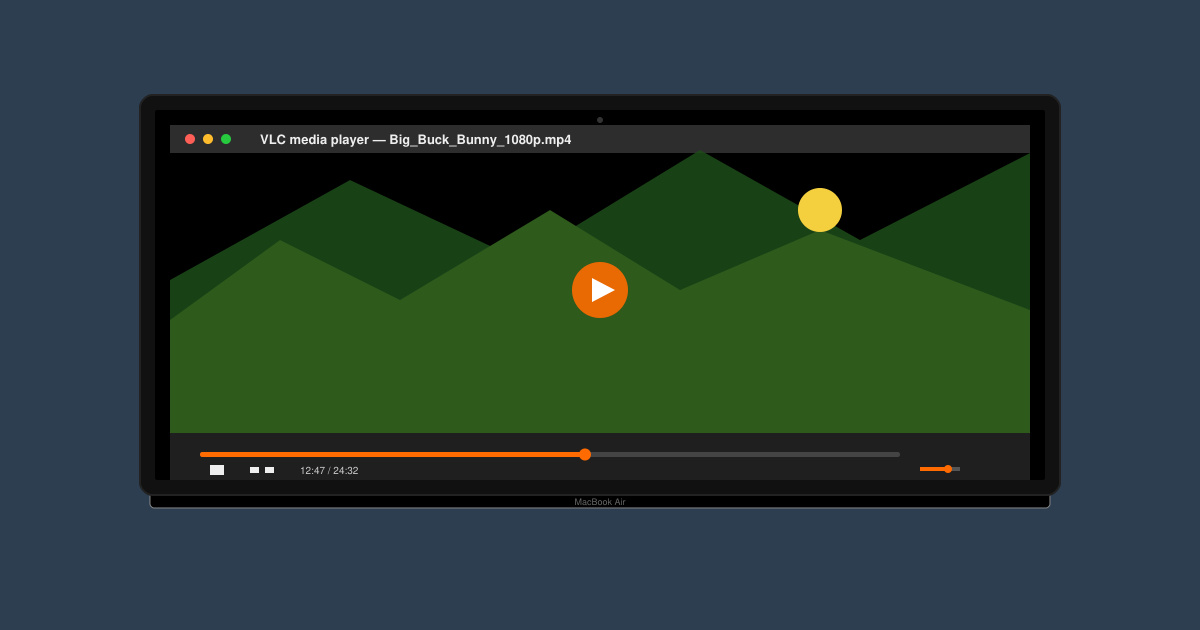
Drag any video file onto the VLC window. The player opens instantly and displays the media without requiring extra codec downloads.
Yes. VLC Media Player is open-source software with no paid tiers or subscriptions.
The current universal build runs natively on both Apple Silicon and Intel processors. The site serves the correct version automatically.
VLC handles many more formats than QuickTime and works alongside it without conflict.
Following the steps above gives you a reliable VLC Player Download for Macbook Air that plays almost any media file immediately.
Follow this guide on how to download Chrome on Macbook to get Google Chrome running quickly and safely on your device.
Discover exactly how to find your WhatsApp number on Android, iPhone, and desktop in under a minute. Follow these clear steps to view the number linked to your account.
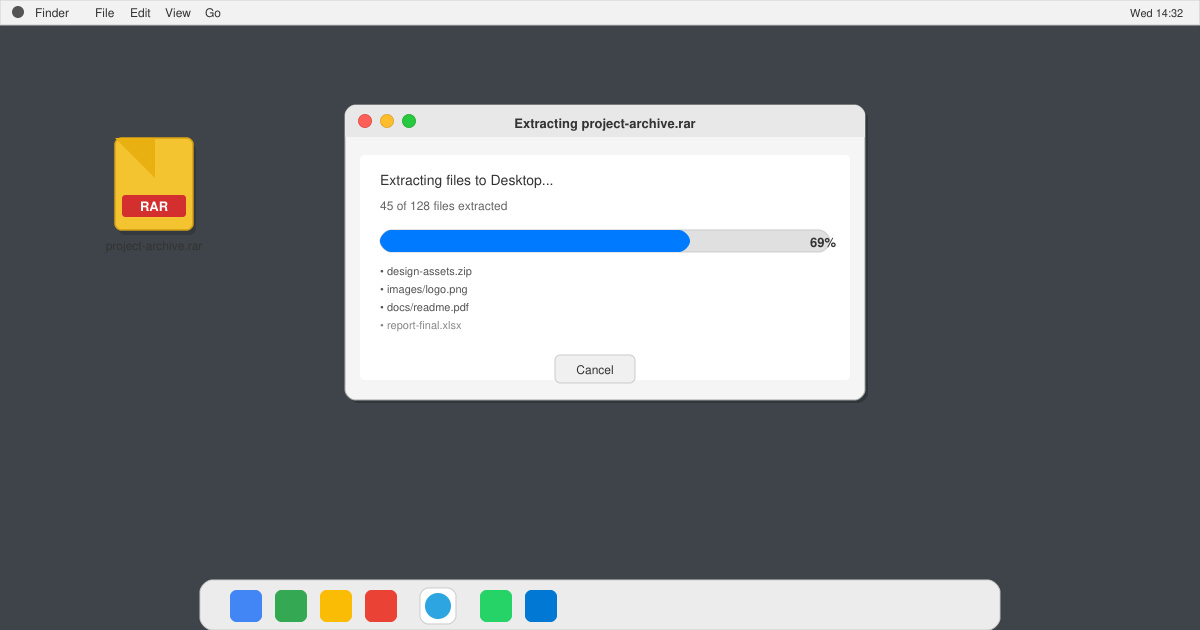
Learn how to open RAR file in Mac OS using free tools. This guide shows the fastest ways to extract RAR archives on your Mac in minutes.
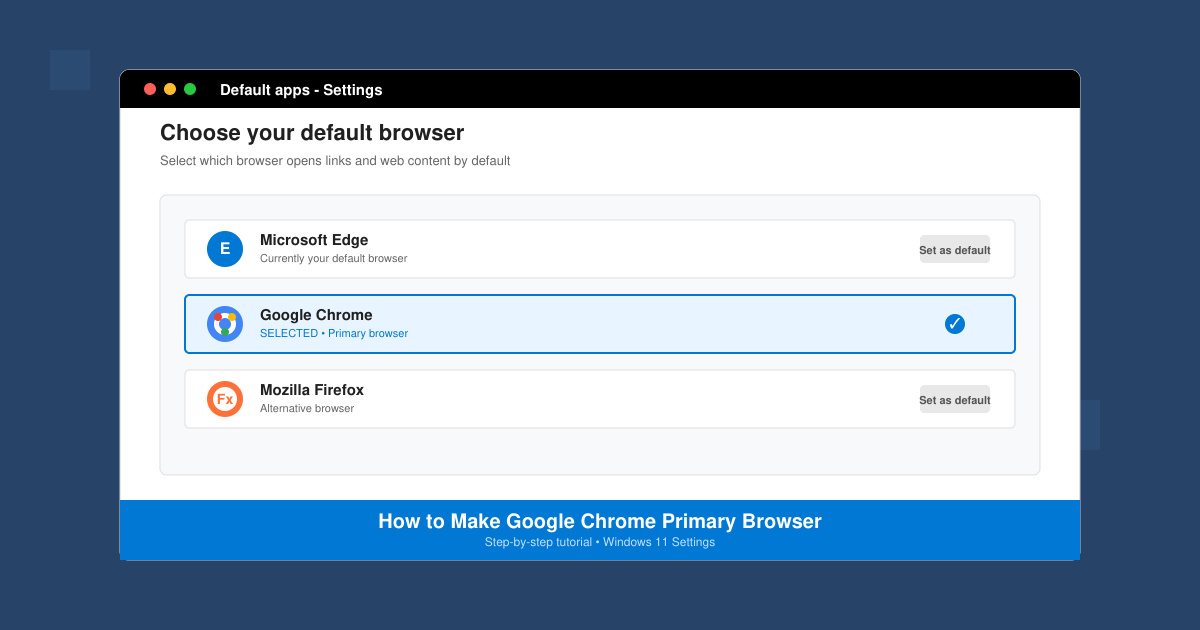
How to make Google Chrome primary browser on Windows, macOS, Android, and iOS with clear step-by-step instructions. Set Chrome as your default browser in minutes for better speed and sync.
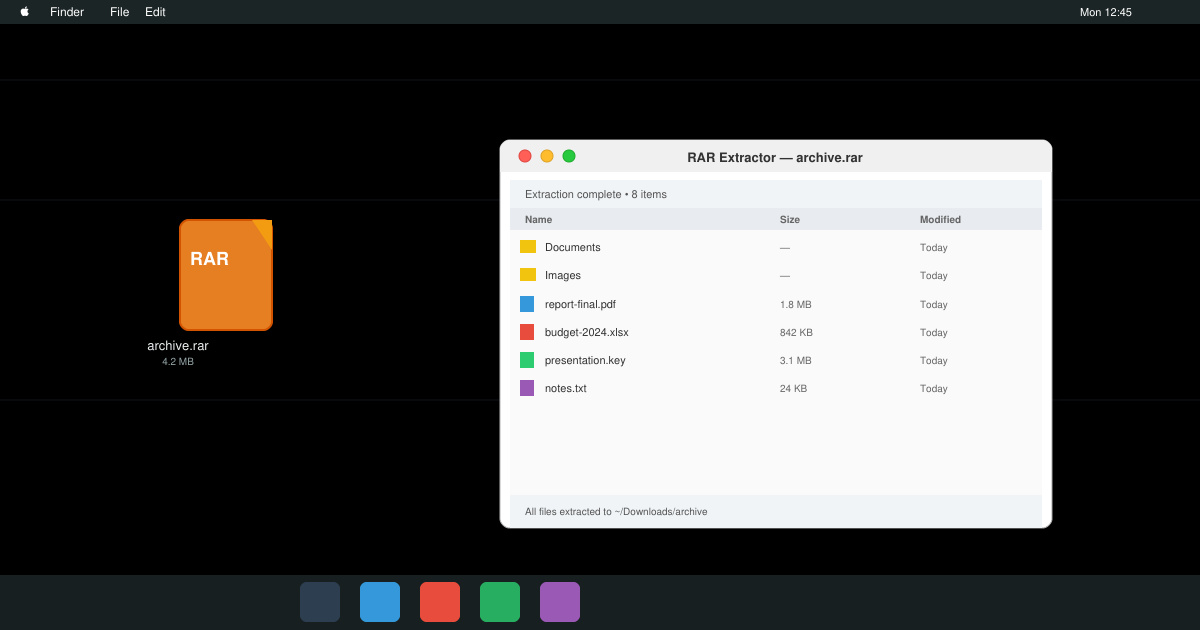
Need a rar program for mac to open RAR files? Learn the fastest way to install and use a reliable extractor on macOS in minutes.
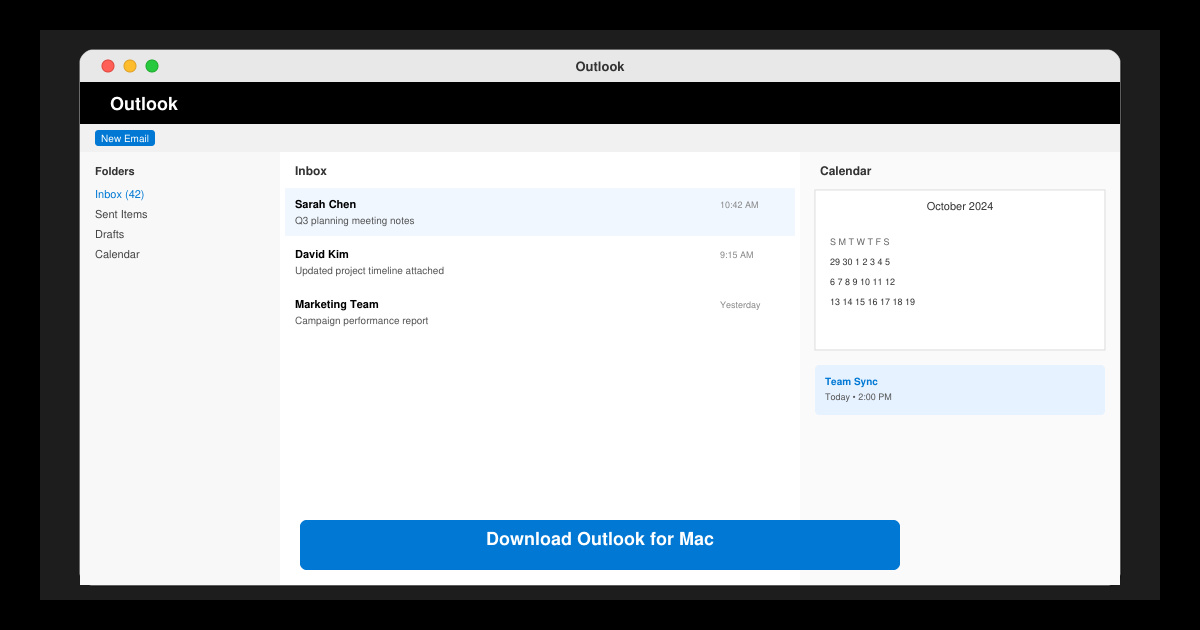
Download Outlook for Mac from the official Microsoft source and install it on your Mac in minutes. Follow this guide for the latest version compatible with macOS.
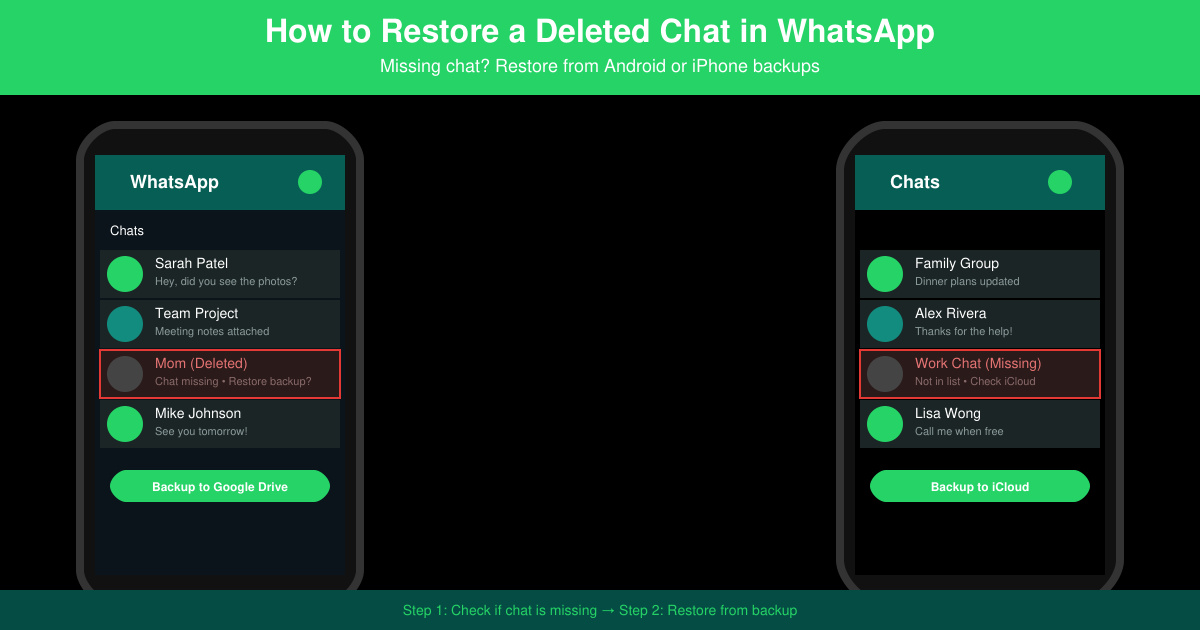
Learn exactly how to restore a deleted chat in WhatsApp on Android and iPhone using local or Google Drive backups. Follow these steps to recover conversations in minutes.
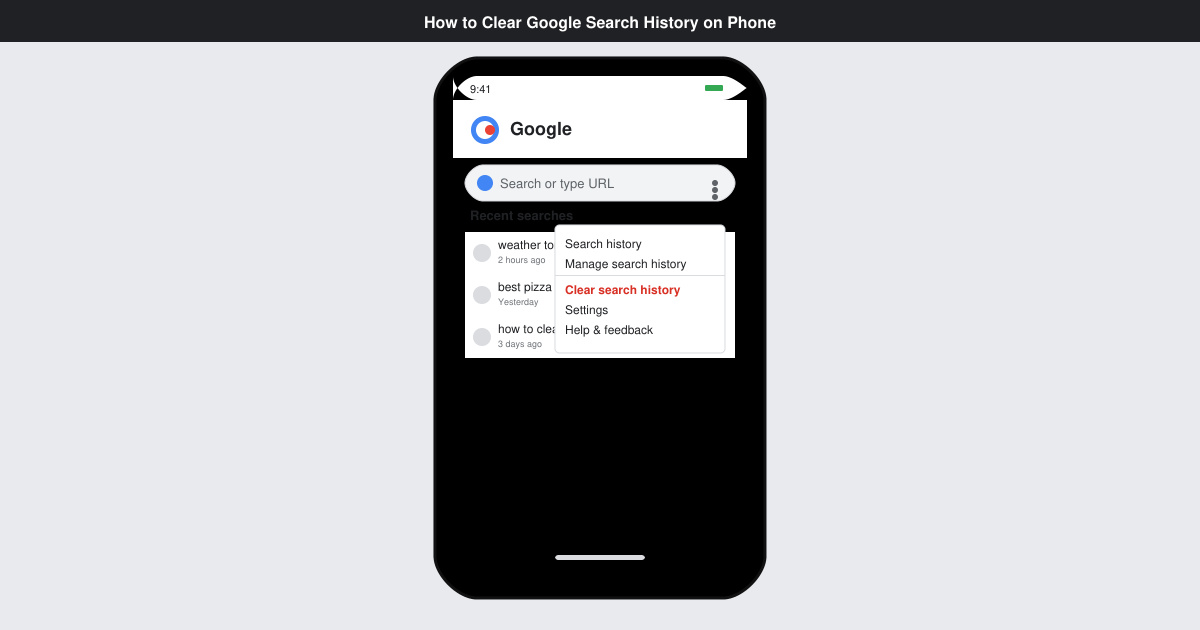
Learn how to clear Google search history on phone in just a few taps. Follow these exact steps for Android and iOS to remove search activity and improve privacy.
Complete your VLC Player Download Mac safely from the official source. This guide shows the exact steps to install VLC Media Player on macOS for reliable video and audio playback.
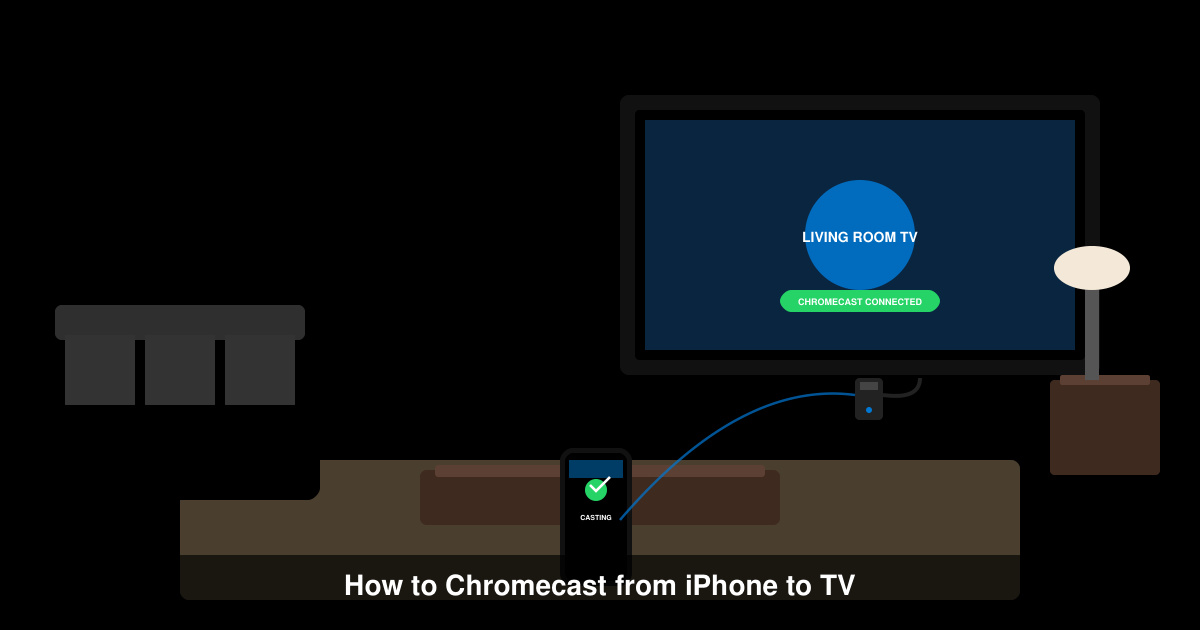
Learn how to Chromecast from iPhone to TV quickly and reliably. Follow these exact steps to stream videos, photos, and apps from your iPhone to any Chromecast device.