How to Download Chrome on Macbook
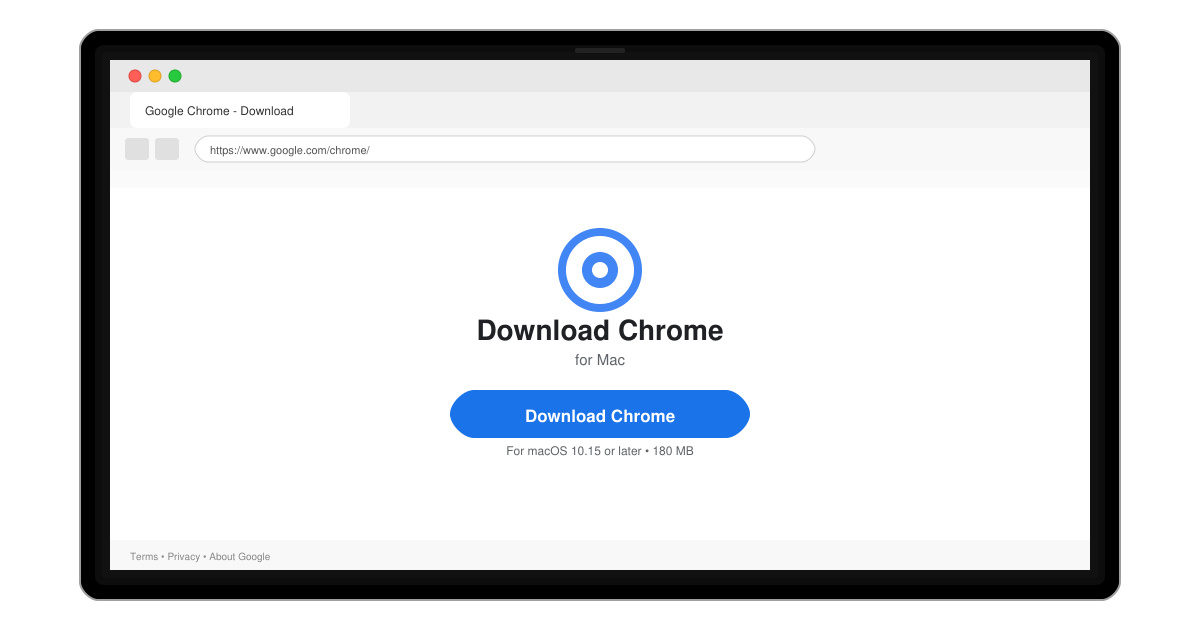
Follow this guide on how to download Chrome on Macbook to get Google Chrome running quickly and safely on your device.
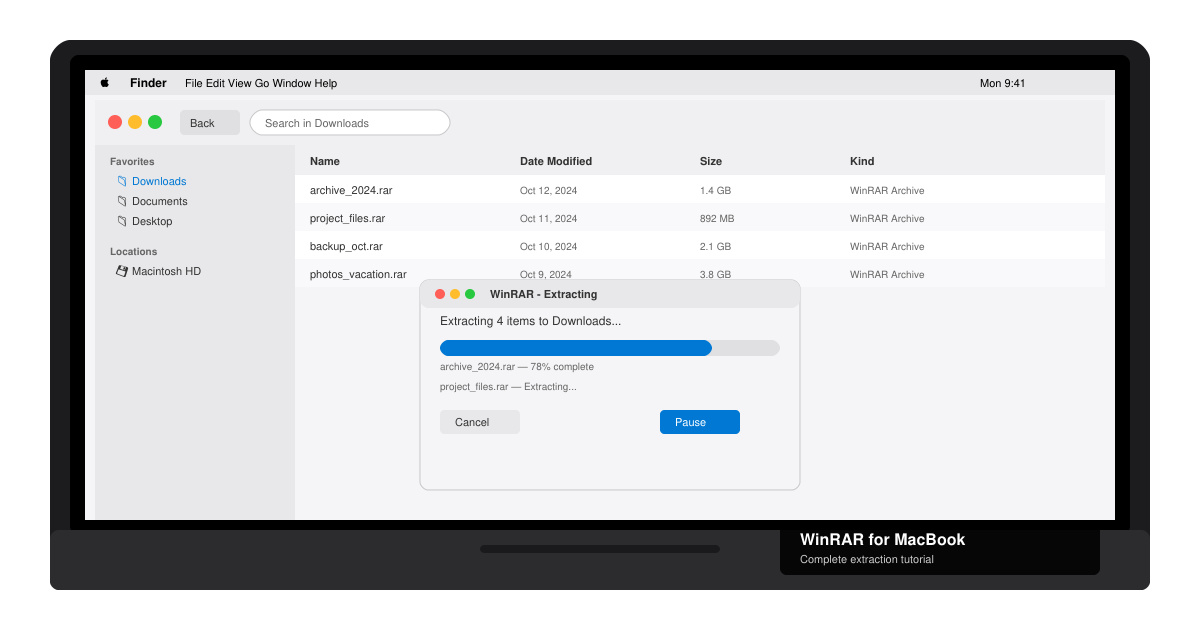
Win Rar for Macbook is not available as a native app, but you can still open and extract RAR archives on any MacBook without issues. The most practical approach is to install a dedicated Mac extractor that handles RAR files just as effectively as the Windows version of WinRAR. This guide walks you through the fastest setup and daily use.
WinRAR is developed exclusively for Windows. macOS uses a different file system and archive handling, so the original WinRAR executable will not run without extra software. Instead of complicated emulation, most users install a lightweight Mac app that fully supports RAR, ZIP, 7z, and other formats. The Unarchiver is the most popular free choice because it integrates directly with Finder and requires no paid license.
Before starting, make sure your MacBook runs macOS 12 or later and that you have an active internet connection for the initial download.
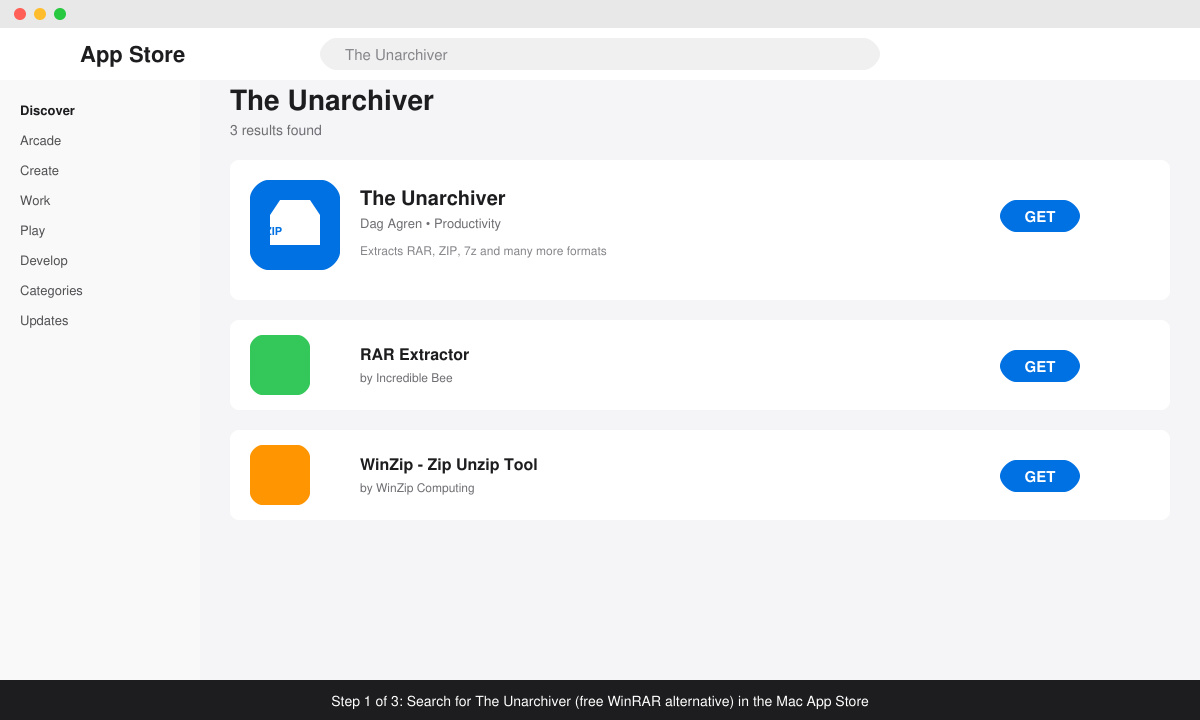
Open the App Store on your MacBook, search for “The Unarchiver”, and click Get. The app is free and developed by Incredible Bee. Once the download finishes, click Open to launch it for the first time.
The first time you open The Unarchiver, macOS asks for permission to access your files. Click Allow in the pop-up. Then go to System Settings → Privacy & Security → Files and Folders and make sure The Unarchiver has access to your Downloads and Documents folders.
Right-click any .rar file in Finder, choose Get Info, scroll to Open with, select The Unarchiver from the dropdown, and click Change All. This ensures double-clicking RAR archives always uses this tool instead of showing an error.
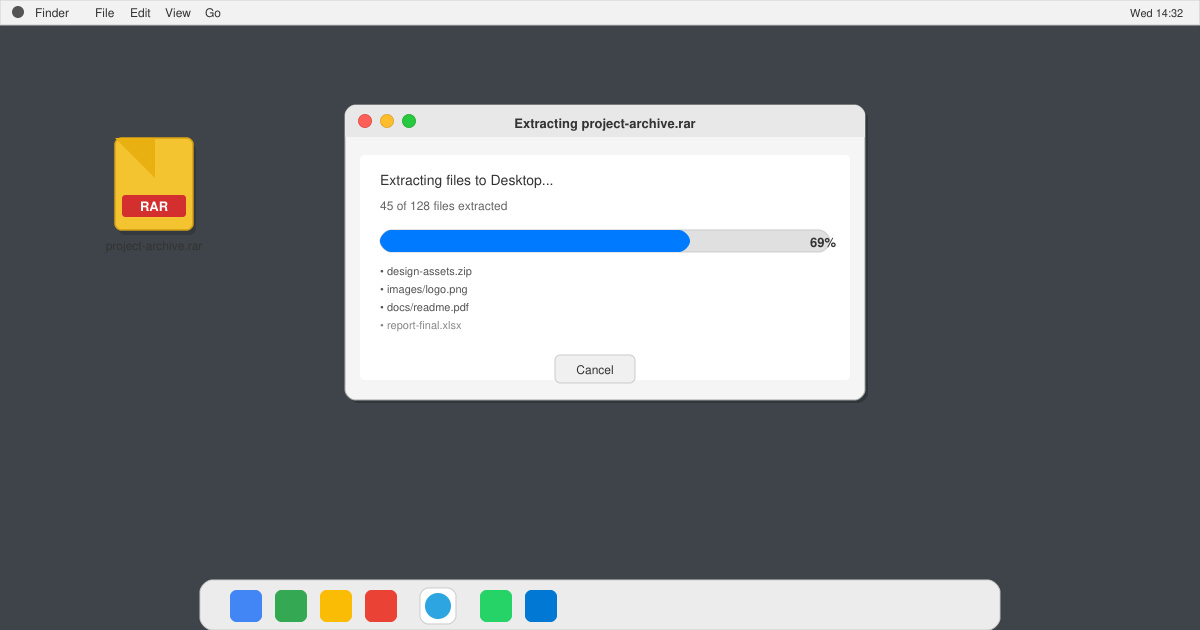
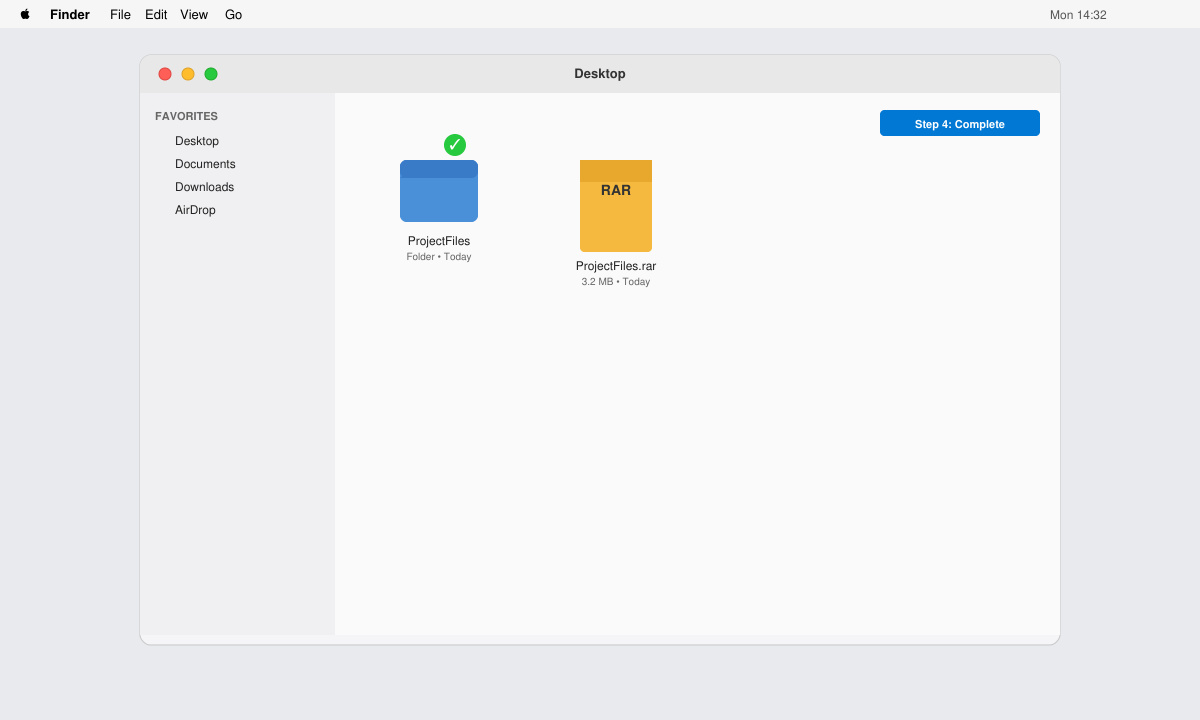
Double-click a RAR file. The Unarchiver automatically decompresses it into the same folder. For password-protected archives, enter the password when prompted. You can also drag and drop RAR files directly onto the app icon in the Dock.
Open The Unarchiver preferences to choose a custom destination folder or enable automatic deletion of the original RAR after extraction. For multiple files, select them all and right-click → Quick Actions → Unarchive with The Unarchiver.
Only through paid virtualization software such as Parallels Desktop or UTM with Windows installed. This method works but is heavier than using a native Mac extractor.
Yes. The core features needed for RAR extraction remain free with no ads or time limits.
Yes. The Unarchiver handles 7z, ZIP, TAR, and most other archive formats without additional plugins.
With The Unarchiver installed and set as default, Win Rar for Macbook becomes a simple double-click task that works reliably every time.
Follow this guide on how to download Chrome on Macbook to get Google Chrome running quickly and safely on your device.
Discover exactly how to find your WhatsApp number on Android, iPhone, and desktop in under a minute. Follow these clear steps to view the number linked to your account.
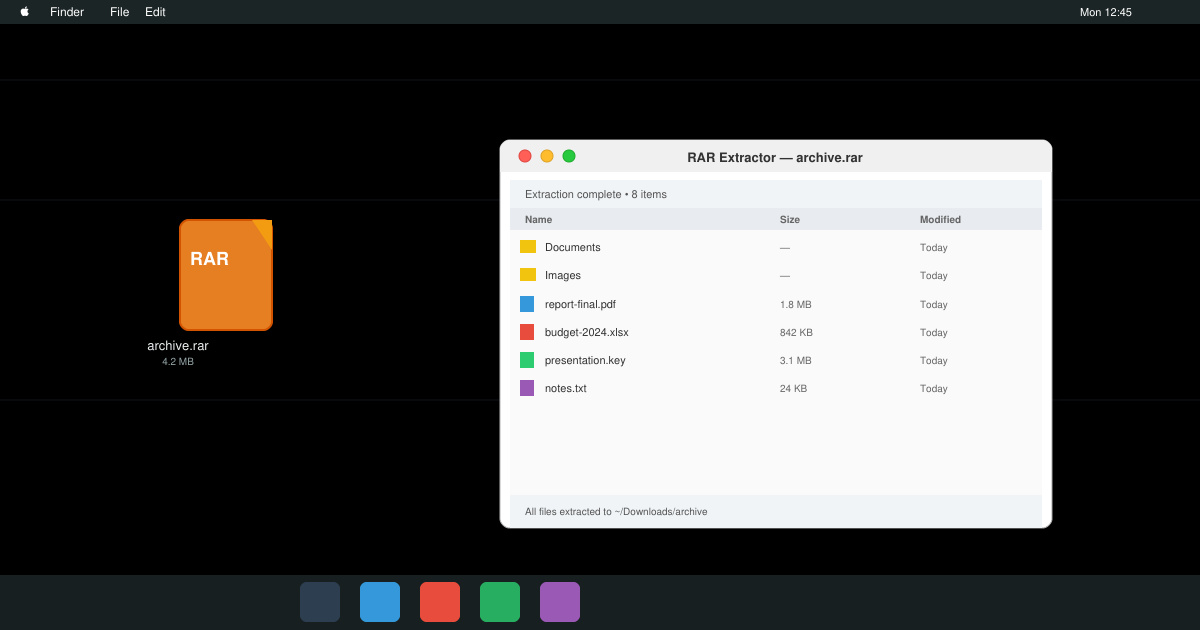
Learn how to open RAR file in Mac OS using free tools. This guide shows the fastest ways to extract RAR archives on your Mac in minutes.
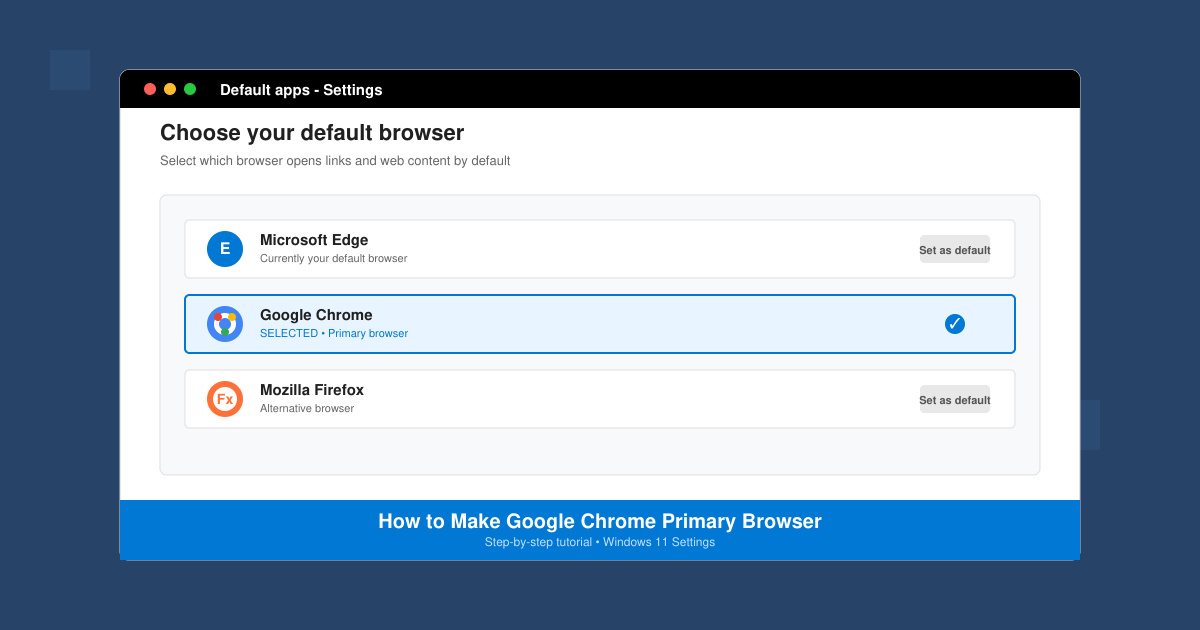
How to make Google Chrome primary browser on Windows, macOS, Android, and iOS with clear step-by-step instructions. Set Chrome as your default browser in minutes for better speed and sync.
Need a rar program for mac to open RAR files? Learn the fastest way to install and use a reliable extractor on macOS in minutes.
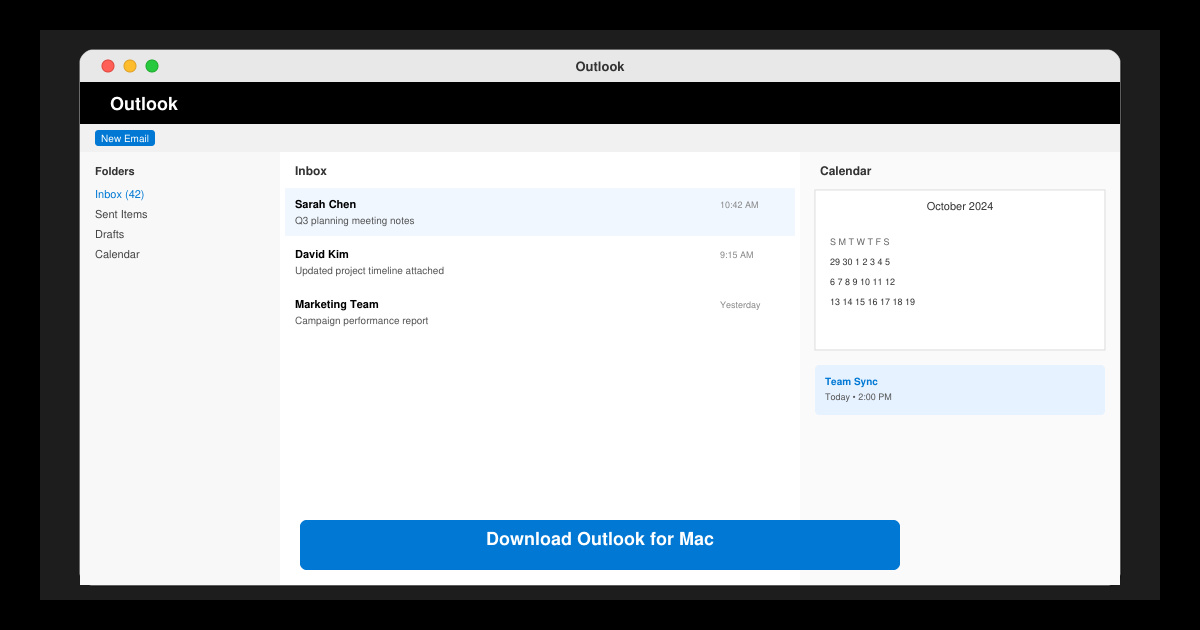
Download Outlook for Mac from the official Microsoft source and install it on your Mac in minutes. Follow this guide for the latest version compatible with macOS.
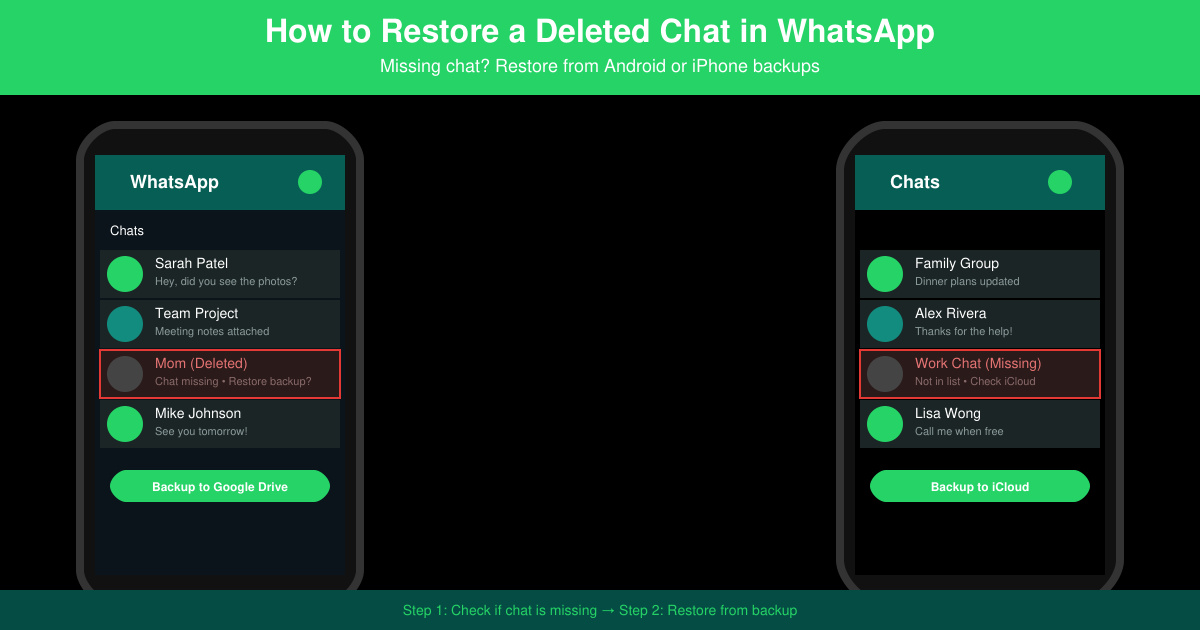
Learn exactly how to restore a deleted chat in WhatsApp on Android and iPhone using local or Google Drive backups. Follow these steps to recover conversations in minutes.
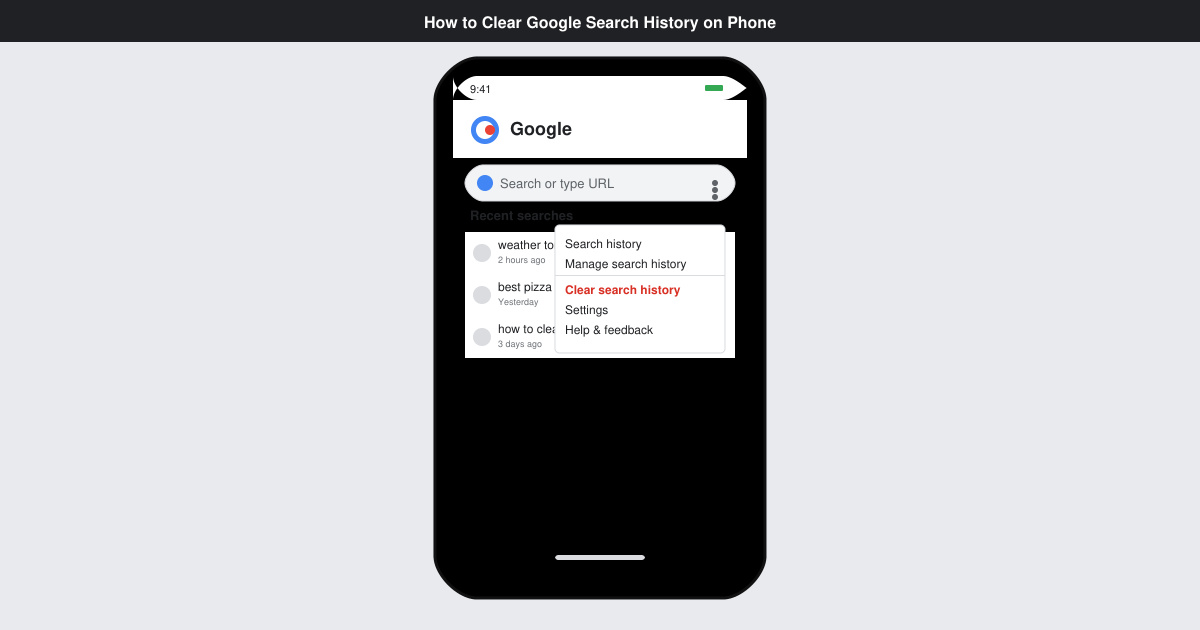
Learn how to clear Google search history on phone in just a few taps. Follow these exact steps for Android and iOS to remove search activity and improve privacy.
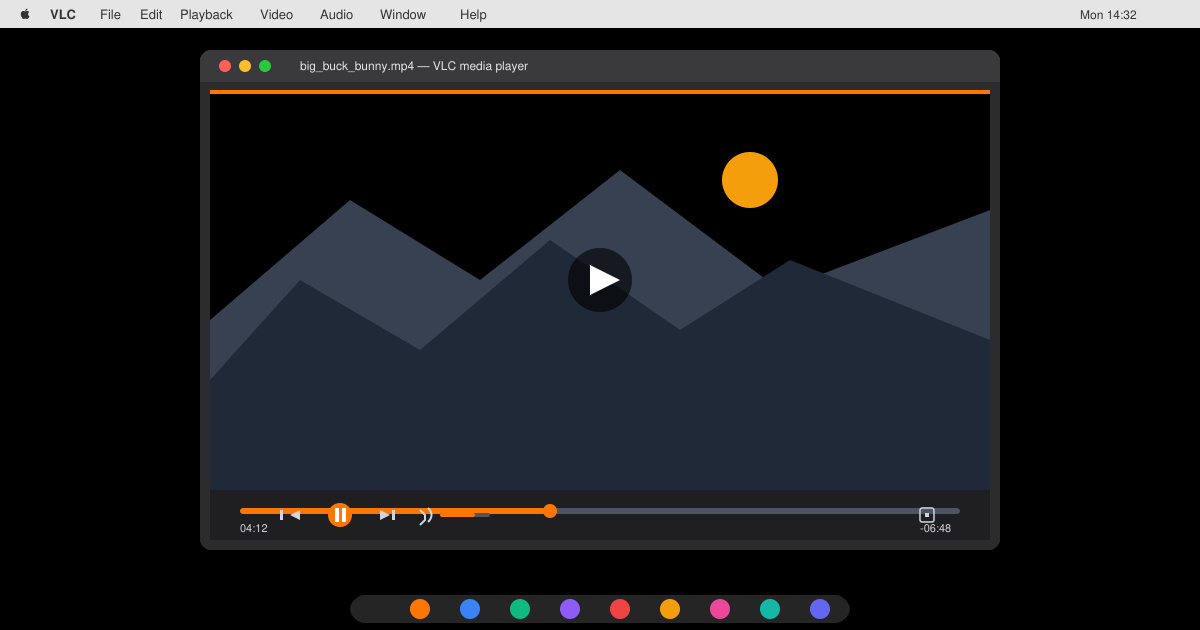
Complete your VLC Player Download Mac safely from the official source. This guide shows the exact steps to install VLC Media Player on macOS for reliable video and audio playback.
Learn how to Chromecast from iPhone to TV quickly and reliably. Follow these exact steps to stream videos, photos, and apps from your iPhone to any Chromecast device.