Leftover Halloween Candy and Pumpkins: What to Do Next

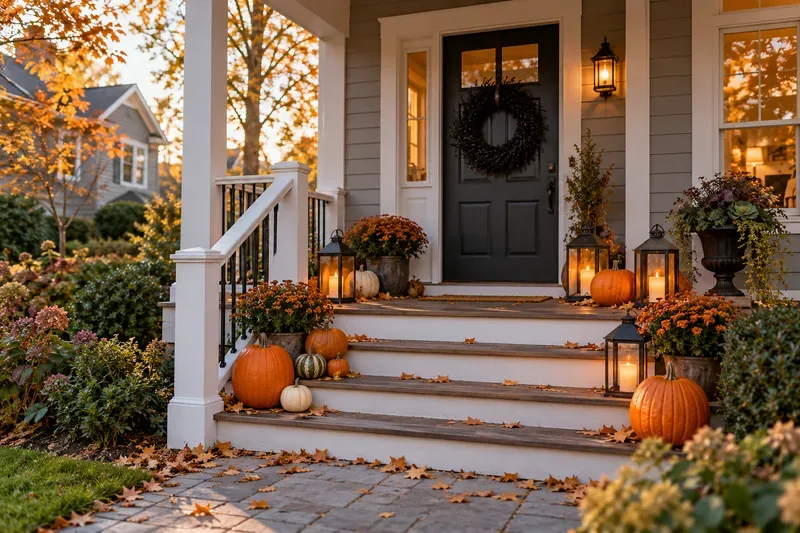
Sort leftover Halloween candy safely, share or repurpose sealed treats, and choose food use or compost for pumpkins based on their condition.
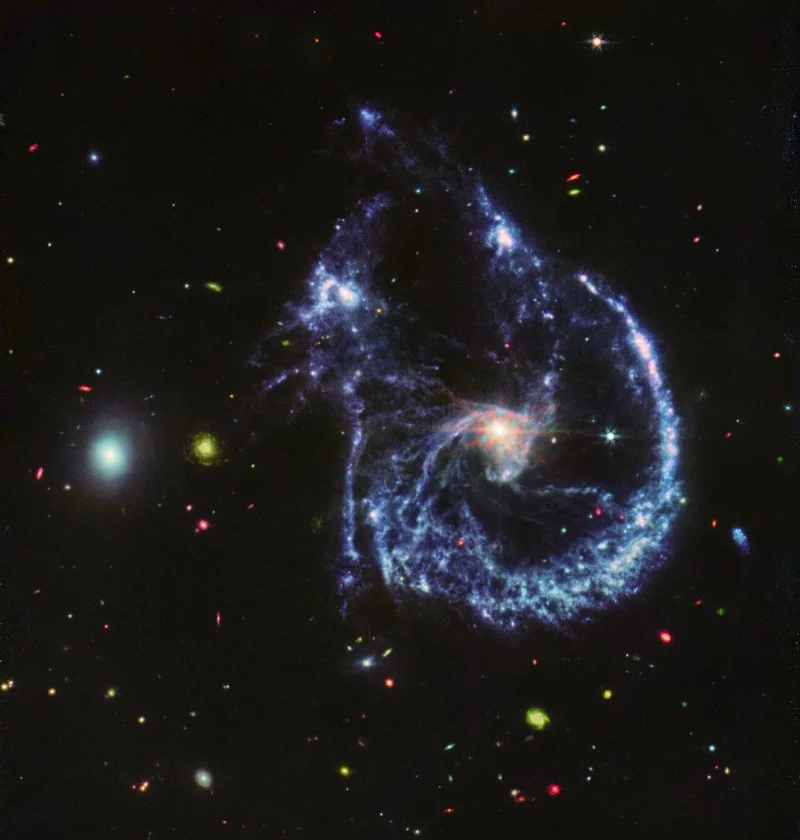
A stunning new image from the James Webb Space Telescope shows two galaxies on the verge of colliding. The pair, called Arp 107, are located 465 million light-years from Earth and have been pulled into strange shapes by the gravitational forces of their interaction, but it’s not entirely destructive. The collision is also creating new stars, with scores of young stars being born in the swirling clouds of dust and gas.
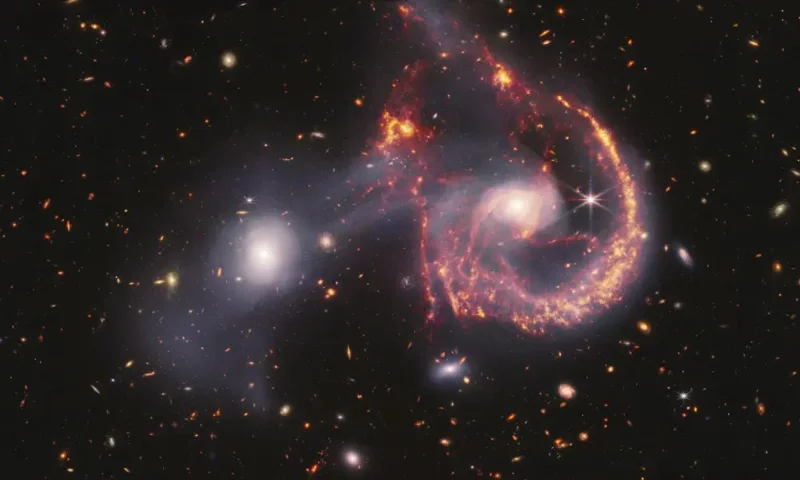
The image above is a composite image, combining data from the James Webb Near Infrared Camera (NIRCam) and Mid Infrared Instrument (MIRI). These two instruments operate in different parts of the infrared, so they can capture different data processes. Data collected in the near infrared range is shown in white, highlighting older stars and the gaseous band running between the two galaxies. Data in the mid-infrared range is shown in orange and red, highlighting the busy star-forming regions, with bright young stars emitting large amounts of radiation.
If you look at the MIRI data alone, you can see features like the glow of the supermassive black hole at the center of the galaxy on the right. While the black hole itself can’t be seen directly, the dust and gas swirling around its event horizon tend to heat up and glow brightly as the black hole moves.
The swirls of star formation give this image a similar look to the Cartwheel Galaxy, which is also a galaxy undergoing an interaction. These interactions or collisions can reshape galaxies, and have a complex relationship with star formation rates.
While there was plenty of star formation before, collisions between galaxies can compress gas, improving the conditions needed to form more stars. On the other hand, as data from James Webb have revealed, collisions also disperse a lot of gas, potentially depriving new stars of the material they need to form.
The Arp 107 galaxy pair will continue to merge for hundreds of millions of years and eventually become a single galaxy.
Sort leftover Halloween candy safely, share or repurpose sealed treats, and choose food use or compost for pumpkins based on their condition.
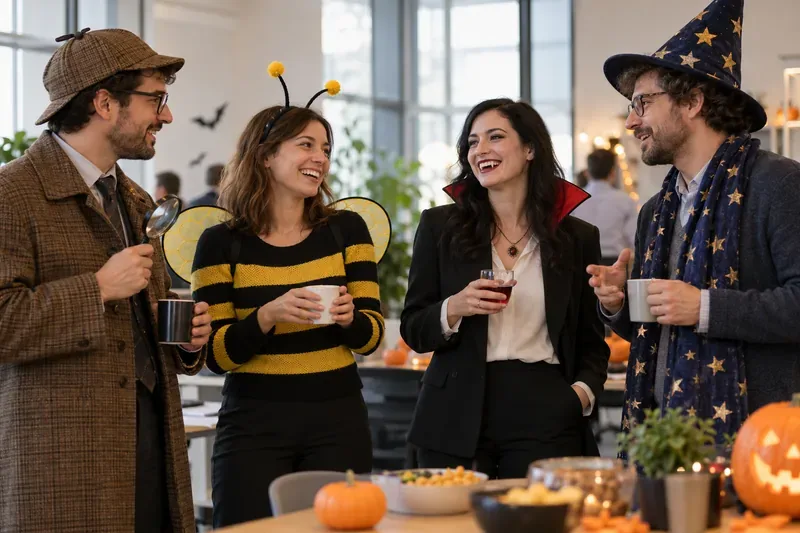
Compare workplace Halloween costume choices by respect, dress code, mobility, and safety—and learn when a subtle accessory or a policy check is the better option.
Find a couples costume that fits your style, budget, and comfort level, from Addams Family classics to original inside-joke duos.
Need a last-minute high school Halloween costume? Compare 10 easy closet-based ideas by prep time, comfort, school-day practicality, and simple safety checks.
Use a simple 2026 Halloween decorating timeline for indoor décor, outdoor displays, and fresh pumpkins, with practical adjustments for weather and events.
Mix five vivid, approachable Halloween cocktails with measured recipes, simple prep tips, and an alcohol-free option for your party guests.
Find 15 office-friendly Halloween costume ideas for 2026, with practical checks for dress codes, respectful themes, comfort, and workplace safety.
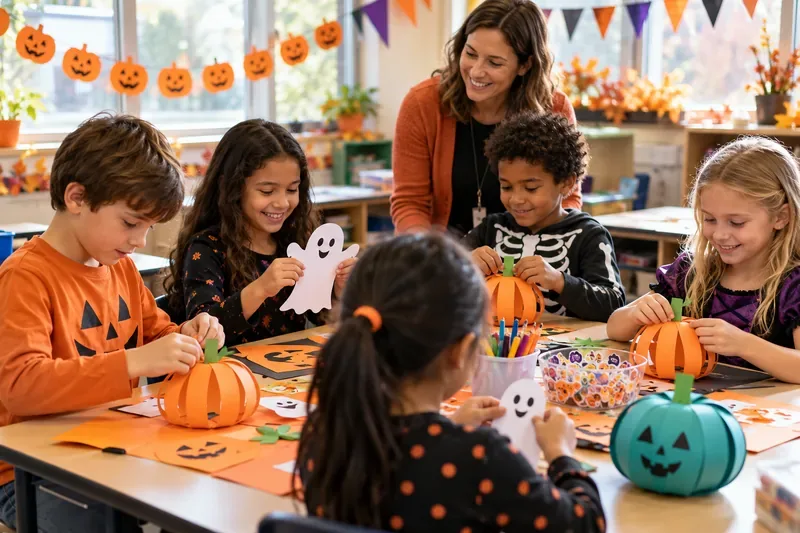
Plan a fun elementary school Halloween party with easy crafts, games, inclusive treats, costume tips, and a sample 75-minute classroom schedule.
Compare realistic side hustles for 2026 by startup cost, fees, flexibility, and income control, with current tax and scam guidance from official sources.
Upgrade your home office ergonomics with current OSHA and NIOSH guidance on chair fit, monitor height, laptop setup, lighting, and movement.