The Villain Era Trend: Best Dark Costumes for Halloween 2026

Build a dark, polished Halloween 2026 look with six villain-inspired costume ideas, practical styling tips, budget guidance, and safety checks.
Sudoku is a Japanese game that has fascinated those who have played it. The objective is straightforward: fill all the cells in the grid so that every row, column, and region contains all numbers from 1 to 9. It may sound easy, but the challenge grows as you delve deeper into the world of Sudoku.
If you want to immerse yourself in this Sudoku universe on your PC, consider using Su DoKu, a versatile software designed for creating and solving Sudoku puzzles.

Su Doku boasts a user-friendly interface. It organizes all features in a main control panel, enabling users to adjust settings flexibly and swiftly.
Using Su Doku is incredibly intuitive. The software offers a number-selection feature for Sudoku puzzles. Users merely press the "Generate Puzzle" button to create random challenges.
The program also allows printing existing Sudoku puzzles, resetting the grid with a single click, verifying solutions, and pinning the application above other software.
Su Doku has minimal configuration settings, making it suitable for all users. This software performs its tasks efficiently without consuming excessive system resources, making it accessible even for lower-end PCs.
With its ease of use and essential features, Su Doku is a must-have for Sudoku enthusiasts. Download Su Doku now to create your own quizzes and challenge your friends!
| Guide | Link |
|---|---|
| Great tips for playing Sudoku super fast | |
| How to play Sudoku for beginners |
| Application | Image |
|---|---|
| Snood |  |
| AutoGK |  |
| Sudoku X - Classic Sudoku on PC |  |
| Snosh |  |
| Kuros |  |
| Zuro | |
| CDuke |  |
Build a dark, polished Halloween 2026 look with six villain-inspired costume ideas, practical styling tips, budget guidance, and safety checks.
Learn what Windows 11 network reset changes, what to save first, and how to reconnect Wi-Fi, Ethernet and VPNs and check your network profile afterward.
Review Windows Security Protection History, understand blocked alerts, and check a file’s source, signature, and hash before deciding what to do.
Allow microphone access for a specific Windows 11 app, understand shared desktop permissions, check Edge site access, and verify your microphone works.
Fix Windows 11 Wi-Fi connected but no internet with safe IP and DNS checks, reversible network settings, and clear guidance on when to use network reset.
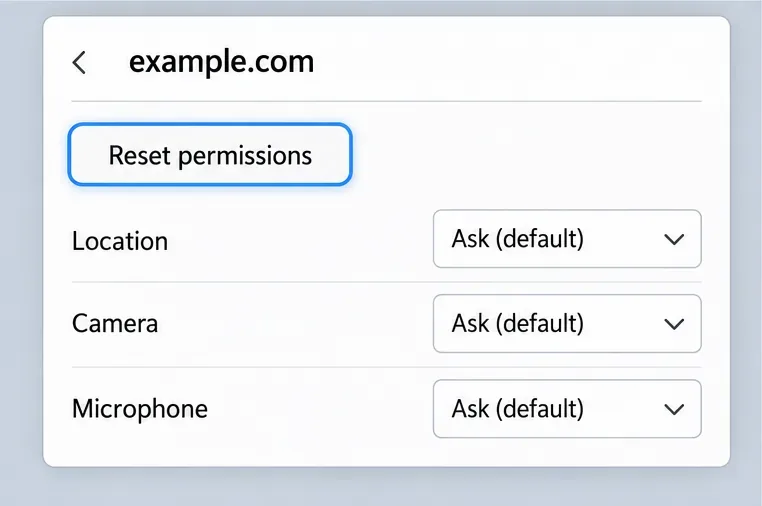
Reset permissions for one website in Microsoft Edge while keeping cookies, history, and saved passwords. Follow safe steps for Windows 10 and Windows 11.
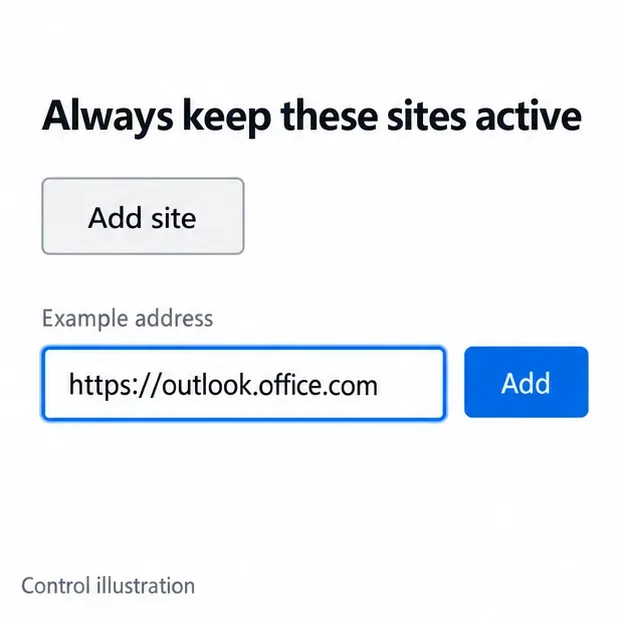
Check whether an Edge tab can sleep, keep a specific website active, edit or remove its exception, and troubleshoot sleeping tabs on Windows 10 and 11.
Need a last-minute college Halloween costume? Try 20 easy, budget-friendly looks built from closet staples, plus quick styling and safety tips.
Learn what the Teal Pumpkin Project means in 2026, how hosts can offer separate non-food treats, and how families can plan routes and review candy safely.
See what the latest 2026 Halloween survey says about trick-or-treating, community events, and practical ways to plan a safer neighborhood outing.