How to Set Windows Photo Viewer as Default Photo Viewer on Windows 11
Windows Photo Viewer was first released alongside Windows XP and has quickly become one of the most frequently used tools on Windows.
Windows Photo Viewer was first released alongside Windows XP and has quickly become one of the most frequently used tools on Windows.
This guide shows the best tools for taking long, scrolling screenshots in Windows 11 and Windows 10.
The latest previews of Windows 11 that Microsoft released this week include an improved About section in the Settings app, where users can get more information about the hardware inside their computer.
To address common issues faced by PC gamers, Microsoft has finally made the Windows operating system easier to navigate with an Xbox controller.
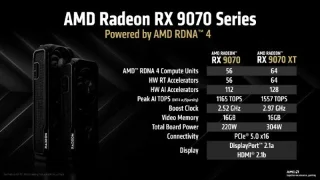
In its new UEFI support document, AMD states that Radeon GPUs from the 9000 series onwards will only officially support UEFI mode.
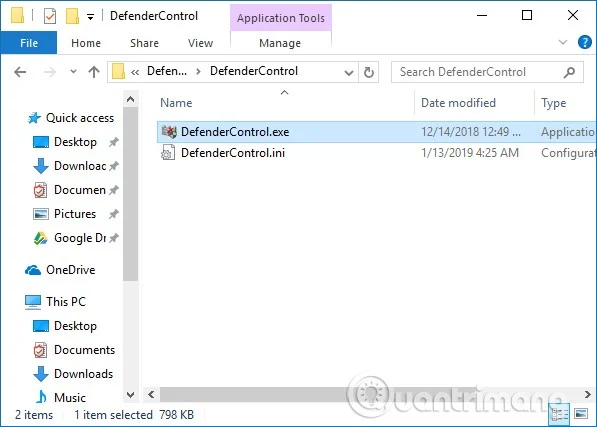
Updating your graphics card driver to the latest version can help fix issues with screen resolution, games, and your computer's overall graphics performance.
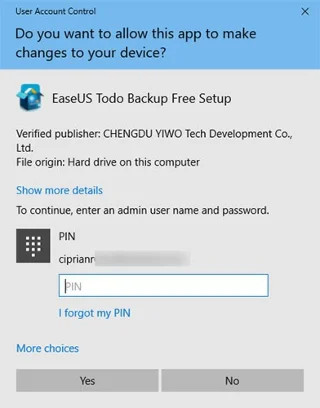
In the following article, Quantrimang.com will go into the specific details of what UAC is, how UAC works, and the benefits of enabling this feature in any version of Windows.
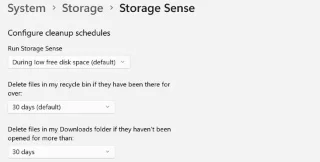
Constant low storage notifications can drive you crazy, so start implementing smart habits to make sure you never run out of storage!
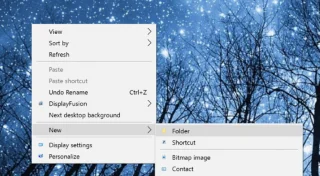
GodeMode is called Shortcut Windows Master Control Panel. GodMode (or God Mode) is a control panel, allowing you to set up and access everything on your Windows operating system.
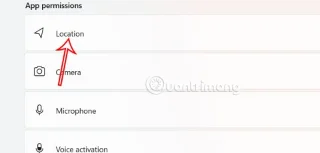
Starting with Windows 11 build 25977, Microsoft has added an option to turn off location request notifications to help you manage which apps have location access.
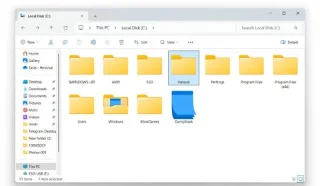
The April security updates for Windows 11 silently created a new empty folder on the C drive.
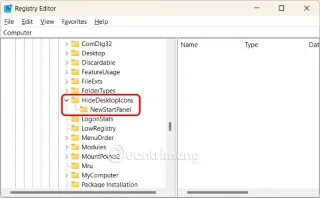
The Spotlight wallpaper on the Windows 11 desktop and lock screen has an annoying “Learn More About This Picture” icon. Here is a guide to remove the “Learn More About This Picture” Windows 11 icon.
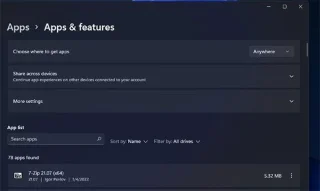
The Apps & Features control panel is the settings equivalent to the Programs and Features tool from the Control Panel.
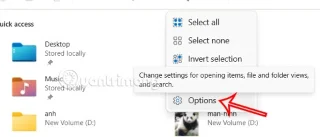
The Libraries folder in Windows 11 is hidden in the File Explorer interface, but you can easily show it again with just a few taps.
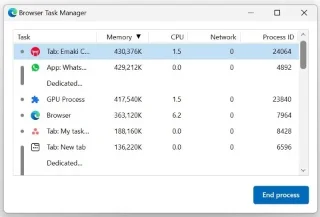
Are you getting a High Memory Usage Detected warning while browsing on Microsoft Edge? It means that some browser processes are using too much memory (RAM).
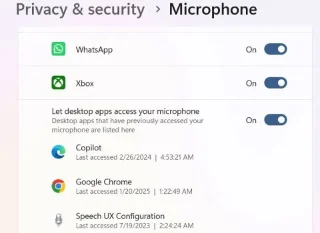
Follow these steps to set up speech recognition on your Windows laptop or PC.
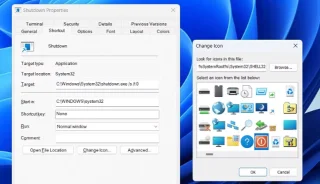
If you're looking for a quicker method, here's how to add a dedicated shutdown shortcut to your Windows 11 desktop or taskbar.
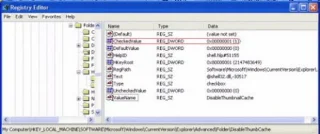
In many cases, it is usually due to virus attacks that the hidden folders of the system cannot be displayed even after activating the “Show hidden files and folders” option in Folder Options. Some of the following methods will help to handle this problem.
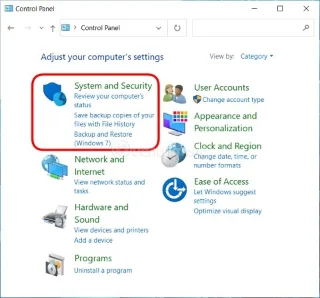
Sometimes you still need to turn off the firewall to perform certain functions. The 3 ways to turn off the Win 10 firewall below will help you in such situations.
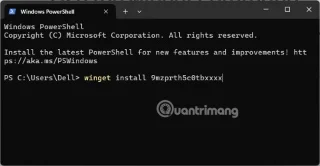
Windows 11 doesn't support the JPEG X image format by default, but you can install an add-on that does. Here's how to add JPEG XL support in Windows 11.
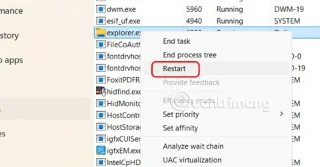
In the process of pinning applications, sometimes we encounter some errors such as not being able to pin the application to the Taskbar. Below are some ways to fix the error of not being able to pin the application to the Windows 11 Taskbar.
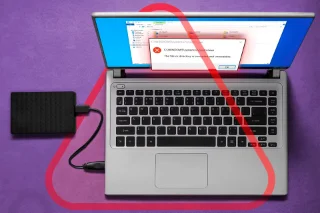
Windows BitLocker offers an easy-to-use solution for encrypting your hard drive. However, it also has its drawbacks, so it may not be a great choice for everyone.
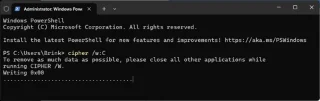
This guide will show you how to overwrite (securely erase) deleted data on a drive so that it cannot be recovered or accessed in Windows 10 and Windows 11.
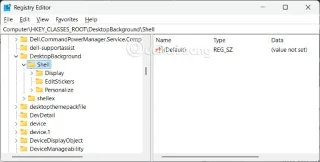
If you regularly use Copilot on Windows 11, there is a very simple way to quickly access Copilot, which is to add Copilot to the right-click menu.
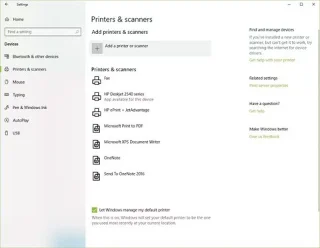
Adding a printer to Windows 10 is simple, although the process for wired devices will be different than for wireless devices.

A new utility is being developed that will help remove the strict system requirements of Windows 11.
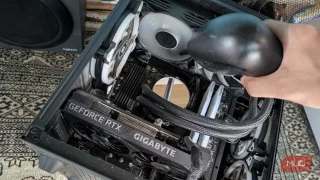
PC maintenance is essential for long-term, efficient performance. However, there are some mistakes you can make that can do more harm than good to your PC.
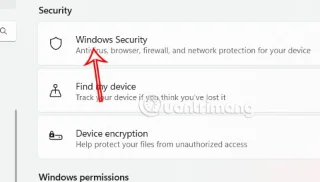
Smart App Control (SAC) is a security feature included in the Windows Security application that locks down the system, allowing only trusted applications to run.
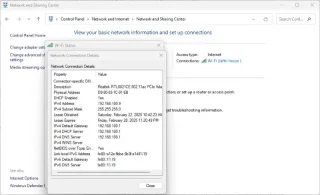
Your computer needs a way to communicate with other devices, and that's where TCP/IP comes in. TCP/IP ensures that data moves smoothly across the network, whether you're browsing the web or sharing files.
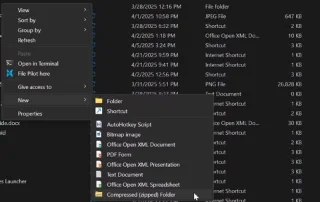
Uncompressed files can silently take up gigabytes of space on your Windows PC—slowing things down and cluttering your drive without you even realizing it.