10 Windows Settings You Should Never Leave as Default

Windows doesn't come with security set up by default, which means there are some default settings you need to change.
Windows doesn't come with security set up by default, which means there are some default settings you need to change.
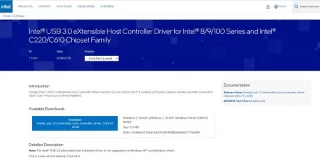
USB devices have become indispensable in everyday life, allowing us to connect a wide variety of essential hardware to our PCs.

If you properly lock down your guest Wi-Fi network, you can share your Internet connection with any visitors without sharing any other information.

In this article, WebTech360 will guide you how to turn off the firewall on Windows 11.
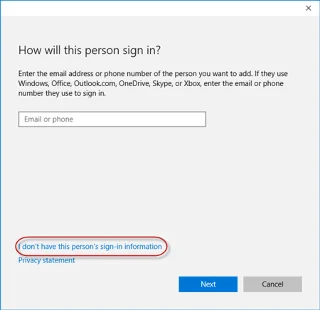
For some reason, your Windows 10 computer lost Admin rights, every time you open an application on the screen you receive an error message. So how to restore lost Admin rights, please refer to the article below of WebTech360.
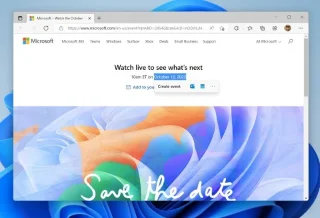
After a long wait, the first major update of Windows 11 has officially been released.
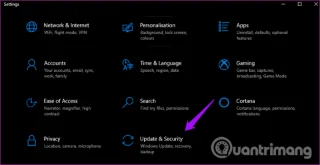
The Unhandled exception has occurred error is not related to a specific application, making it more difficult to resolve. This article will guide you through some ways to fix the Unhandled exception has occurred error on Windows 10.

These days, most PCs and Apple devices can handle both MOV and MP4 files, at least to some extent. However, the need to convert MOV video files to MP4 files has not diminished.
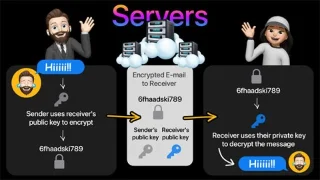
Recognizing this need, major online messaging services use a technique called end-to-end encryption, to secure and protect users' conversations.
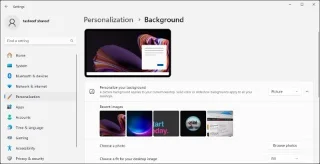
Setting up multiple monitors on Windows is quite simple and only takes a few minutes to do. After setting up multi-monitor mode (multiple screens), you can set up separate wallpapers for each screen. To do this, please refer to the article below from WebTech360.
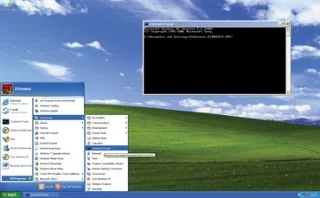
Hidden deep within Windows is a world of command lines that few people know about. In this article, we will guide you on how to fix errors and make your computer more secure using the cmd command line tool.
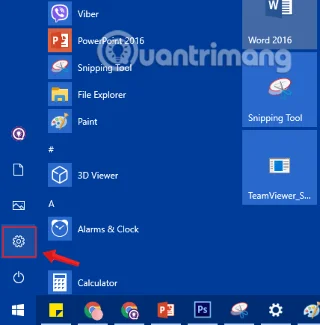
Instructions on how to enter BIOS on Windows 10 for you, with video illustration.
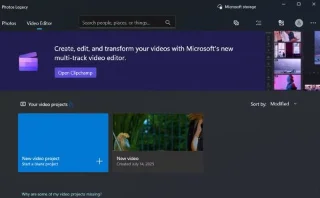
Clipchamp is the default video editor on Windows 11, but if you just need to make a quick cut, split a simple photo, or add music to a clip, the classic editor inside the Photos Legacy app is a much better choice.
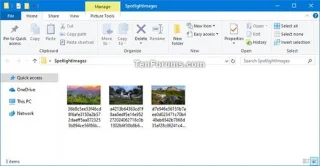
Save images from the login screen, download Windows 10 lock screen images to keep the images you like or set them as your computer wallpaper. Here is the most detailed way to download images from Windows Spotlight for you.
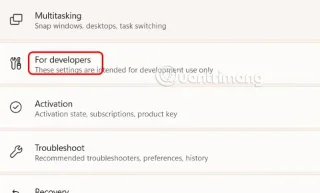
Windows 11 has a feature that adds an End Task button directly on the Taskbar, so you don't have to access Task Manager to close unresponsive applications.
Sometimes, you just can't find an external hard drive when you need it most. After losing important files a few times, some people have found a simple and reliable way to back up everything, even when the hard drive is unavailable.
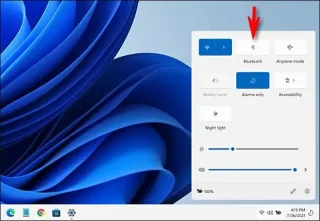
This article will guide you through the ways to enable Bluetooth on Windows 11 to connect to wireless accessories with just a few simple steps.
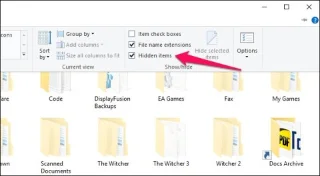
The methods in this article will help you hide or protect Windows folders from prying eyes.
Most Windows errors occur after you log in to your computer. However, the User Profile Service Failed the Logon error doesn't allow you to log in at all, which is why it's harder to fix than other Windows errors.
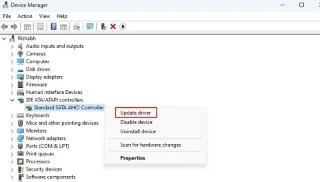
Errors related to your computer's drive can prevent your system from booting properly and restrict access to your files and applications.
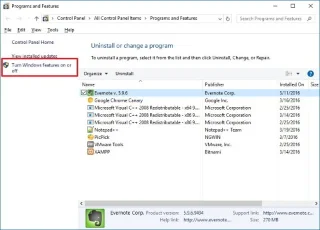
If you want to create a private cloud to share and transfer large files without any limits, you can create an FTP Server (File Transfer Protocol Server) on your Windows 10 computer.
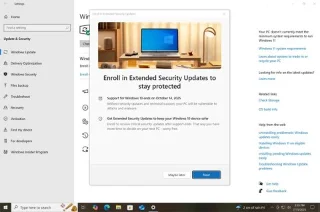
Windows 10 has just three months left until support ends. In October 2025, the operating system will receive its final update, ending its 10-year lifecycle.
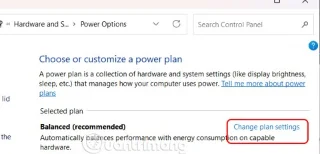
If your computer has an SSD and an HDD, you can turn off the hard drive after a period of inactivity.
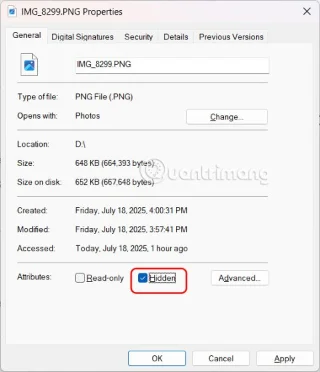
If you are looking for a way to hide files on Windows 11 without software, just follow the instructions below.
Changing DNS on Windows has many benefits, such as: Accessing some blocked websites, speeding up internet connection, improving network stability. Below is how to change DNS on Windows 10, Windows 7 and other Windows versions. In the last part of the article, WebTech360 will talk a little about why changing DNS helps speed up the internet.
Instead of performing manual and direct access operations on Windows, we can replace them with available CMD commands for faster access.
Blue screen of death (BSOD) is a common and not new error of Windows when the computer is experiencing some serious system error.
Windows automatically creates system restore points up to a set limit, leaving you with dozens of restore points you never use.
Many people have encountered the problem of network adapter disappearing from Device Manager or receiving a missing network adapter message. This article will guide you on how to fix the missing network adapter driver problem on Windows 10.

Coming home to expensive data roaming charges probably isn't what you want. Luckily, there are some handy ways to cut those roaming costs.