Deploy Shared Pardus Wallpapers and Policies with Lider Ahenk
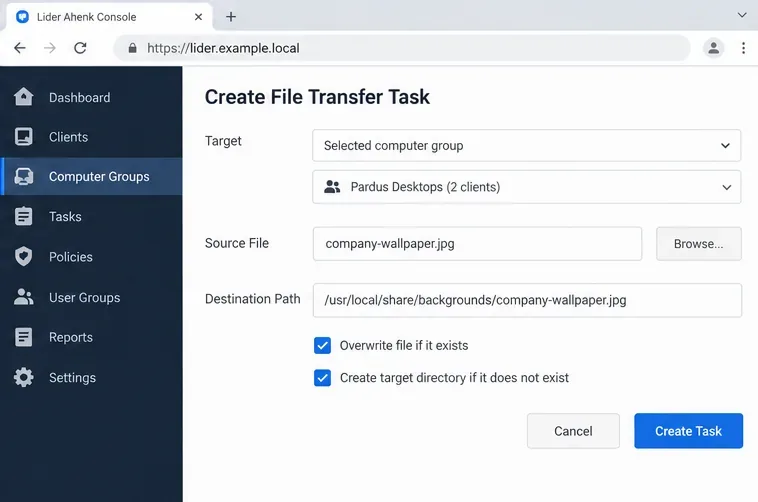
Distribute a custom wallpaper to Pardus clients, configure Xfce or GNOME desktops, and apply Lider Ahenk user policies with safe pilot checks.
Need the Adobe DC Reader Offline Installer so you can set up Adobe Acrobat Reader DC on a machine without internet access during installation? This guide covers exactly how to obtain the complete offline package and run a successful installation on Windows.
The standard web installer for Adobe Acrobat Reader DC requires an active connection throughout the process. The offline version contains every file needed in a single package, making it ideal for deployment on multiple computers, air-gapped networks, or locations with unstable bandwidth. Before starting, confirm you have at least 500 MB of free disk space and administrator rights on the target PC.
The offline installer also lets you pre-stage the package on a USB drive for later use. Adobe releases updated versions periodically, so always grab the newest build from the official source to receive the latest security patches.
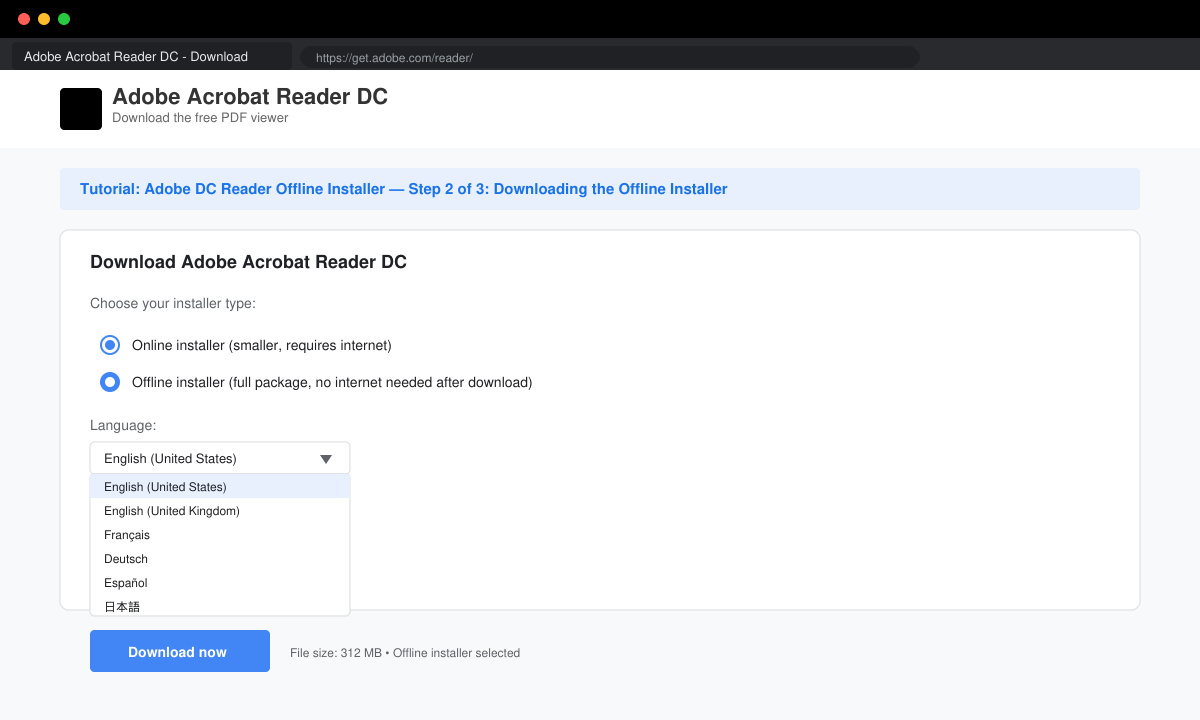
Open any web browser on a computer that has internet access. Navigate to the Adobe Acrobat Reader download section and select the option for the full offline installer rather than the web-based version. Choose your operating system (Windows 64-bit or 32-bit) and preferred language, then click the download button to save the EXE file.
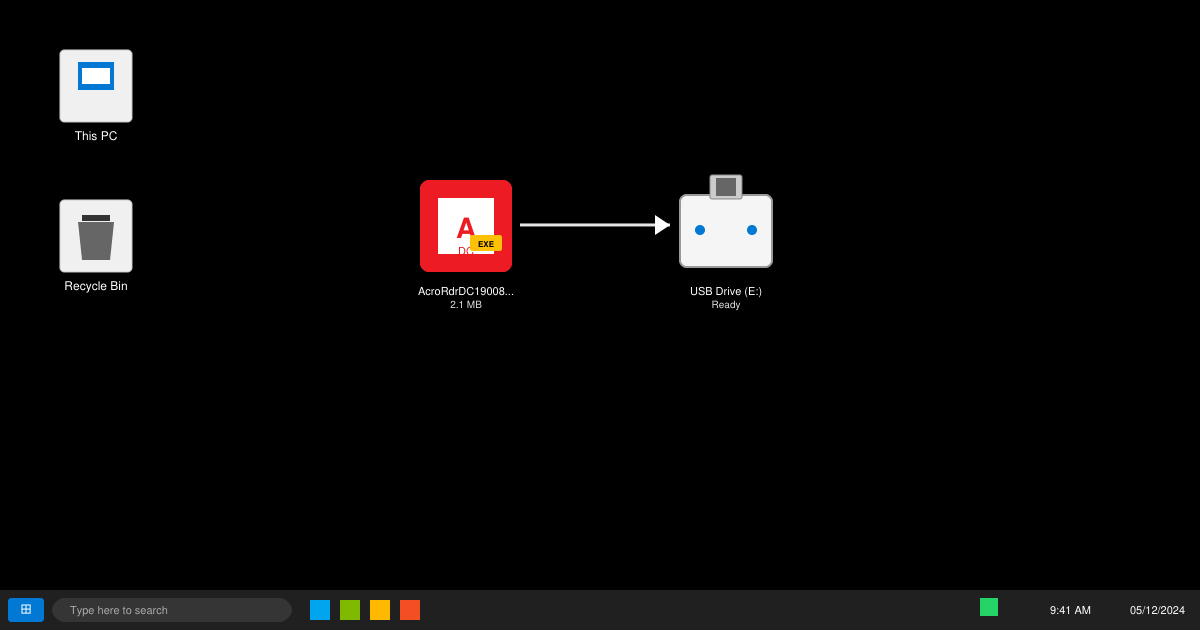
Copy the downloaded EXE file to a USB drive or shared network folder. Move the file to the offline computer where you plan to install Adobe Acrobat Reader DC.
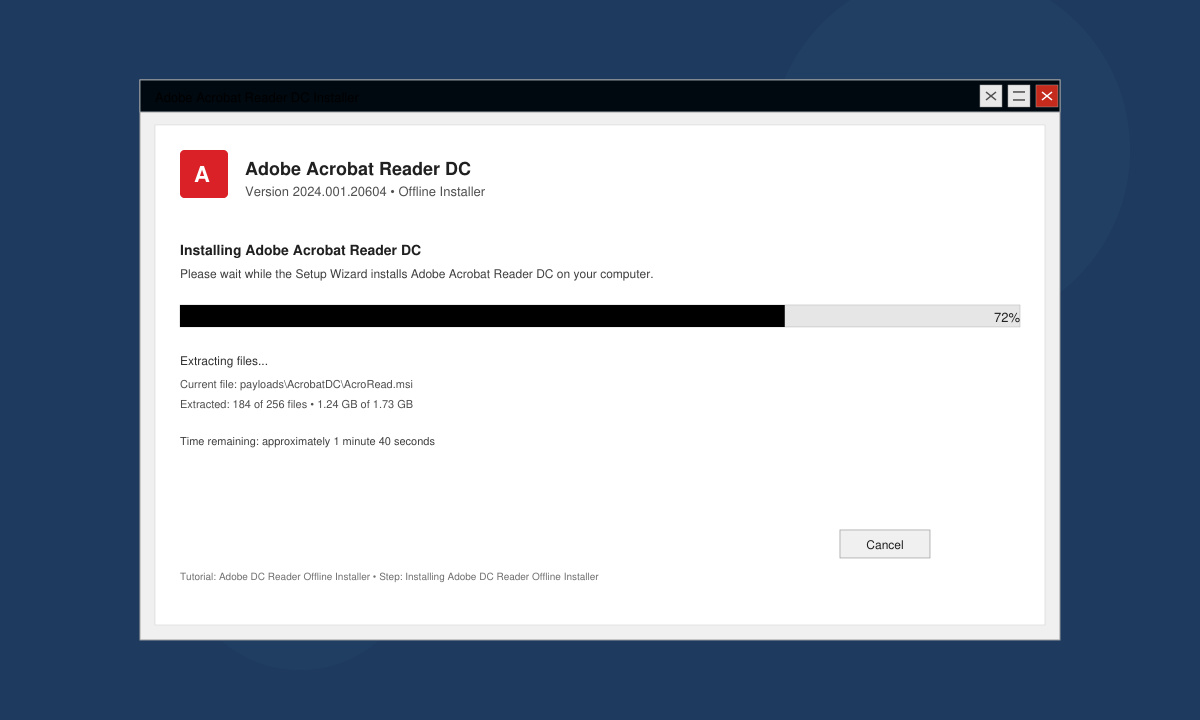
Double-click the EXE file on the target machine. Accept the license agreement, choose the destination folder if desired, and click Install. The process extracts all necessary components locally and completes without requiring any internet connection.
After the installer finishes, open Adobe Acrobat Reader DC from the Start menu. Check the Help menu for the exact version number to confirm the offline package was applied correctly.
Yes. The offline package is a standalone file you can copy to as many machines as needed, provided each installation respects Adobe's license terms.
No. After installation you must either connect the computer to the internet or manually apply updates downloaded separately from Adobe.
Adobe provides a DMG package for macOS that functions similarly to the Windows offline installer; select the Mac version on the same download page.
Using the Adobe DC Reader Offline Installer removes the need for an internet connection during setup and gives full control over the installation files.
Distribute a custom wallpaper to Pardus clients, configure Xfce or GNOME desktops, and apply Lider Ahenk user policies with safe pilot checks.
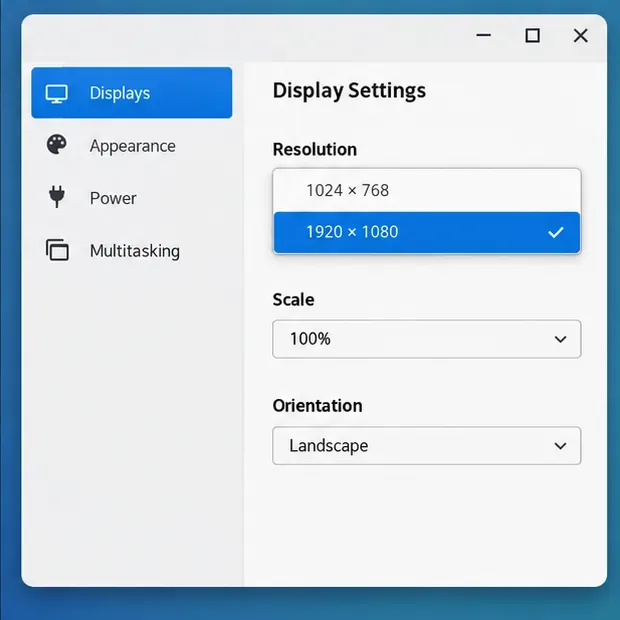
Fix a 1024 × 768 ceiling by checking SPICE, virtual video, the guest channel, and spice-vdagent—with safe checks when Pardus lacks a package candidate.
Set up the Lider server, configure its installer safely, register Ahenk endpoints, and verify a pilot before expanding central management.
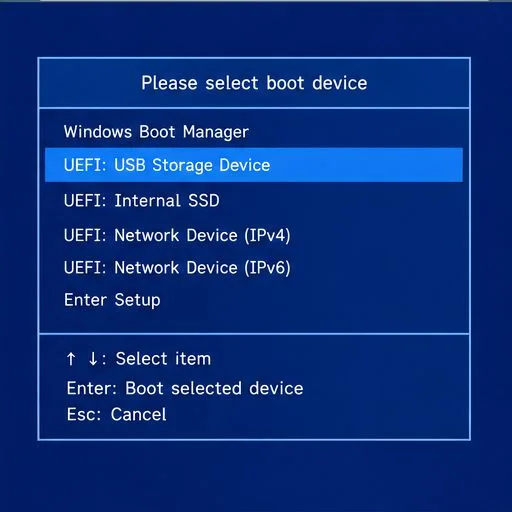
Download the official Pardus 23 desktop ISO, write it safely with Rufus, and boot a Windows PC into a temporary Live session.
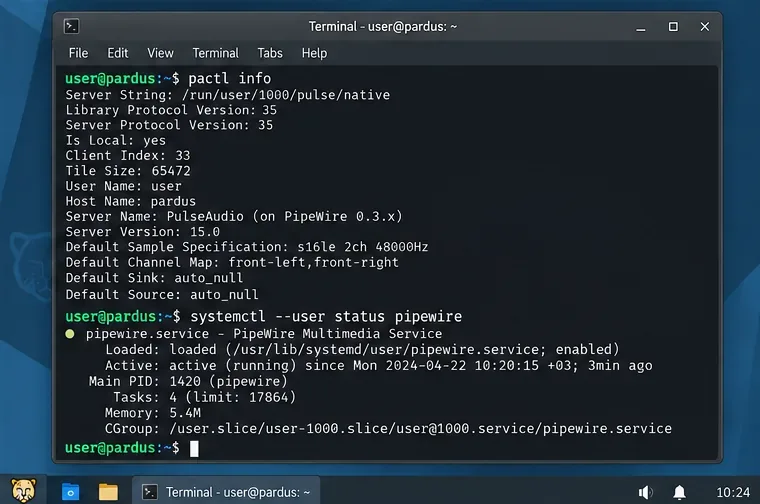
Find out why Pardus 23 cannot detect your sound card, then use targeted ALSA, firmware, and PipeWire or PulseAudio checks to restore playback.
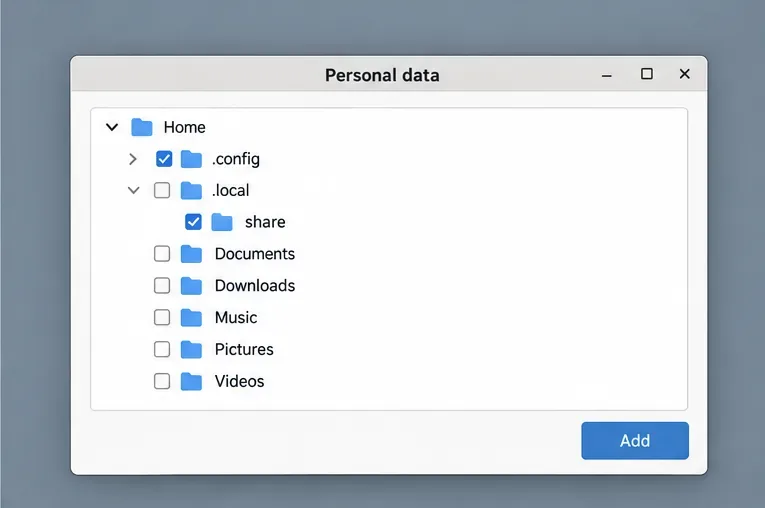
Save HamoniKR preferences to external storage, include hidden home folders, and choose a safe restore mode when moving to a fresh installation.
Install and configure xrdp on Pardus, choose the right Xfce session, restrict network access, and verify that remote login works.
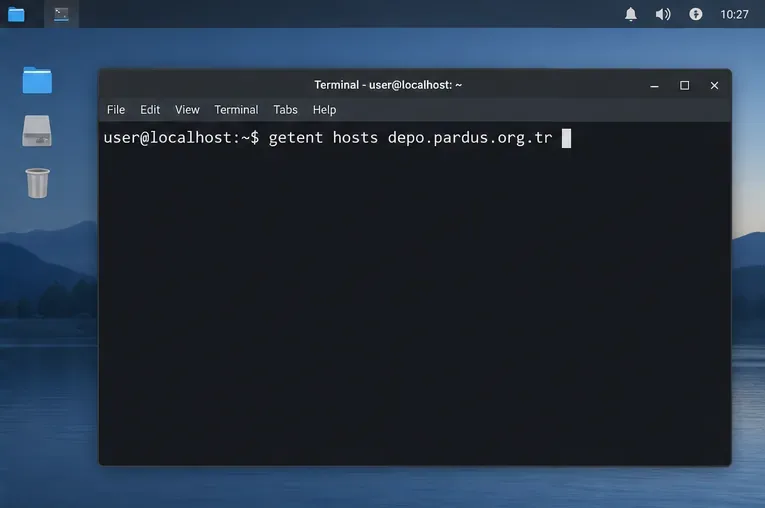
Diagnose Pardus 23 APT connection failures, confirm the official yirmiuc sources, and restore apt update without bypassing package signature checks.
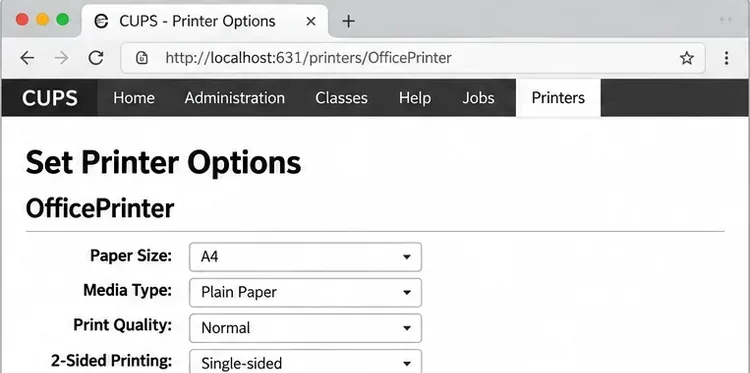
Configure printers on Harmonica OS using CUPS, compare driverless IPP with legacy drivers, and verify USB or network printing with a test page.
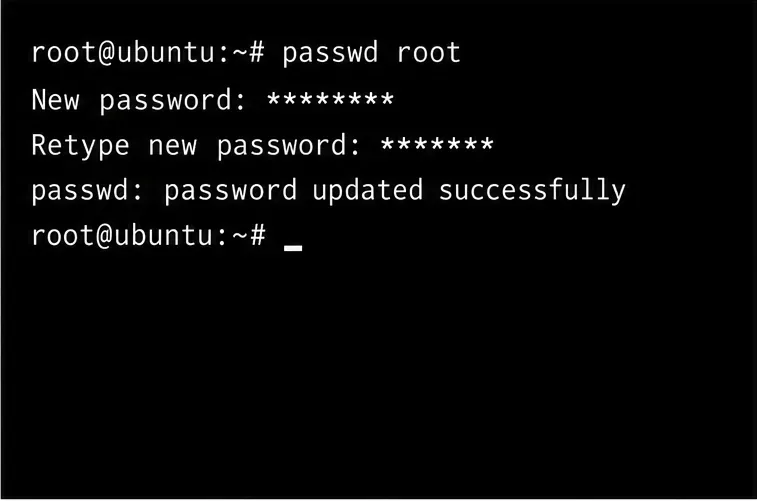
Use a recovery shell to set a new Harmonica OS root password, with checks for encrypted disks, read-only filesystems, and accounts that use sudo.